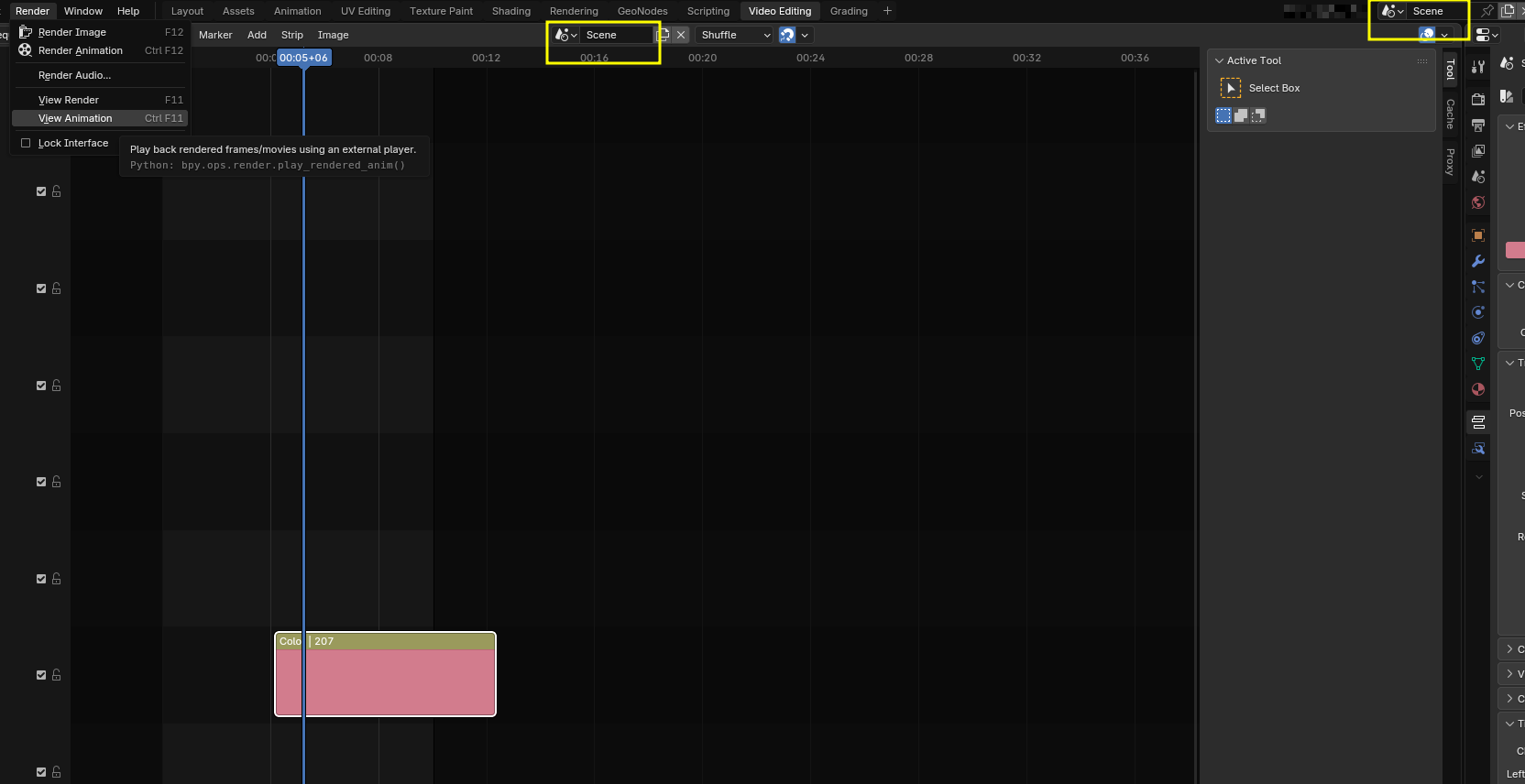
According to the Blender 5.1 user manual, (which has an amazing capacity to be incredibly vague) there should be a “Render Sequencer Animation (ctrl+alt+F12)” command in the Render menu in the Video Editing workspace.
It’s not there.
I cannot find, in this forum, in any tutorial or in the manual, why it would not be there.
I can Render Sequence Preview sometimes. Though usually when I do, Blender tells me to pound sand by saying, “Could not initialize streams, probably unsupported codec combination.”
Well…, then what are the supported combinations?
I’m simply trying to render an image sequence. Nothing else. It shouldn’t be this hard. Or maybe I’m just stupid, I don’t know. If anyone can enlighten this poor fool, it would be very much appreciated.
Can you share the link to the documentation ? indeed there is nothing in the render menu,
I’m not sure it’s worth rendering sequence preview either…
Last question, do you want to encode an image sequence ? image → movie, or movie to image ? or else ?..
Try a simple test scene just to render something like a static image in the VSE, then investigate on that error message, trying to solve two issue at once is likely to be much more complicated !
I initially rendered everything as an image sequence with the idea that I would later use them in the sequencer to combine with sound, effects, etc. and render a final video. Which I have done in the past.
After some fiddling (and swearing) …
I believe the problem came after the release of Blender 5. Somewhere I got the impression that the Scene selected in the Topbar and the Scene selected in the sequencer space had to be the same. But if they are, the Render Sequencer Animation command will not appear in the Render menu. It seems the Topbar needs to be set to some generic scene before it will work. I did not find this requirement described in the manual but at least I am able to get it to work. I assume there is some logic to this, but it escapes me.
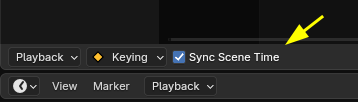
What changed though is that sequencer was given a new functionality that allows to edit scenes / shots in realtime and while doing so it jumps from one scene to the other, so you can edit scenes/ shots easily. You don’t even need some sequencer preview while doing so.
It’s a powerful workflow for previz !