I have built a complex scene (multiple materials, large range of scales, image textures, volume scatter, geometry nodes with multiple instancing etc etc.
I want to render it using cycles. I have already separated foreground and background for recomposition in the compositor but my render is currently taking around 12 hours on a GTX 1080 (500 samples, 4 Mega pixels).
I believe there must be all sorts of inefficiencies in my models (excessive level of detail etc.) but I think it will take me too long to simplify them.
So far I have not used ‘baking’ because I don’t understand it. Is it something I should be looking at?
Advice on this and anything else will be welcome.
Thanks,
omnivorist
Hum, you should run some tests if you want to optimize.
if the volume scatter is here to make a fog effect , then probably getting rid of it will save you some time. You can try to use a mist pass instead. A bit cheaper but it’s cost-less in term of rendering time.
I think using some instancing can save you some memory and give a slight boost in rendering. That really depend …
Have you looked at the regular tricks to optimize renders ? Like reducing light bounces, the fast GI approximation ect … There are some tutorials in youtube for that, like 7 ways to make cycles faster… That can be a good checklist to see if you didn’t missed something.
And after that, run some tests, do a test render with 50/100 samples, in 50% HD, write the memory usage, time to render and test without some objects, without volume, get rid of all material (or use material ovverride) , try to see if there are some low hanging fruit in there.
You probably don’t need to simplify the models, Cycles can easily handle tens of millions triangles. The thing you have to worry about is materials and lighting.
Baking could in fact be useful.
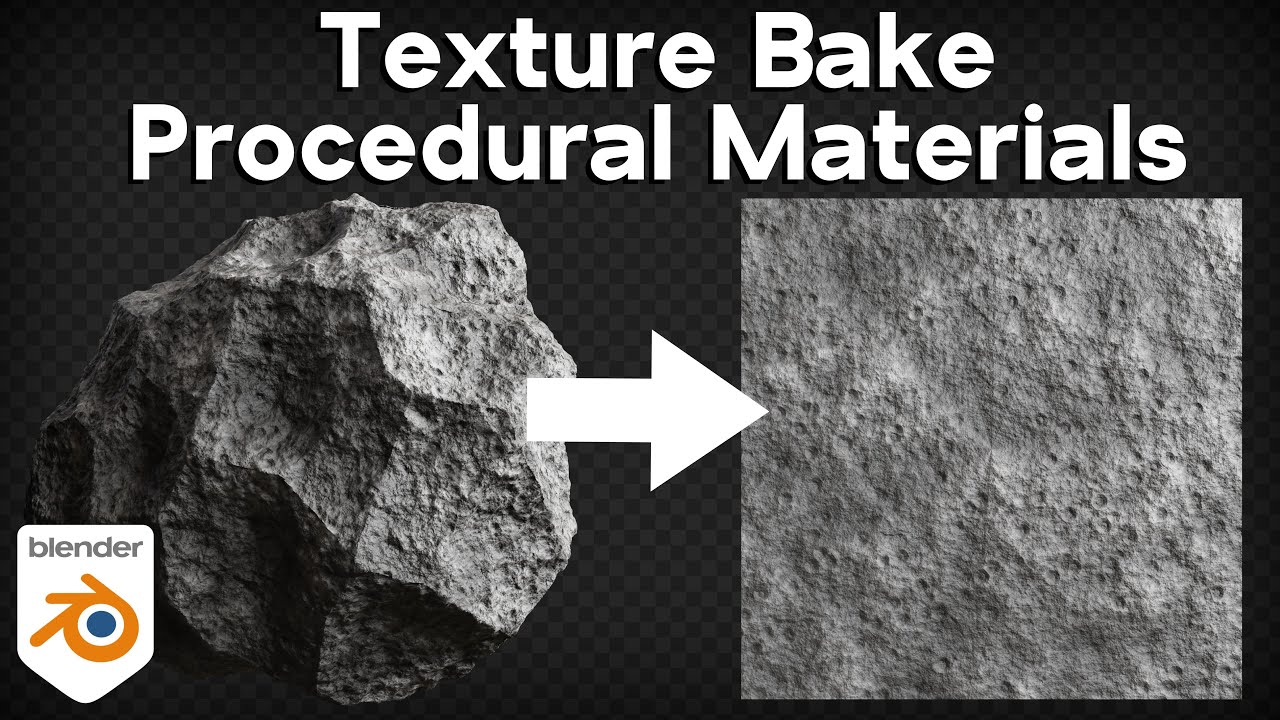
The thing you really want to bake is procedural materials. If you have materials with complex node trees, materials that use noise textures, voronoi and others or if you have materials that use ambient occlusion or bevel nodes, then you will want to bake those materials into image textures. This will already increase performance, because procedural materials are heavier to render than image textures.
You could also bake lighting, but only if the lights don’t change in the animation. This is a bit hard to setup (you have to affect diffuse, but keep reflections) and will make the scene somewhat stuck in one state and hard to change, so I don’t know if I would recommend.
Something else that could be causing problems is if you have lots of transparent materials. Does your scene have plants or trees with alpha mapped leaves? Cycles hates transparent shaders, especially if there are lots of layers. If you make trees for cycles, it’s best to fully model the leaves with polygons, without using alpha transparency and use particles or geometry nodes to instance them (don’t worry about the polygon count, the instancing will make it almost irrelevant).
Does the scene have mesh lights? If yes, that could be a problem, as they are noisier than light objects, so see if there are emissive surfaces that can be replaced.
Finally, check if the scene has any object with long, narrow polygons that are placed in a diagonal: those mess with Cycles’s optimization structure and make a render take much longer. If you have them, add some loop cuts and make sure the object is made of roughly square faces. There are some cases like this where more polygons can actually render faster.
Honestly, the first thing I do when I’m trying to optimise a scene is turn on denoising in the compositor, and the take the sample count as low as it can go before it starts to look distorted.
Are you doing an animation? If not, the samples can be extremely low without you being able to see any artefacts from denoising (20 - 30+), especially in a visually crowded scene. If you are doing an animation, however, you’ll need a much higher sample count to avoid flickering in the final result.
Thanks sozap - I’ll check out some of these suggestions.
I guess the point of the tests is to find out where the time is going.
One thing I can’t quite understand is that I have a created geometry node plant that instances a lot of leaves but it renders really fast. I suppose there is probably a lot of calculation going on but not too many memory fetches.
I should explain that this is a static image - not an animation.
I use a procedural texture for an ocean surface but that is mainly all to do with displacement. Maybe that would be a good candidate but I’m not sure how well it would work with adaptive subdivision.
And yes my scene has loads of alpha-mapped leaves but they are instanced using geometry nodes and this part appears to render quite fast.
The thing I didn’t mention is that I am worried about running out of memory. I have had situations when this happens whilst setting up the render. Is the use of layers the only sure way out of that?
Thanks Andrew.
I am rendering a fairly high-res (3k x 5k) static image and want the quality to be quite high.
I didn’t explain well enough before but I seem to have a problem with the sheer complexity of the scene and have known it to fail with ‘out of memory’ before it has rendered a single frame.
Then, I would have to see what’s in the scene for more insight. From your description, it doesn’t sound like it should be that heavy.
Unless maybe, check if you have some of these:
-You have loads of objects with subdivision modifiers and they have a lot more quality than they need.
-Your adaptive subdivision has a much finer level of detail than it needs (it works per pixel, so the higher your screen resolution, the more geometry you get).
-You are using manually placed instances, but they have modifiers on them (this forces instances to be calculated individually, negating their performance savings).
-You are using textures with massive resolution.
-You have volumetric clouds or smoke simulations, those are heavy on memory.
Yes, I’m always surprised when I try to optimize things that the issues are generally not were I initially thought.
It’s also quite good to write down some numbers, that way you’ll have a better idea on the render cost of things. And if something is worth investigating in it.
And at the end of all this , you’ll also now how many rendertime you managed to cut down.
Initially I was quite disorganized when doing that, and I never get good optimizations.
The key is really to try to separate things and test them one by one.
And after that look for options to cut render time. And with that too , it’s better to test each feature separately. So you know what impact a setting has.
But yeah, it takes some times to do all that, but it gives good results !
Yes, in cycles instance renders faster than regular geometry.
Geometry can take a bunch of memory, if you got a lot of texture in high rez, that can take a lot of memory too.
You can try to rename the texture folder, so blender don’t textures and check the difference in render time.
It’s possible that blender is swapping between RAM and VRAM , making render slower.
Once you know the cost of texture, everything else is probably geometry (hair particles can also take a lot of memory).
So yeah, in the end you need to optimize render time and memory…
Hopes that helps, I’ve read good advice on other comments !
Guilty on all counts.
For my large ocean I had an adaptive subdivision modifier with procedural displacment. Setting an upper limit on the amount of subdivisions (in render settings) reduced the render time significantly.
I should do this but I am up against a deadline to produce images for a show.
Of course taking some time now to benchmark a few things would probably be a good idea anyway.
The least I should do, as a first step, is to log my renders and record a few settings.
Thanks for your help everyone
The image below is very similar to what I am working on now and might give you an idea of where the time is going.
While we’re on this topic of adaptive subdivision, it occured to me that there might be circumstances where it is more efficient to use the plain old ‘non-adaptive’ style for displacements. For example, if you have a plane that is square on to the camera, I can imagine that adaptive subdivision would apply equally to the entire plane and might give rise to an excessive level of subdivision. Of course I could try setting a ceiling in the render settings but maybe there are circumstances where it is better to leave it off altogether. Or am I missing something?
adaptive subdiv go along with the technique called micropolygon displacement.
It’s made to have at least one poly per pixel. That way you can have fine displacement with just the right amount of polygon needed.
But I think, if you start to lower the settings you’ll get artifacts when the camera moves because the topology will be changing.
Depending on the case Adaptive subdiv could be indeed a bit overkill and regular subdiv can do the job, at least it’s stable for animation.
In your case, it’s a static image so I’m not sure it will matters. By tweaking the settings you can have varying subdiv according to the distance which can be helpful, and use more than 1 pixel subdiv too.
The way adaptive subdivision works is with a feature called “dicing rate”. The dicing rate’s number represent the size each polygon will take on your screen, in pixels. So, with the default value of 1, your model will be divided in such a way that each polygon takes 1 pixel on the screen, with the size of polygons varying even inside a single mesh. if you use a value of 2, each polygon will now take 2 pixels, so you get less quality. In the render settings, there are separate dicing rates for the viewport, render and areas that are outside of the camera’s view.
This way of doing things also means that a higher render resolution=more polygons. So, if you want to double the render resolution but keep the same geometry, you have to also double the dicing rate.
If you want less geometry, you could set the dicing rate to something greater than 1, but large numbers can be risky in an animation because the camera movements will make the polygons change between frames. This can lead to problems because you can see the model change and flicker. But in a fixed image, you can use any number without problems.
Something else I should mention: adaptive subdivision doesn’t have to be used with displacement. If you were making a huge movie scene with lots of subdivided models, you could set them all to adaptive subdivision and have the quality of each mesh auto-adjust each frame based on distance. Even without using displacement, it would still be useful as a way to adjust subdivision quality for the entire scene at once.