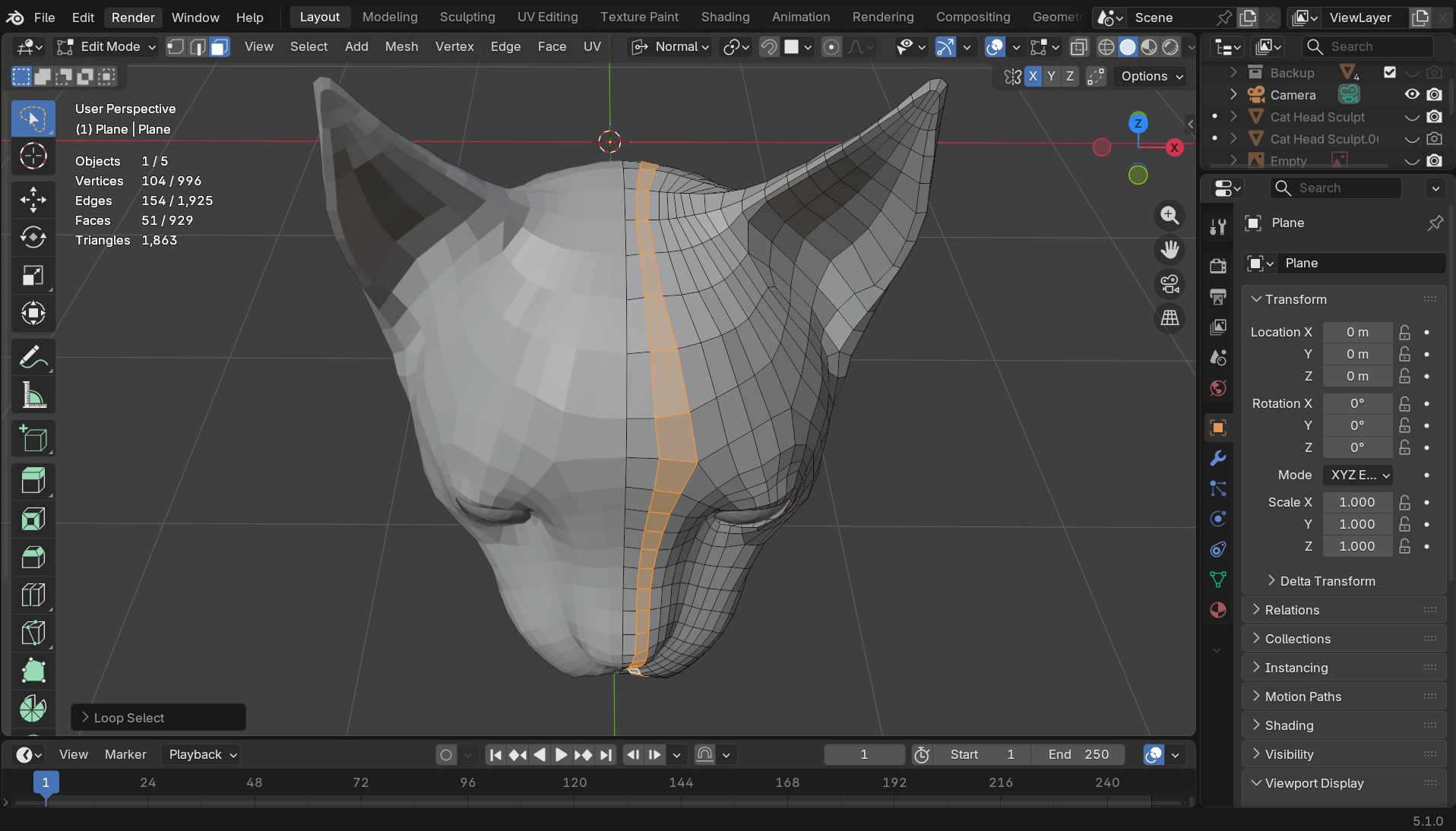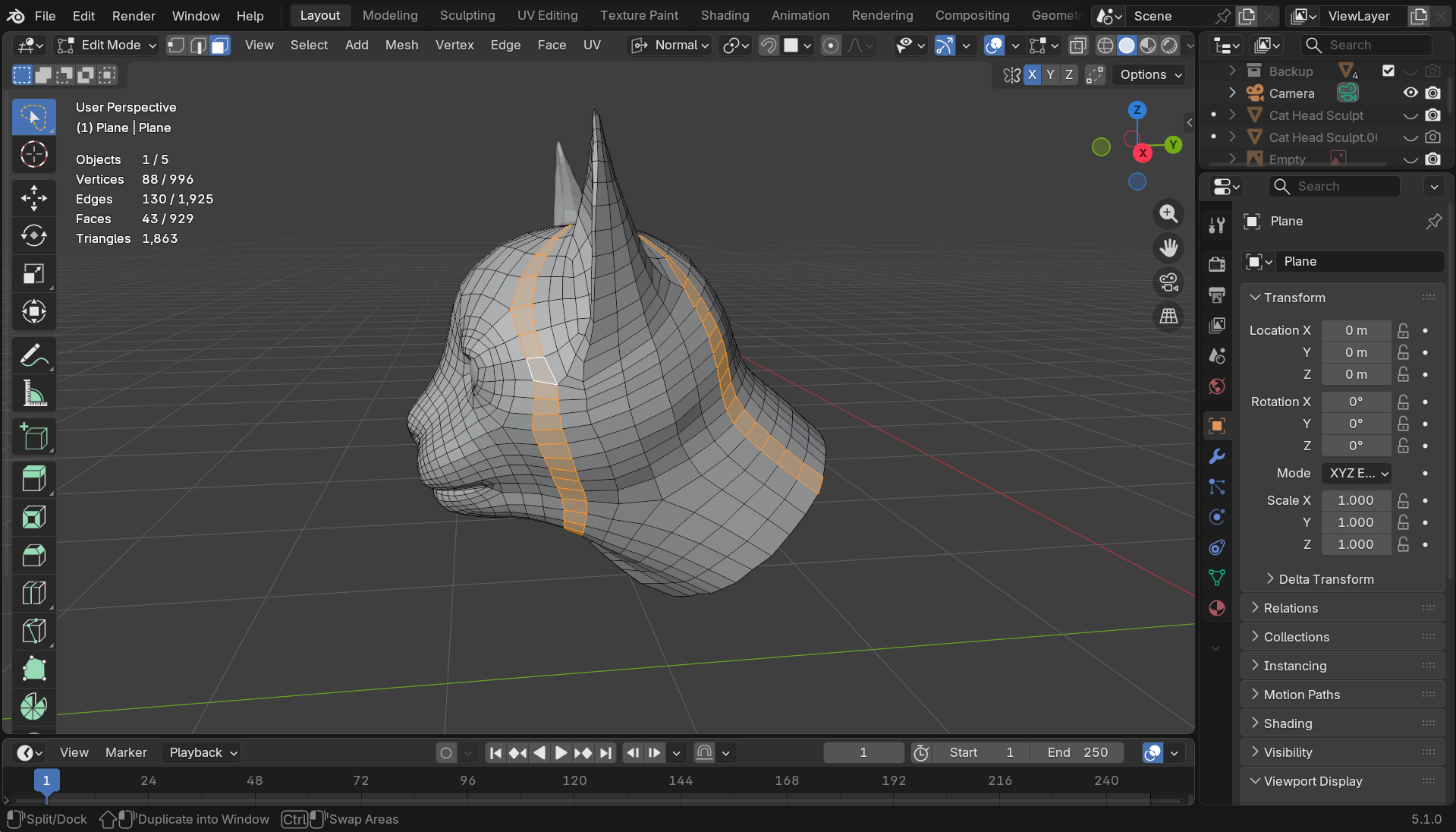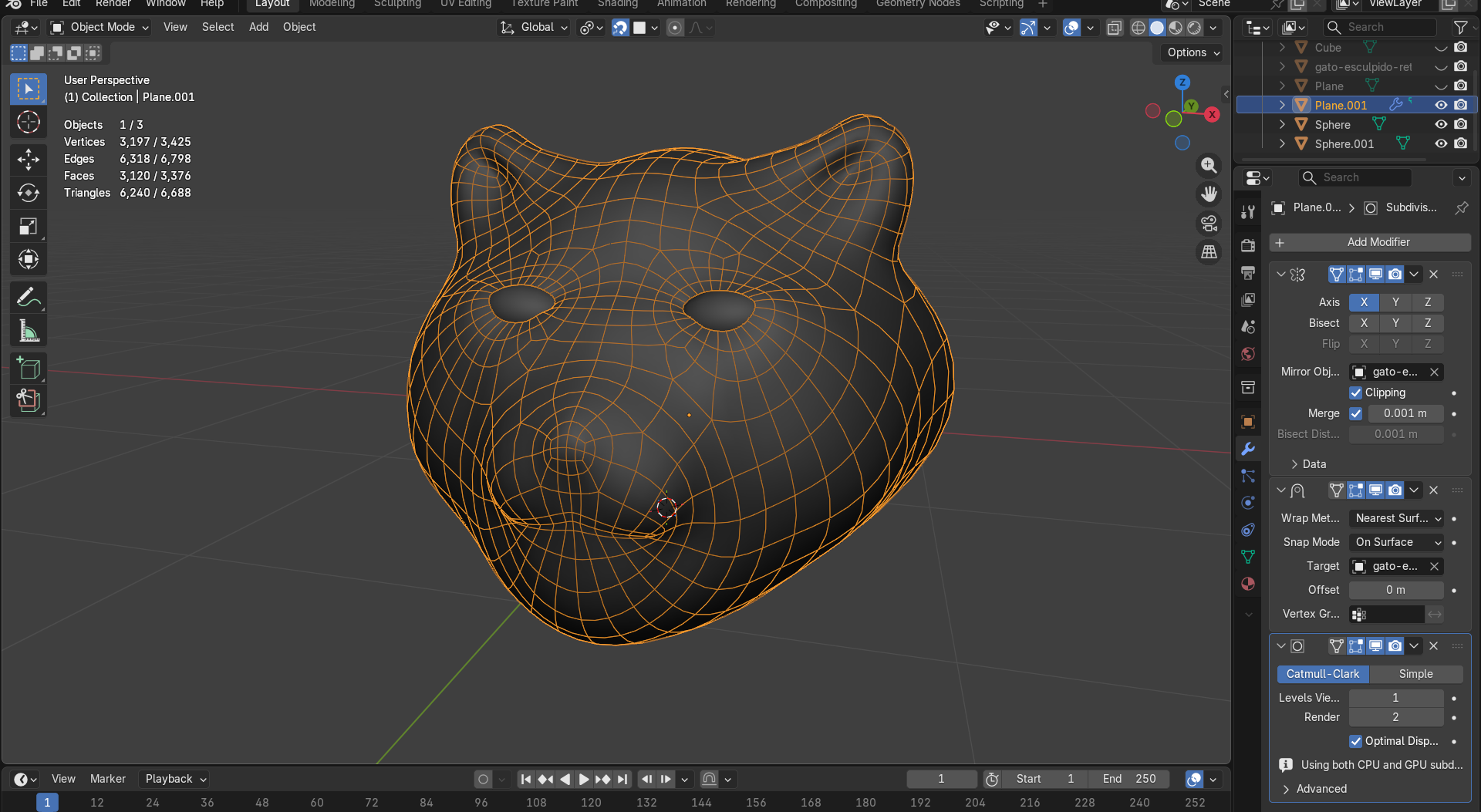
Hi, I am learning retopology and I wanted to ask if the topology of this model is correct? Also, how can I improve its topology? How can I reduce the number of vertices? And especially, how can I make the mouth and eyes for this model? 
Welcome  ..
..
In topology there is no “correct”.. very good or very bad might be a proper way to describe a topology and only bad or good might already very unclear.
In fact it depends on the use case. A comic cat with maybe exaggerated face animations (here the part in front of the head  ) might need some special topology and a realistic cat somethign different.. also if there is some need for mauzen or hissing.. also the groaming (as @oo_1942 mentioned) influences the appearance.
Even with no fur the texture plays a role.. using only a simple material (color) might not show this that much.
This is a good topology, its nice and clean, easy to understand the flow, easy to unwrap, UV map will turn out good, your textures should look okay with minimal stretch/squash. Your next concern would be deformations.
You will need to make a basic rig and check how your model deforms and fix obvious glitches, but from here on out, it’ll be a reiterative process between rig - weight paint - quad flow until you are happy with the facial expressions.
For making a mouth, you can duplicate just the lips, separate into a new object but don’t move them, using where the lips end as reference model the mouth, delete overlapping faces…just an idea
Hi, I’m also working on retopologzing a cat’s head, though probably can’t give much advice. Depending on the purpose of the model, you could focus more density around moving parts and wrinkles for animations, such as around the mouth or eyes. Typically, you’ll find poles around the cheek and temple area with the least deformations.
Your topology is definitely better than mine, as I can’t quite wrap my head around connecting edge loops.
Probably due to the mismatch number of division for edge loops, I end up with some strange loop selections. Does anyone know how to approach this?
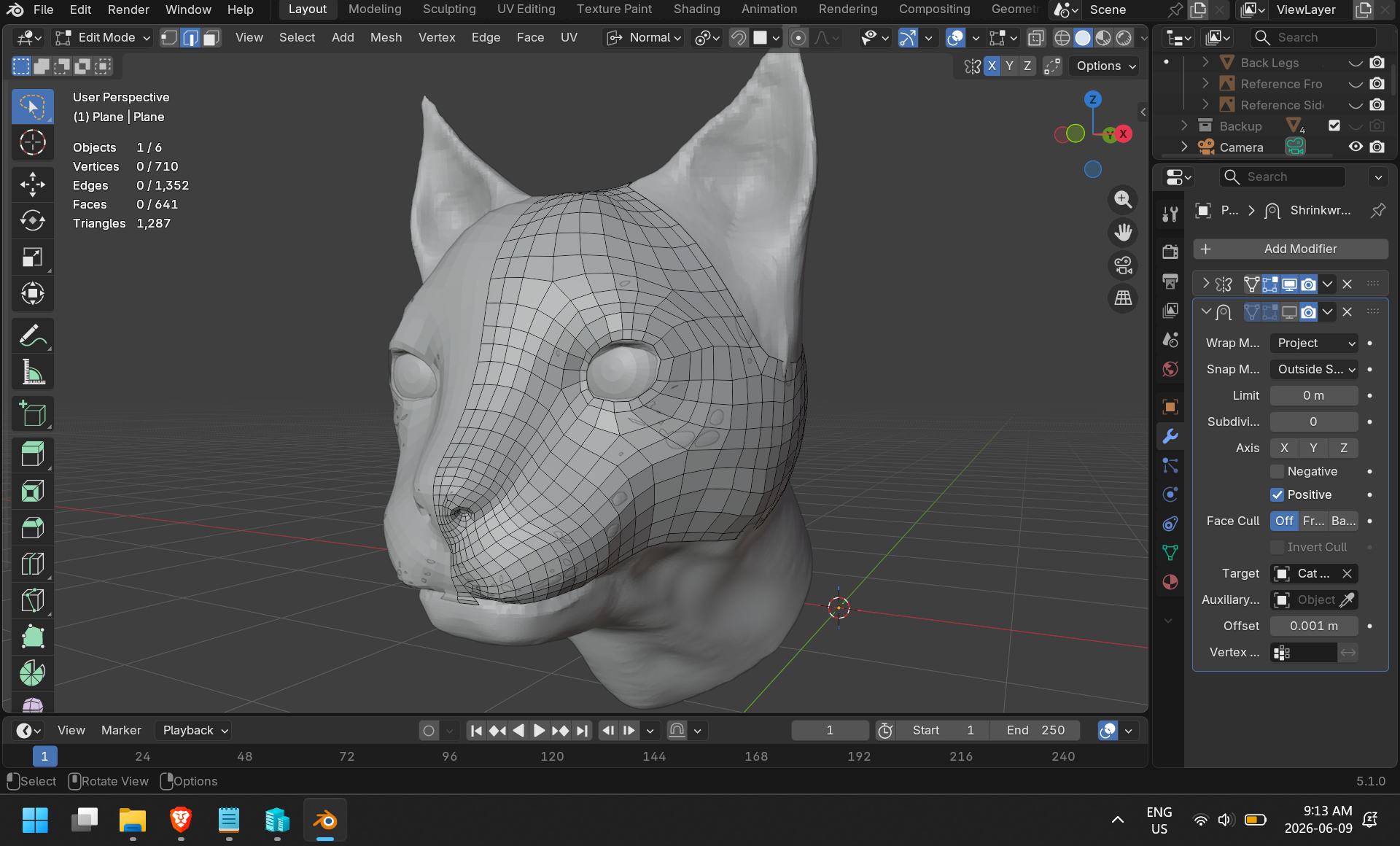
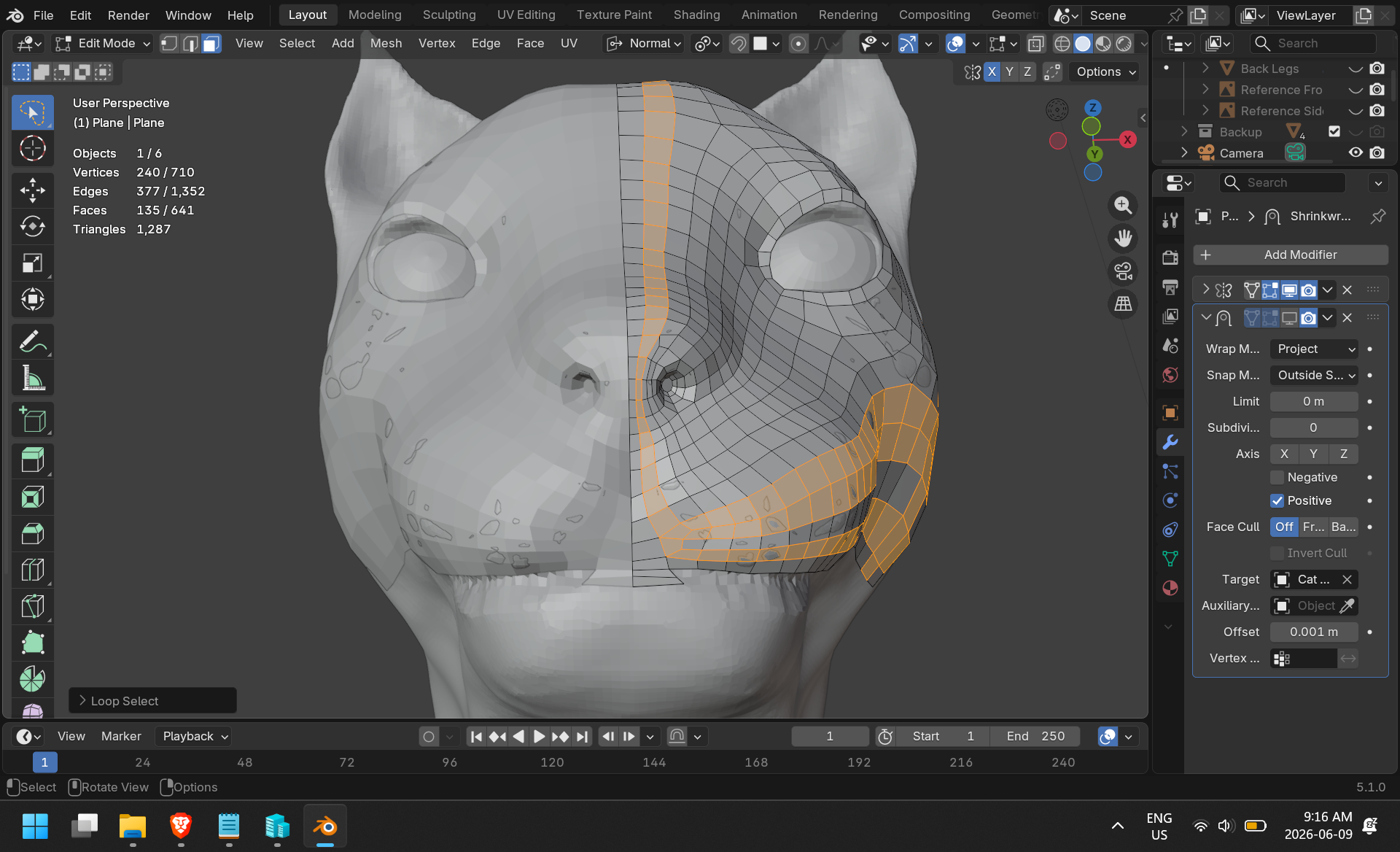
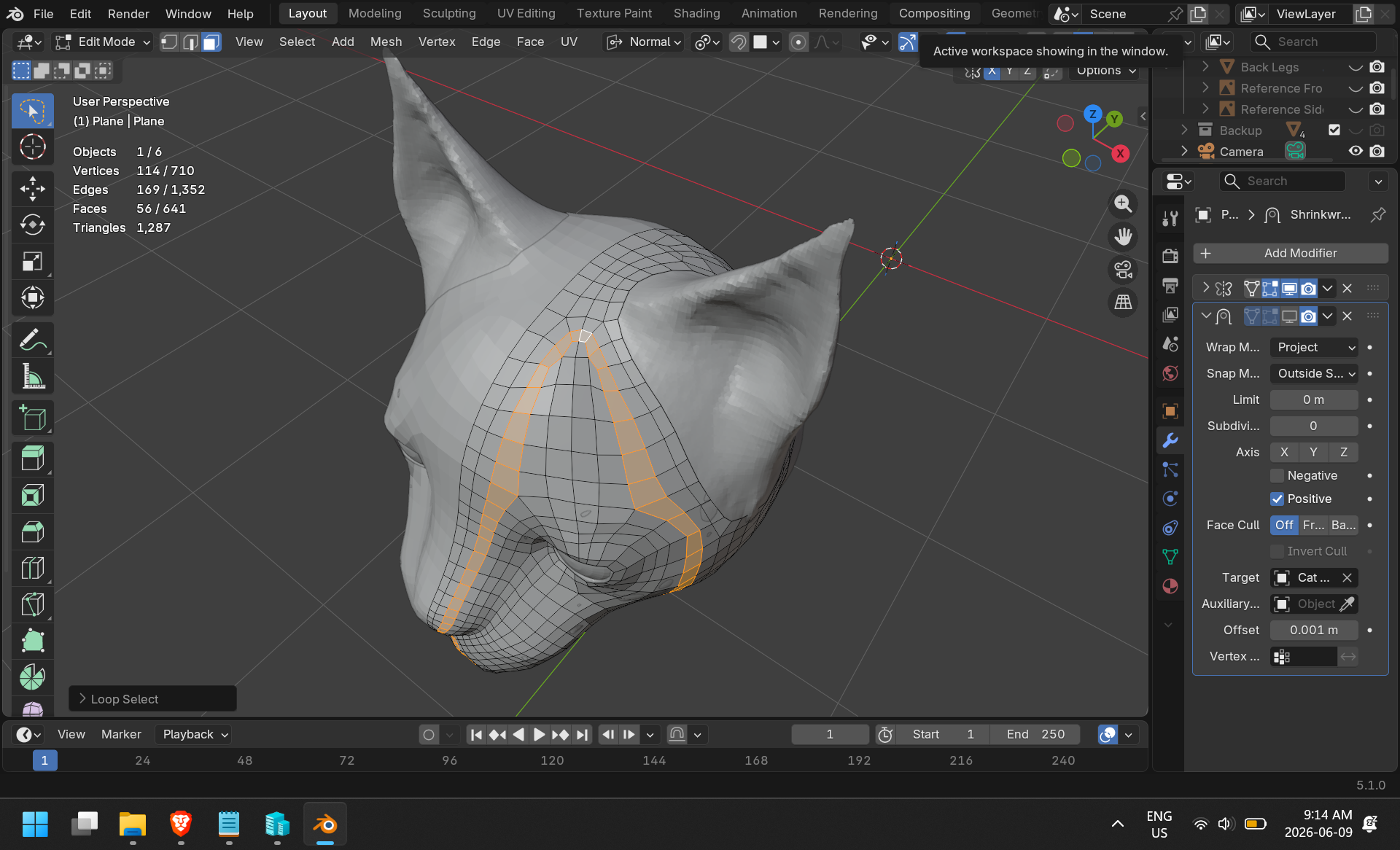
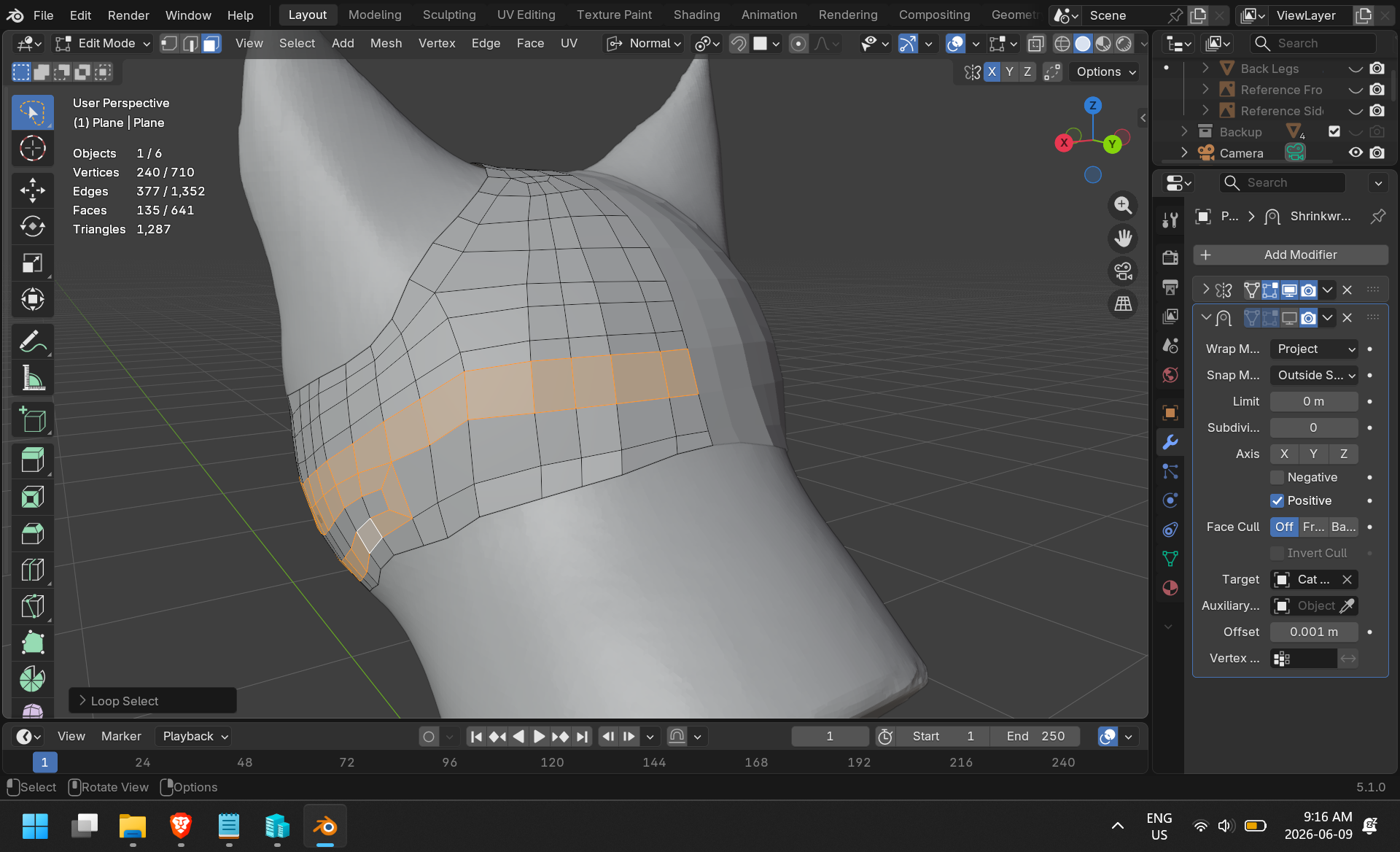
Ok, thanks!!!, What I have to do is remove the poles or just move them?
Moving poles is only necessary when there is some visible pinching especially when animating things. This does apply even more for removing.
All I can say is, if there is a problem, please move it to another location and remove it if you can remove it.
I don’t think there’s an answer to this. I think it’s important to have a uniform edge configuration. 
I think topology modeling is an individual’s personality rather than right or wrong. 
Add…
Search for a good topology.
Google Search-animal head topology
And it’s also useful to display guides on surfaces using the blender’s Annotate.

Exactly! 
Additionaly to ny first post:
If it looks good then it is good.
If it looks bad then it is bad.
Therefore: there is no “correct” .. (for example this may be totally different for some “grumpy cat”)
Hi,
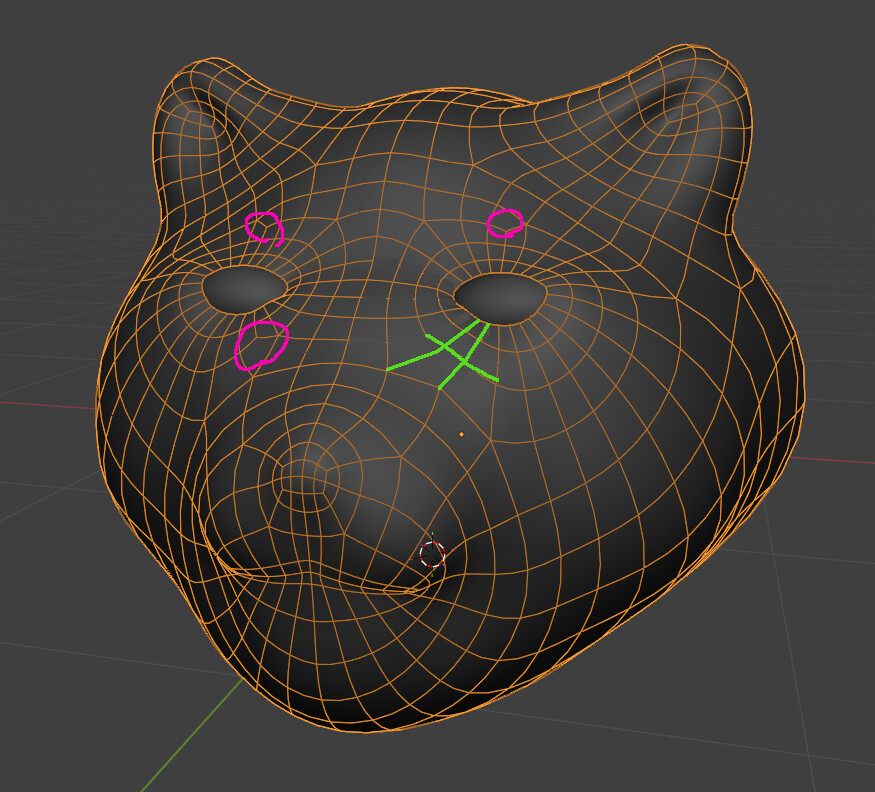
personally, before trying to fix it, I’d reduce the polygon density where the muzzle becomes smaller (from the eyes to the nose and mouth area) to maintain a more uniform size of the faces. This is especially true if you’ll also be using a subsurf modifier.
These reduction schemes are a good start:
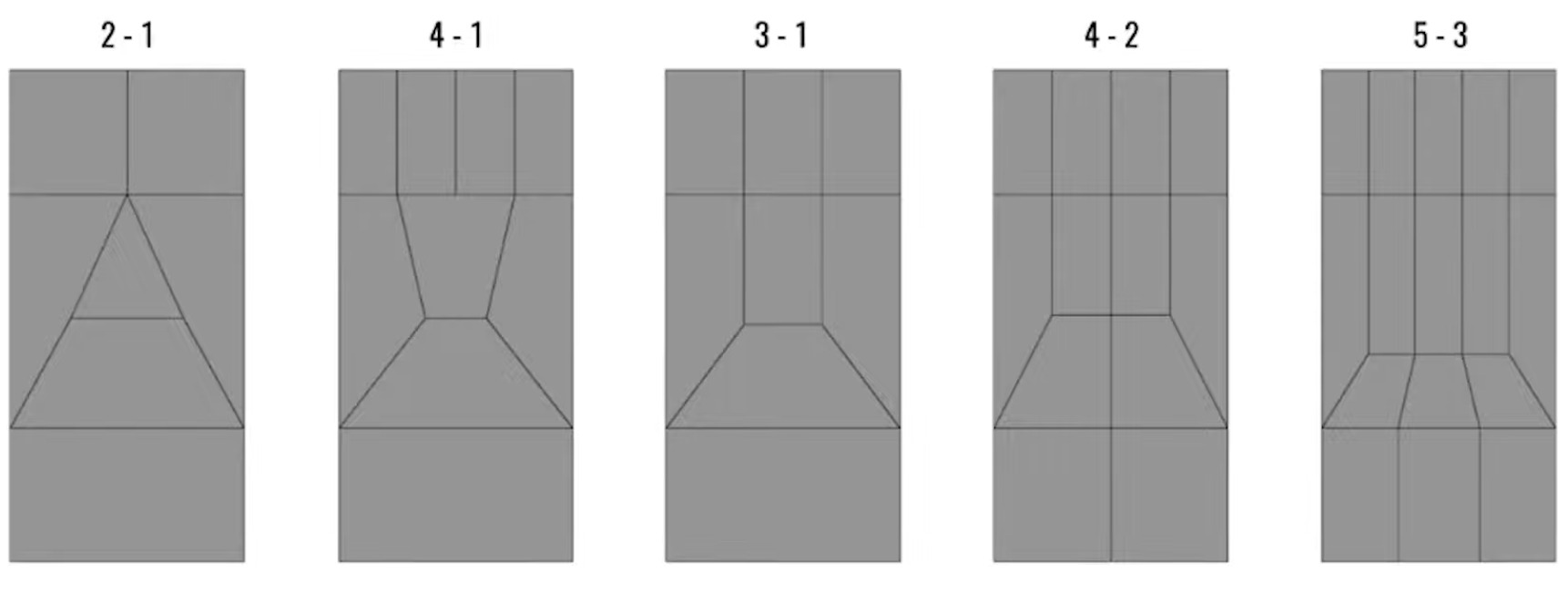
This will also make it easier to control the the edges flow.
By the way, cute cat!
Ok, I already understand, thank you very much, and thanks for the tip too
So it depends on what you want to do, I thought it always had to be the same or in a specific way, but I think I understand now, thank you very much!!!