Hello. Here is an example from a scan, patched and cleaned, but it applies to any object. Rhino does a sort of Solidify and Remesh at the same time, giving the proper result. I cannot replicate this in Blender at all, as Solidify (tried every combination) produces self intersections or explodes.
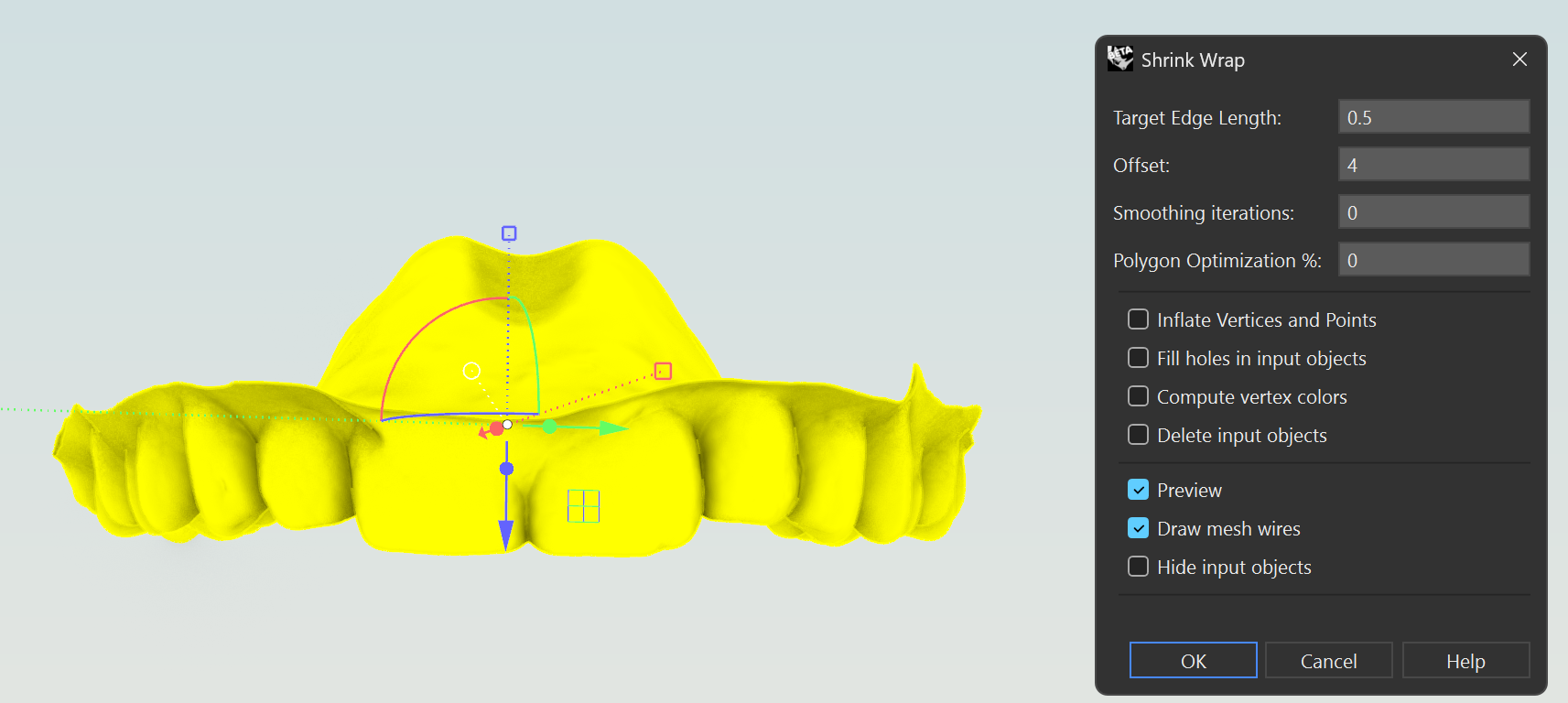
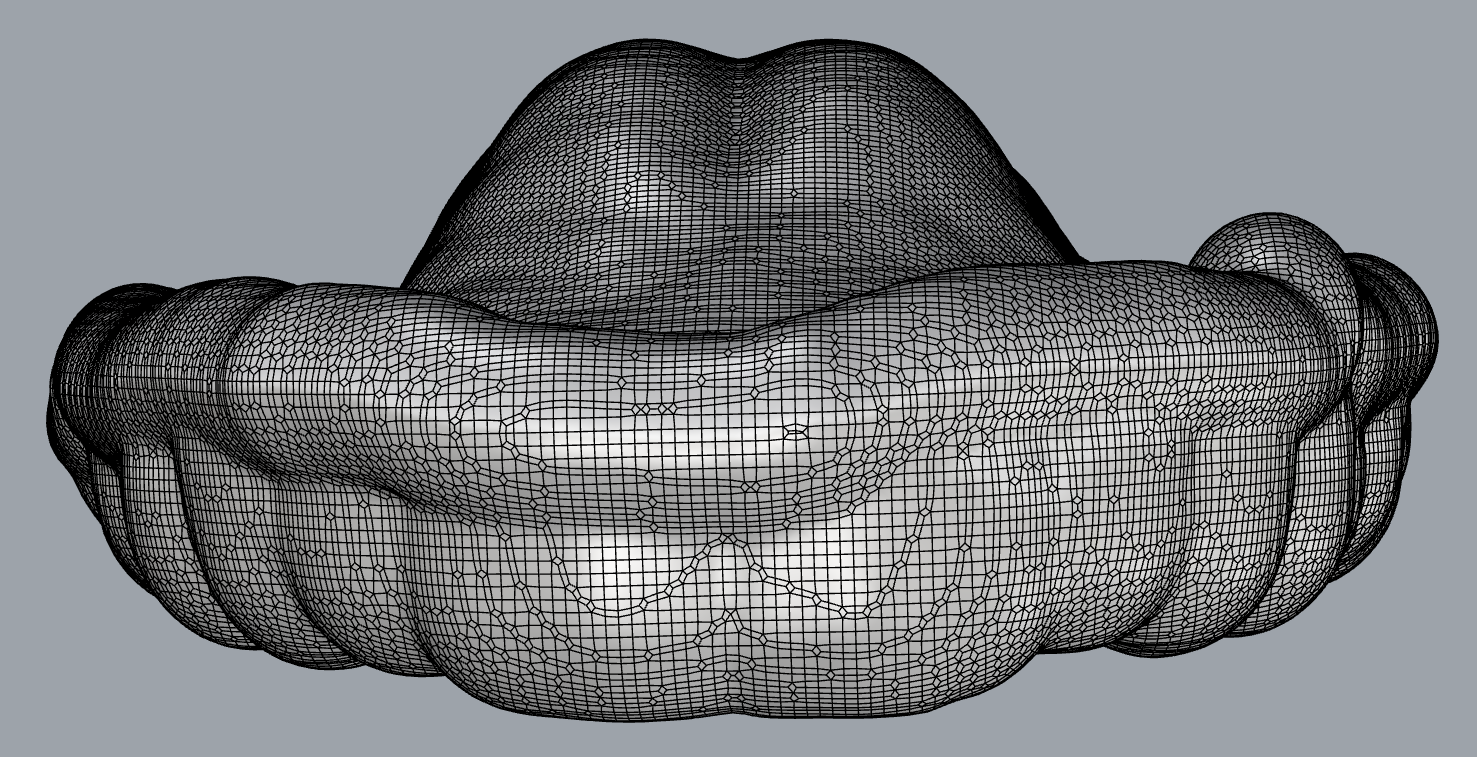

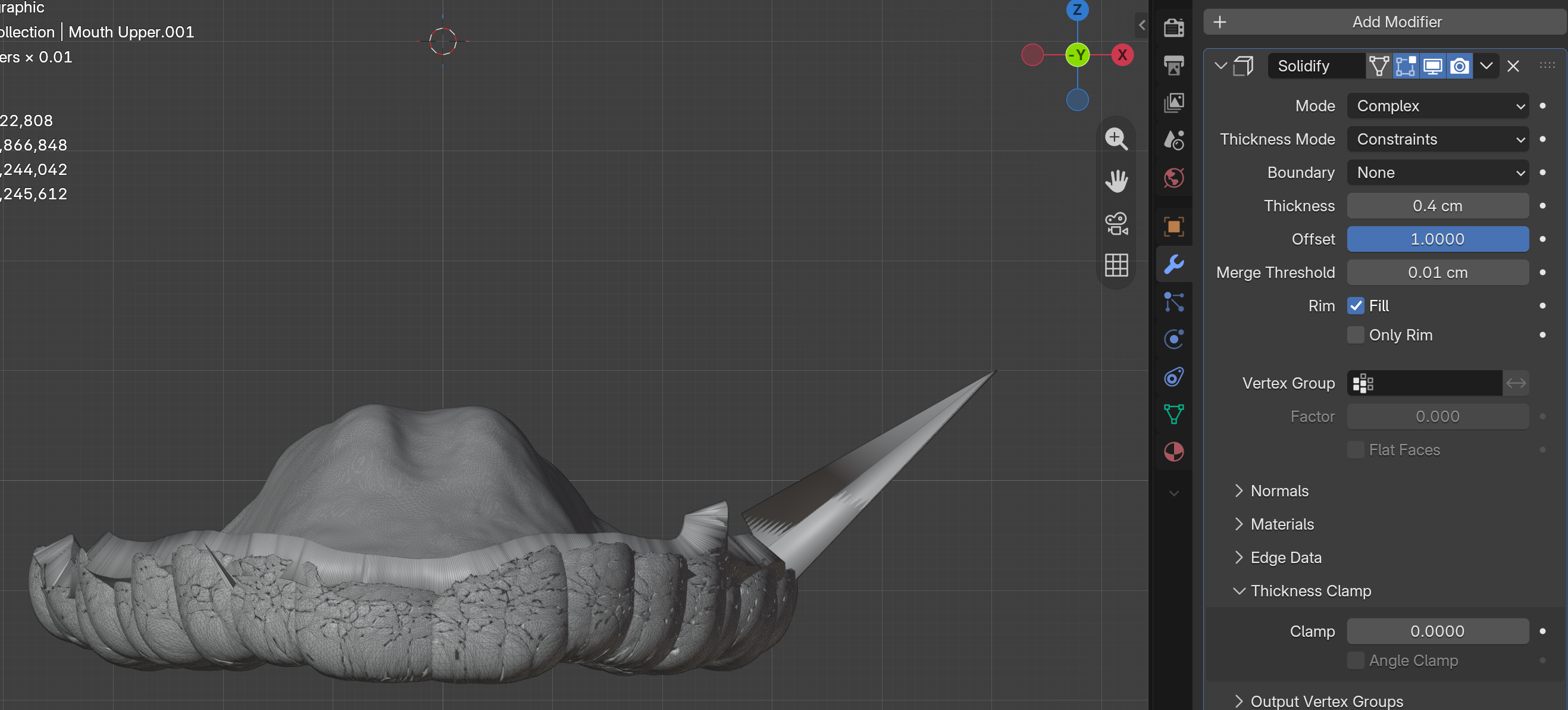
It’s hard to tell when knowing nothing about the topology of the to be shrinked mesh, the shringing options an dmaybe your blender version.
If the solidify modifier produces intersections then the skrinked topology already has very weird normals i guess.. so maybe even some remeshing before solidifiing might help.
This of course depends on the use case and it seems to some “medical” object ??
5.2. It is for a mouthguard. I didn’t want to post a close-up on the topology as these scans are a bit “anatomical”, but they are just dental scans. Perhaps there is a way to do it with geometry nodes? If not, for once there would be something that Rhino “mesh department” does better than Blender.
It looks like it converts geometry into a volume or an SDF and provides options for smoothing and offset, and then converts it back into geometry. Here’s a geonodes setup that does something similar
sdf solidify.blend (134.6 KB)
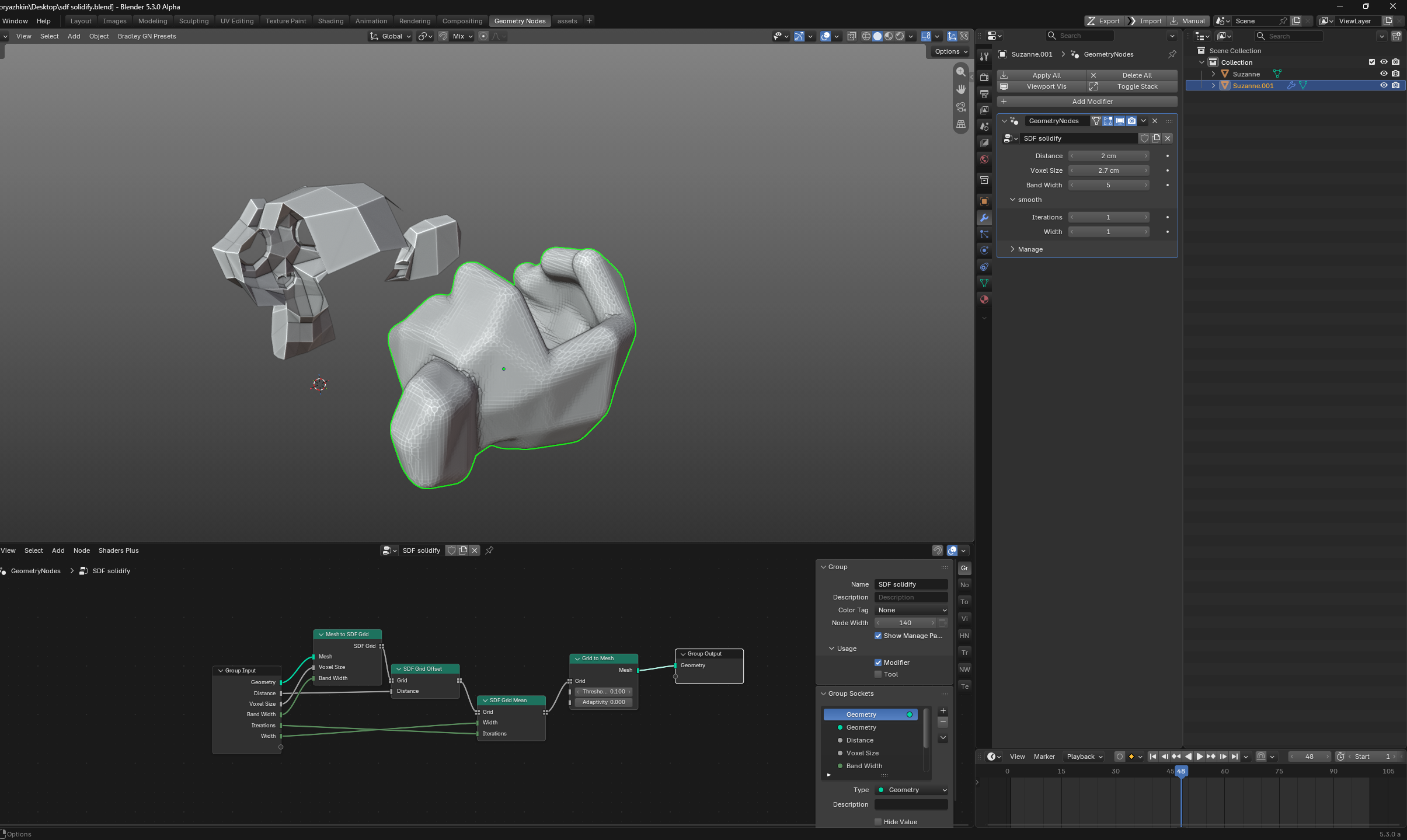
It works. Absolutely no idea of why or what’s going on, but it’s just like Rhino ShrinkWrap.