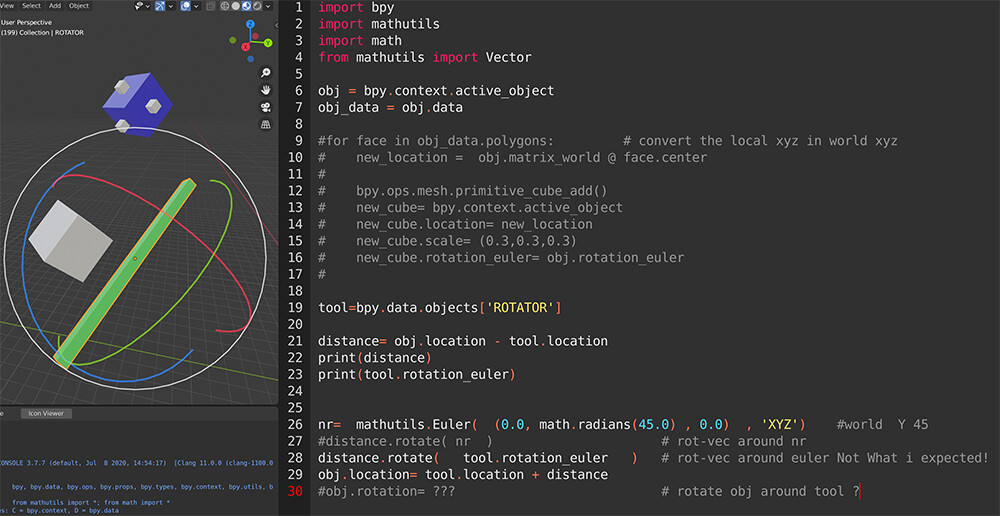
This is how i solved
i get the local direction of a object “Tool”,
use that direction to orient a rotation of another object “Cube”,
Use that quaternion-rotation to :
Rotate the rotation of the cube with tool local rotation (Rotation)
Rotate the cube around the “tool” location. (Location)
So running the script will rotate about 15 a cube, around the tool ( like its parented.)
import bpy
import math
from math import radians
import mathutils
from mathutils import Matrix, Euler, Quaternion , Vector

TOOL = bpy.data.objects["ROTATOR"]       # The tool
QQQ= bpy.data.objects["Cube"]            # the cube to rotate around the tool
#  WAY  1 ------------------------------------
mat= TOOL.matrix_world                                 # TOOL  get the matrix
localZ = Vector( (mat[0][2], mat[1][2], mat[2][2] ) )  # TOOL  get the local Z direction

OTHER_rotation  = mathutils.Quaternion(  (localZ) , math.radians(15.0) )
QQQ.rotation_euler.rotate( OTHER_rotation )     # Make the cube rotate along the localZ of Tool of 15

newlocation = mathutils.Vector(  (QQQ.location-TOOL.location)  ) # Get the distance between Tool and Cube
newlocation.rotate(OTHER_rotation)                               # Rotate this vector as before
QQQ.location= newlocation + TOOL.location                        # apply location of cube
Another way of getting the localZ is create a vector, and rotate the vector using the object rotation.
#(translation, rotation, scale) = THIS.matrix_world.decompose()    # Get the matrix of obj
#abstract_y = mathutils.Vector((0.0, 1.0, 0.0))             # make a vector  abstract for Z
#True_Y = rotation @ abstract_y                             # Rotate the vector as the object
PS:about the matrix.invert()
So this is a value that used correctly will “clear” or “nullify” the matrix,
so if you have the cube in loc 5,5,5 rotated about 11,22,33
the inverted matrix correctly appliedd, will set the cube back to 0,0,0 0,0,0.
**Otherwise if instead of adding, you just set the inverted value as the cube matrix, **
this will lead your cube to pop from ,5,5,5 to -5,-5,-5 and rotation inverted too…
being these values based on the origin of the world , this will look like a creazy behaviour,
jumping from a location , to the negative of that location , and back , every time you run the script.