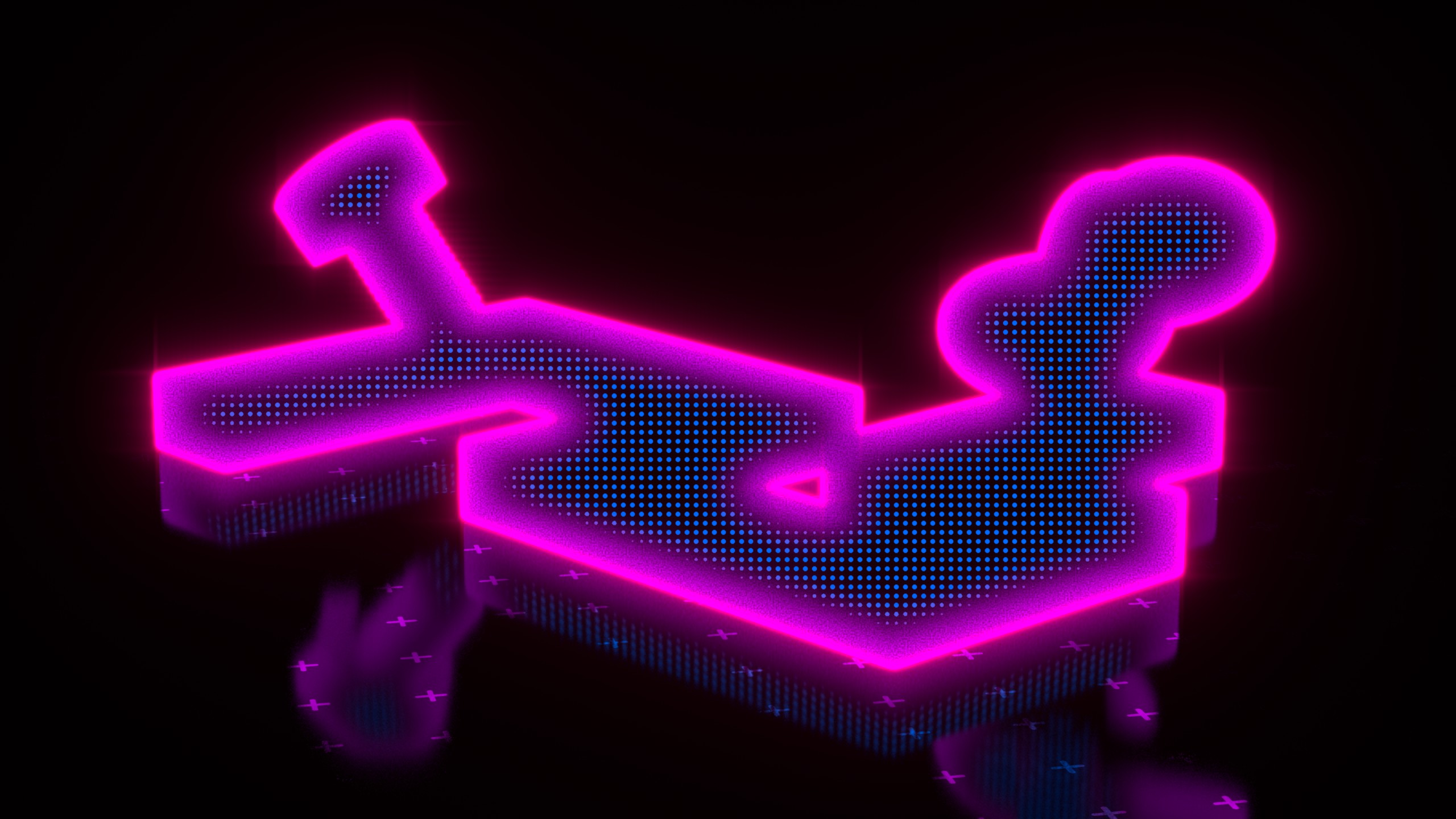
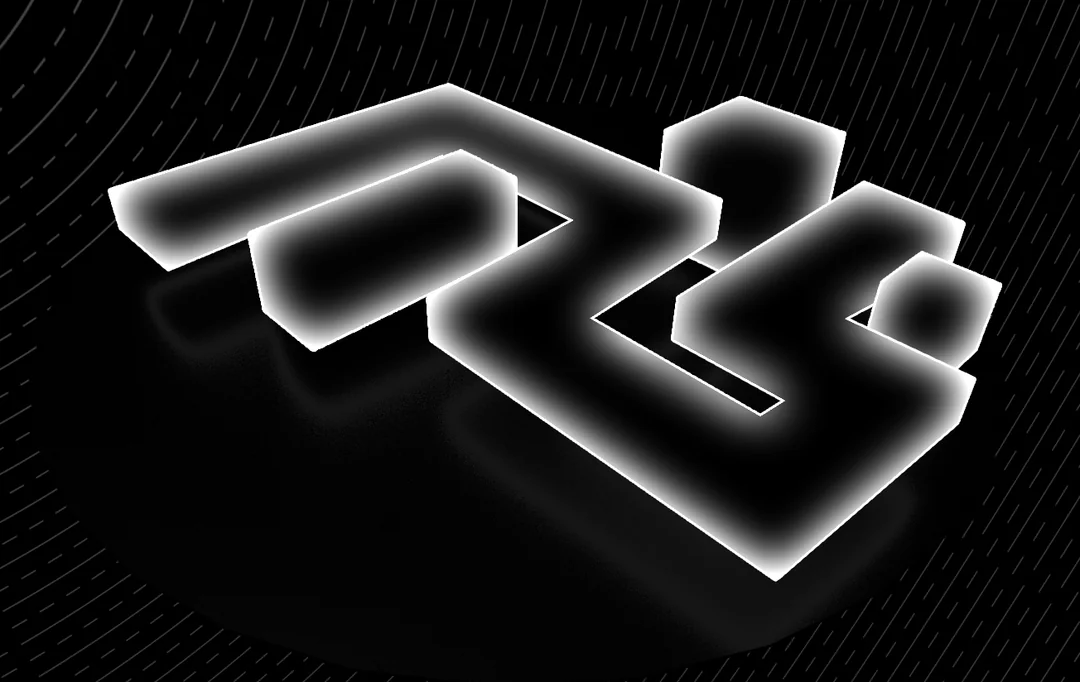
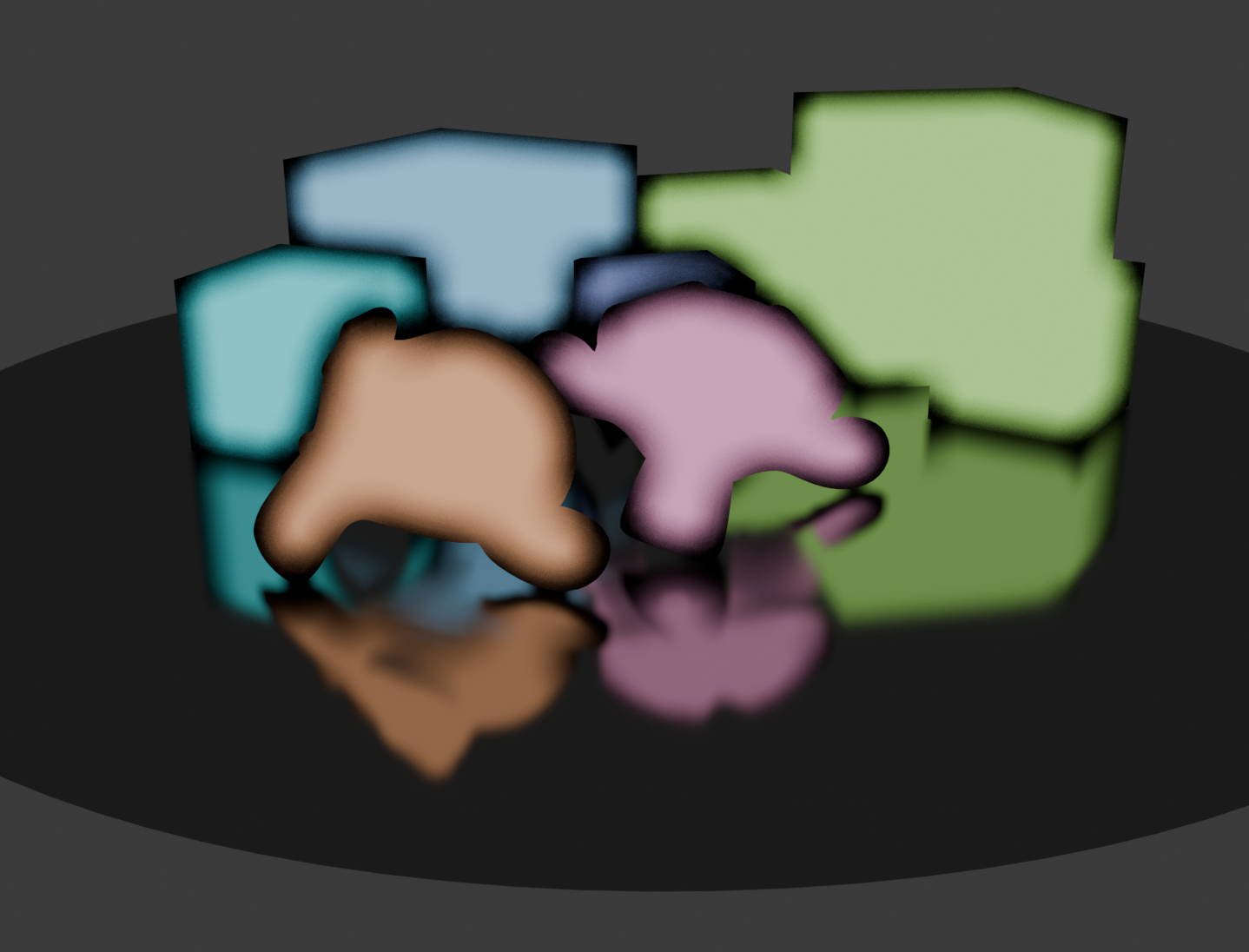
Hi there! A while back I came across a thread on /r/blenderhelp about recreating this outline-falloff effect as a shader in Blender. I will be using it as an example in a talk at BCON 2026 about the beauty of online help forums like this one! I’m hoping someone could find a shader-only solution since I could not!
It’s essentially an inner glow. An outline with a soft falloff into the center of the object in screen space.
This is pretty easy to do post-render in the compositor or other image editor, but the goal is to have it as a shader so that it appears in reflections and emits light in the scene, as shown in the original reference.
My hacky solution was to use GN to remesh the objects so that they have enough density for a smoothly blurring attribute, flatten the geometry and GP lineart curve to the camera view, use the geometry proximity node to calculate the smooth falloff, then transfer the attribute back to the original geo and use it in a shader.
It works, as shown in the top image, but it’s quite slow especially on larger objects since it requires remeshing to a dense geo. I couldn’t find a shader solution since the new shader raycast node is designed to be used in 3D, not screenspace. So even if we brute force the raycast direction with some white noise to find nearest points to the silhouette, it will almost never hit on a flattened surface.
I’ve looked at that kind of stuff a few years back, basically generating an outline with shader and this wasn’t possible. I’m not completely sure it’s achievable today but with the raycast node you can actually generate an outline, maybe it’s possible to generate a gradient , but I’ve got low hopes…
Yes, that brute force searching method from CGMatter to turn the shader Raycast into a outline or nearest surface search method is really cool. But unfortunately the outline method doesn’t leave us with texture coordinates that we can blur like with standard textures, and the “nearest” surface method isn’t able to reliably hit a surface when it is flattened to the camera view.
But maybe we can manipulate the resulting AO-type mask to transform it to screen-space? Not sure!
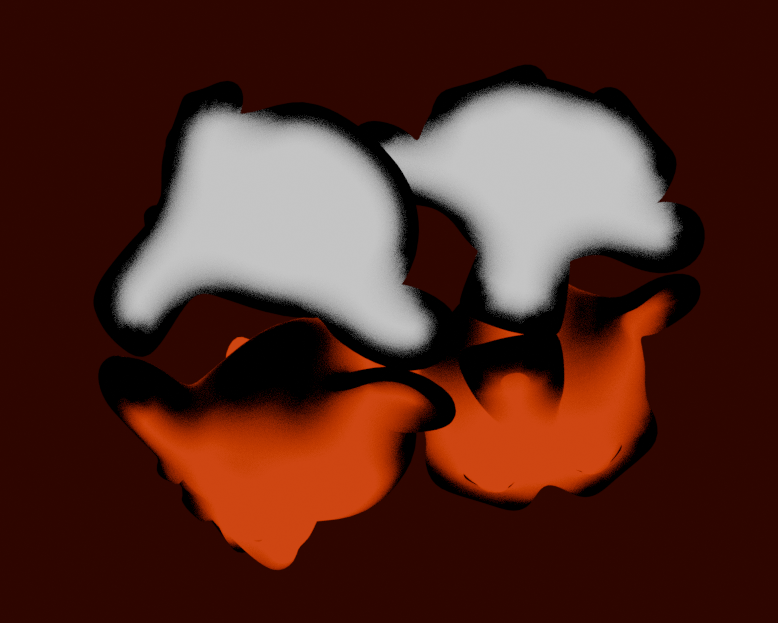
It looks promising but seems to include internal silhouettes as well (areas of geometry overlap) which isn’t wanted here. Makes sense since it’s based on mesh curvature. Looking for a native Blender shader solution if possible.
Interesting! Could you explain what’s going on here and why it’s not working perfectly? Are the group inputs constants?
I imagine that if a proper shader solution is found we may be able to use Light Path, Portal, and/or Raycast nodes to apply the effect to reflection rays according to camera perspective?
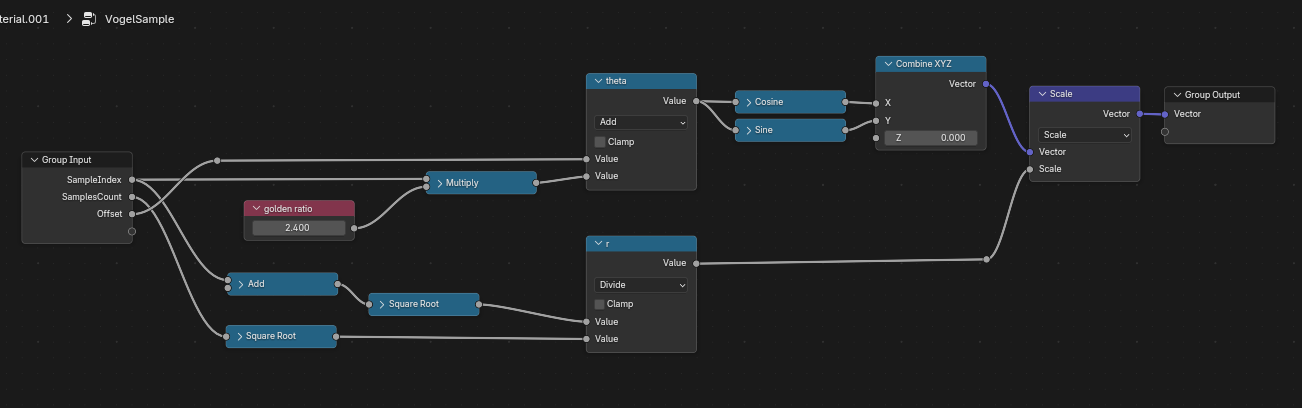
I can try. For every evaluated pixel, 10 samples are taken in a neatly spaced disk around it.
To do so, we use the raycasting node here, which takes as a position the camera node, and as direction the direction of the camera ray. To do that disk-sampling we use a vogel disk, which offset the ray a little bit.
Average these results, and you get a nice soft glow.
The reason it doesn’t work in mirrors is because those offsets are calculated as if we’re always looking at the object though the camera.
Edit: actually, internal silhouettes shoundn’t happen, might be a ray length thing? Can you make it longer in your case?
Ok neat, so it’s essentially calculating the likelihood that the pixels within a certain radius of a given pixel fall within the silhouette of the object, thereby estimating the pixel’s distance to outline? Also makes sense why it seems to fail where the silhouette is more complex like near the ear. Because a disk doesn’t accurately capture that distance very well. The ideal shape would be an inset version of the silhouette itself (the laplacian?). But I guess if we had a method of getting the screen space laplacian of a 3D object in Blender shaders then that would already be our solution… tricky!
Also the internal silhouette comment was in response to another user’s Goo Engine suggestion, not yours FYI
I think I’ve solved part of the problem.
Rather than using the real camera position, I’m reconstructing it from the light path.
That sort of works for reflections, too, except now the “camera” for the reflection is the origin of the light bounce. Still not perfect, but an improvement for sure.
Also kinda works in EEVEE? Except for that, unlike with Cycles, the the Raycast node only has screenspace info, so even with “Only Local” enabled, it’s till going to hit objects in front.
Yes, in fact, the likelyhood IS the “blur” here. So it’s not really an inner glow, but more of a blurry version of it’s own outline. Not sure if a true “inset-style” is possible in only materials
I think it’s really difficult even if materials can do bits of stuff in screen space, it’s very limited.
Maybe something worth trying with bits of geometry nodes would be to make an outline of the mesh using Tradigital’s technique https://www.youtube.com/watch?v=PVsReC3mW2E
Then using proximity/distance from that outline might gives some gradient, but probably far from ideal !
On the overall while it might possible to get something and @ThomasKole did something already great there. Given what material nodes can do, it’s like trying to build an engine but with vegetables only : can this be done ? maybe for someone with a lot of skills but in any case it’s likely to be disappointing and probably not very functional…
Anyway, I think the NPR branch might be interesting to look into as it might have better means for that kind of stuff or maybe that will spark an idea.
If we end up having per object compositing this might become quite easy but for now I’m skeptical about making something satisfactory given the toolset …