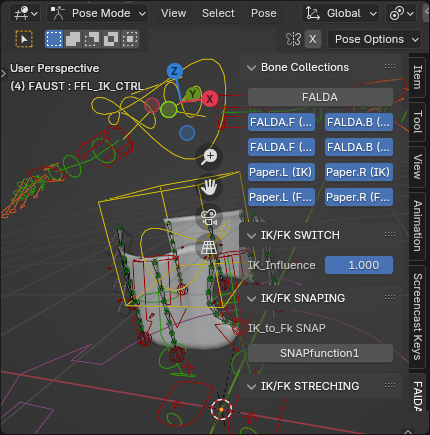
Hello everyone. I have created an ik/fk rig for a skirt that works perfectly, so I started making a script to be able to manage some things from the side panel of the 3D_Viewport. The buttons for the visibility of collections work well, the slider for the influence of the ik through drivers works well. Now getting to the part of building a button to snap the ik bones to the fk in pose mode I get lost. I have the panel done. Could someone tell me if I’m doing something wrong in this part?
I pass the .py code through Dropbox, and the file with the bones and the skirt in case it is necessary: Script File Blender file resource
I looked at your .blend file. I tried to run the UI script and got this error:
Error: Registering operator class: 'RIG_OT_SNAPFUN', invalid bl_idname 'rig.SNAPFUN', at position 4
changing - bl_idname="rig.SNAPFUN" - to - bl_idname="rig.snapfun" fixed that error.
So the operator you created in your script - RIG_OT_SNAPFUN - basically is the ‘button’ - it’s not really a button, but the way you add it into the UI panel code, it becomes a button in the UI
Adding in the last 2 lines here:
    def draw(self,context):
        """Dibuja los elementos del Panel de IF/FK Snaping"""

        layout=self.layout

        row=layout.row()
        row.label(text="IK_to_Fk SNAP")
        row=layout.row()
        row.operator("rig.snapfun")
Gives me a button:
Clicking on the button gives me an error:
AttributeError: bpy_prop_collection: attribute "copy" not found
I see what you are doing with the code and I don’t think it will work. I tried something similar and couldn’t get it to work.
I have a post here What is the best way to do FK/IK snapping?
about IK-FK snapping. In the first few posts, I tried copy a bone’s matrix from one bone to another bone. It worked for FK to IK, but not IK to FK.
I noticed that the above mentioned error would probably be fixed if you removed ‘.copy’ on line 88 of your code.
Okey i work in the file with your code as guide, i have doubts on how to implement the #pole target thing, and i have some bug that i don,t understand. This is the new version of the script. Script Updated Blend File with bones updates
The last few posts in the other thread I mentioned above are about this same topic. In that thread, a user is trying to get that method to work for a 3 bone IK chain, and it’s not working. That method I provided there only works for 2 bone chains - Upperarm/Lowerarm - sort of thing.
I have an idea of maybe how to get it to work for more than 2 bones, but I don’t have the time to work on my idea. Your original idea of copying a bone’s matrix to another bone’s matrix will probably fail too because of the pole target.
I did look at your file and the error on line 58. Here’s line 58
It would be great if you could share the idea you have to make this addon with longer chains of bones. I could try it and then share the progress. The truth is that I have run out of ideas to try and I still can’t get it.
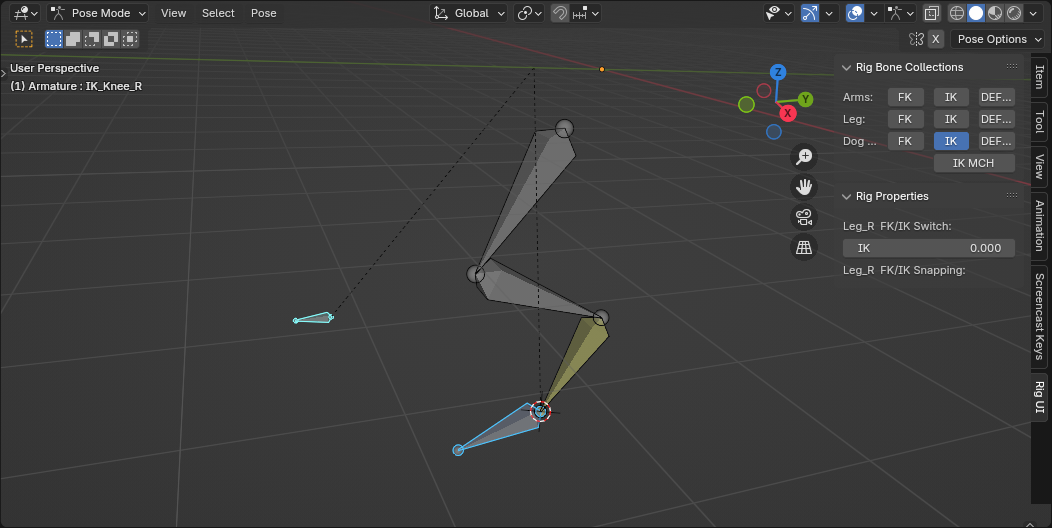
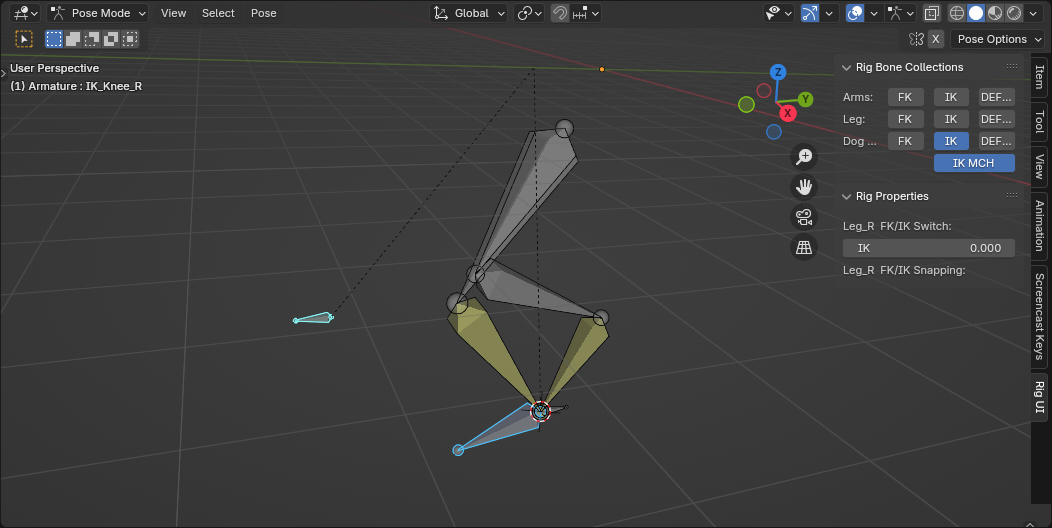
Then the 3 bone FK chain would need an extra mechanism 2 bone IK chain that would follow along.
Snapping would take place between the 2 bone chains. Snap the 2 bone IK chain to the 2 bone FK mechanism chain.
Sorry I don’t have time to work on this due to real life stuff at the moment, but I think it will work. I have it half way done, just no blender time to finish it and test it.