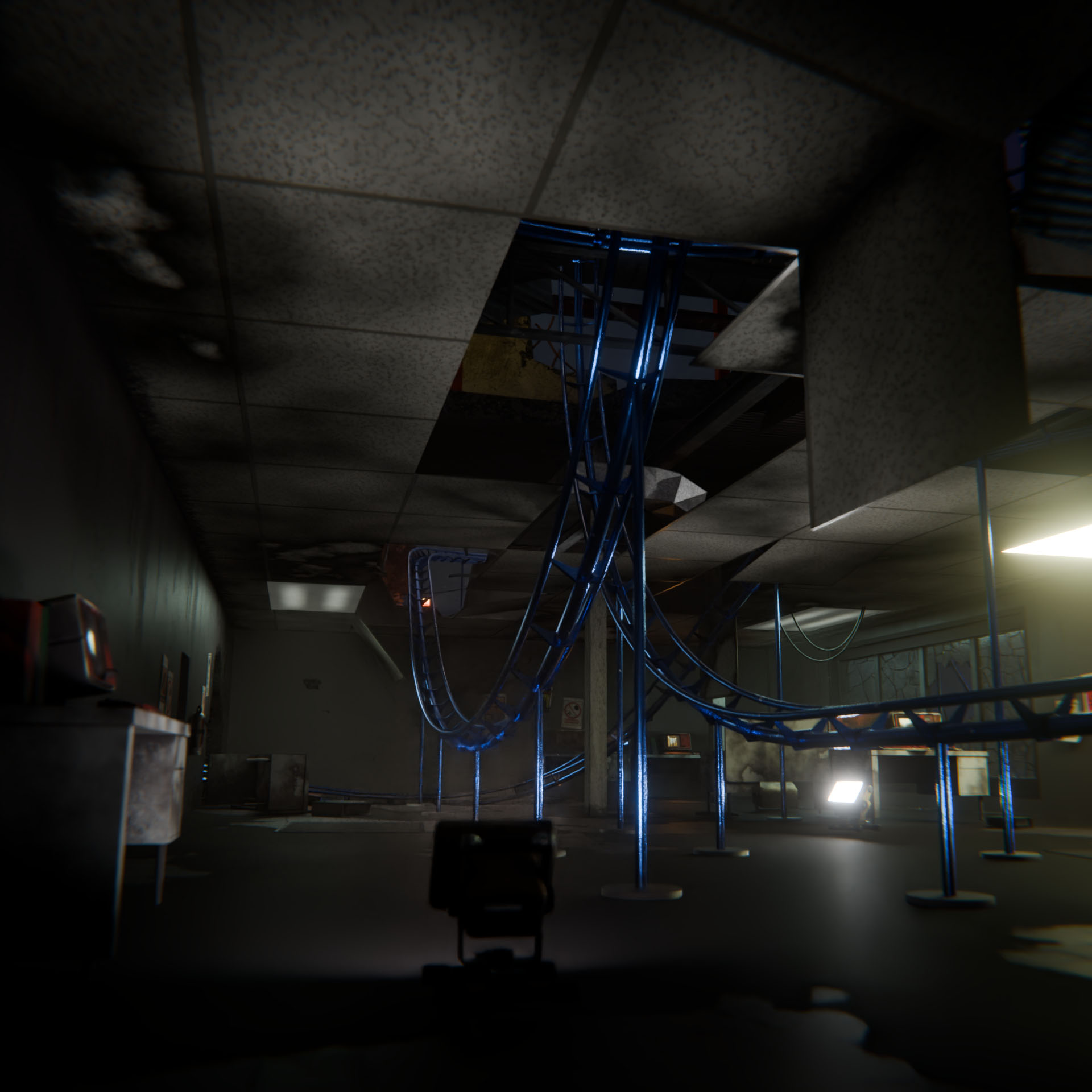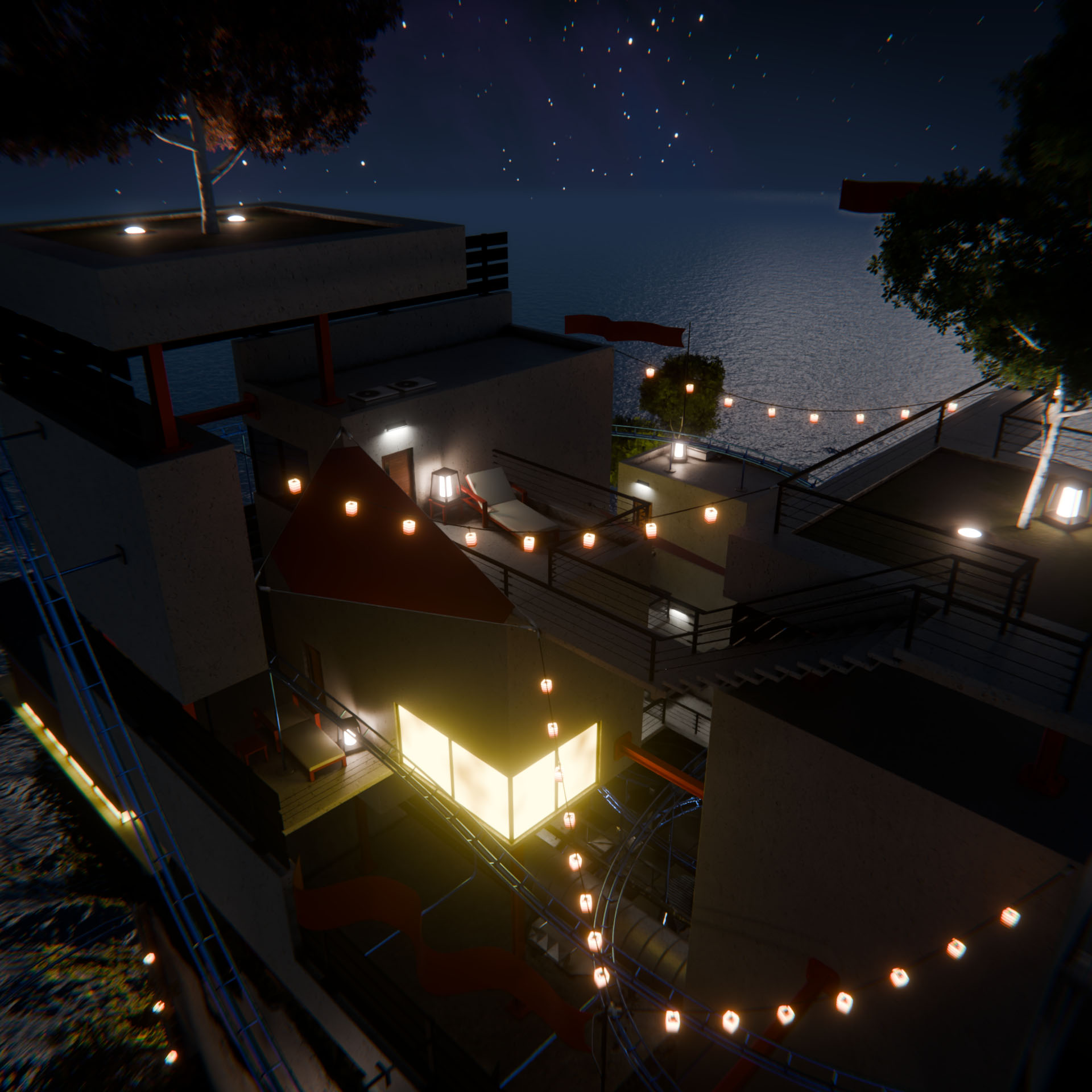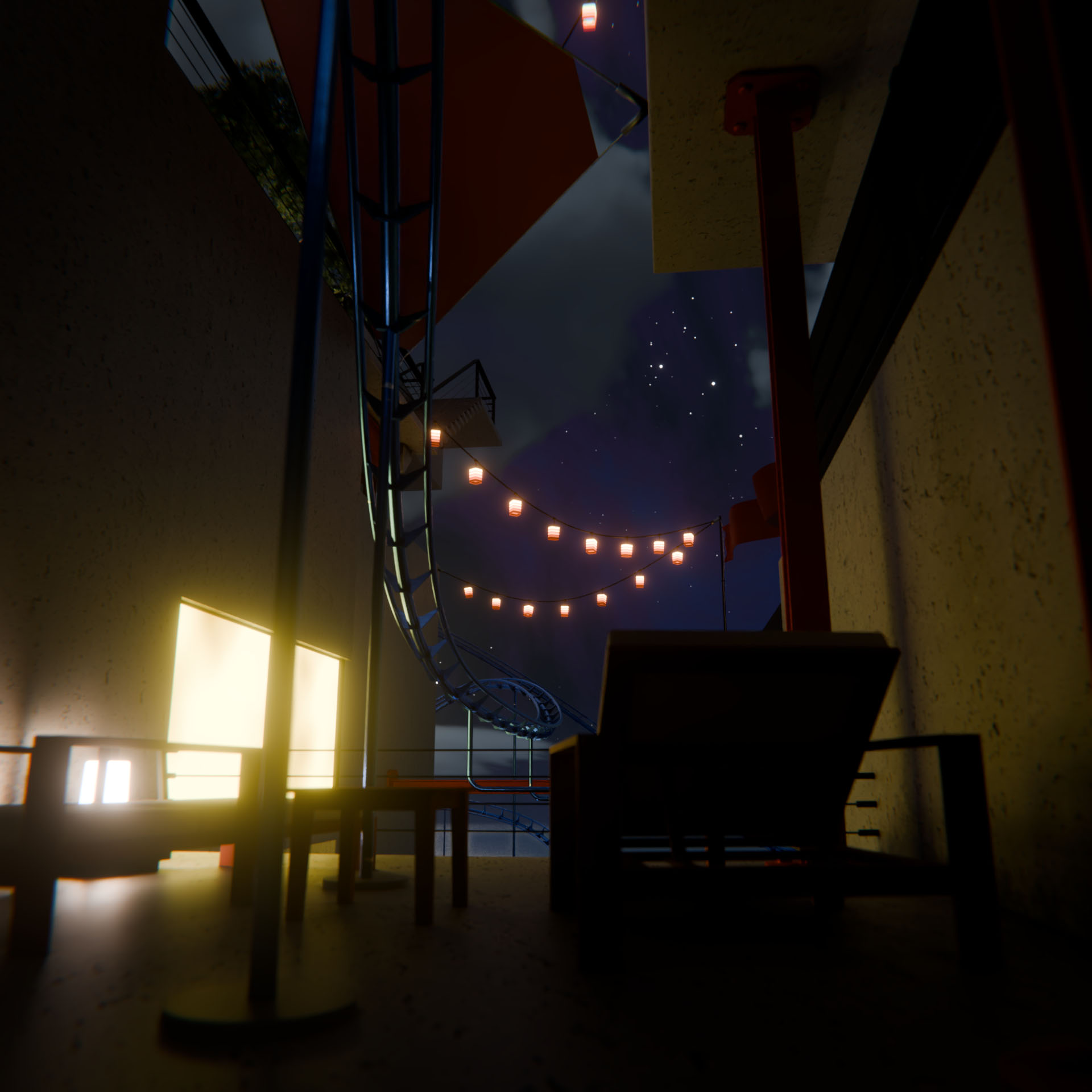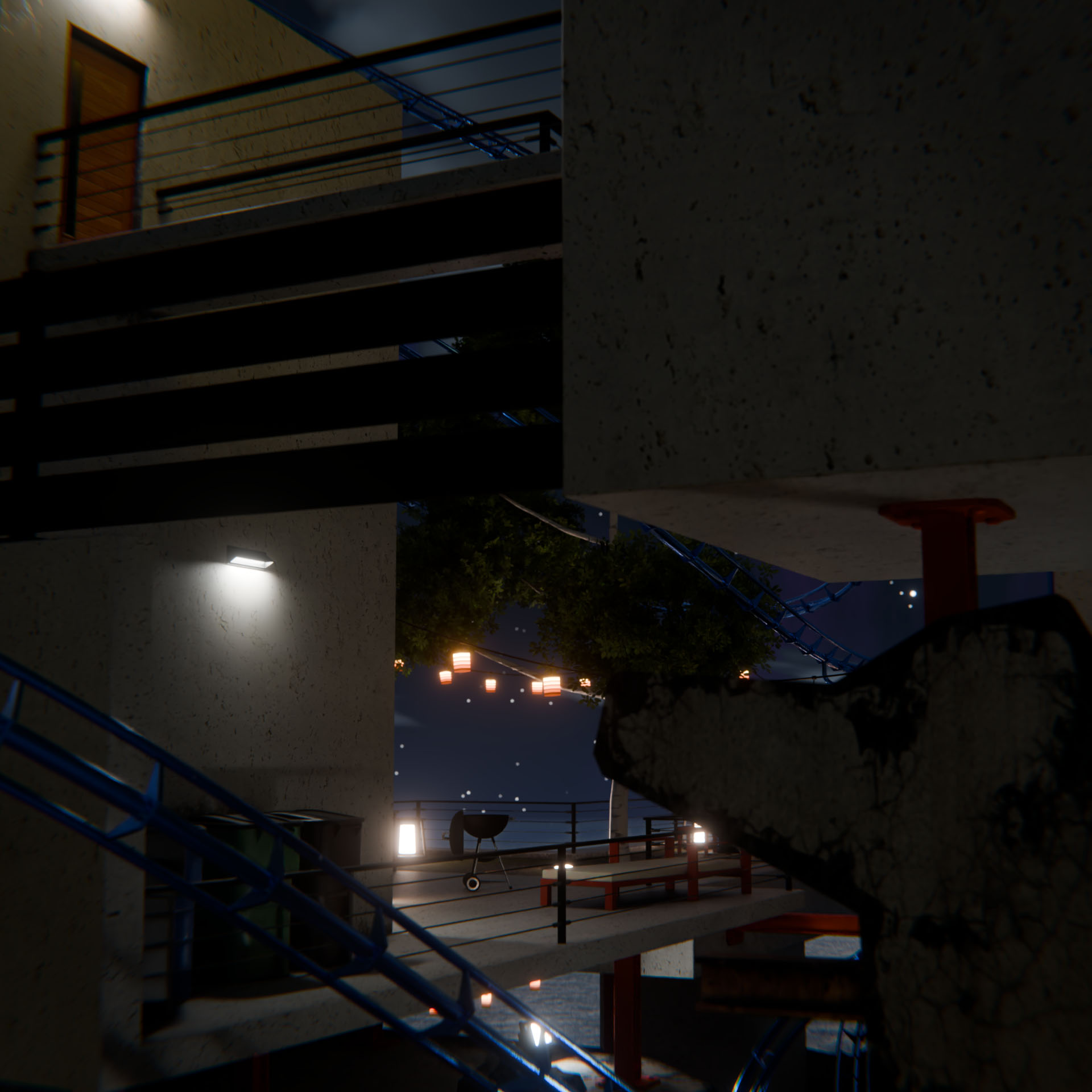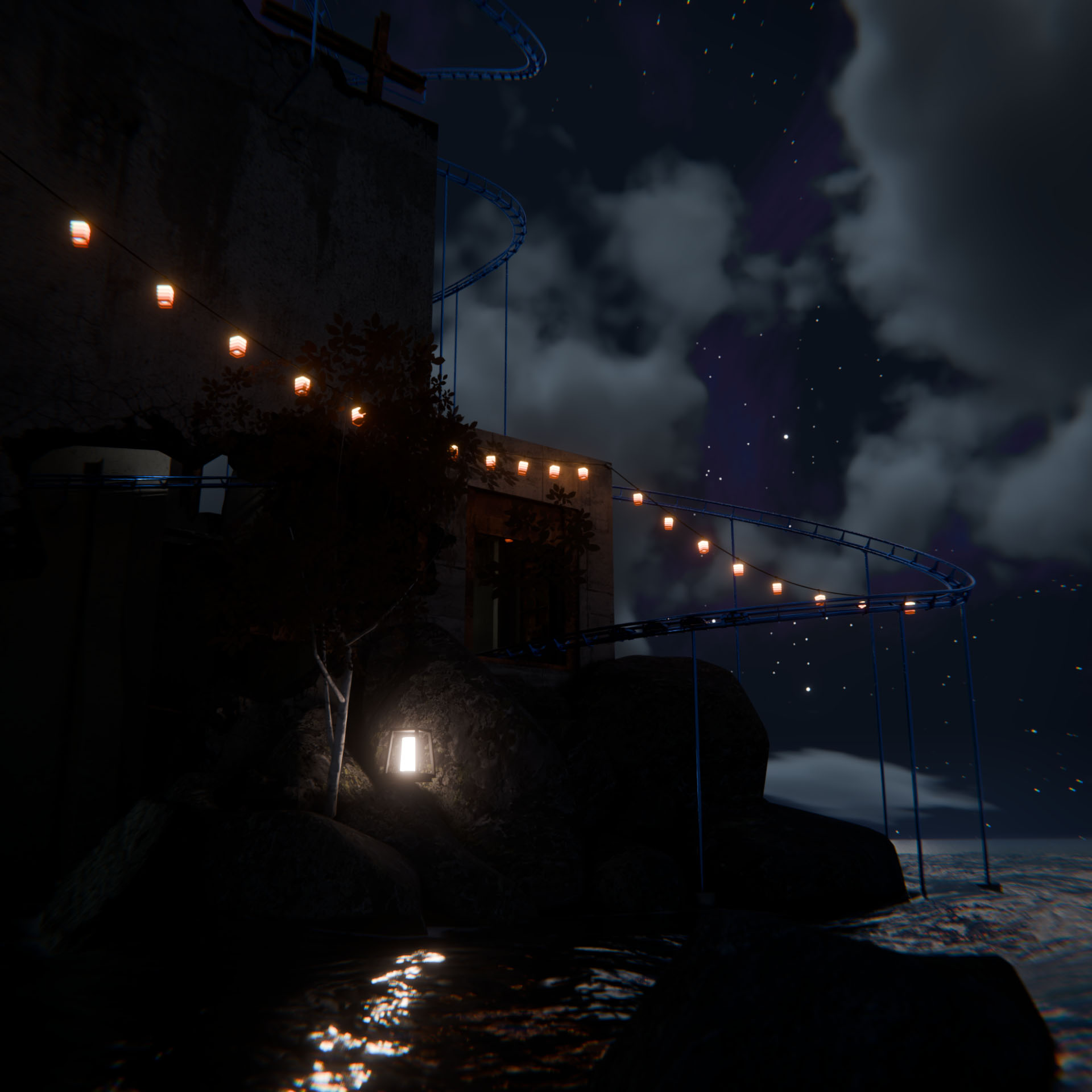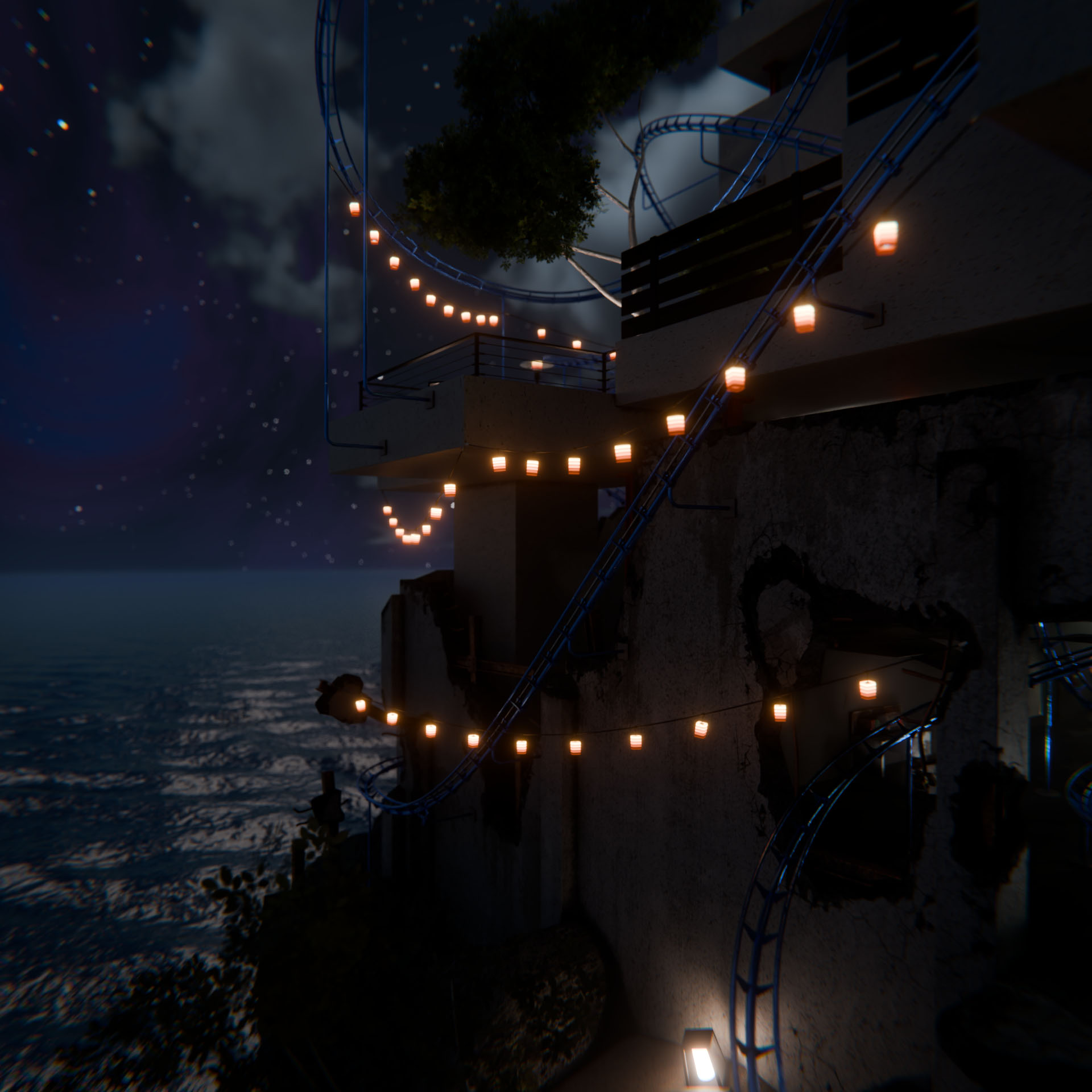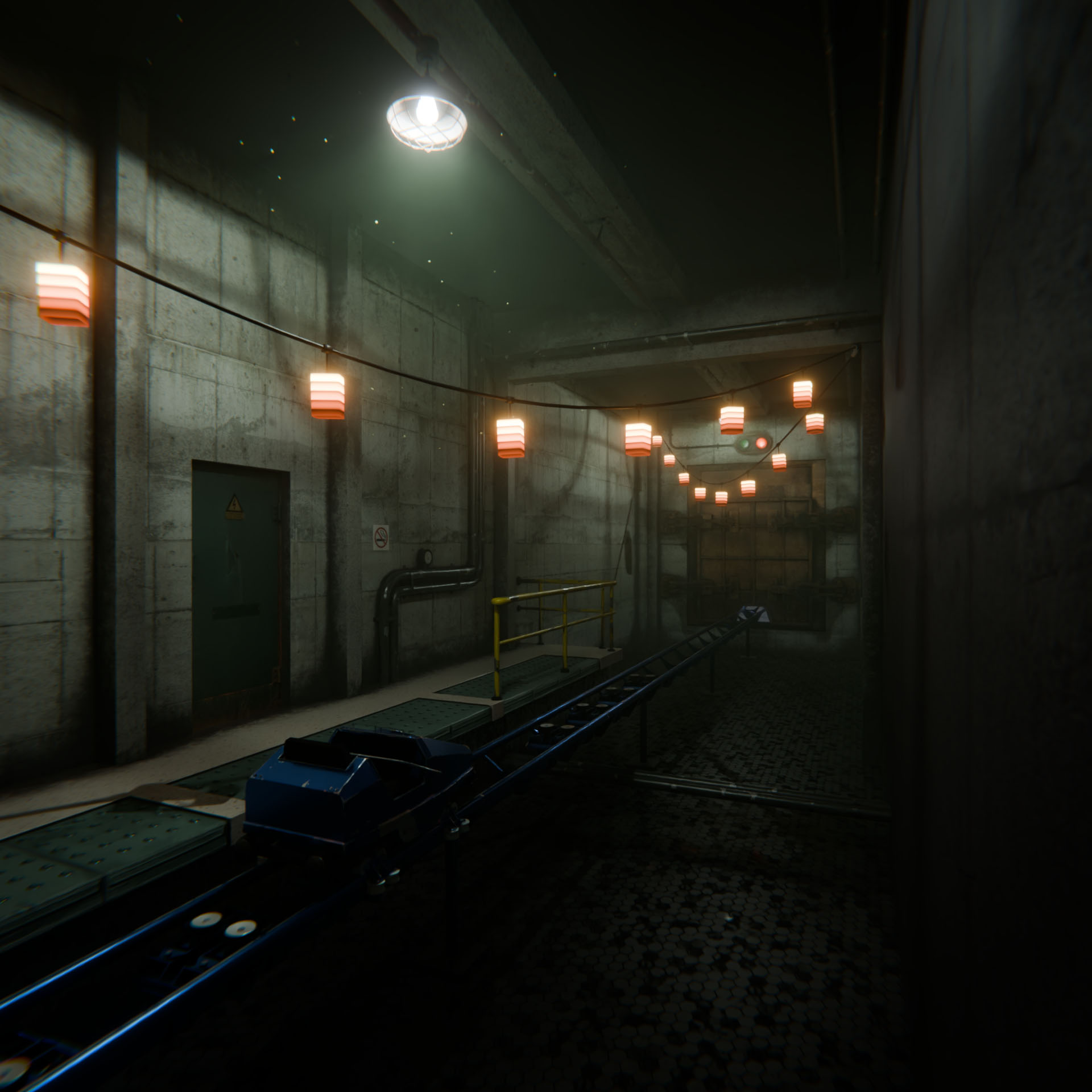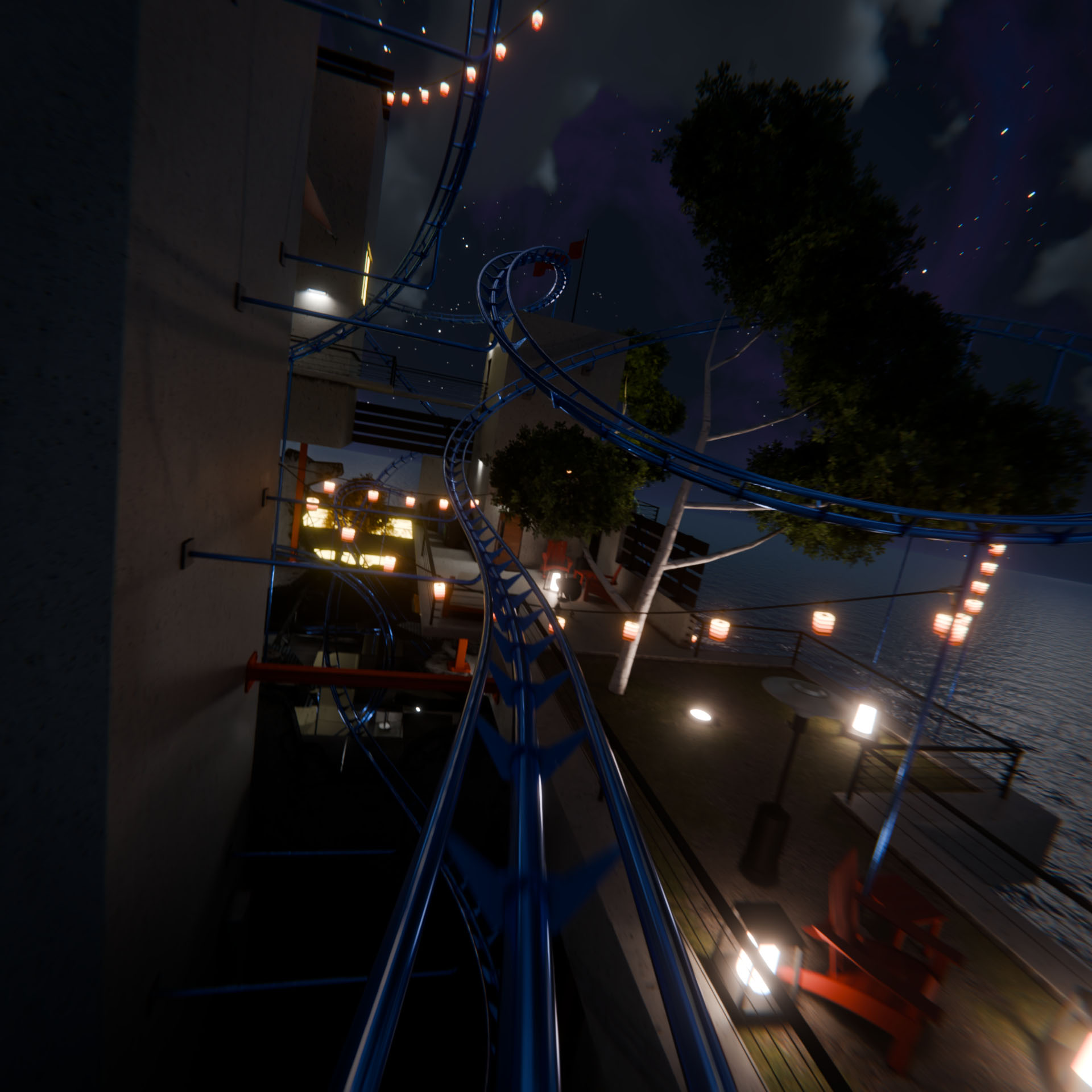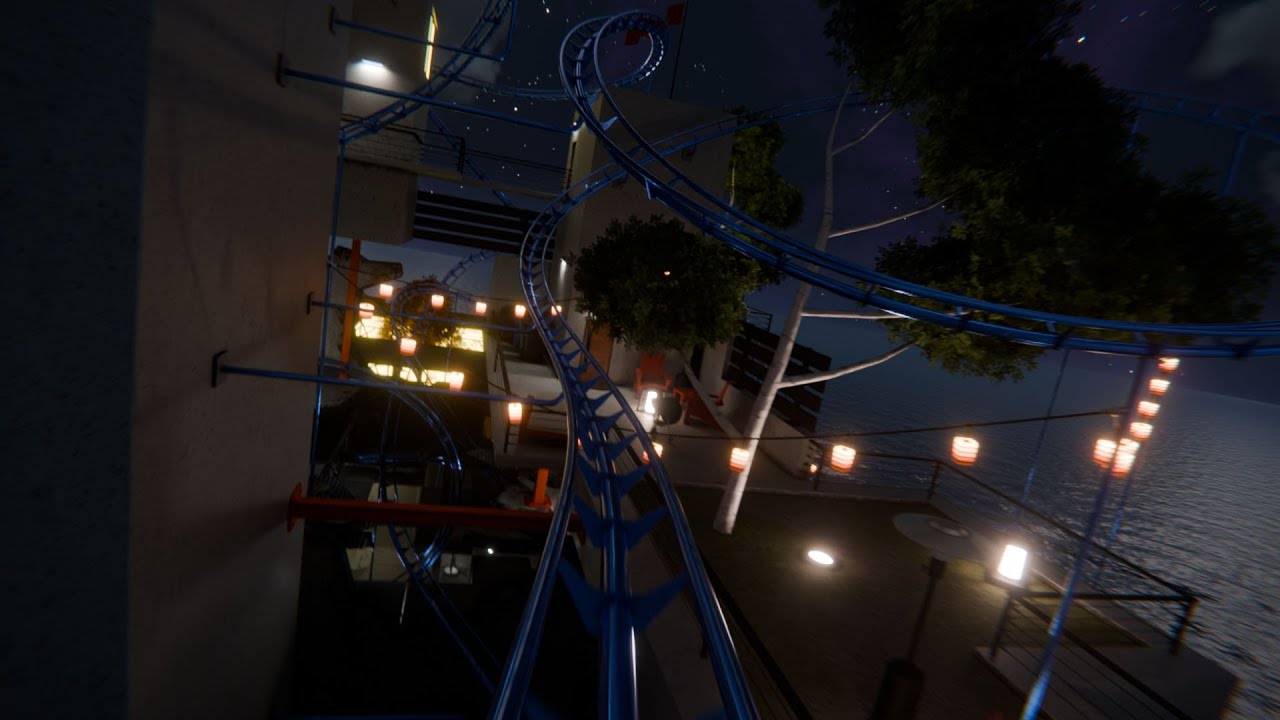
This is a continuation of the Secret Bunker Roller Coaster Ride animation I created and posted earlier this year, but this time the bunker and island are lit up with hanging lanterns, lamps, ground lights, and flood lights for a nighttime ride!
There are two parts to why I made this: first, I’ve been trying to find ways to utilize some of my work for more than a single one-off render, and second, my son had this idea and I promised I’d make it for him. He ended up liking the daytime version better. 
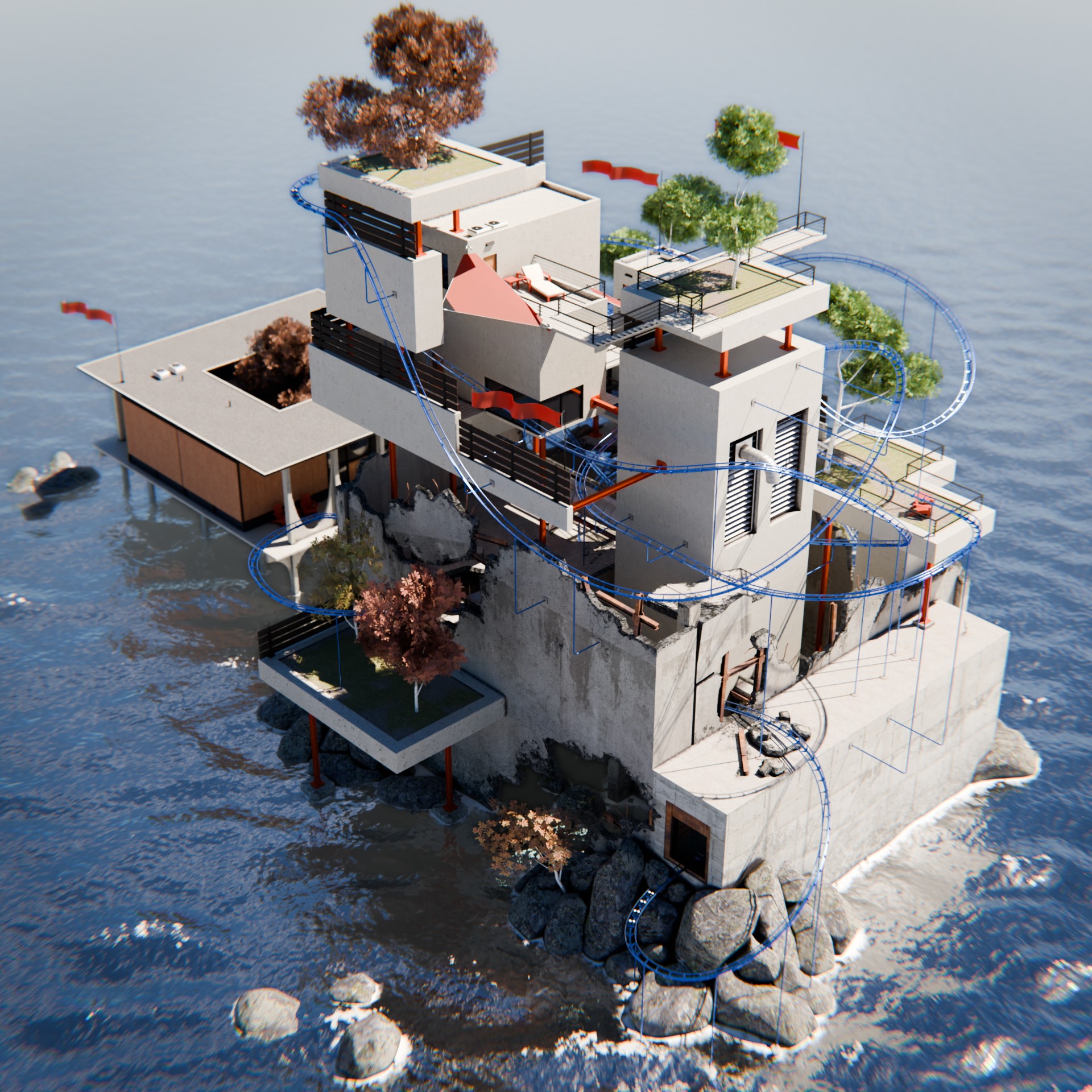
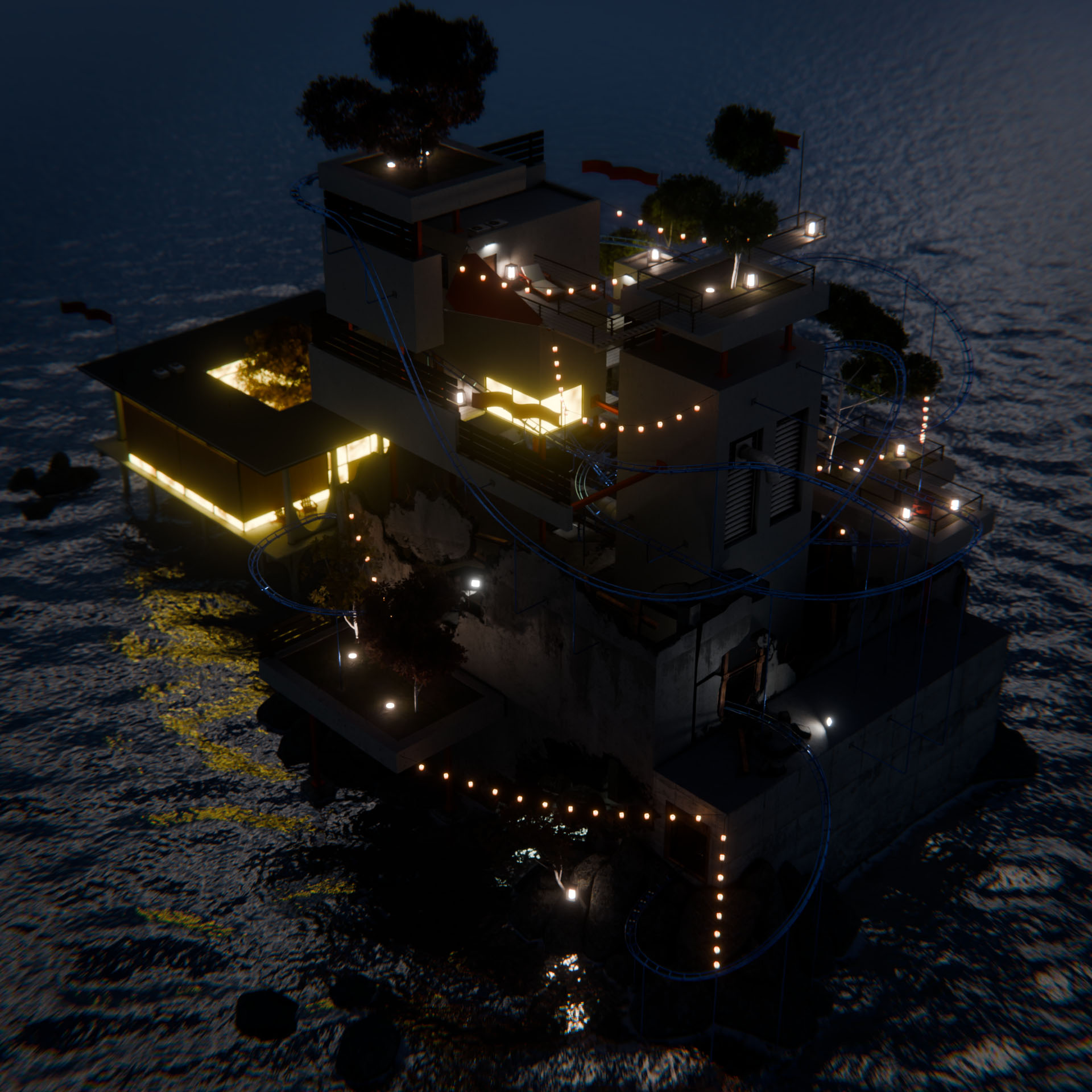
A comparison of the island from overhead.
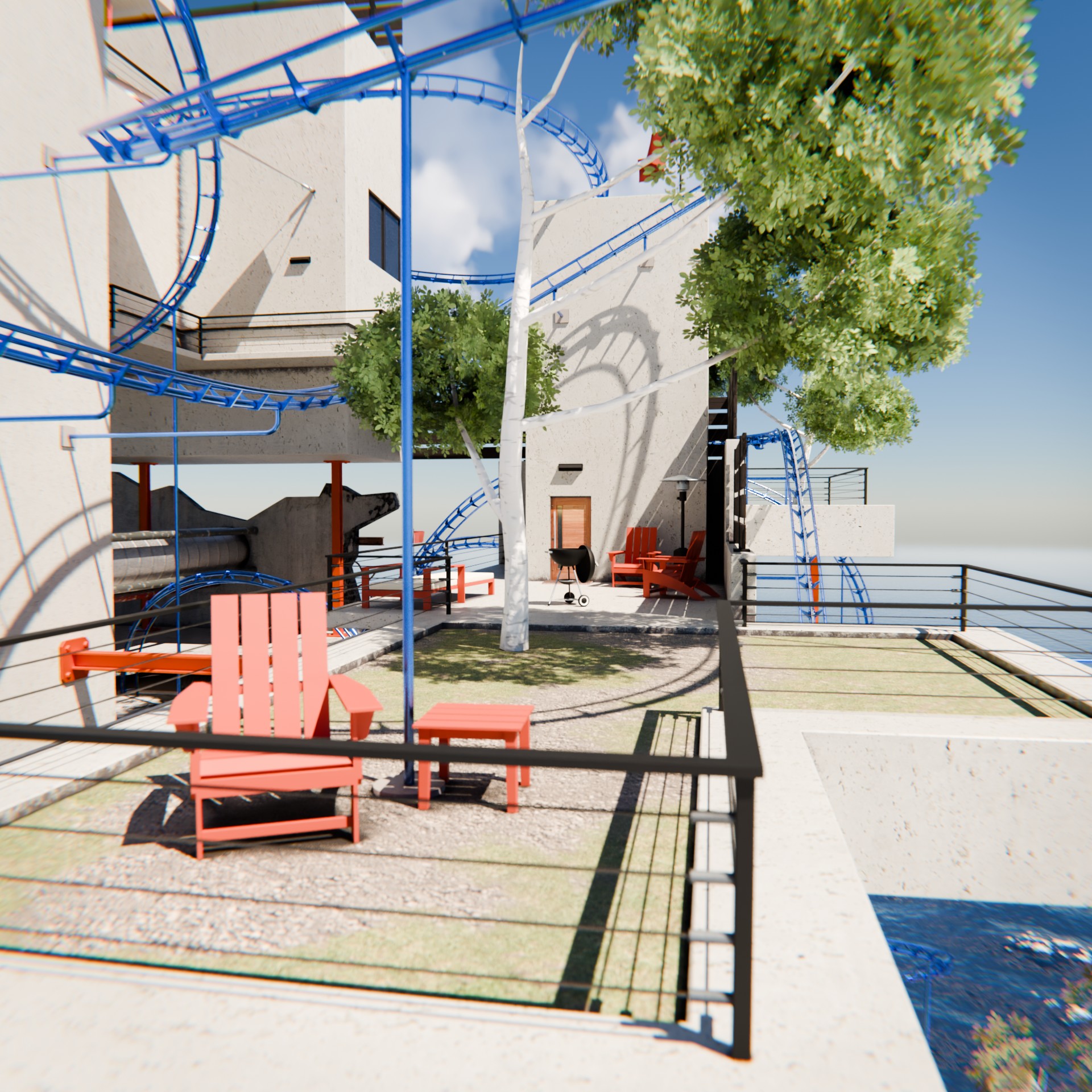
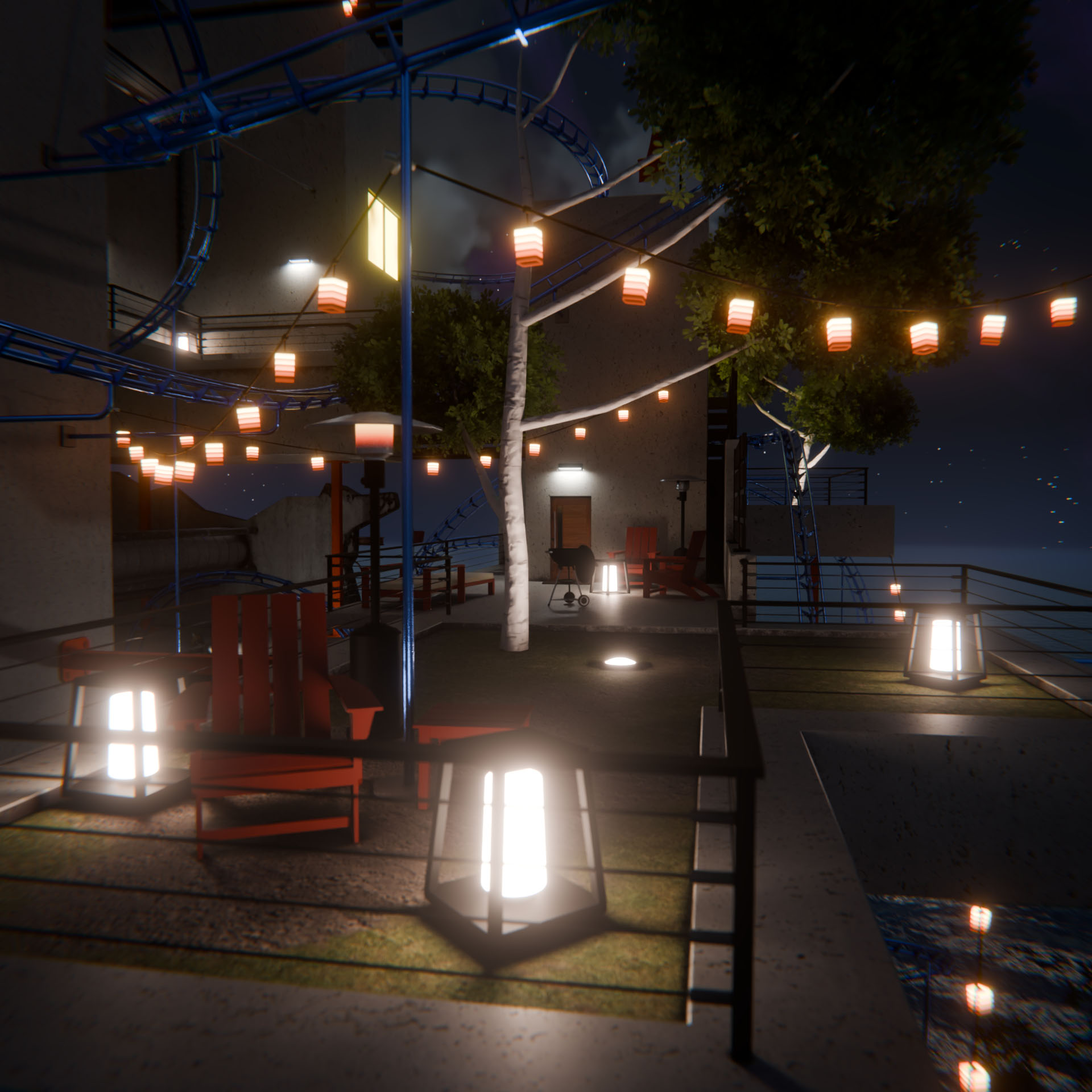
A comparison of the living space. Nighttime is party time!
If you’re interested in how I made this scene, you can find a lot of information at the link above, where I went into a lot of detail about the coaster setup and architecture. Here, I’ll talk a little about the changes I made to the scene to set it up for a night ride.
Global Lighting & Background
The first major change I made was to get rid of the sunlight and daytime sky. Thankfully, I had previously rendered the clouds as an EXR, which let me re-use them for this, as well as use them as a mask for the rest of the sky’s stars.
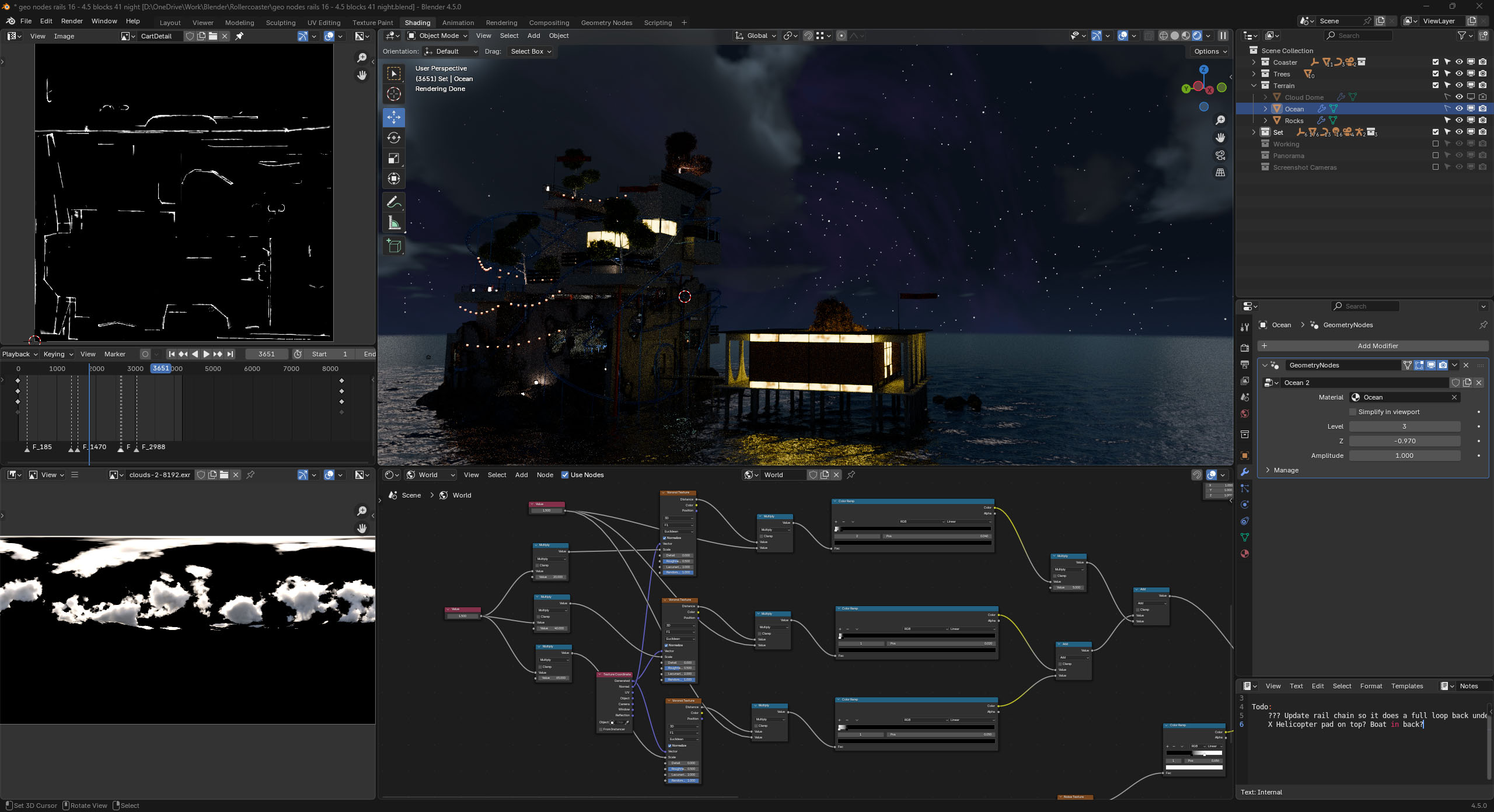
The stars are just a few layers of Voronoi textures, some distorted noise to make it look more colorful/interesting, all on top of a gradient.
The original scene uses a sky texture for the lighting, and I wanted to keep that for this one and just make it less bright, as if the moon was casting shadows, but I couldn’t make it work properly without lighting up the surrounding ocean too much.
I also had a few issues making the “infinite” ocean look correct at the horizon, and ended up leaving that mostly untouched from the original setup. It’s serviceable, but you can also see some distance clipping at the edges in some parts of the animation that weren’t as obvious in the original daytime version. Someday I will spend some time working on a better effect.
Artificial Lighting
Since the scene now takes place at night, that means there isn’t much natural light to go around, so I had to add artificial lighting all over the island. Some of the areas already had mounts for lights (i.e., the slotted lights above the doors in the upper living area), but for the most part I had to add new lights to make things visible once more.
First, I added the square-ish lanterns all around, but that wasn’t enough, and the way I modeled them meant that not enough light went upward from them, So I also added some ground lights under many of the trees to help highlight them.

Each strand of hanging lantern is just a single edge with a bunch of Geometry Nodes magic!
Next, I added the hanging lanterns, which are just a series of two-point edges that use a Geometry Nodes setup to create the cord and lanterns. This also drives their subtle swinging animations.
Finally, I created a new, more construction/industrial floodlight, and placed that around the lower destroyed bunker areas, where it wouldn’t make sense for lanterns to be there.
Overall the lighting was pretty straightforward once I made all of the new objects.
Compositor Updates
Finally, I wanted my new lighting to really glow, so I made some small changes to the way the compositor handles blooms. I dialed the threshold for light way down and made them much larger. This made the windows and lanterns really pop against the dark night!
And that’s pretty much all I had to do before re-rendering.
The rendering took a particularly longer time than the daytime version, because the starting/ending area and some of the derelict bunker area have volumetric effects that got really blocky with the new lighting and had to be rendered at a much higher sample count (64 for most of the video, 1024 for the areas using volumes). This translated to a difference between 6-10 seconds per frame, versus 120+ seconds per frame. My office was roasting!
I didn’t need to change anything for the sound effect. This video uses the same track as the original.