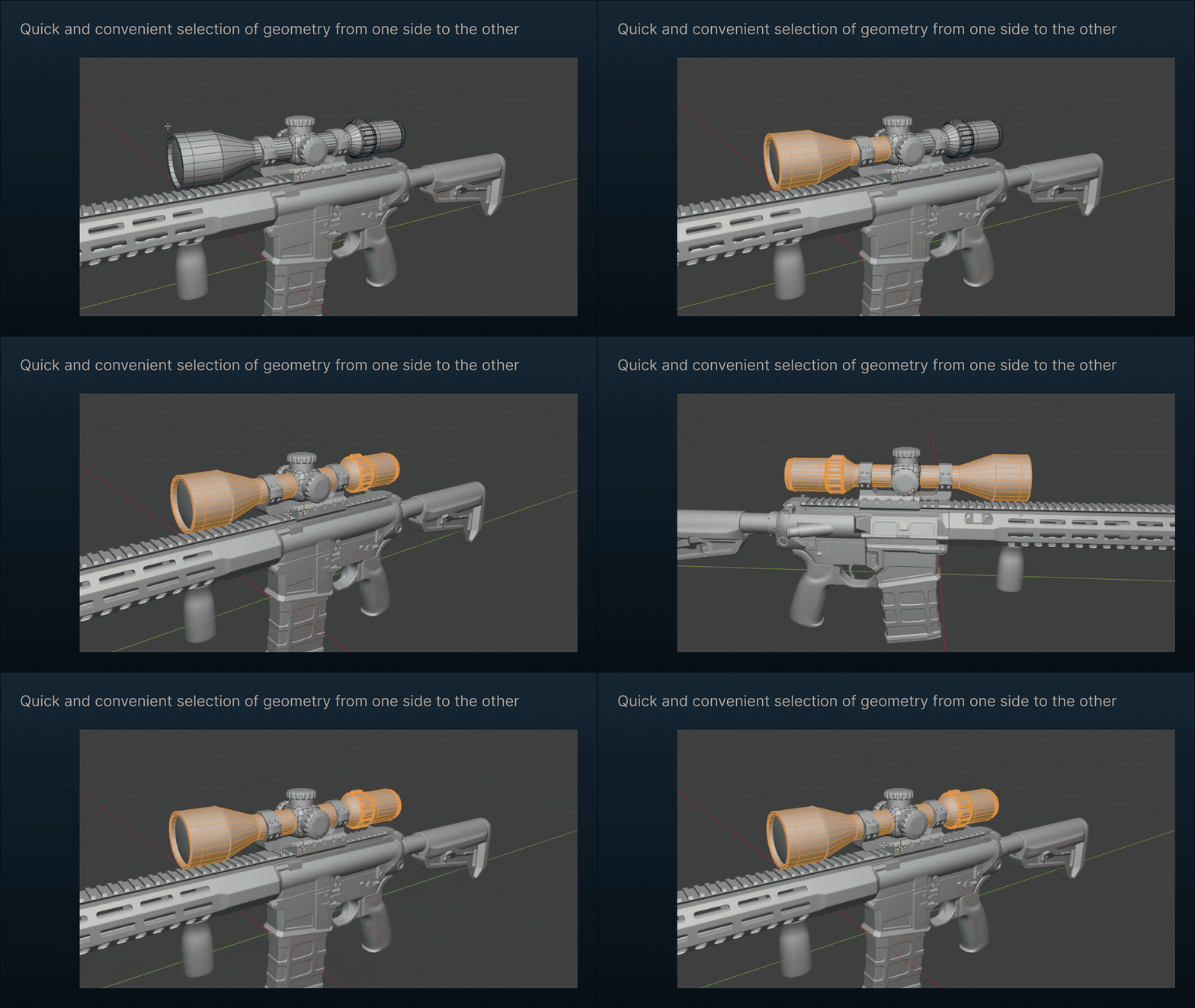
Box, Circle, and Lasso selection tools for Blender Edit Mode. Select geometry through surfaces while keeping the viewport in Solid shading, using familiar selection controls and workflows.
Features
-
3 selection tools: Box, Circle, and Lasso, available in the 3D Viewport toolbar in Edit Mode.
-
Native selection modes: Set, Extend, Subtract, and Intersect, just like Blender’s built-in tools.
-
Through mode: Select geometry behind visible surfaces without switching to X-Ray shading.
-
Quick mode switching: Use the Through toggle in the tool header to set the default behavior, or hold Alt to temporarily invert it. You can press or release Alt while dragging to switch modes mid-gesture.
-
Face intersection: In Face Select mode, Through selection also catches faces intersected by the selection shape that the native operator might otherwise miss.
Through mode is off by default, so the tools can replace Blender’s built-in selection tools without changing your usual workflow. Enable it in the tool header or save it in your startup file to use it by default.
Paid add-on, $6+ Product page