Hi everyone!
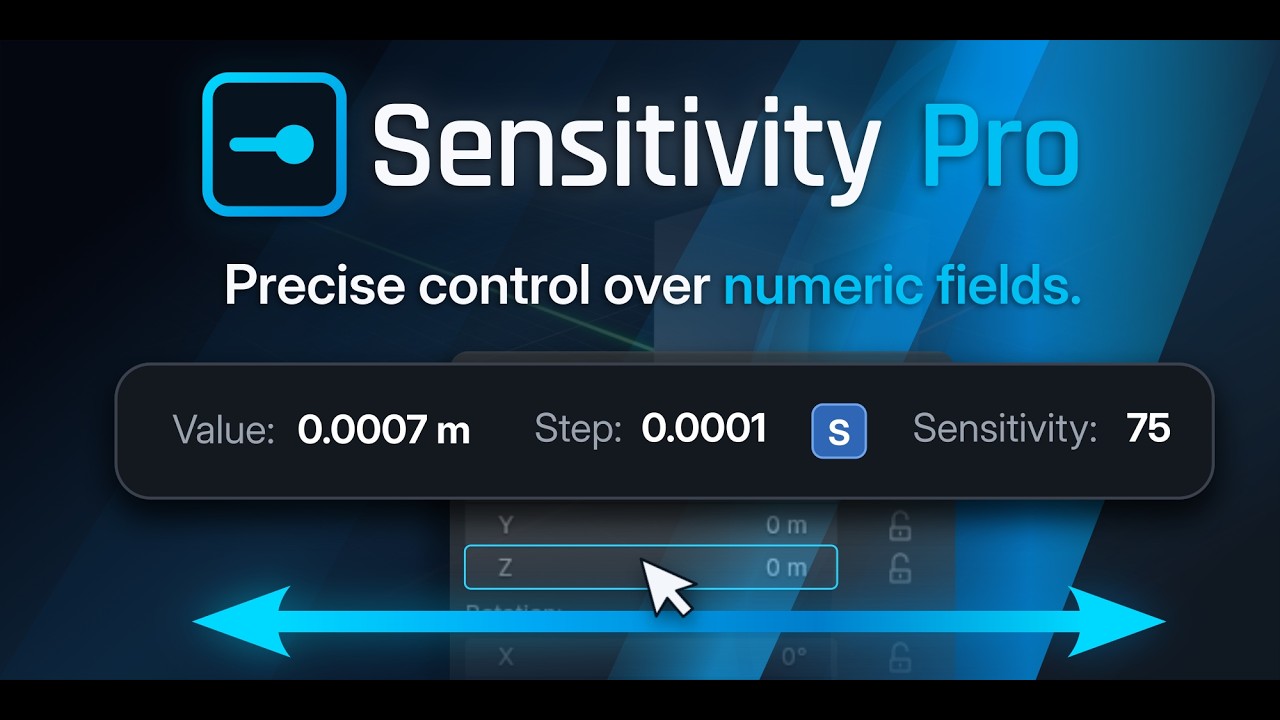
I’d like to share my new add-on: Sensitivity Pro. It gives you control over how Blender’s numeric fields respond when you drag them.
Why I made it
You need a tiny change, but the value jumps too far. You hold Shift. Better, but still not enough. So you double-click, type a number, press Enter… and again.
I wanted numeric adjustments to feel more natural, so I built this.
How it works
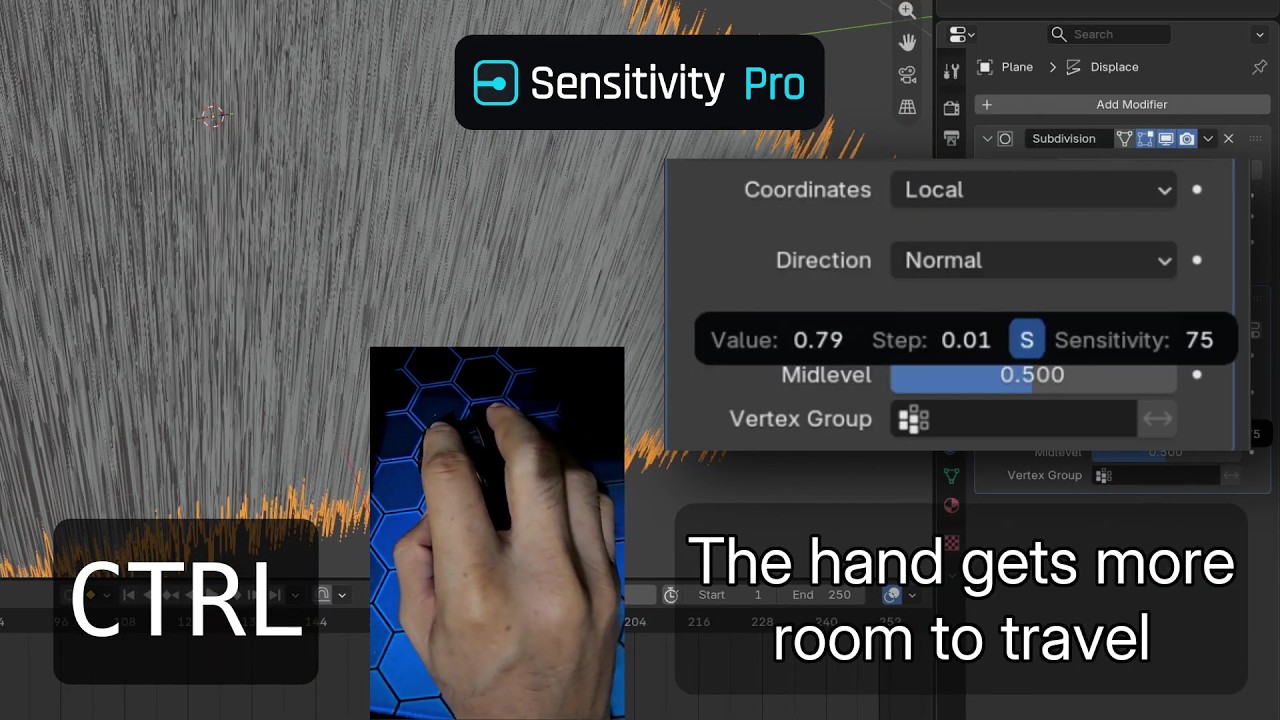
Hold Alt, press the Middle Mouse Button over a numeric field and move your mouse. A small label appears and you control two things:
- Step: how much the value changes per step (0.0001, 0.05, 1, 5… whatever you need).
- Sensitivity: how many pixels your mouse travels for each step. More room for high-DPI mice, quicker changes if you prefer.


Features
- Snap to Step: keep values on exact multiples of your Step.
- Fine Mode: hold Shift to make adjustments ten times smaller.
- Alt + Wheel: add or subtract one Step without dragging (Alt + Shift + Wheel for 1/10).
- Live Value Display: see the real value with every decimal, even when the field rounds it.
- Change Step & Sensitivity on the fly while you adjust.
- Math expressions when typing your Step and Sensitivity (like 1/3).
- Floating Panel for Object Dimensions, Graph Editor keyframes and handles, Adjust Last Operation, and a color picker (RGB/HSV, hex).
- Custom shortcuts and panel appearance.


Known limitations
- Shortcuts don’t work inside popups and popovers (F9, Viewport Shading popover). Use the Adjust Last Operation panel in the viewport corner instead, which is supported.
- The color picker doesn’t open on theme colors in Preferences.
- Alt + Wheel works on regular fields, not on the Floating Panel.
- Color picker has no eyedropper.
Requirements
Blender 4.3 to 5.3 (tested on 4.3 and 5.3).
Get it
Superhive: https://superhivemarket.com/products/sensitivity-pro
It’s $16, and it’s 15% off + 35% off during the Cyber Sale until December 2.
Feedback, bug reports are very welcome!
Some of you may know me from Outliner Pro, which is getting a big free update soon. More on that later!
Happy blending!
3DArs