Shadows Strengthen Light.
The darker it is, the brighter the light. The brighter it is, the more shadows are cast. Light and shadows both compliment each other.

Story Idea
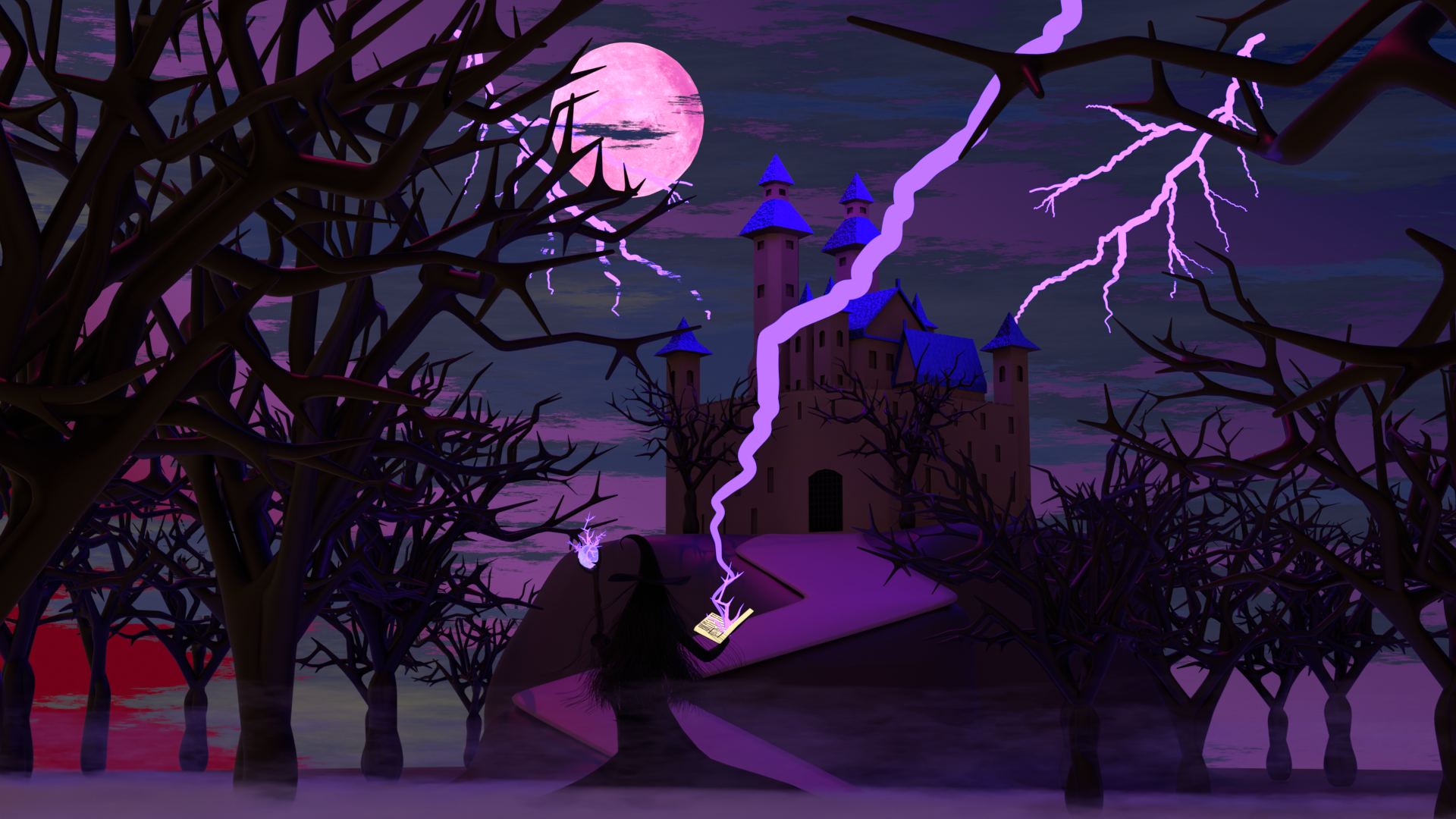
The Witch is conjuring lightning upon the castle through her magic. The weather is affected: the wind grows heavier, clouds swirl faster. Yet despite the storm, her surroundings remain eerily still — trees show no movement, fog drifts slowly, as if frozen by her spell.
Concept:
In this project, the witch is the center point of shadows — conjuring lightning upon the castle. The moon casts the brightest light, illuminating the entire scene, while shadows and fog breathe life into the environment.
Breakdown & Standalone Renders
Witch Silhouette:
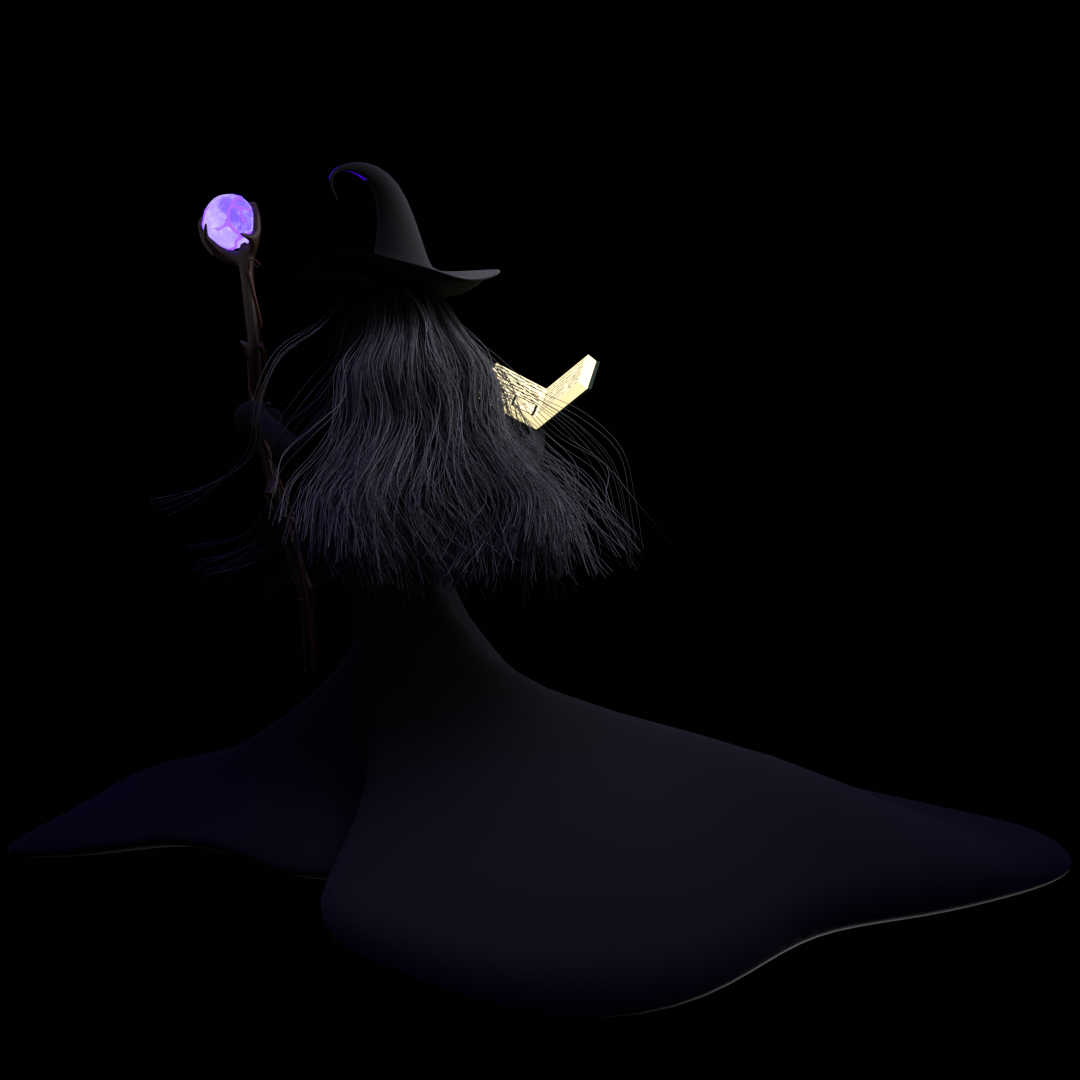
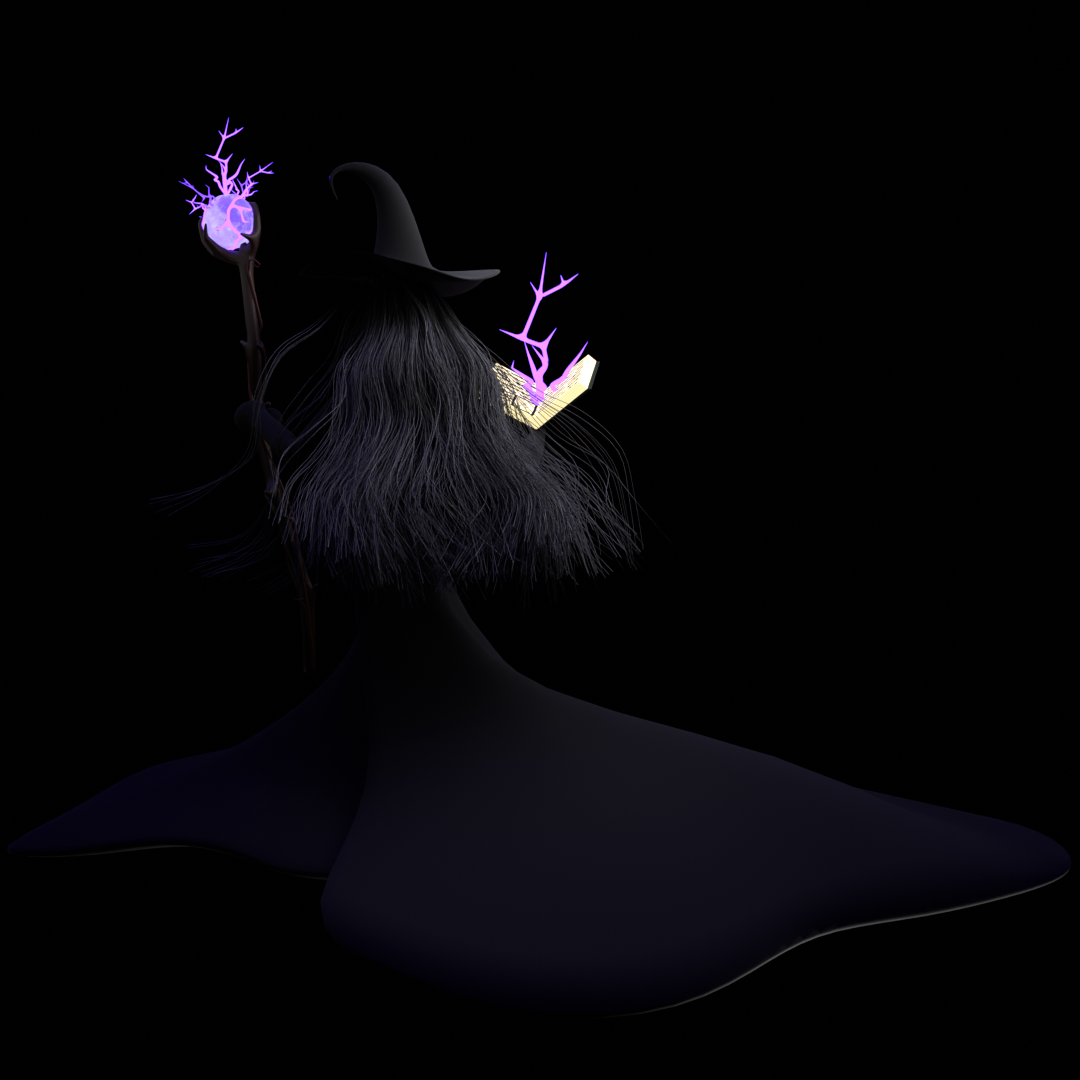
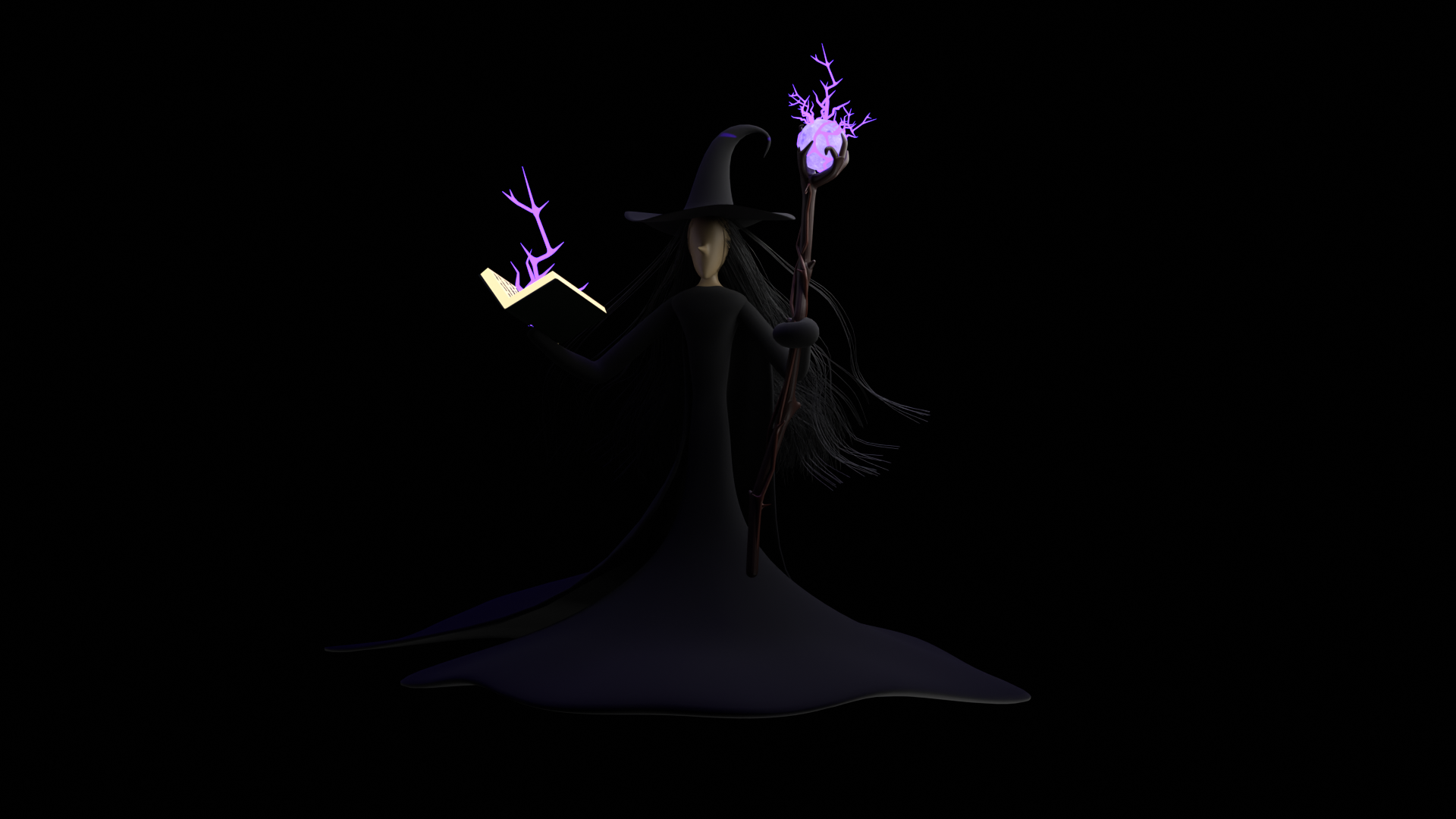
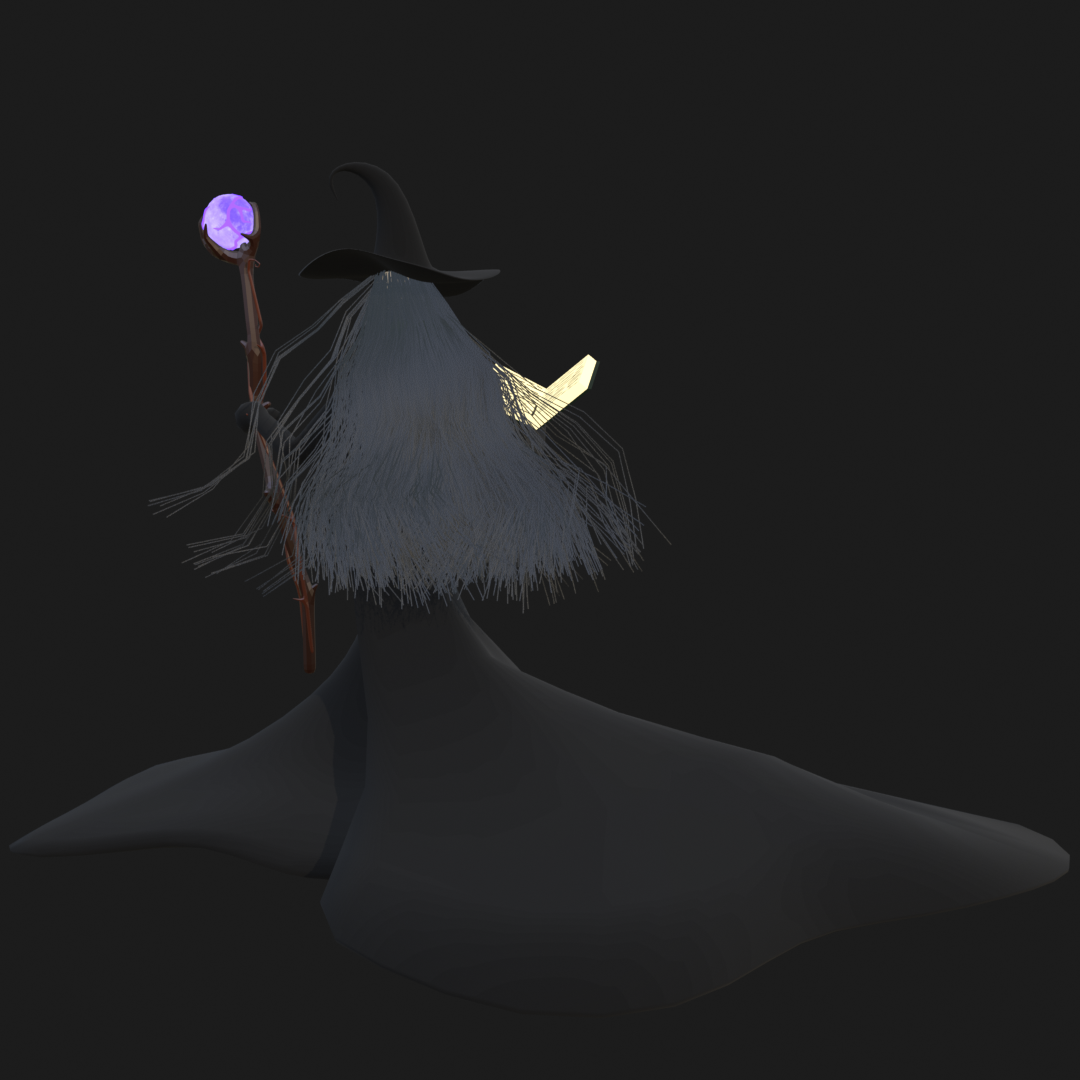
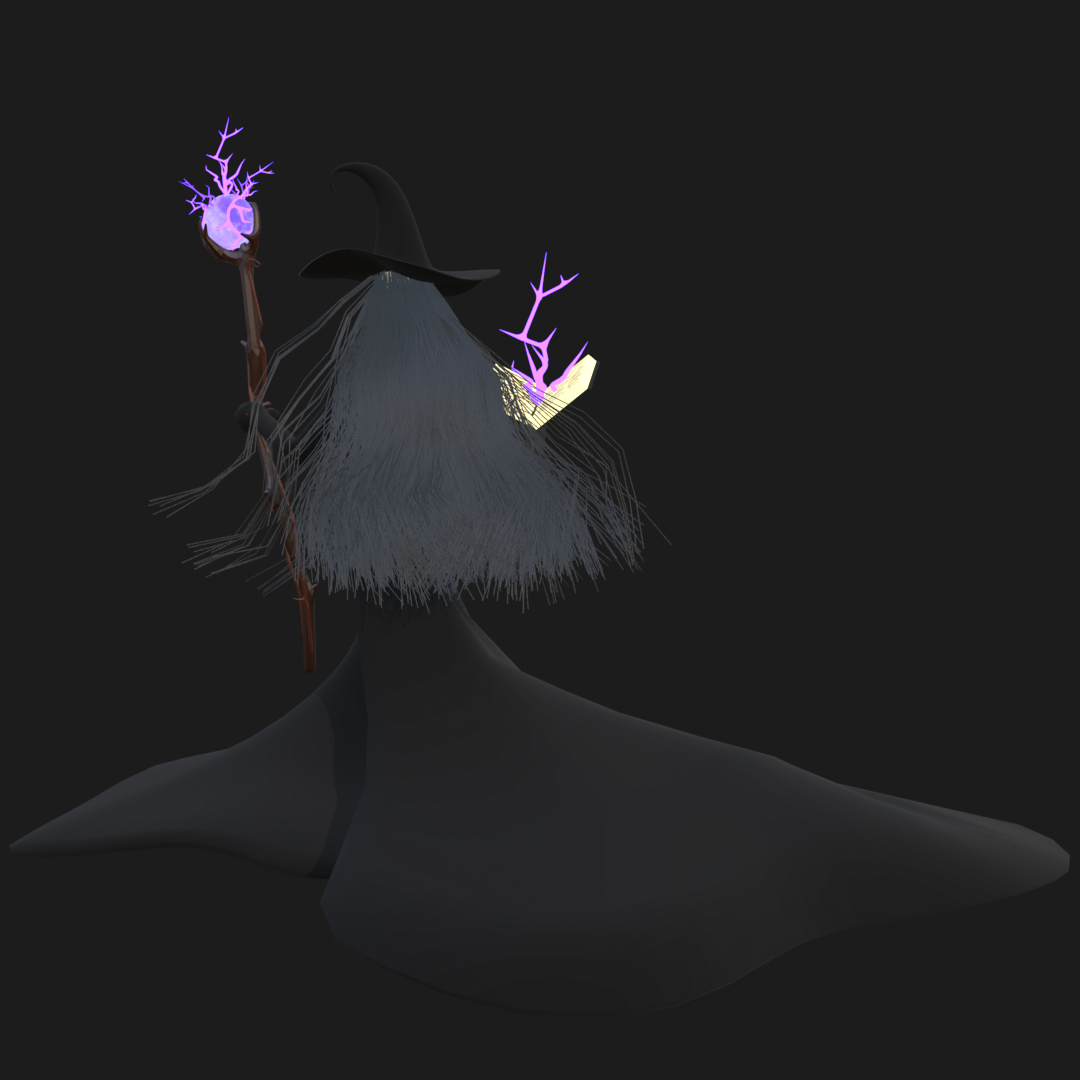
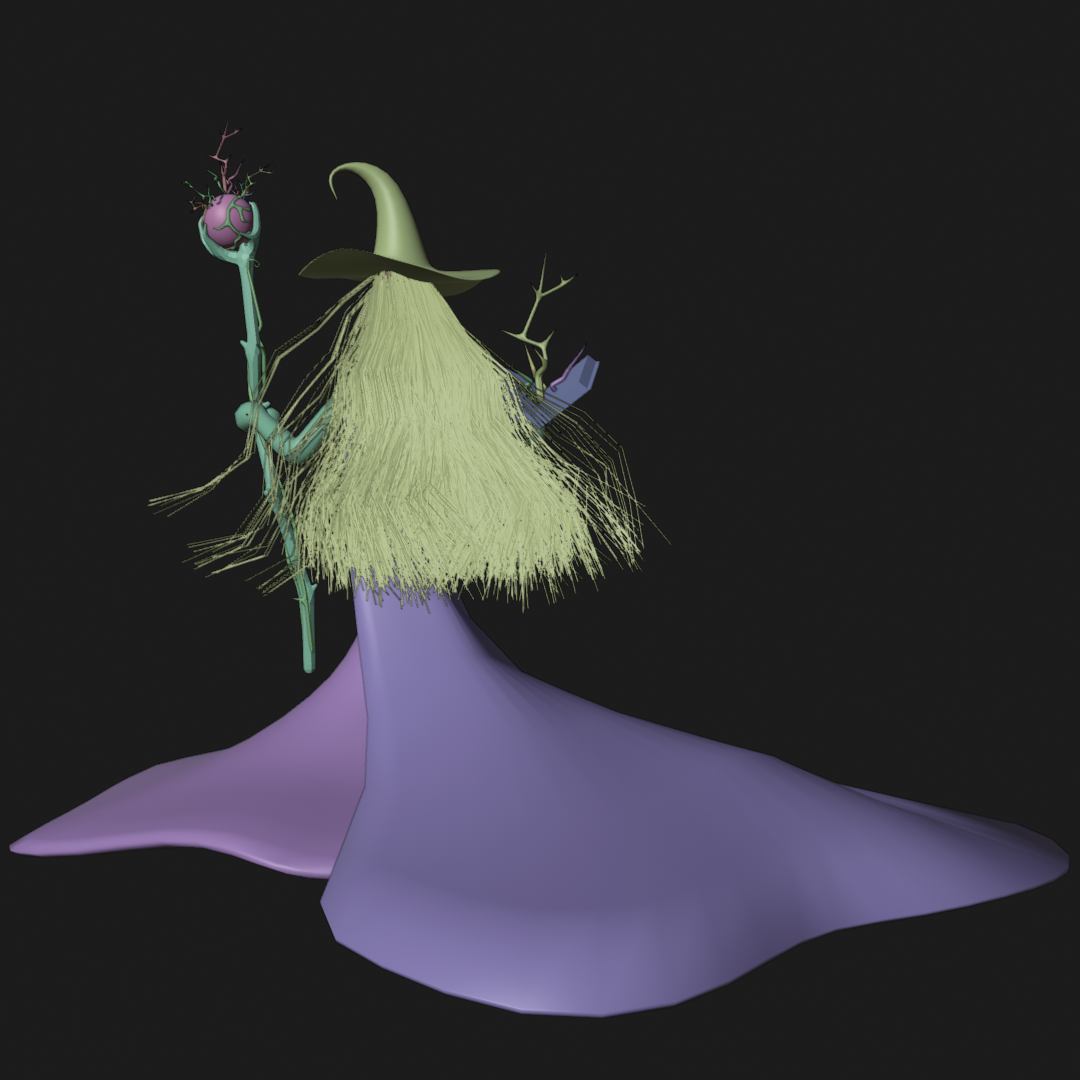
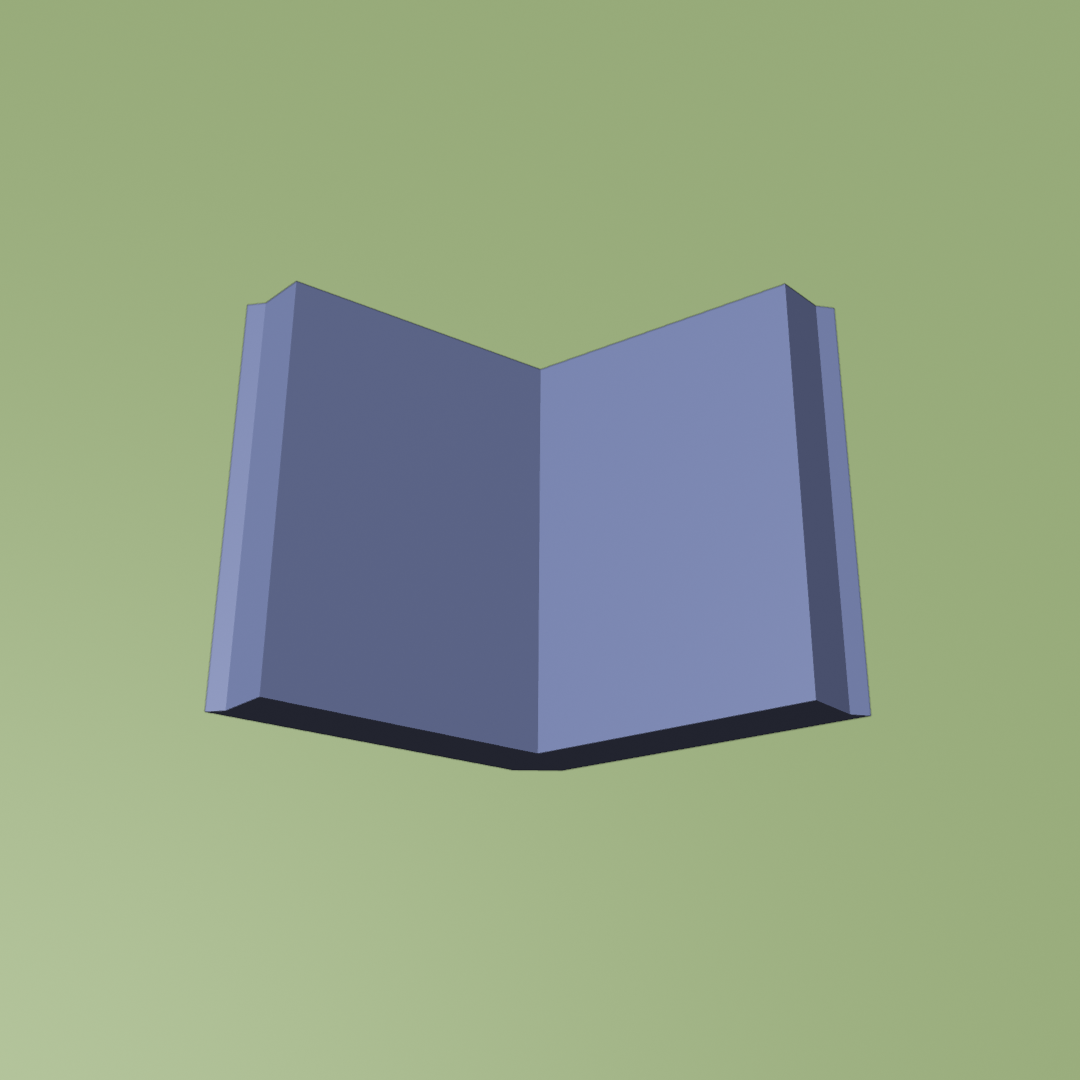
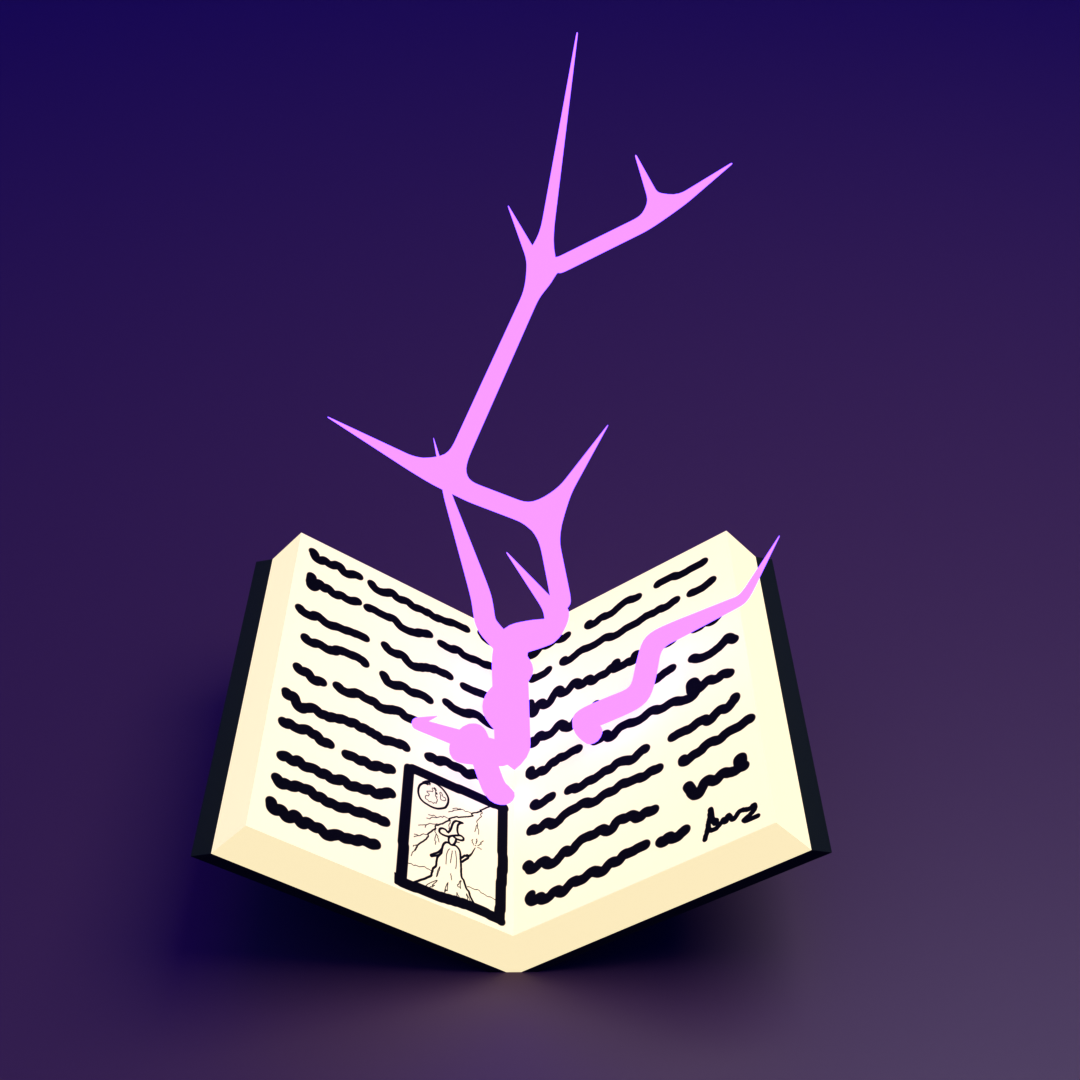
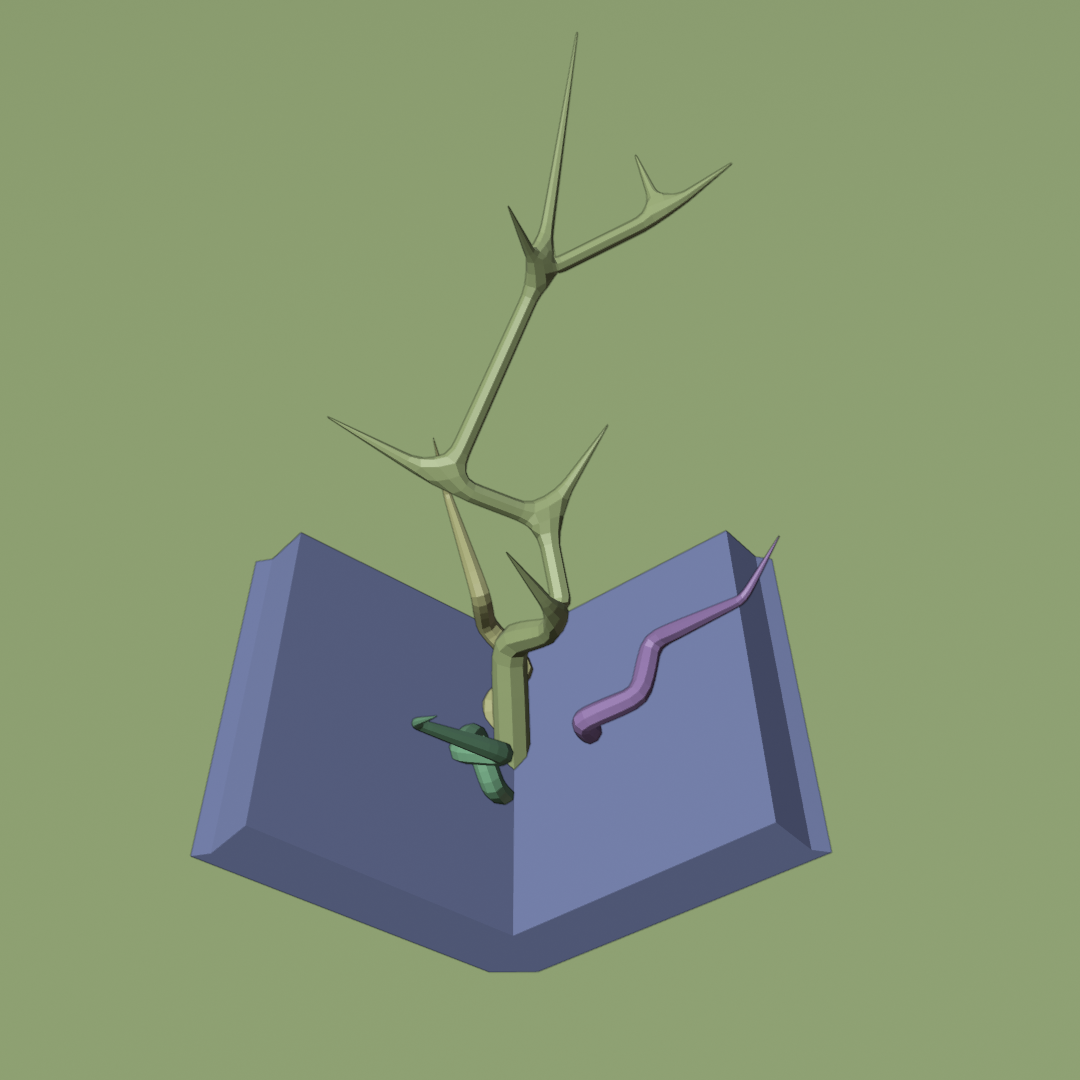
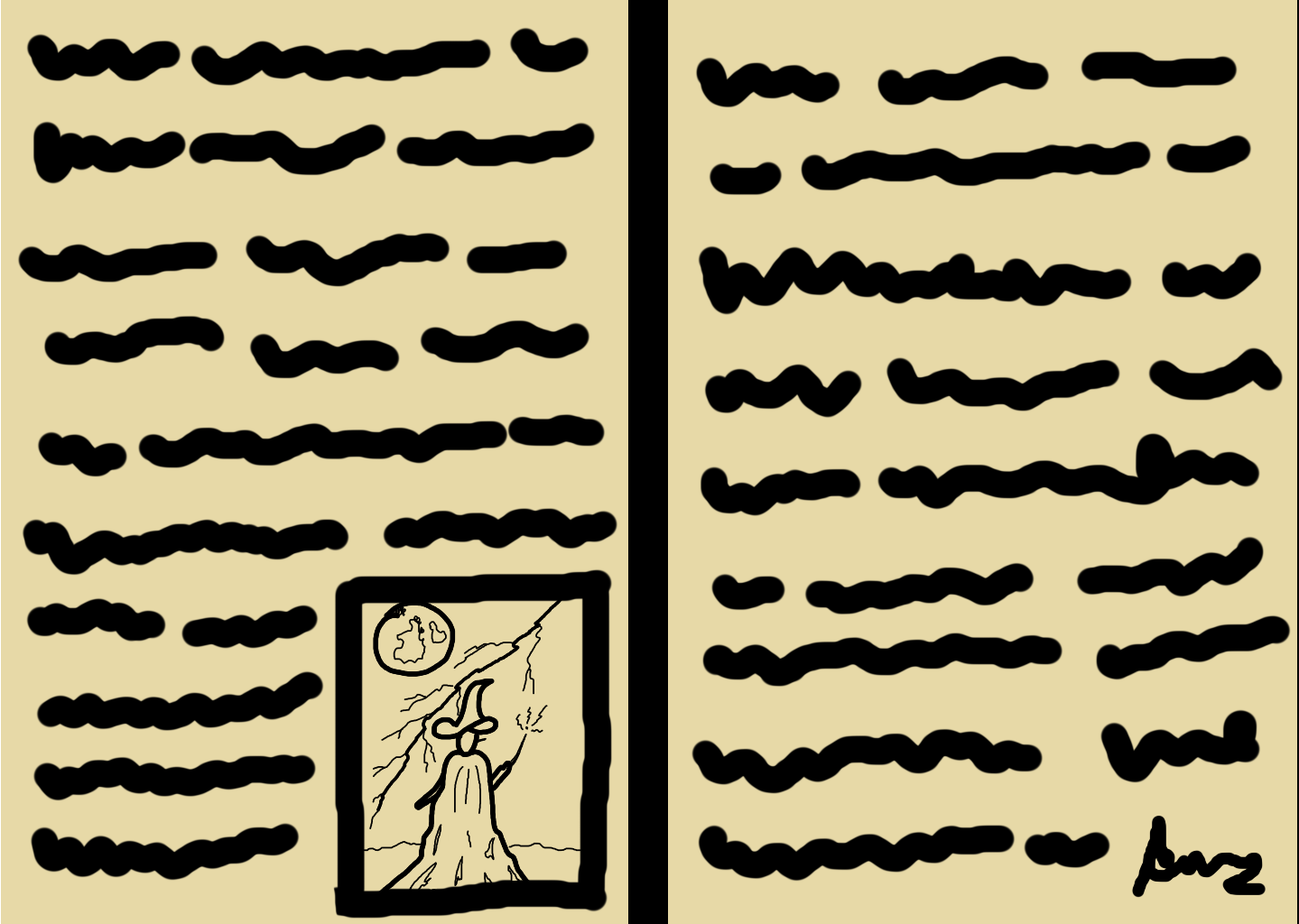
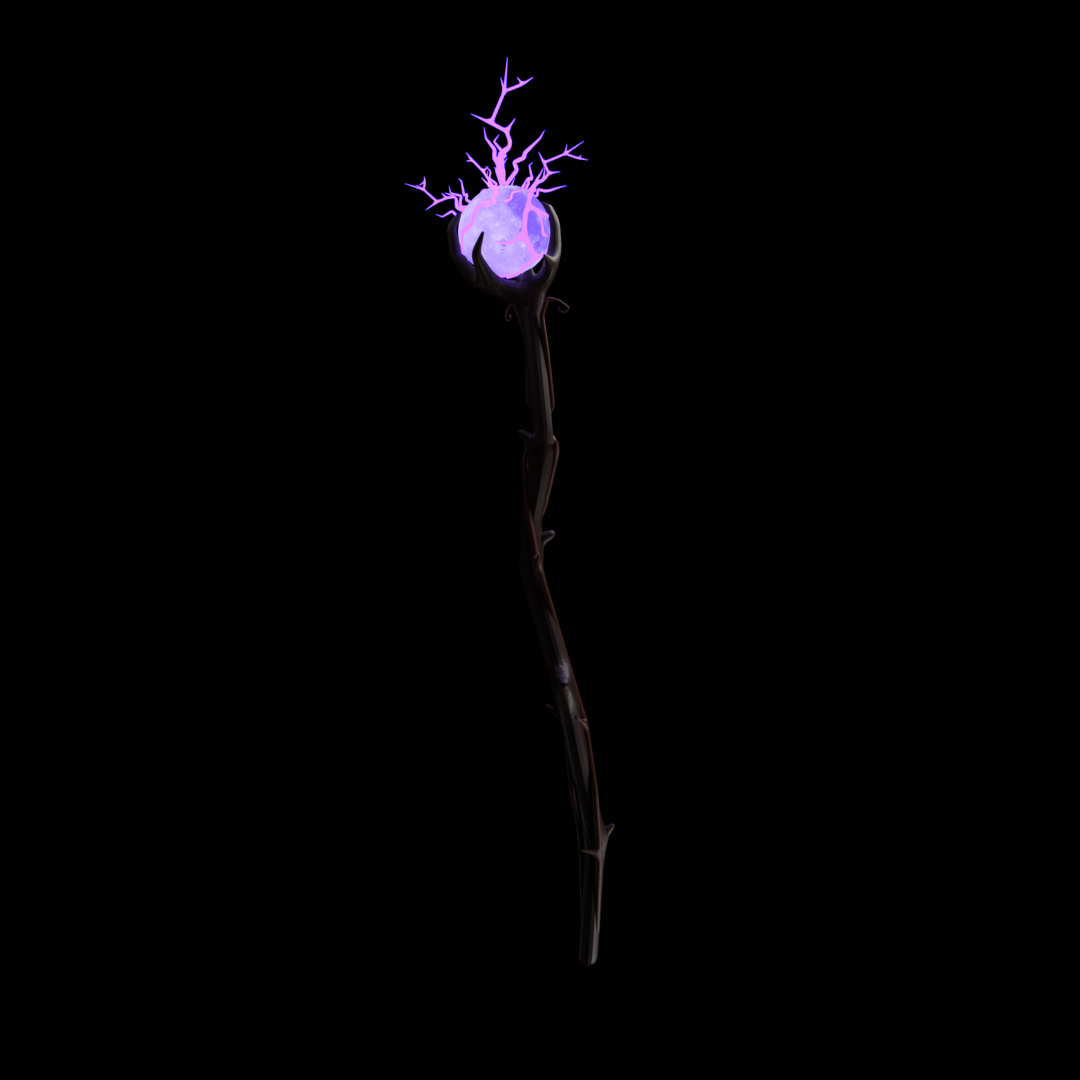
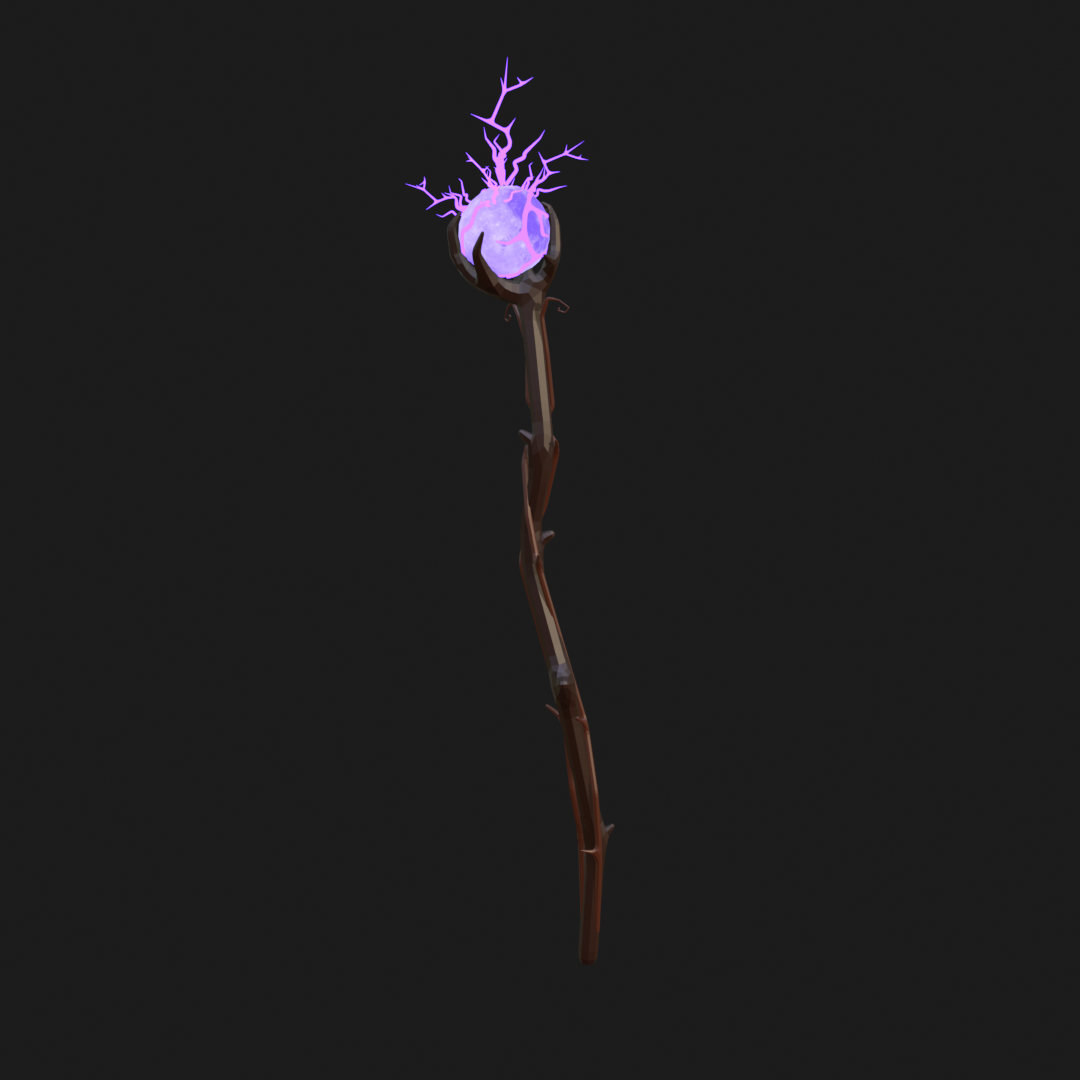
The witch was modelled with simple shapes, but I added details to her staff and book — including paper that isn’t visible in the final video but adds to the environment for me.

Book

Staff

Castle:
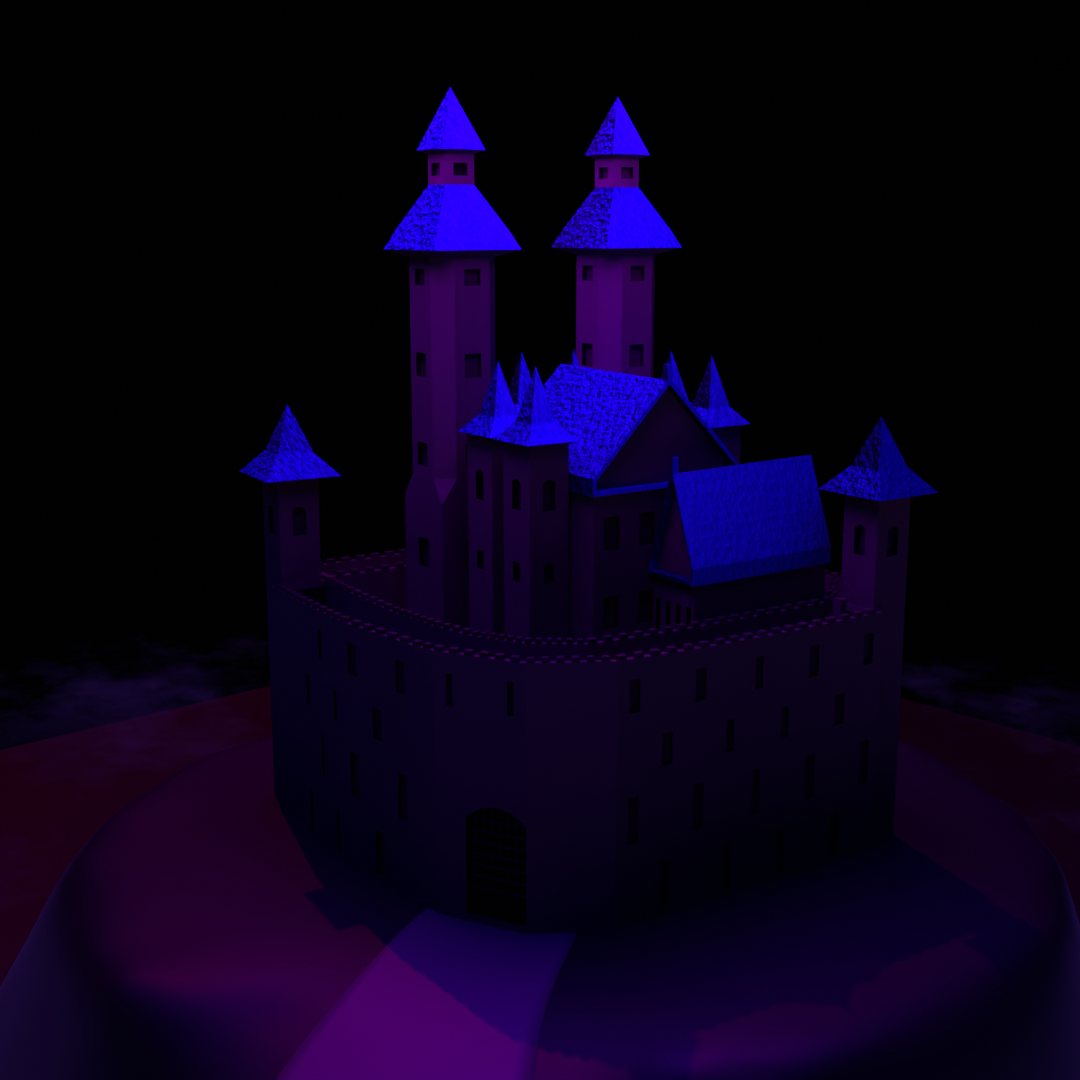
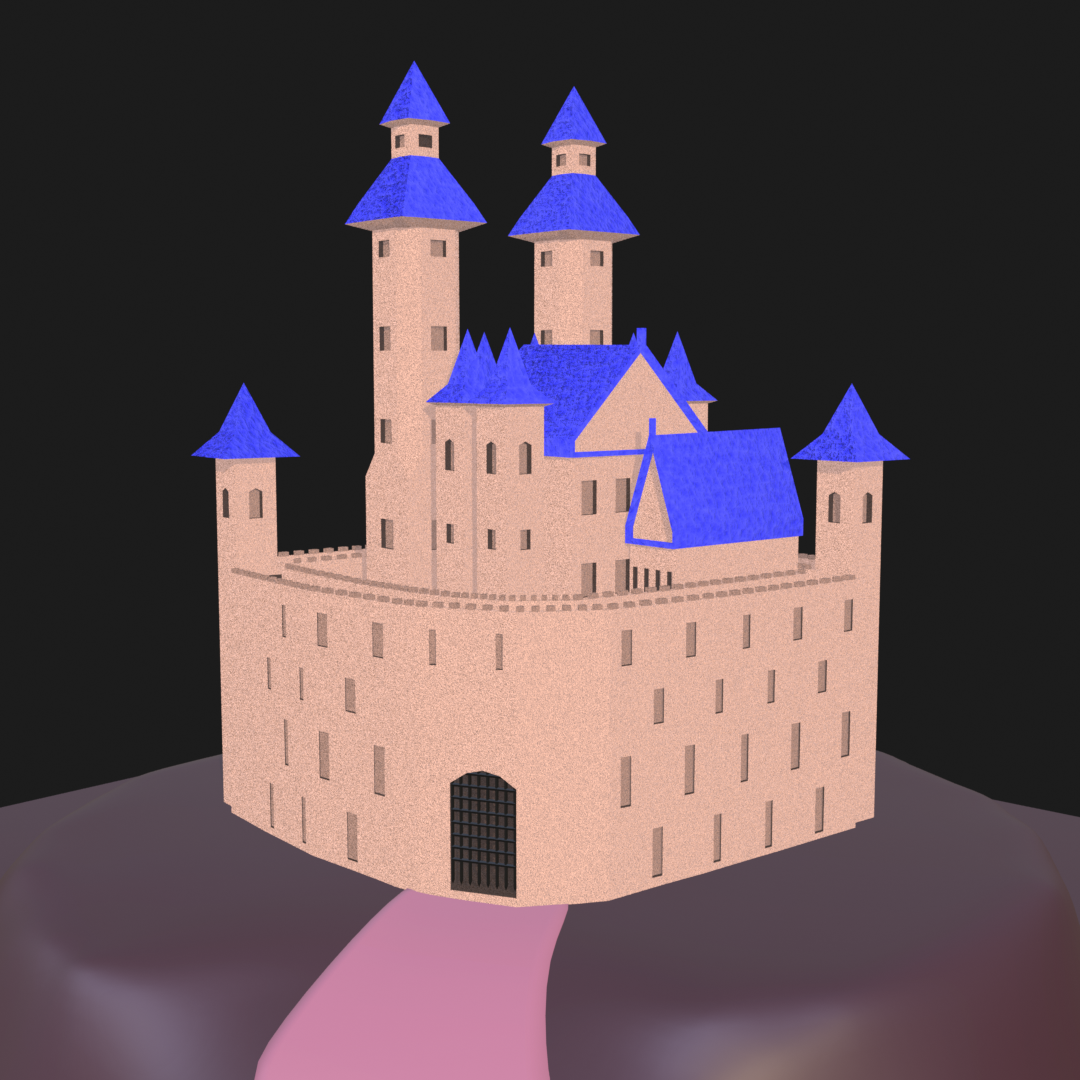
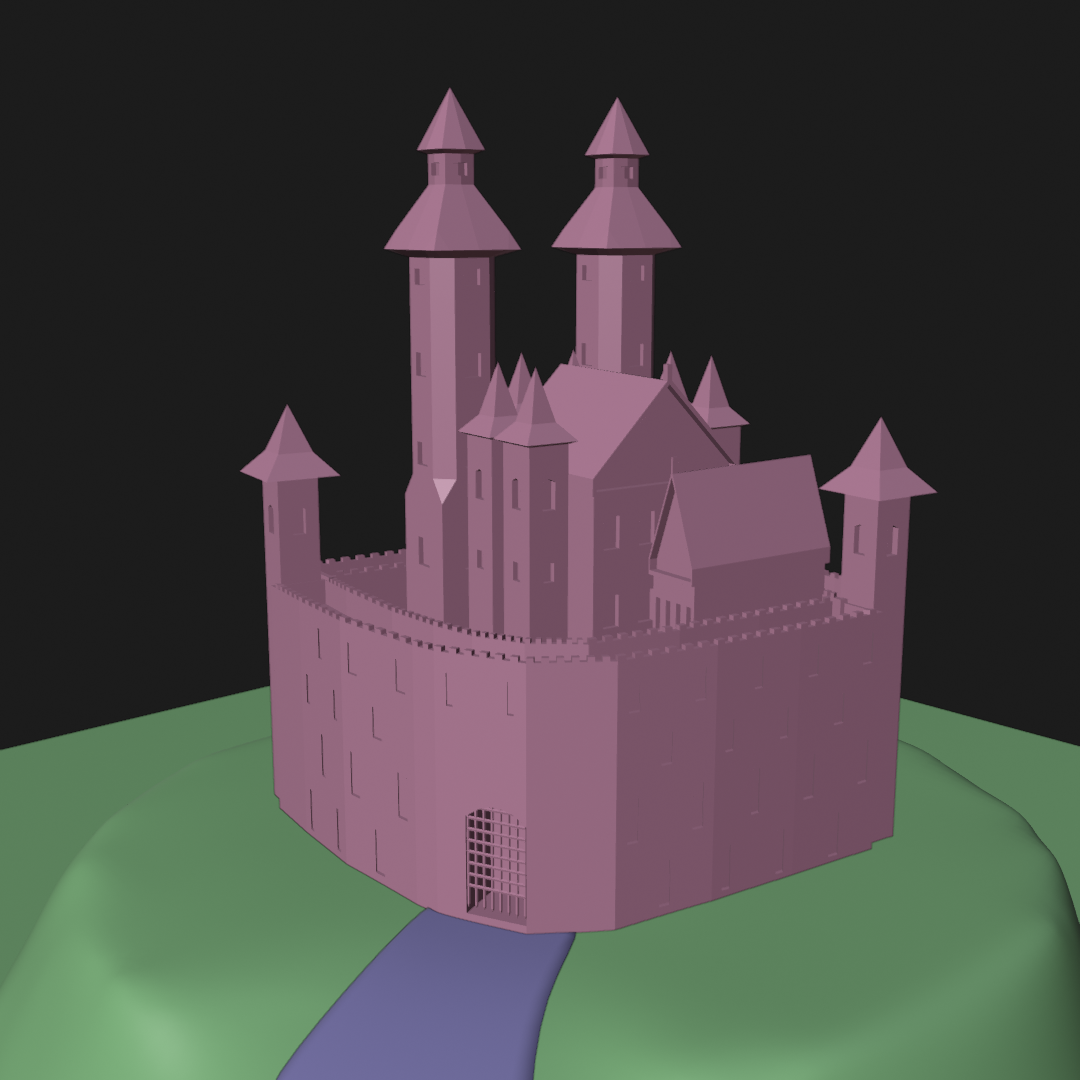
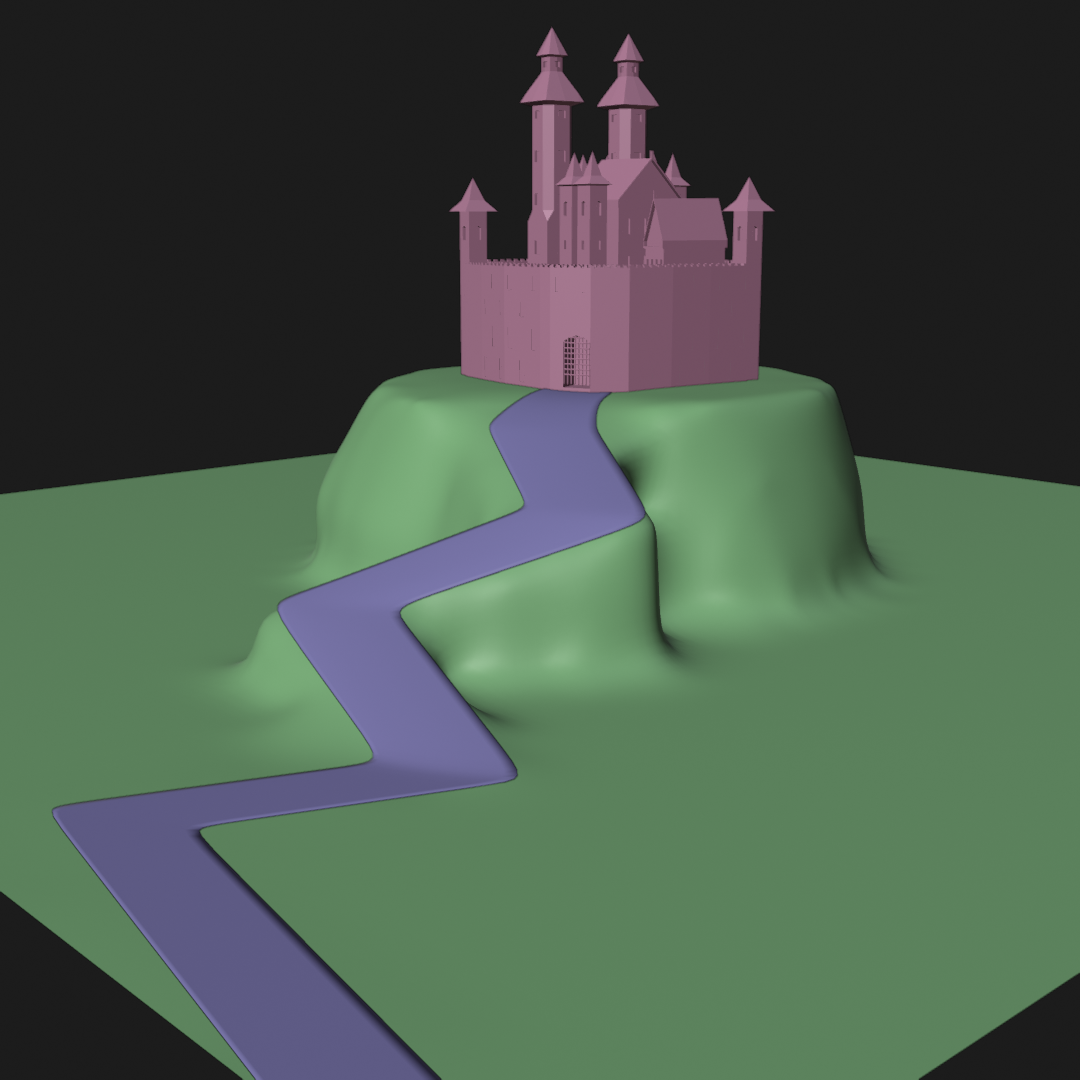
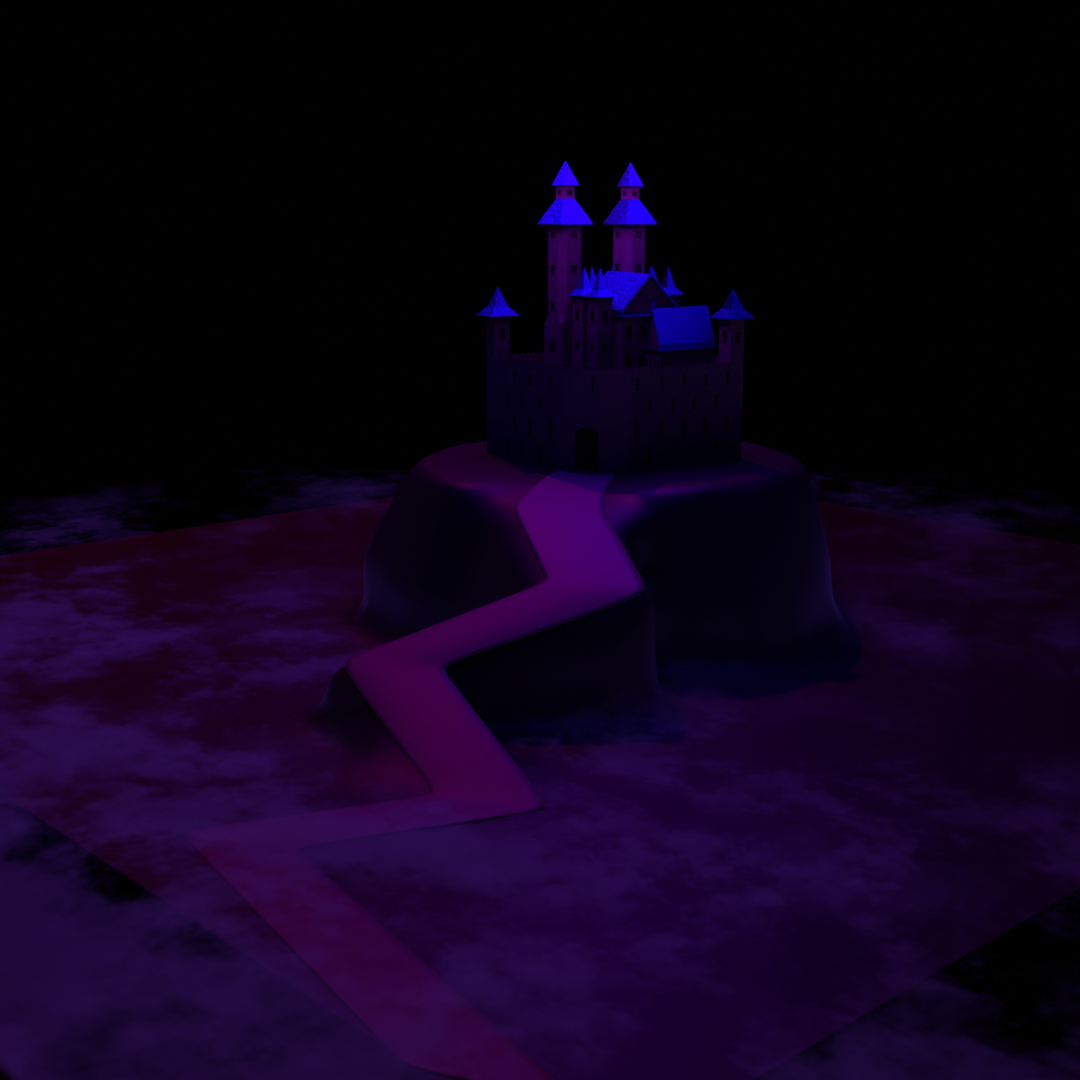
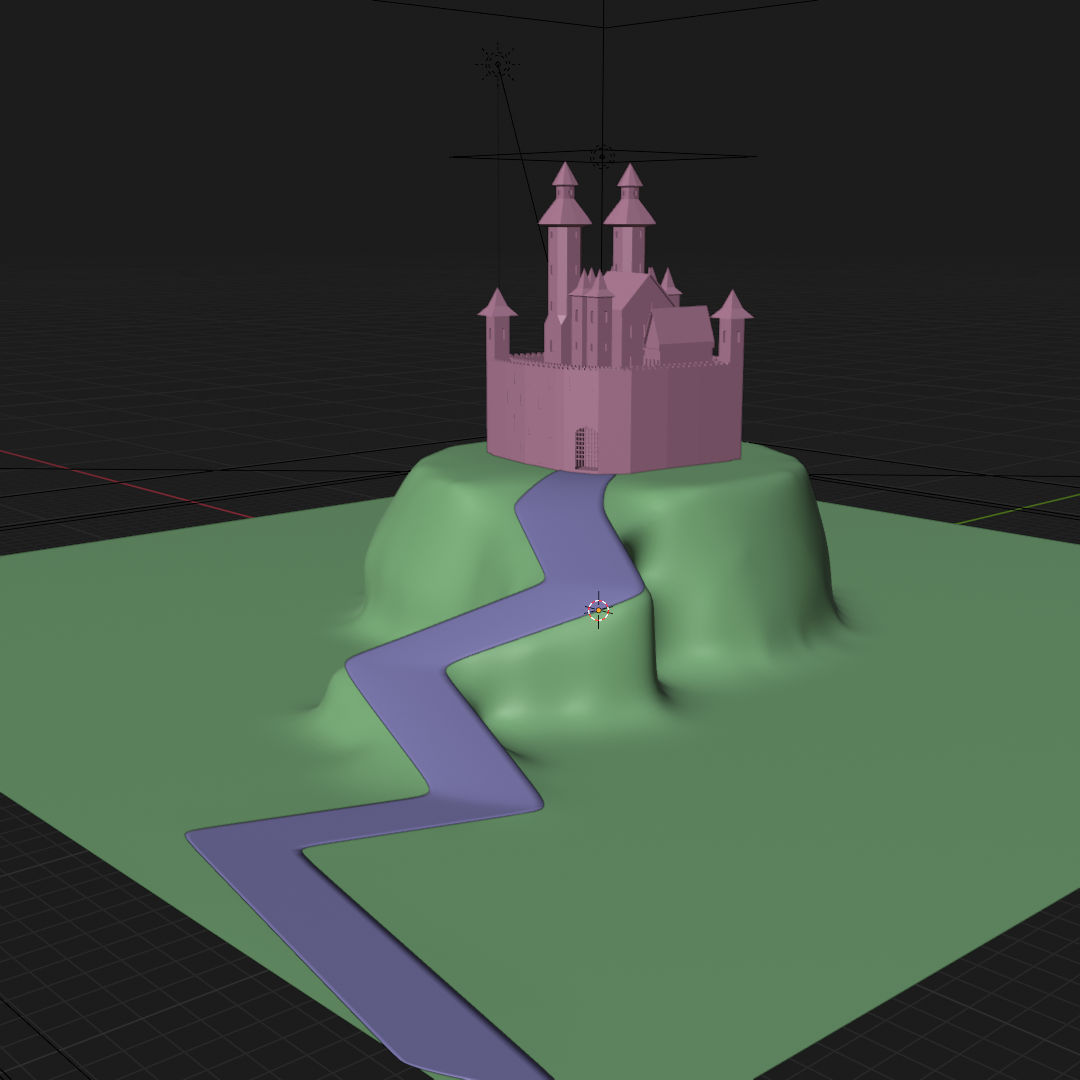
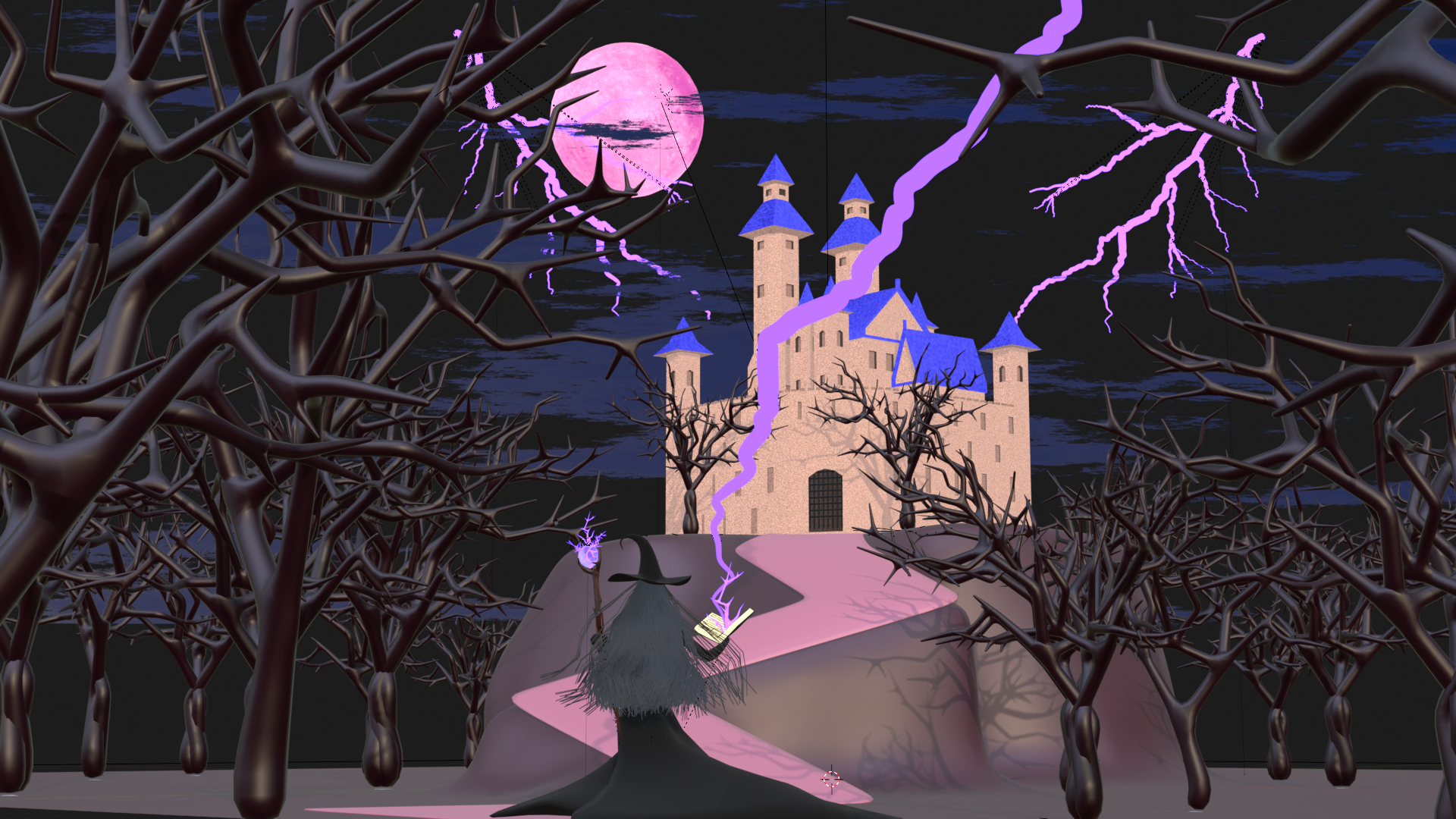
When I first modelled and textured the castle, it looked more like a princess fortress and didn’t match the Shadows theme. By adjusting lighting, I transformed its appearance into something grimy.
Ground & Fog:
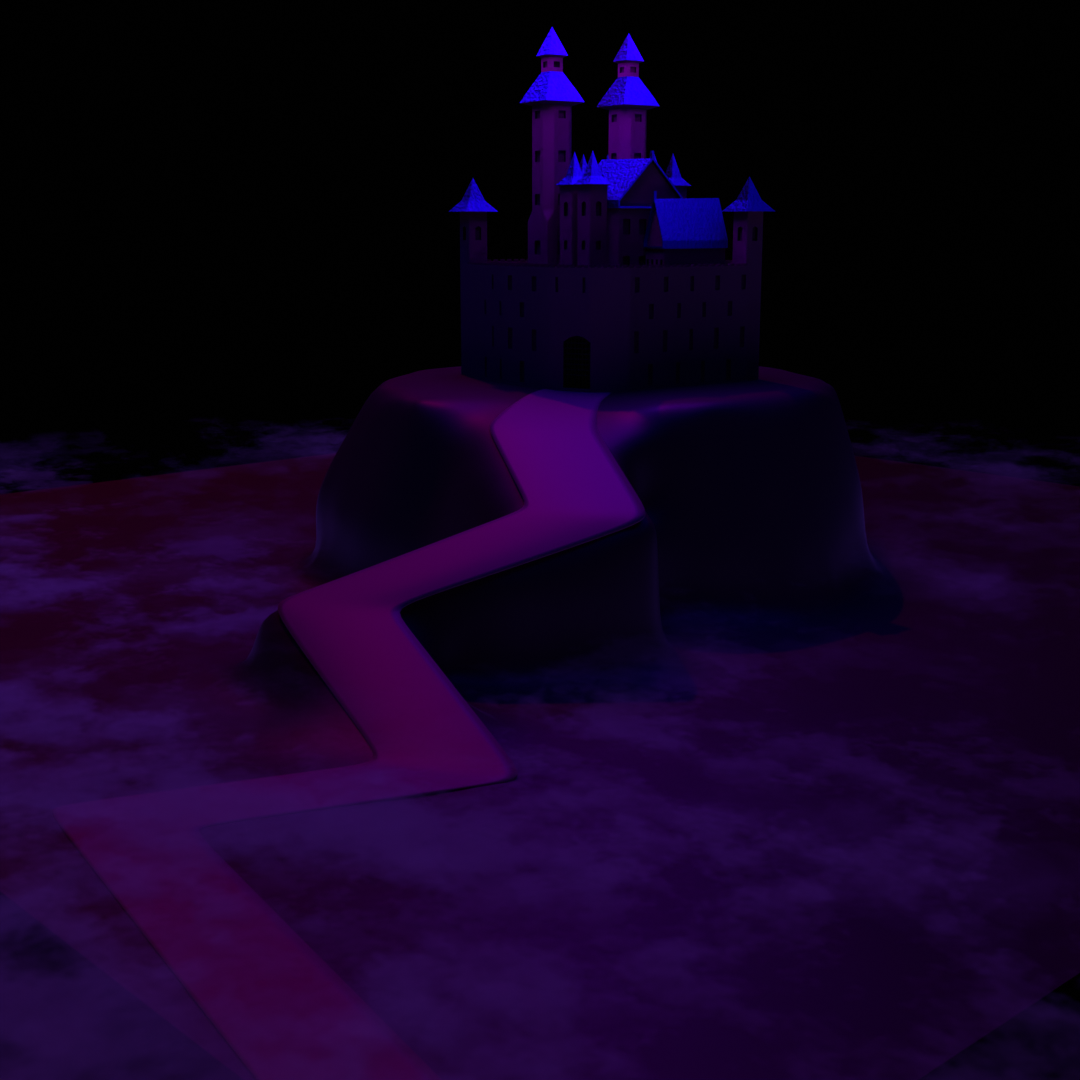
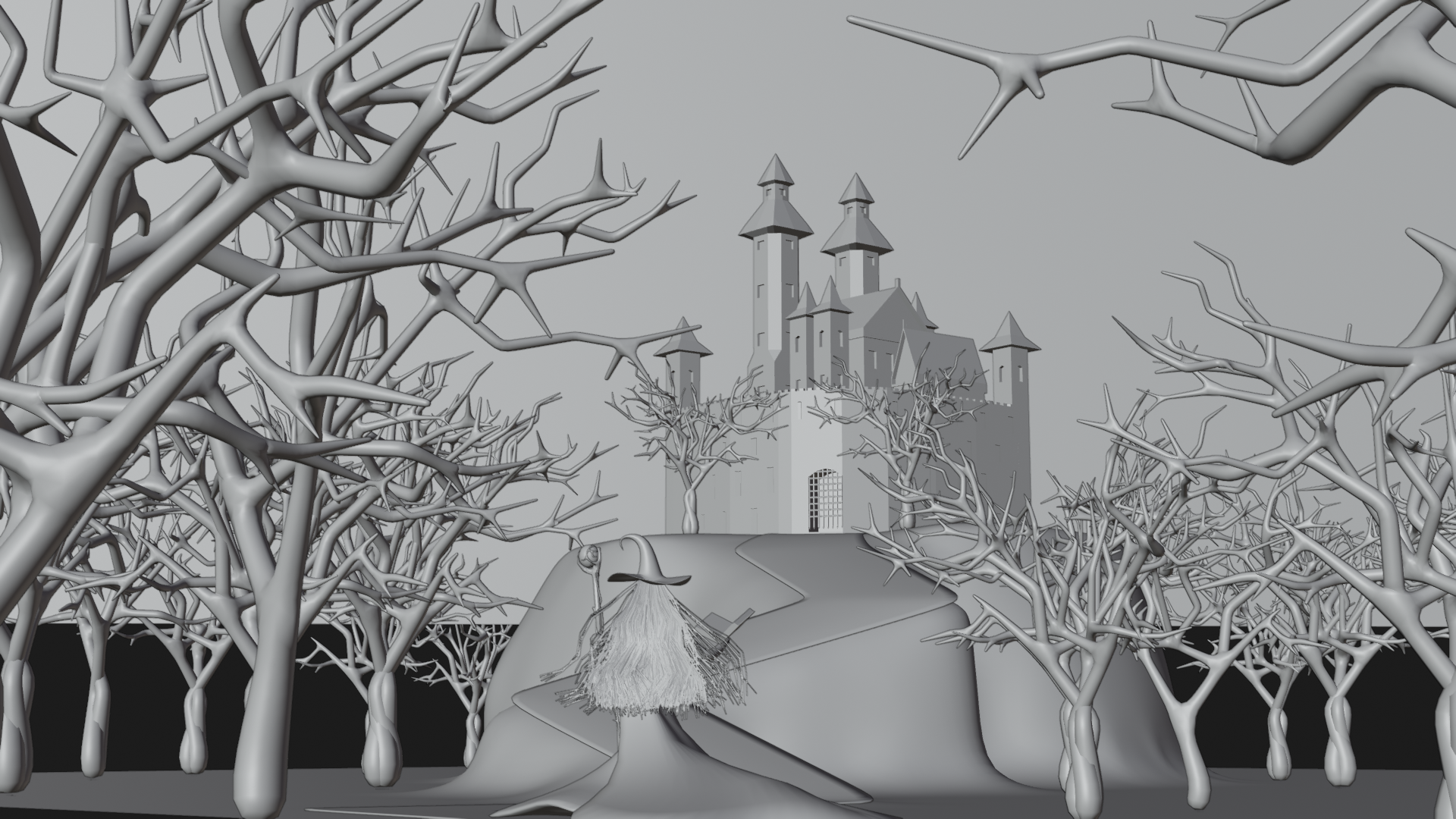
The ground was simply modelled and sculpted with dark materials. The ground fog was created with a shader and animated for subtle movement, adding life to the environment.
Moon:
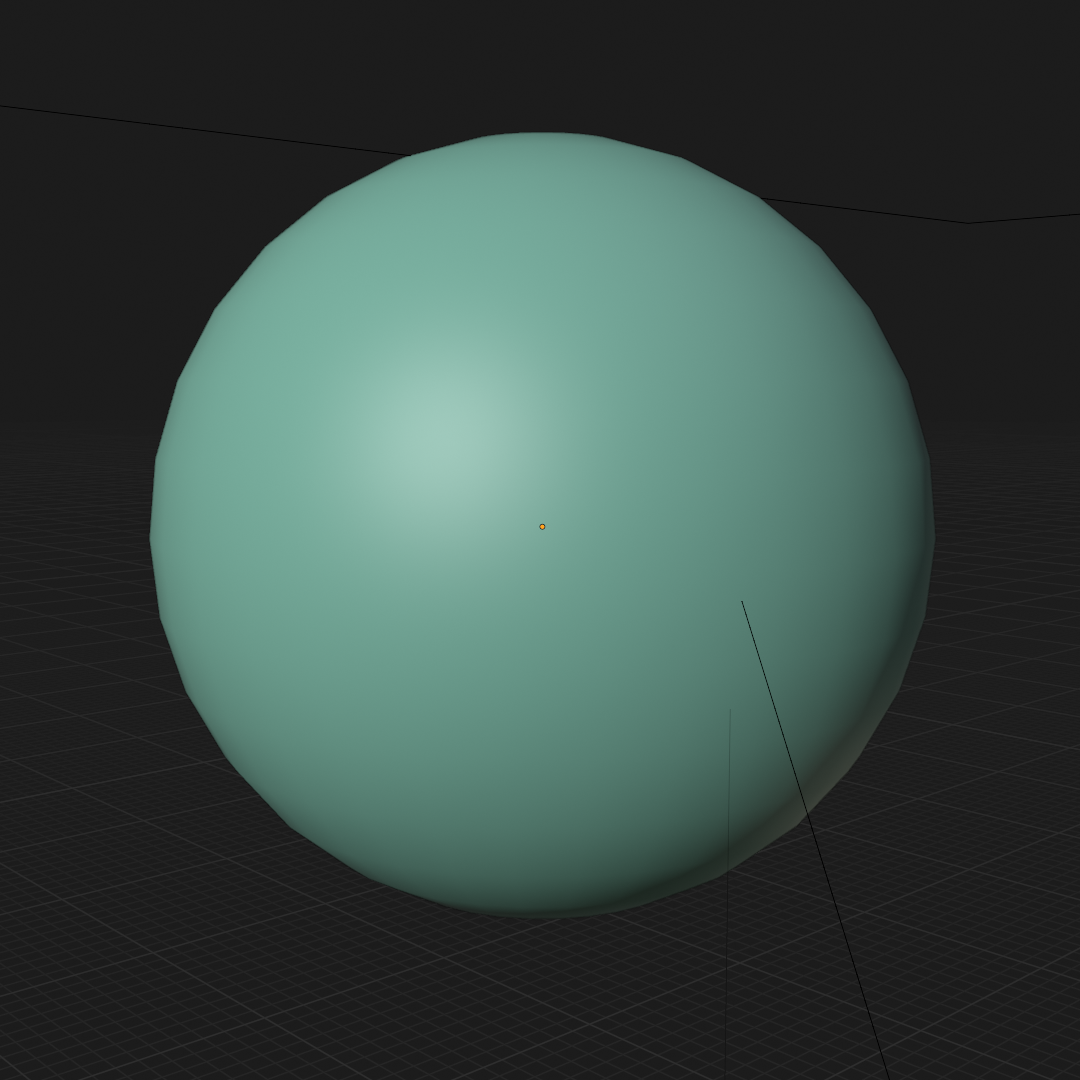
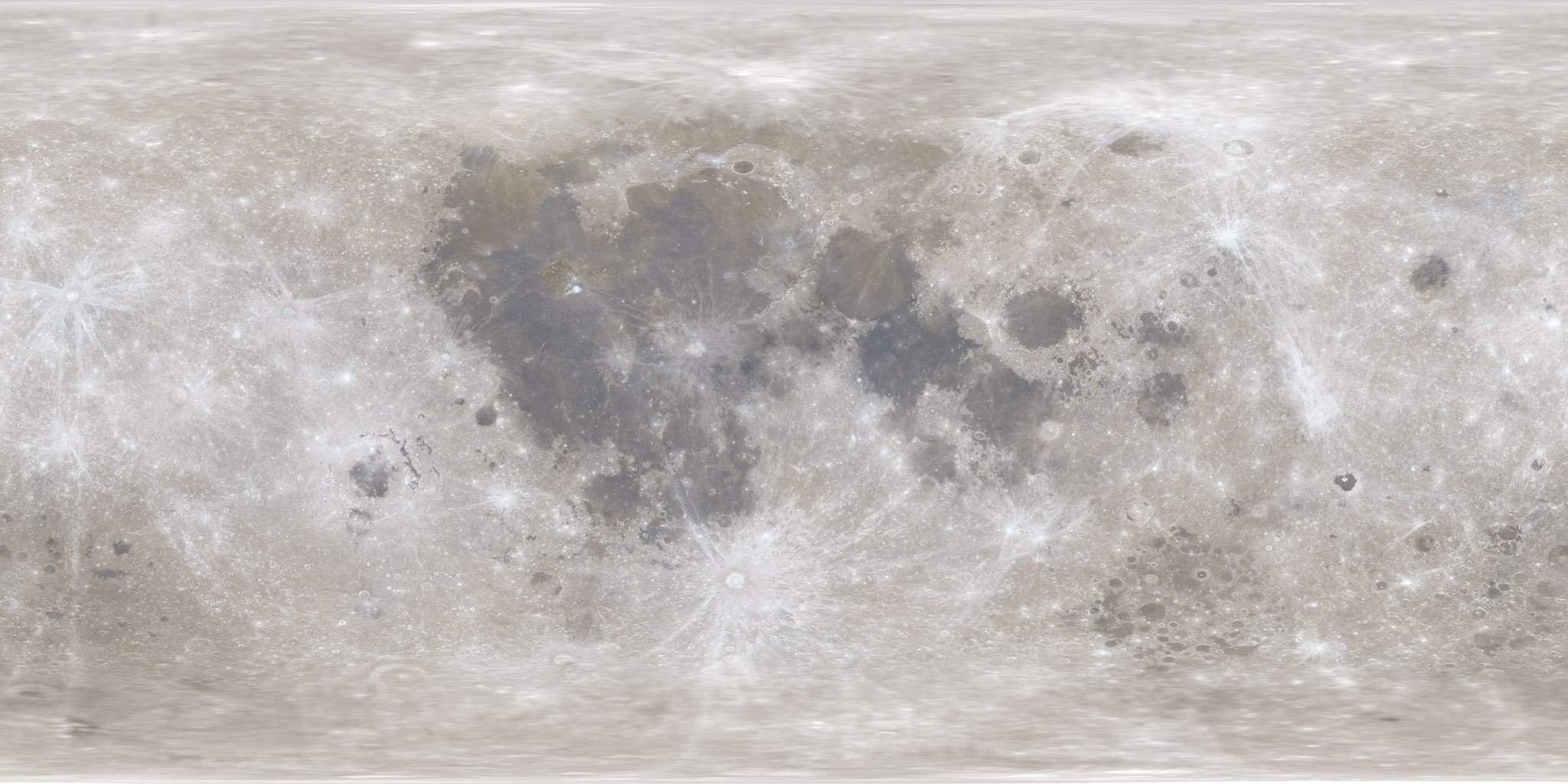
For the moon, I used a NASA moon map to achieve realistic surface detail. Then added emission and a light source to make it glow.
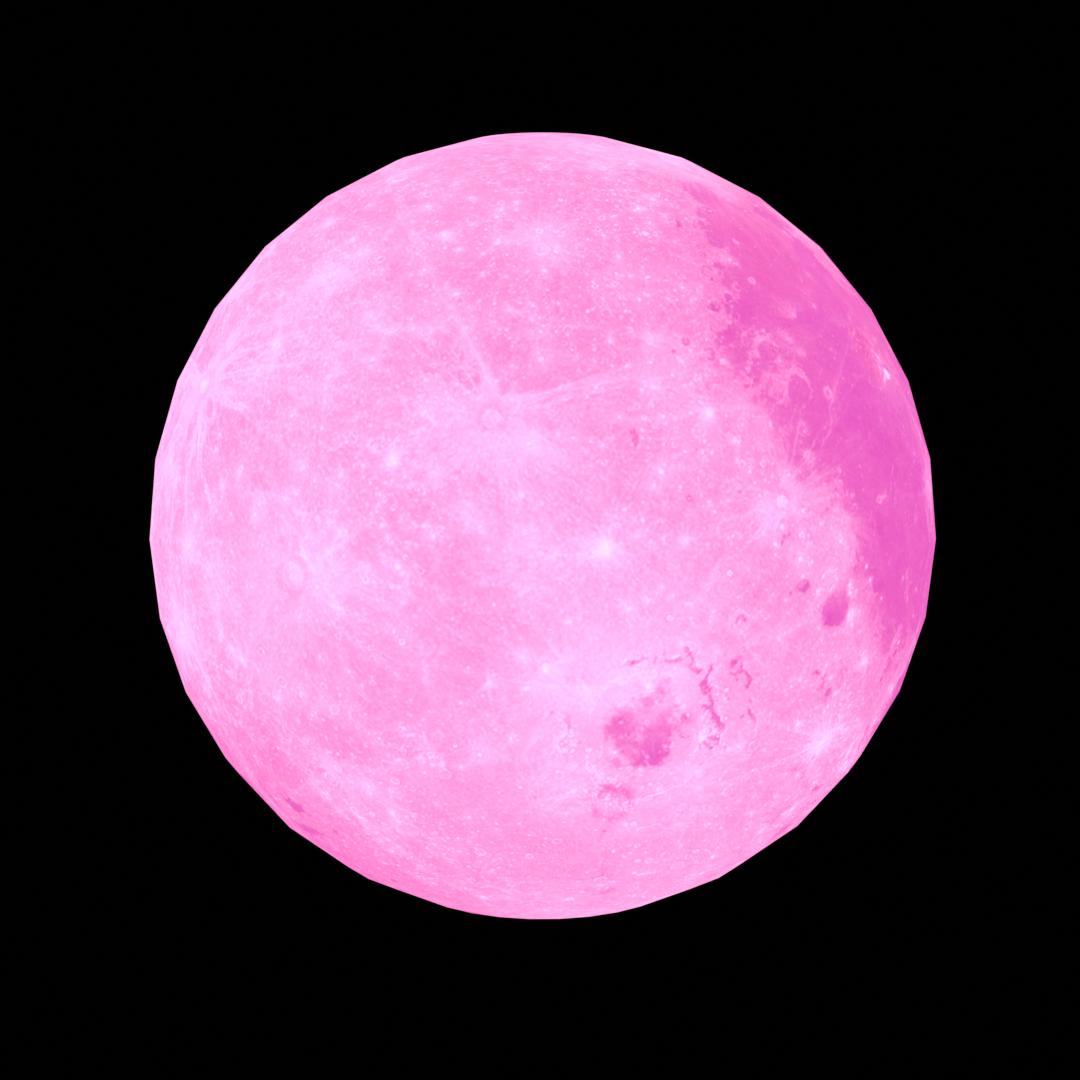
Moon Texture.
Clouds:
- Behind the moon:* Animated world shader creates swirling atmospheric motion.*
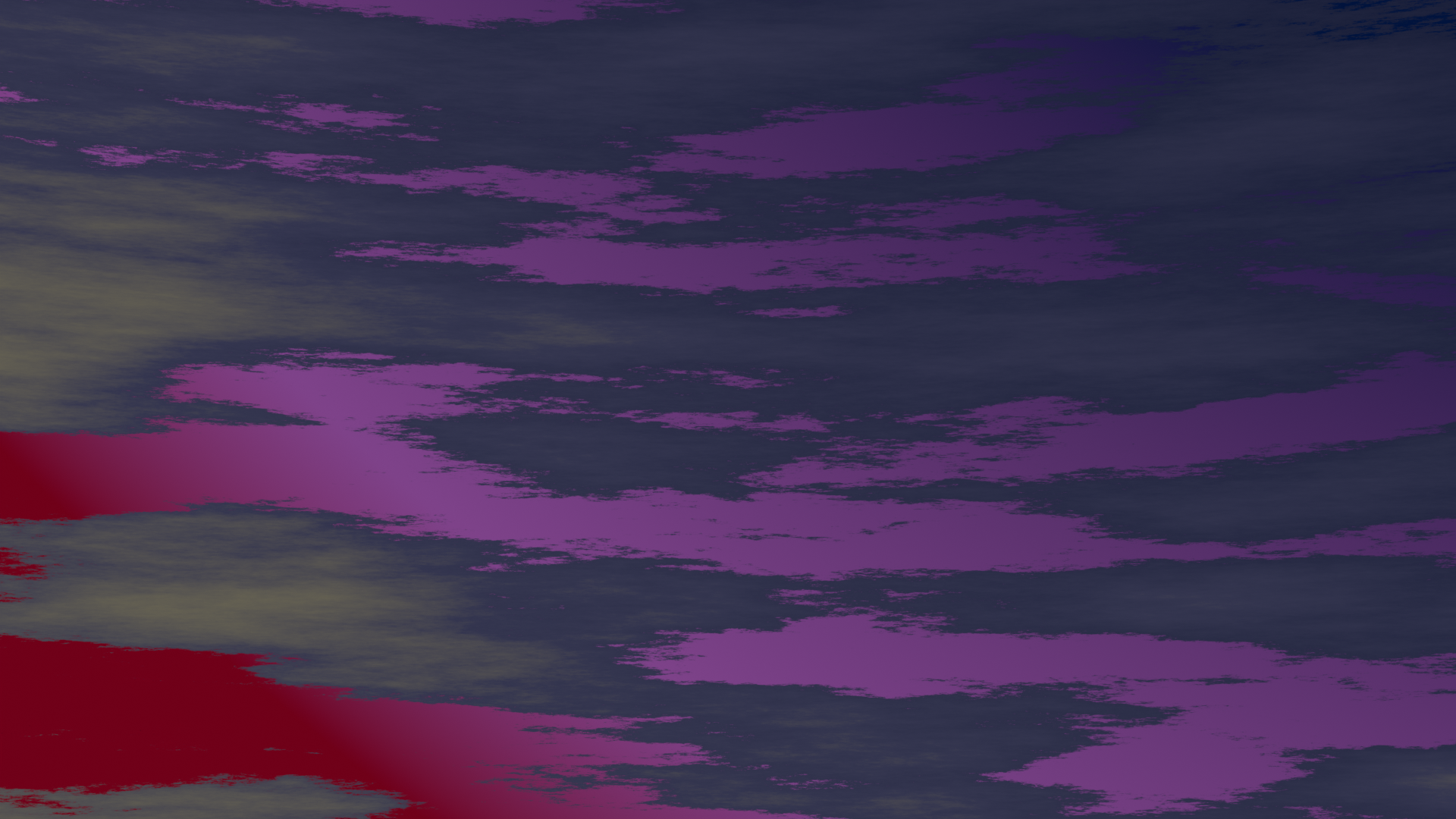
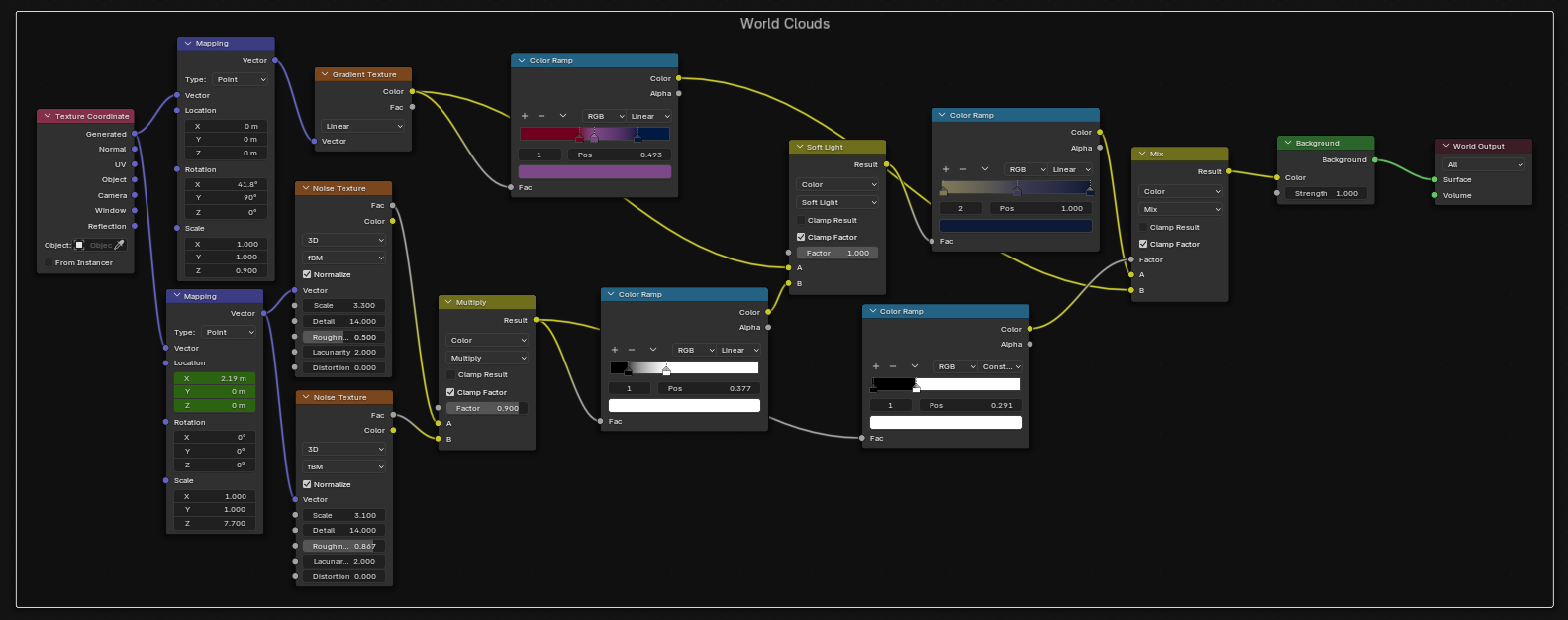
(It was achieved by following this tutorial.)
- In front of the moon: A plane with the same shader but different colors, animated at a slower speed for layered depth.
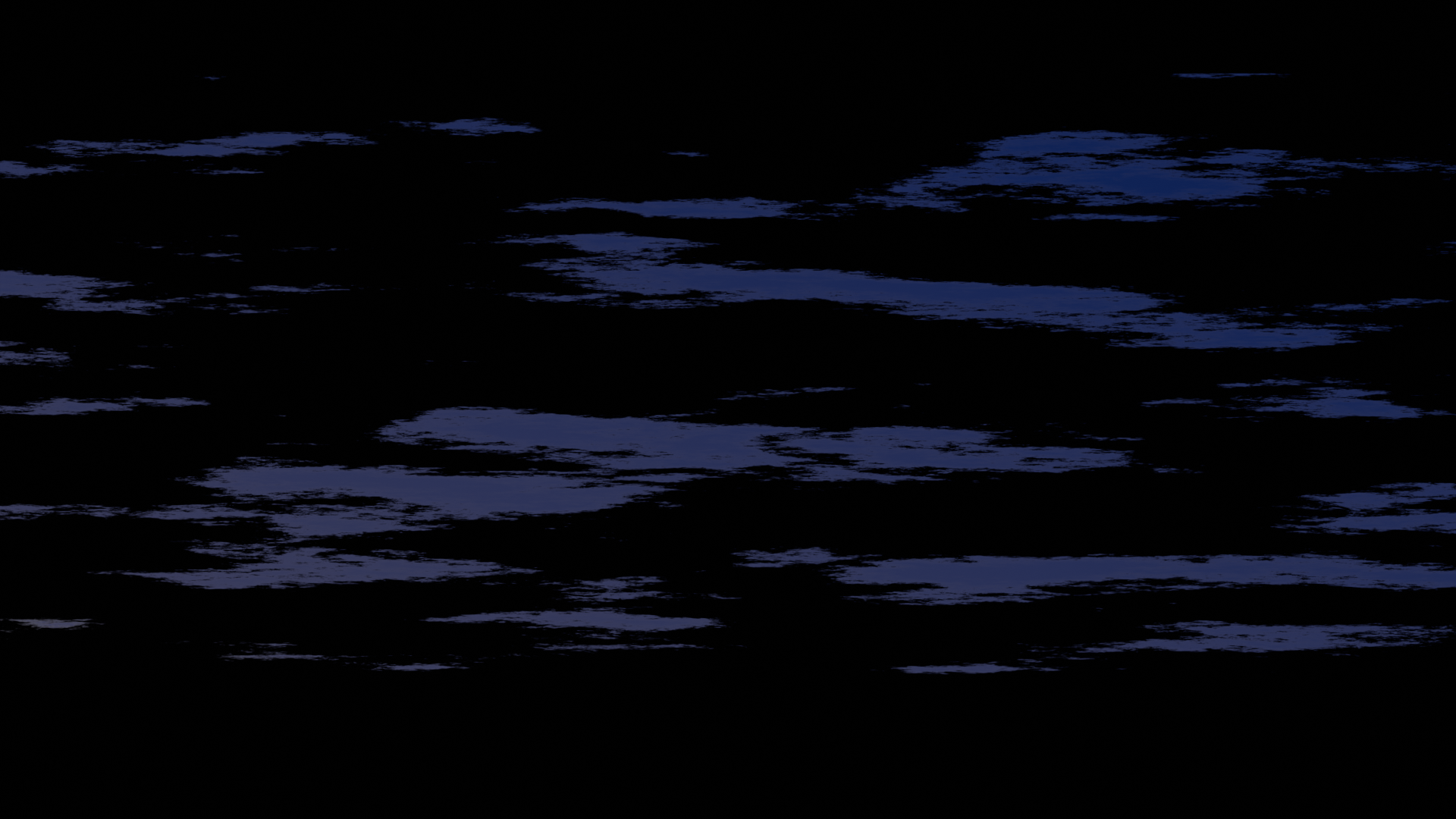
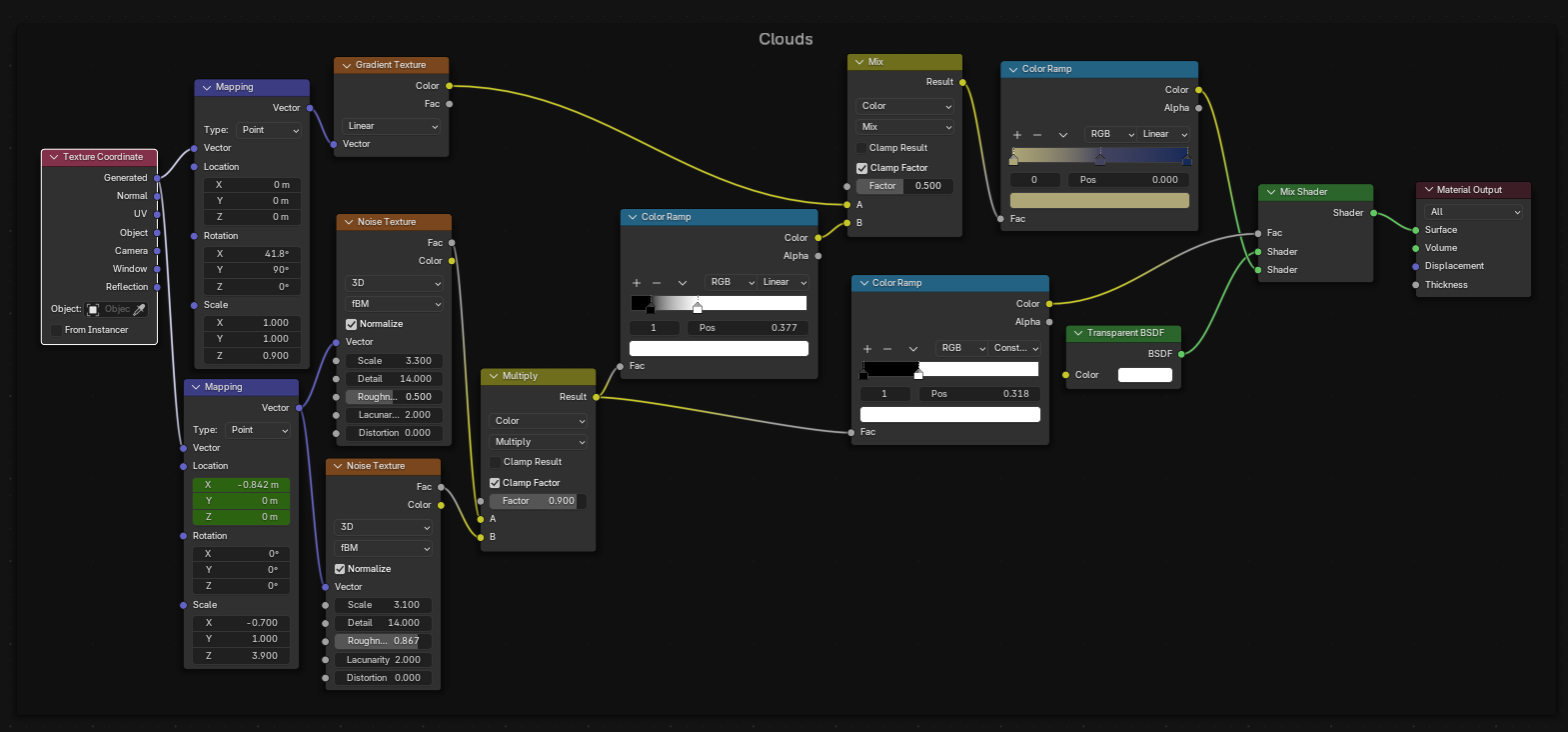
(Then copying the world shader nodes to a plane and by deleted unwanted nodes I achieved the result above)
Lightning Effect:
The lightning is a modelled mesh, animated to strike. It adds extra detail to the camera shot.
- slowed down version
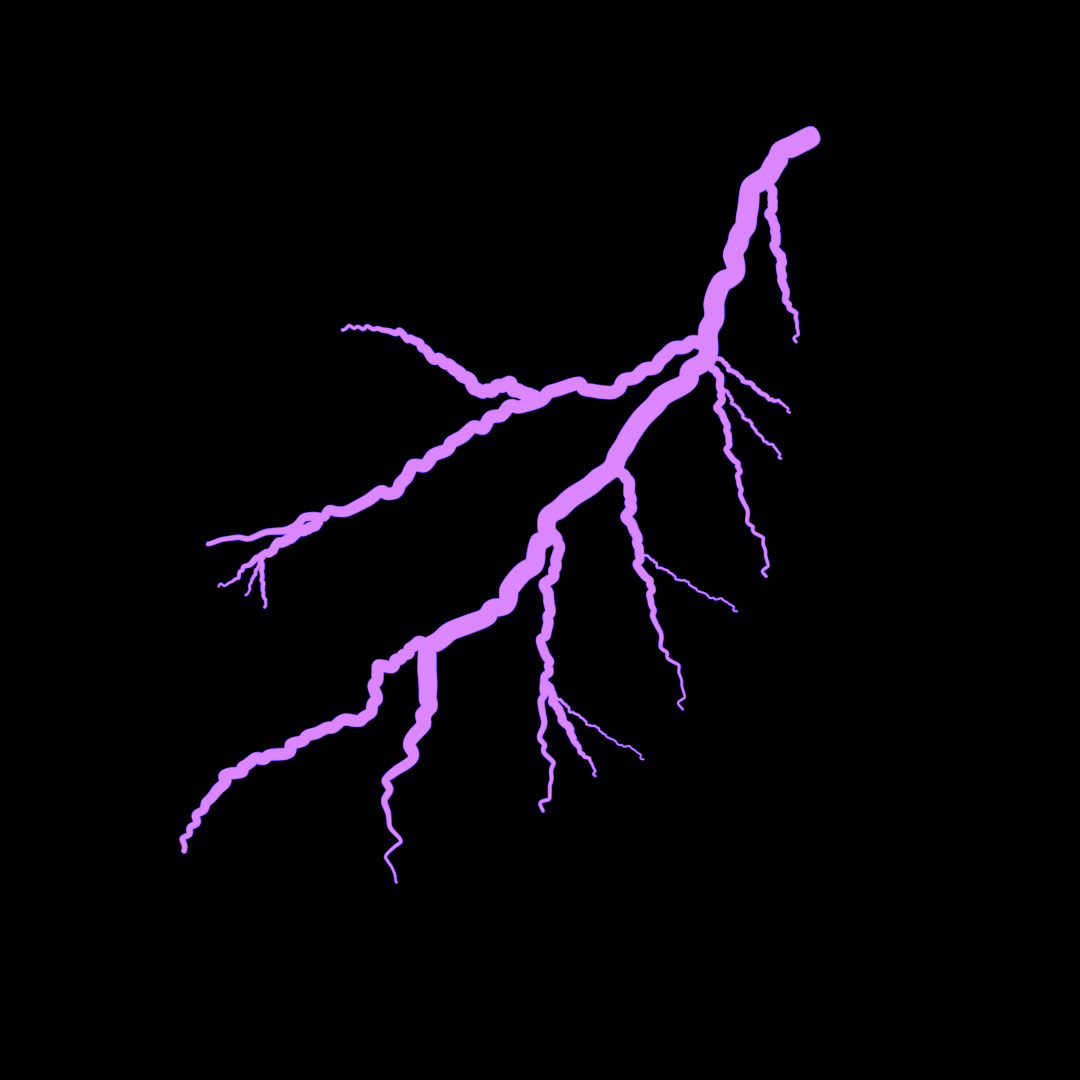
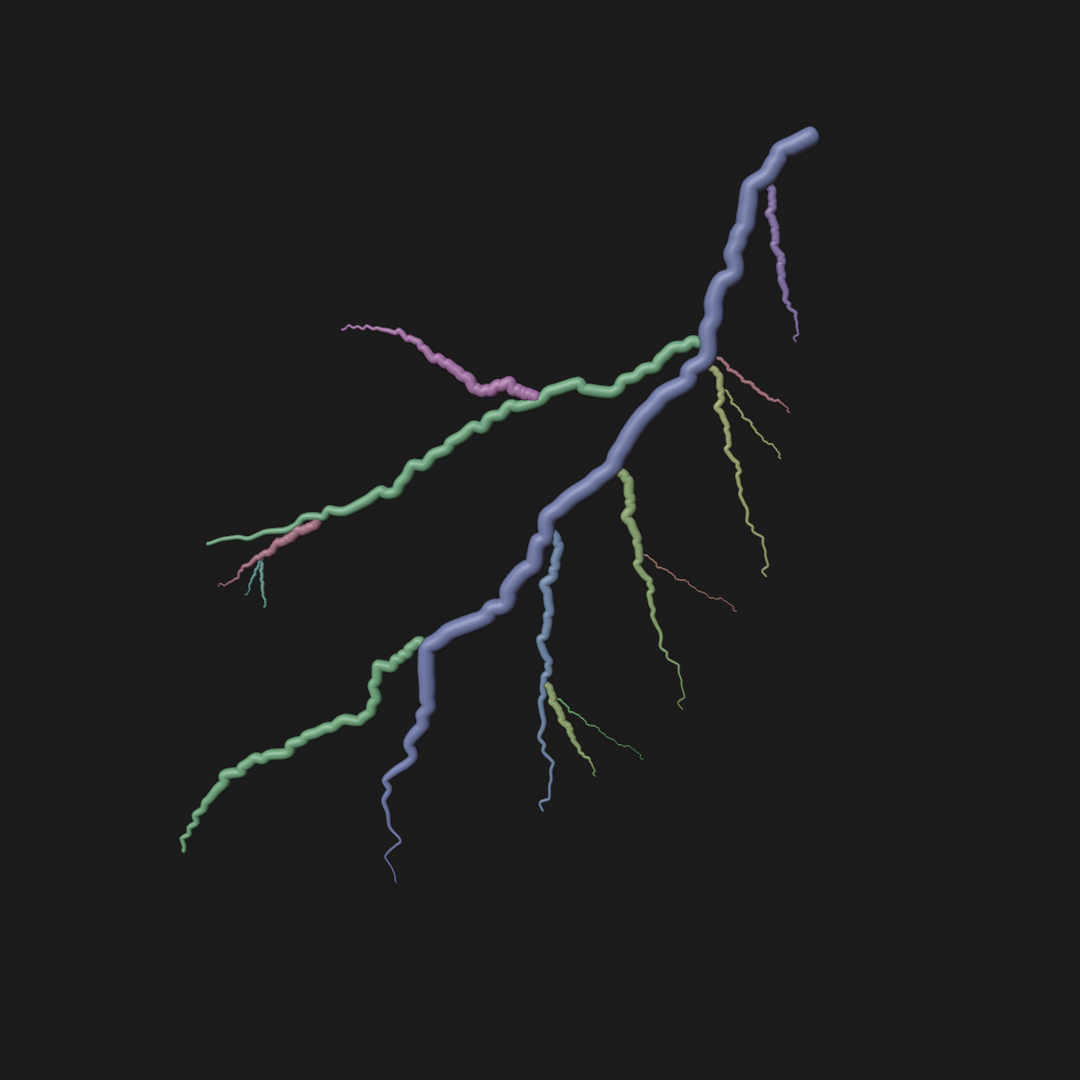
(I followed this tutorial for Lightining.)
This tutorial uses grease pencil for Lightining but my whole project was done for cycles for better shadows and lighting. so I converted grease pencil to mesh. use a build modifier and instead of opacity modifier (which is for grease pencil) I keyframed Render visibility. [It took one day to figure it all, that’s why I’m sharing it here] 
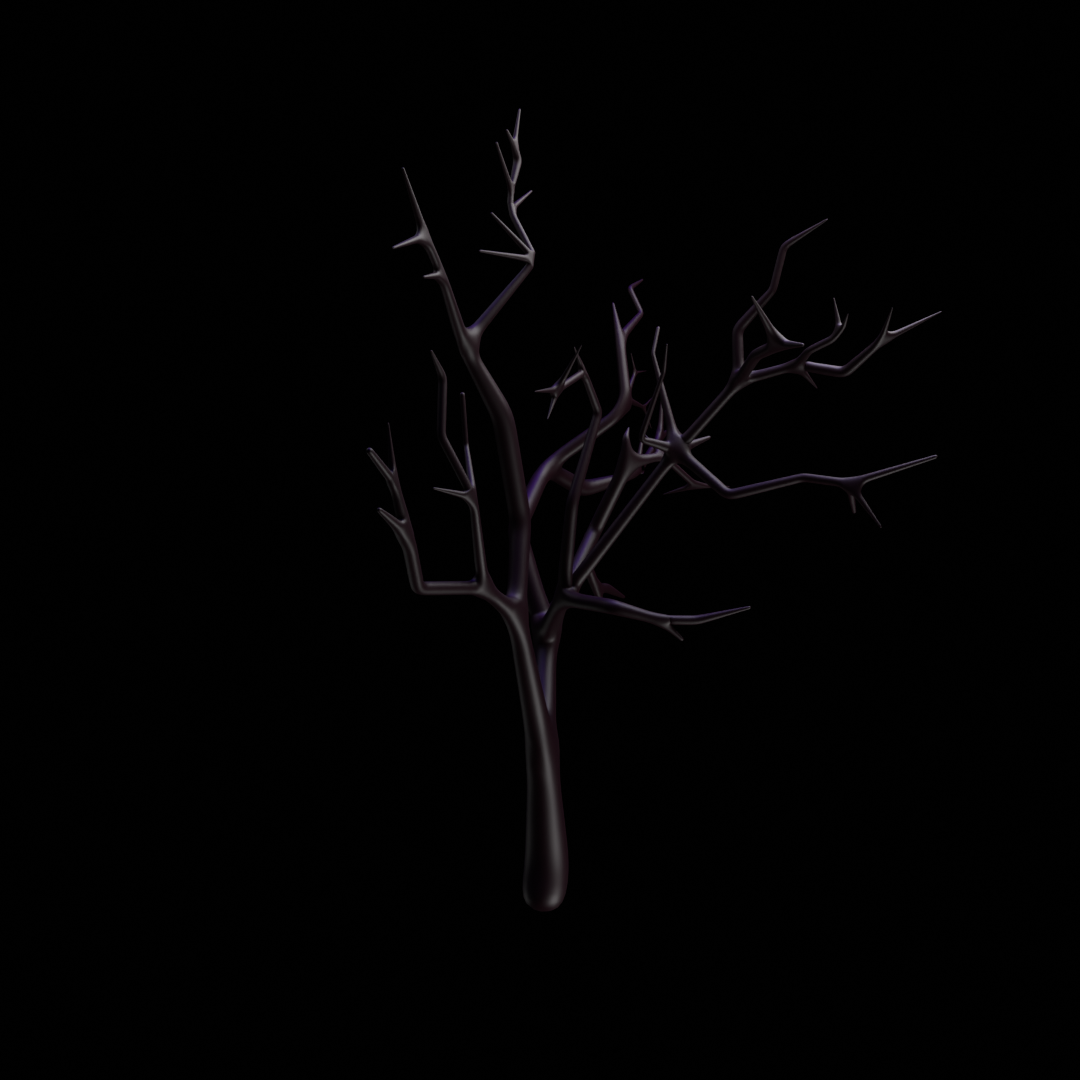
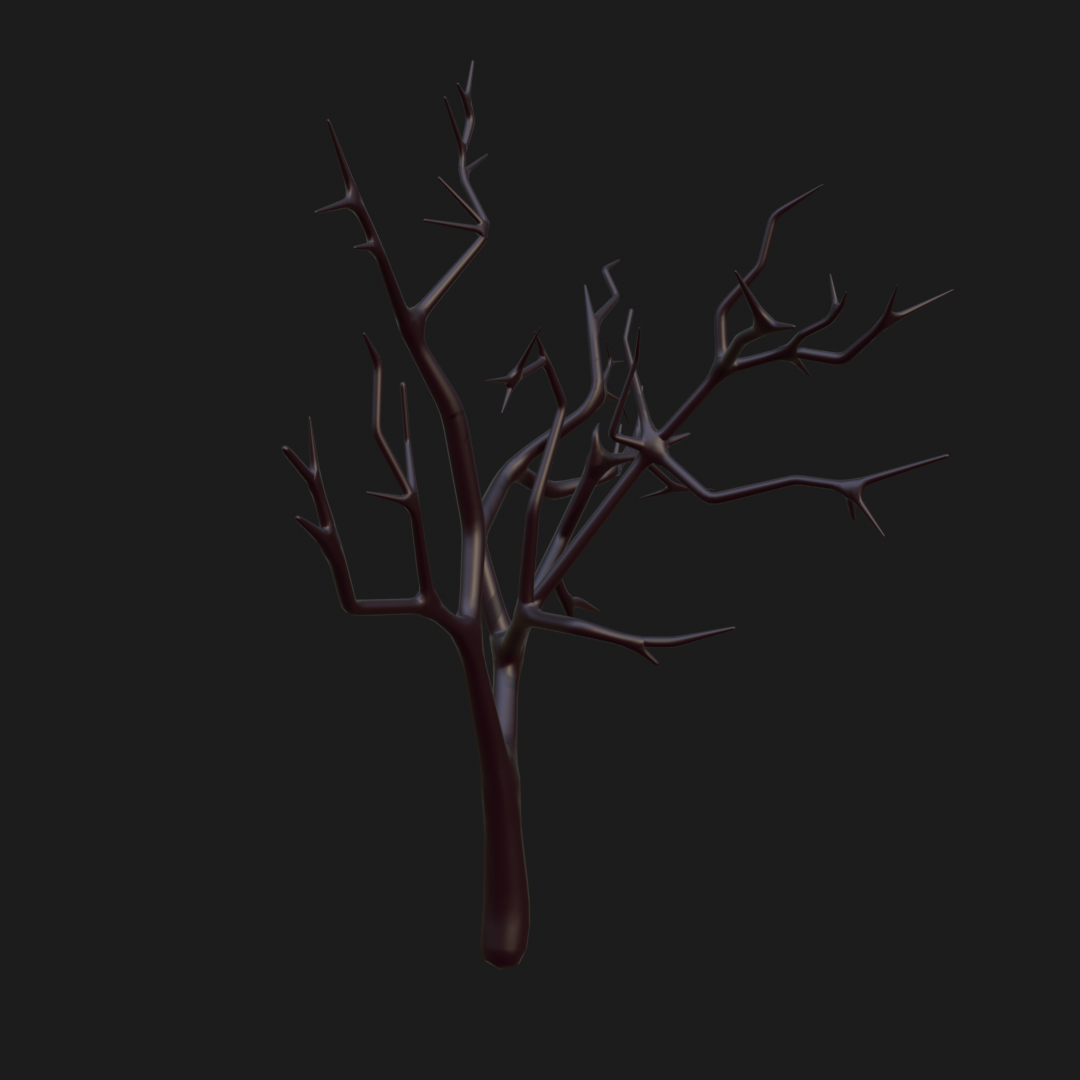
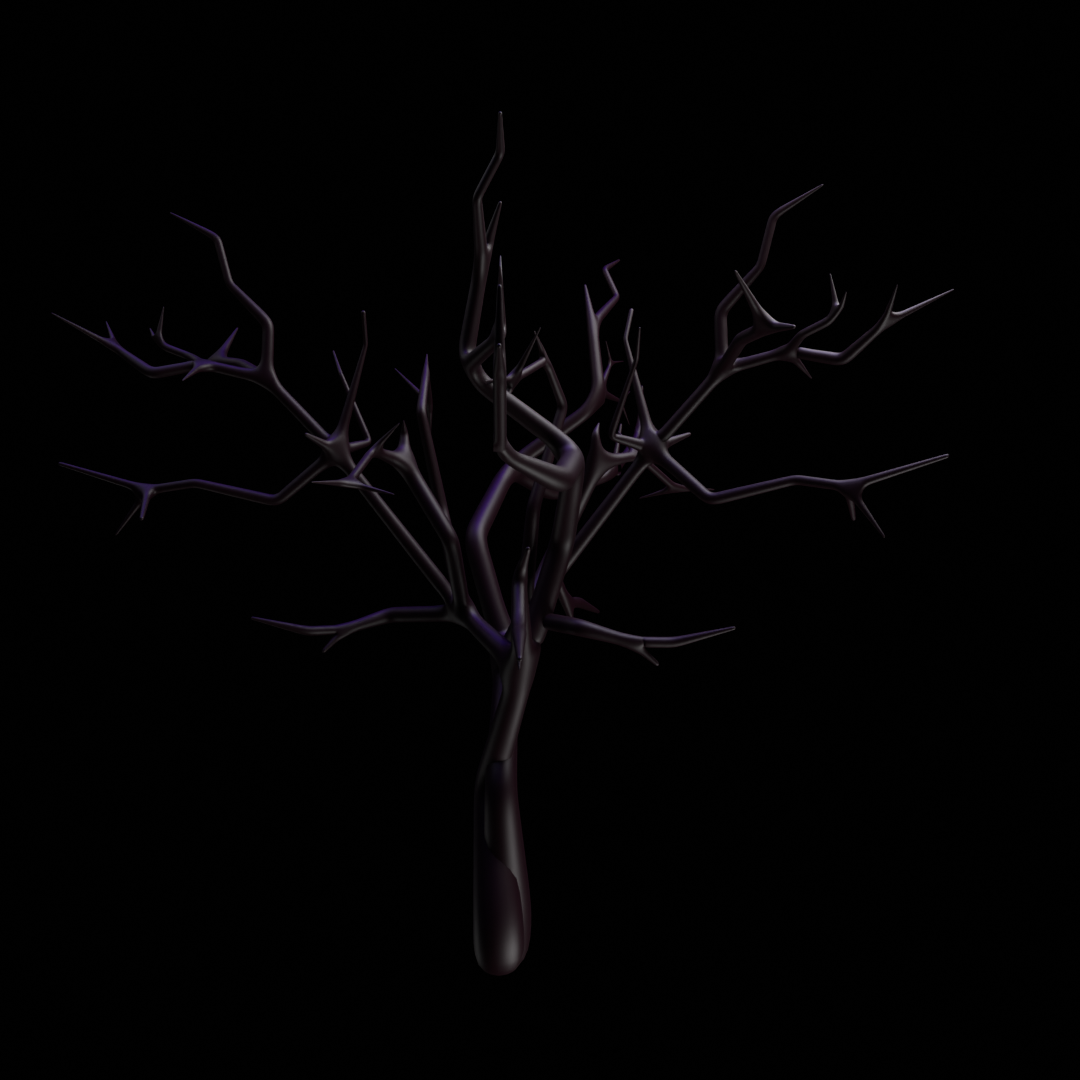
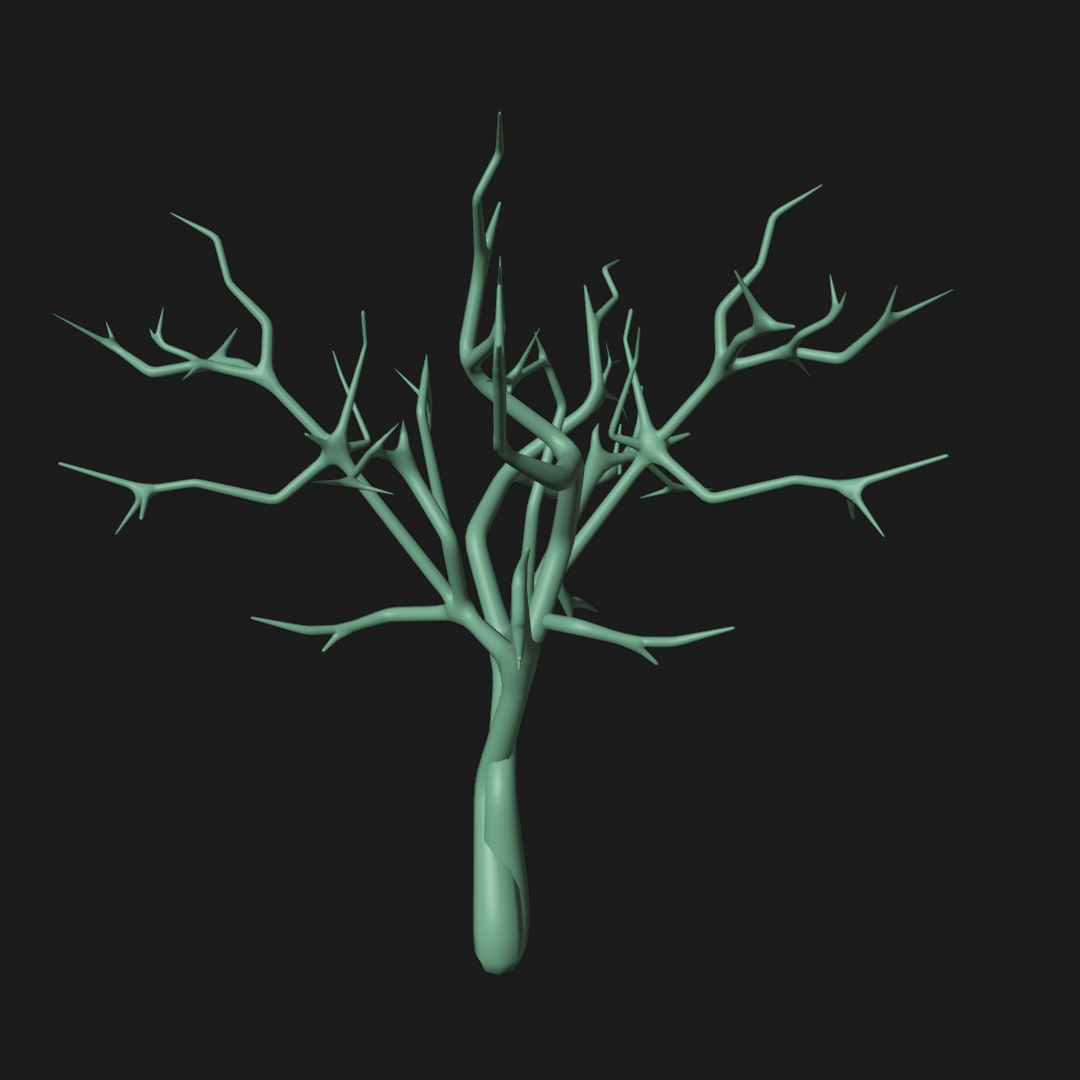
Trees:
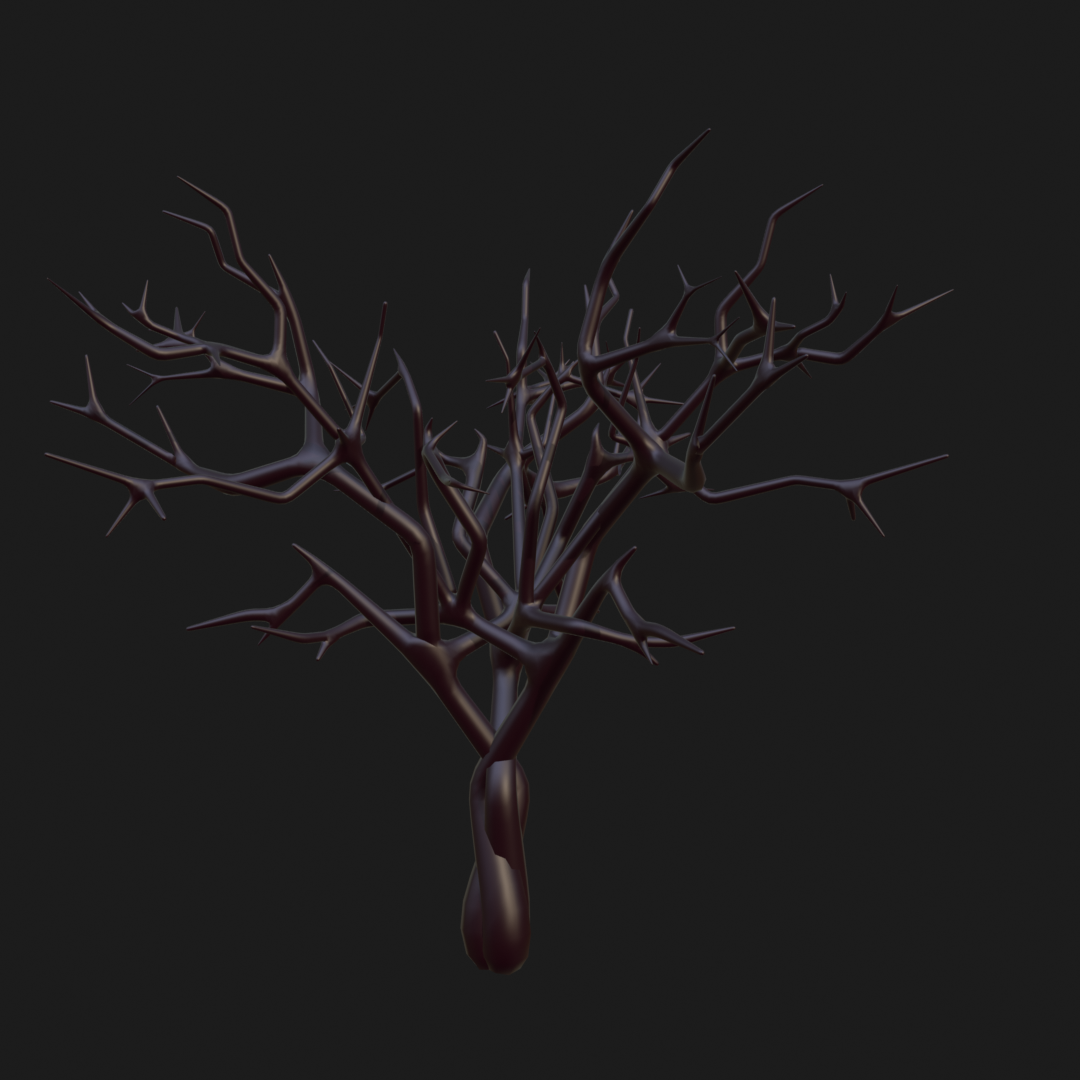
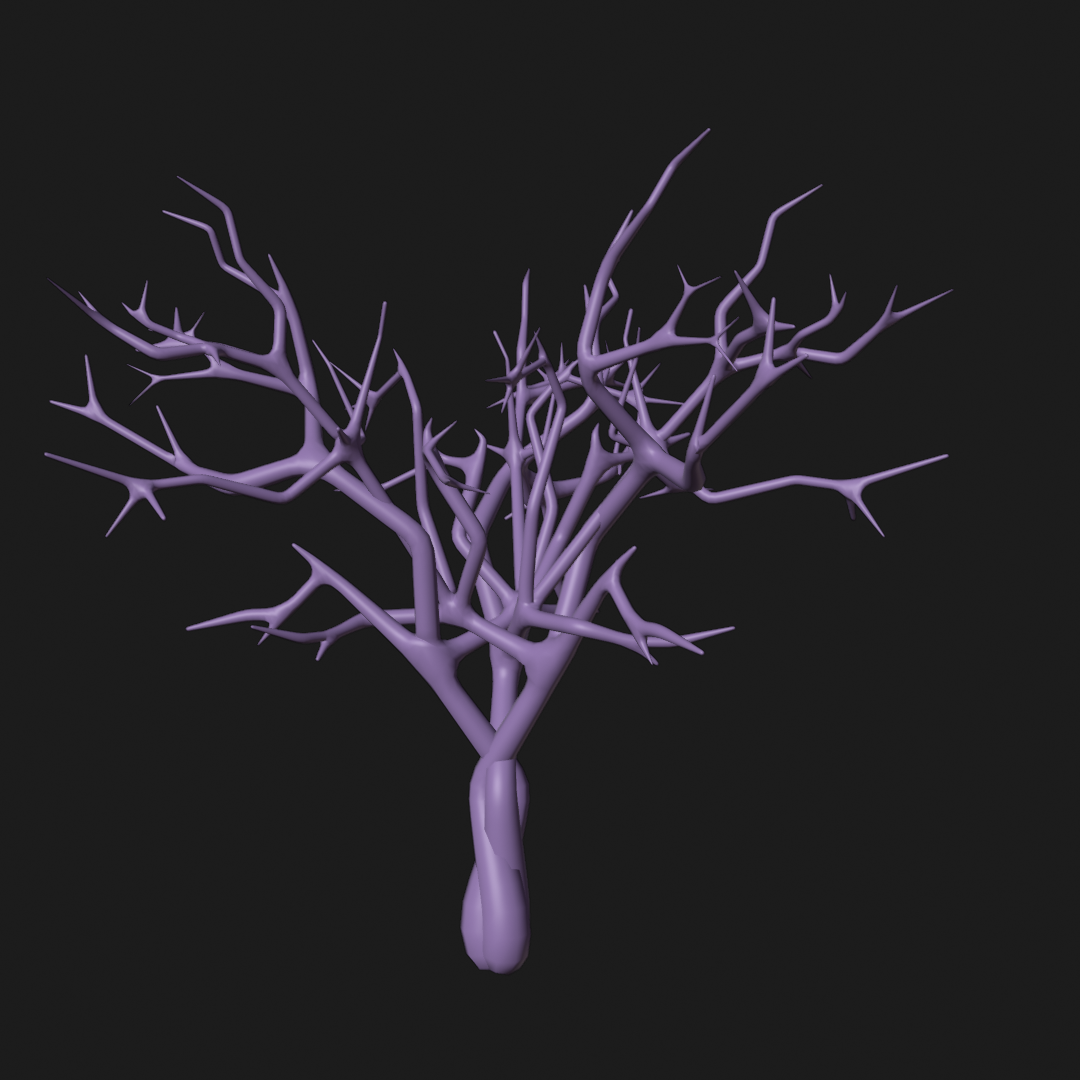
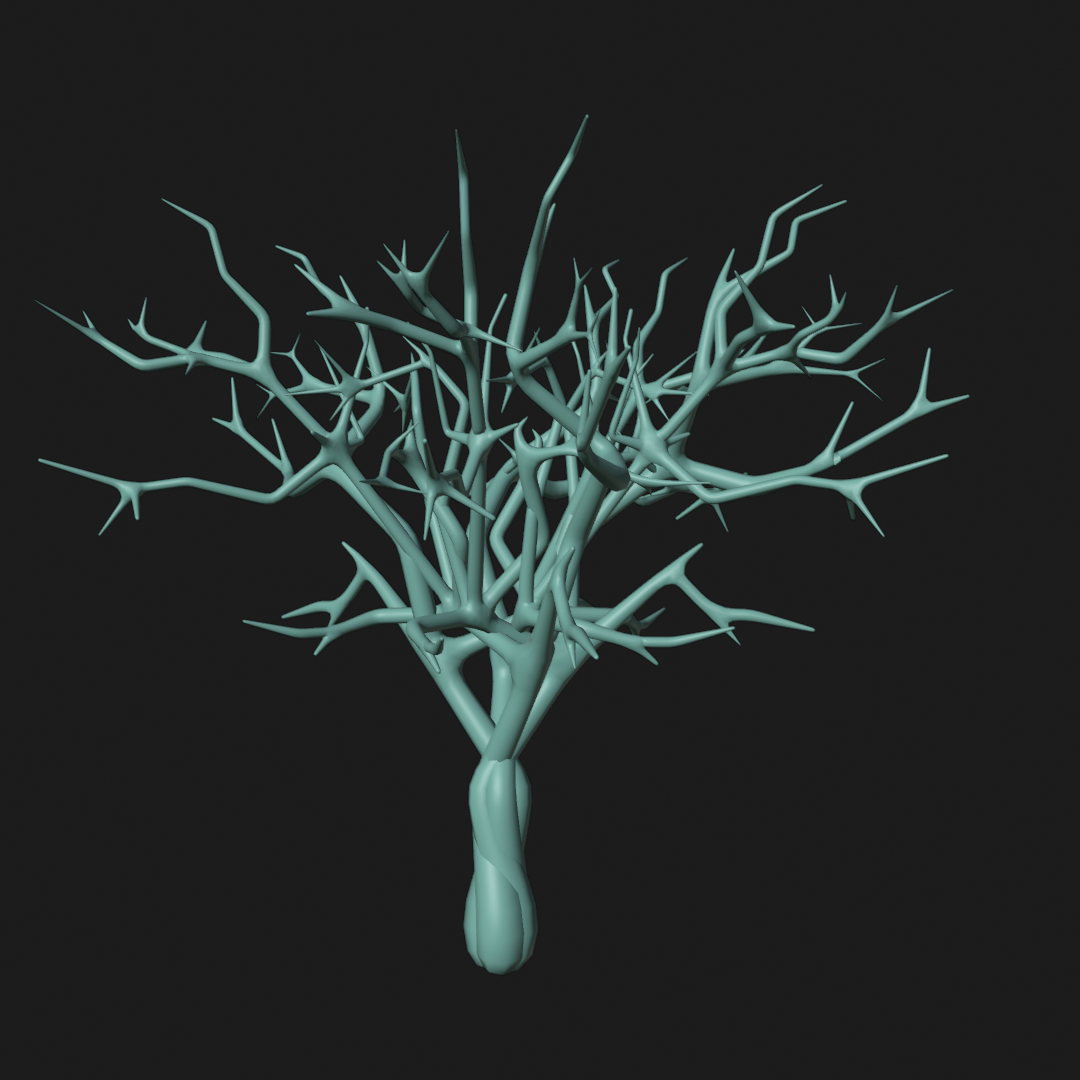
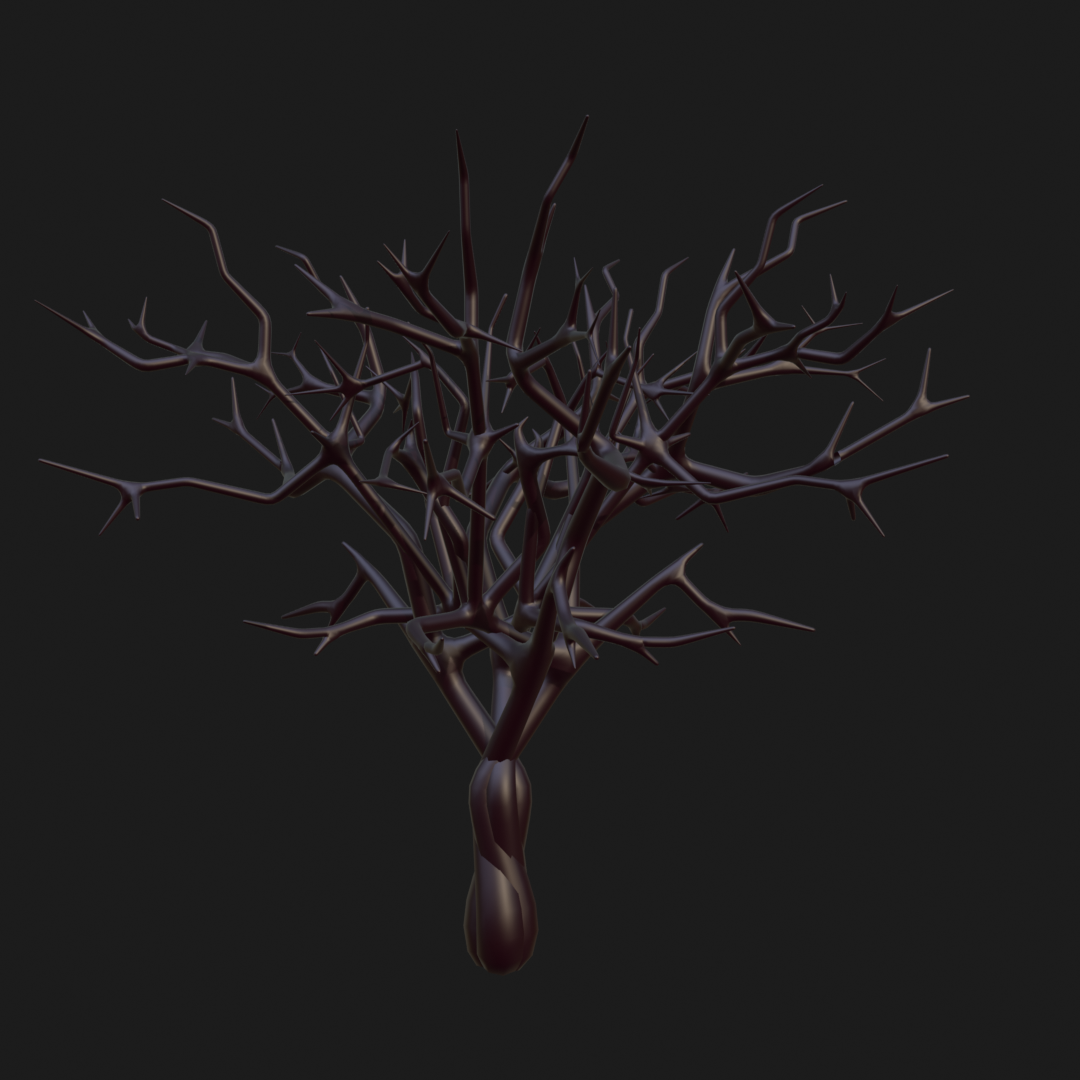
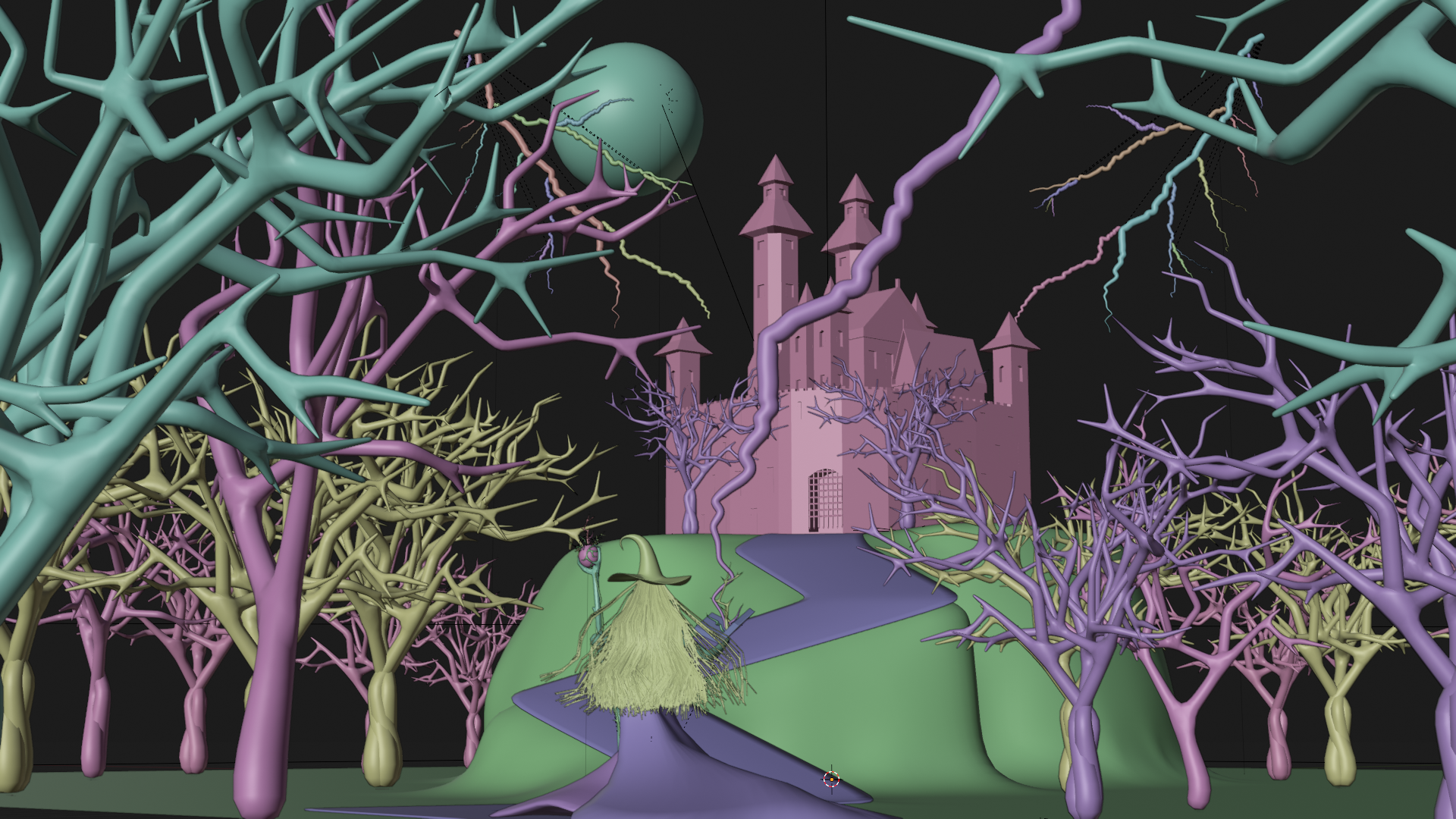
I created four variations of trees and scattered them throughout the scene to fill the environment.




Extra Renders


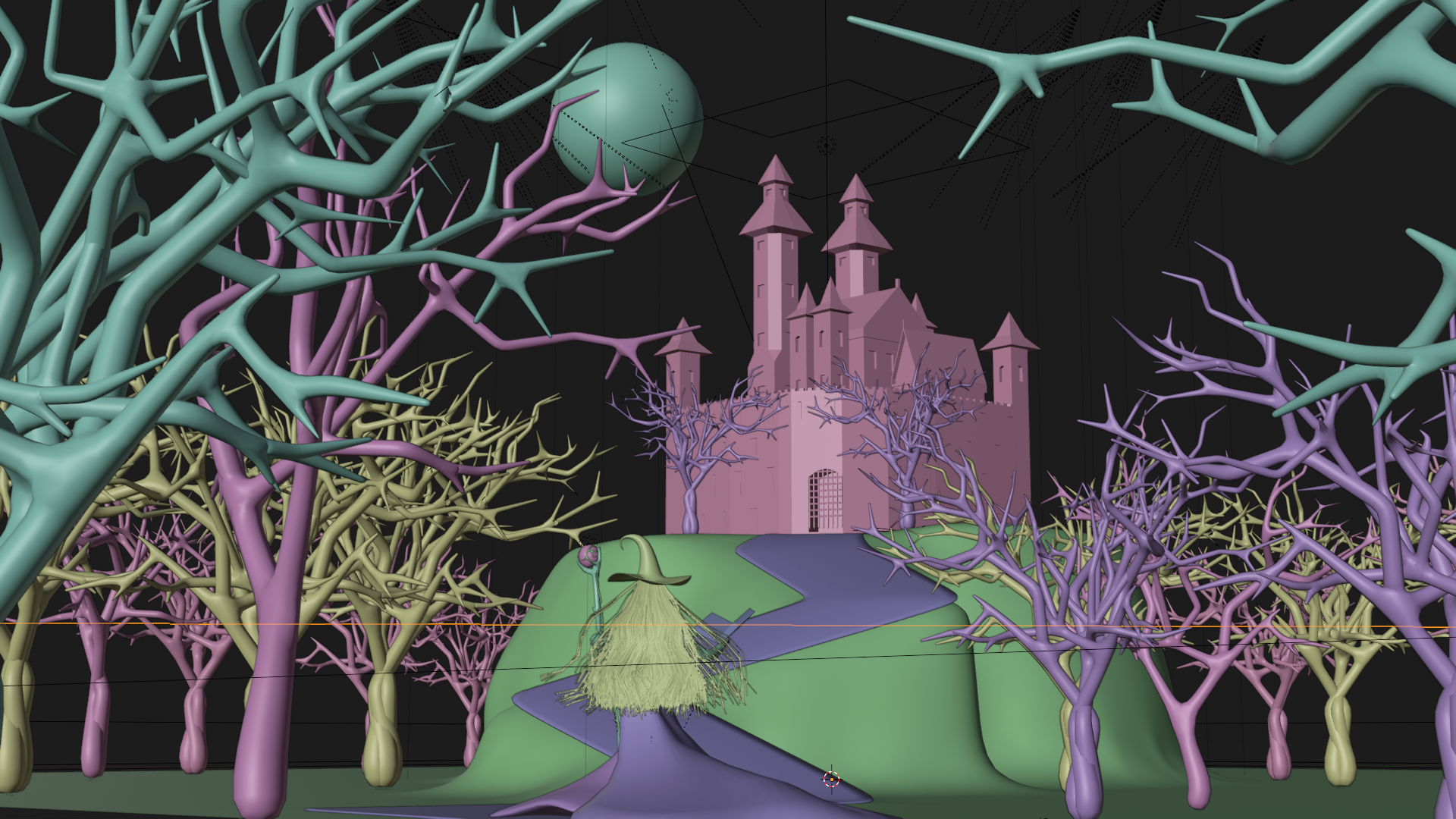
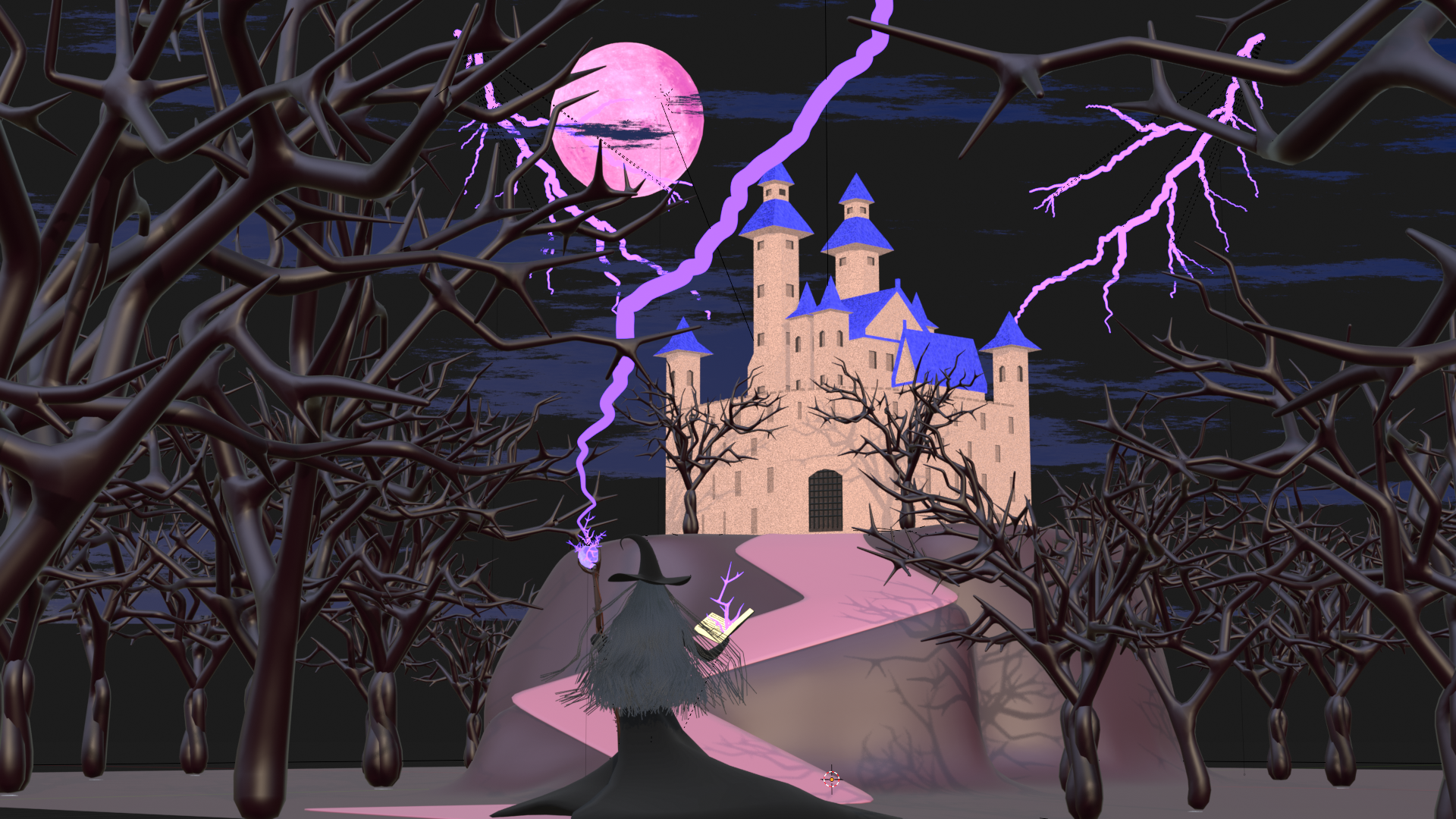
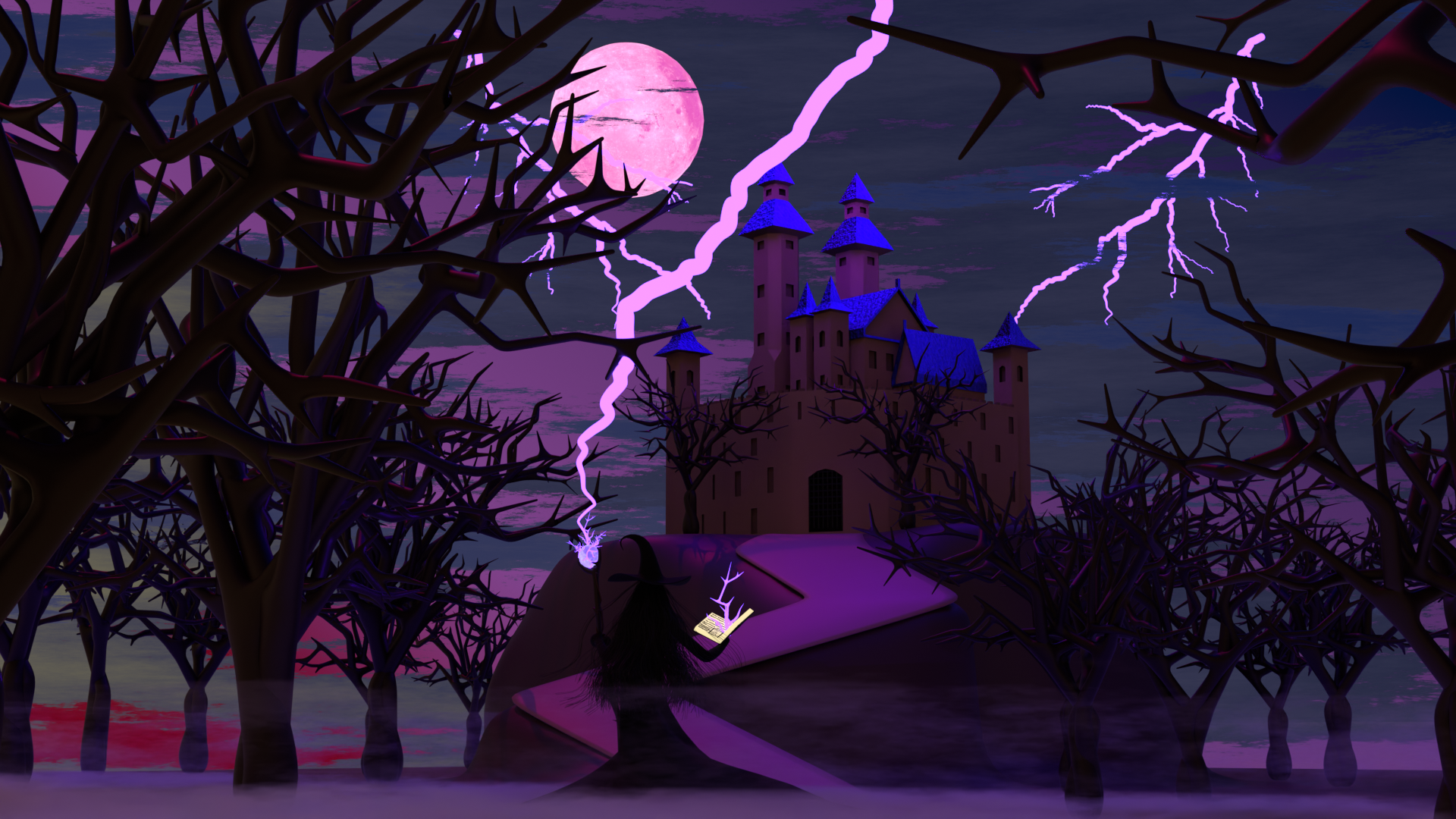

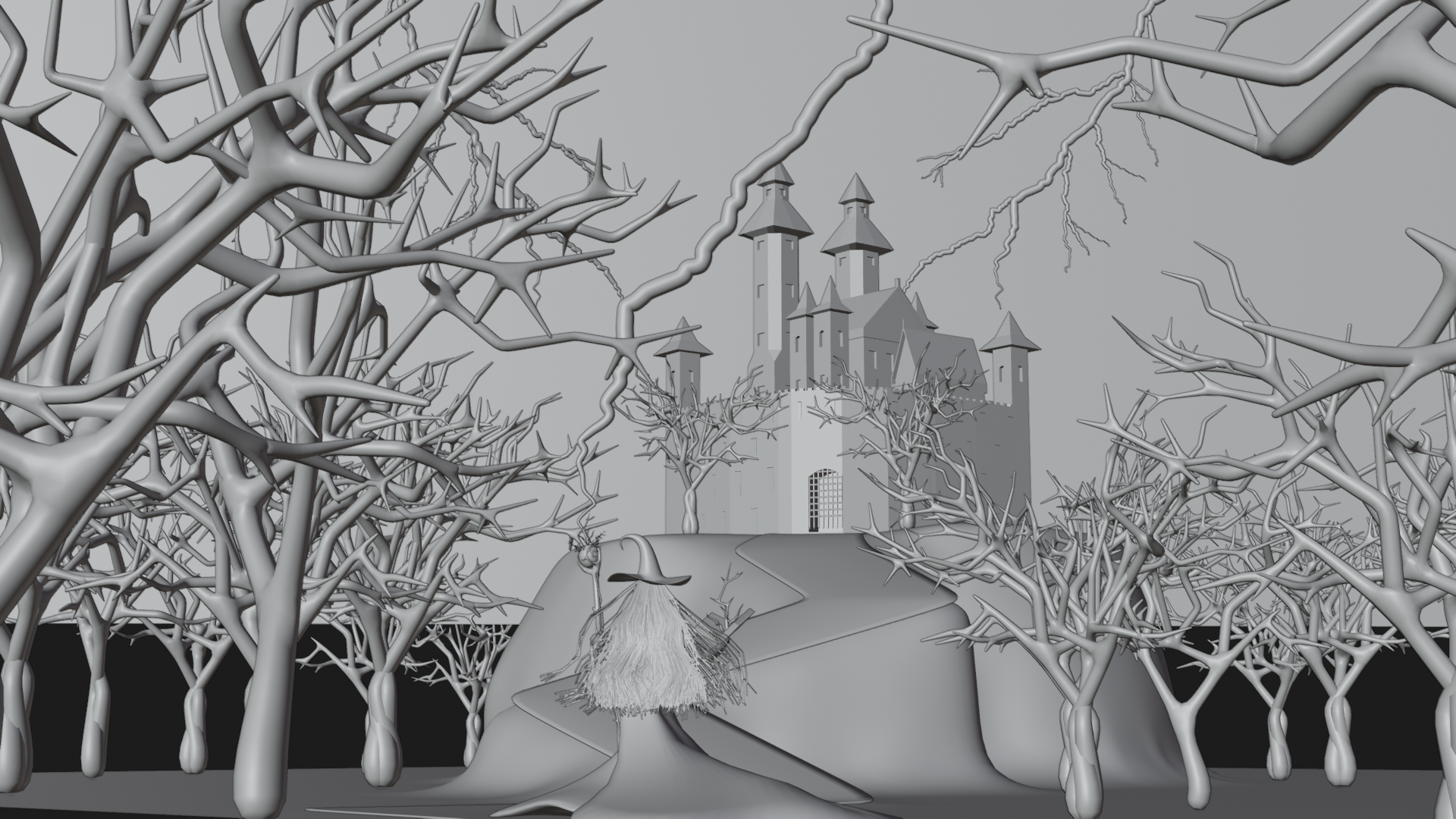
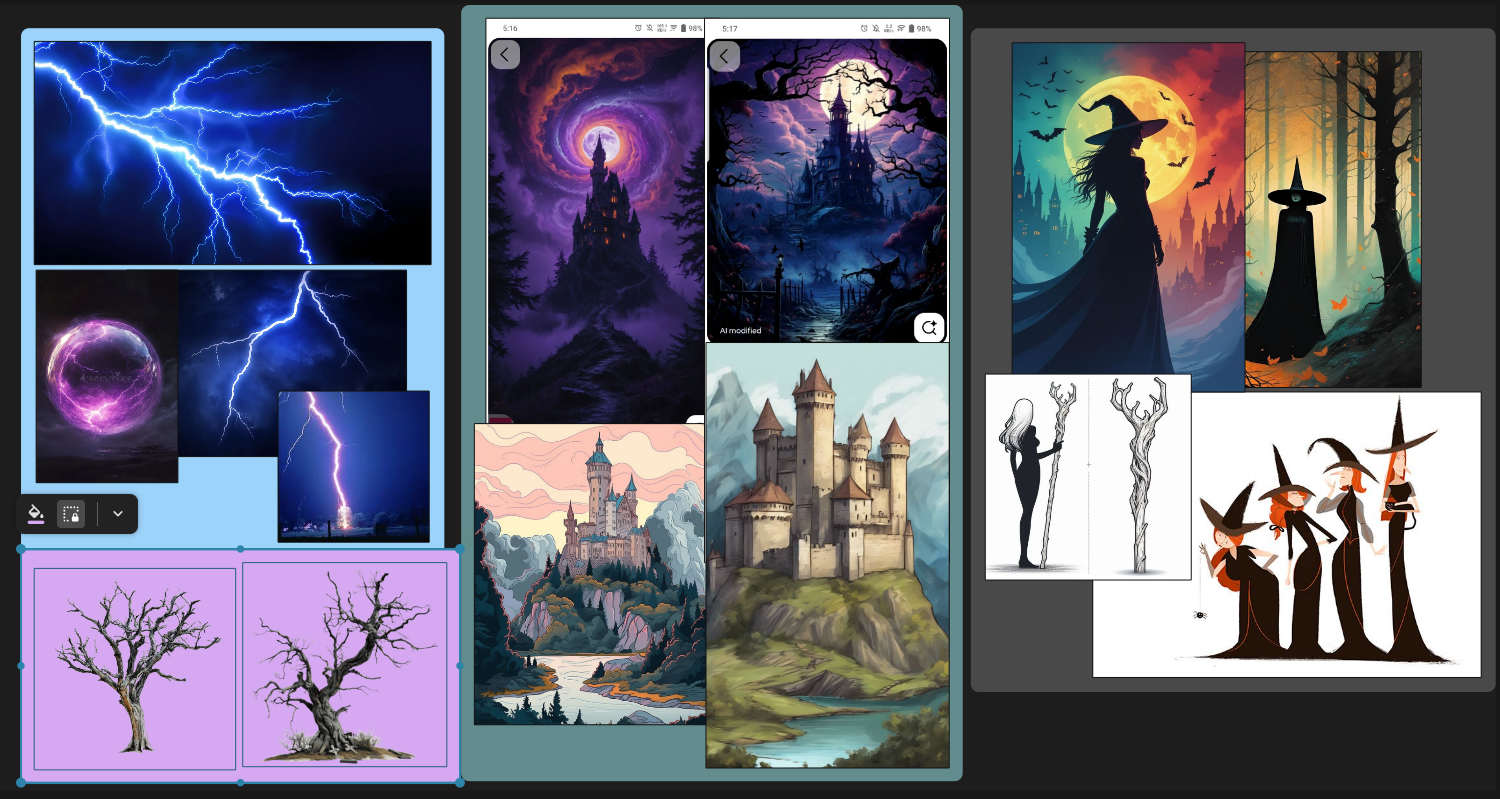
Reference Images
Project Statement:
I created this project to take part in The Rookies monthly challenge “Shadows.” Since I discovered the challenge late (around May 11), I began working on May 12 with only 11 days left before the deadline. At first, I was worried whether I could finish in time, but I set myself the goal of producing a short clip with an animated environment and a shadowy figure. It felt like too much work for such a short timeframe, especially as this was my first attempt at something like this.
Despite my worries, I managed to complete the project in just 7 days, including rendering and video editing — an entirely awesome experience for me. The whole project was created using Blender, and for editing I used Kdenlive, combining free sound effects and music (no attribution required) with my rendered animation to achieve the final result shown above.
Through this process, I gained a deeper understanding of lighting, materials, and keyframing. I also made mistakes that I’ve noted to avoid in future projects. Beyond the technical side, this project represents my passion for fantasy themes and my ambition to grow as a 3D animator.
Thanks for taking the time to view my work — every comment or critique helps me grow. I’d love to hear your thoughts or suggestions to help me improve future projects.
Note:
I didn’t make it to the finalists or winners of The Rookies challenge, but I’m proud of what I created and happy to share it here. This project was an important step in my learning journey, and I value the experience as much as the result.
 .
.