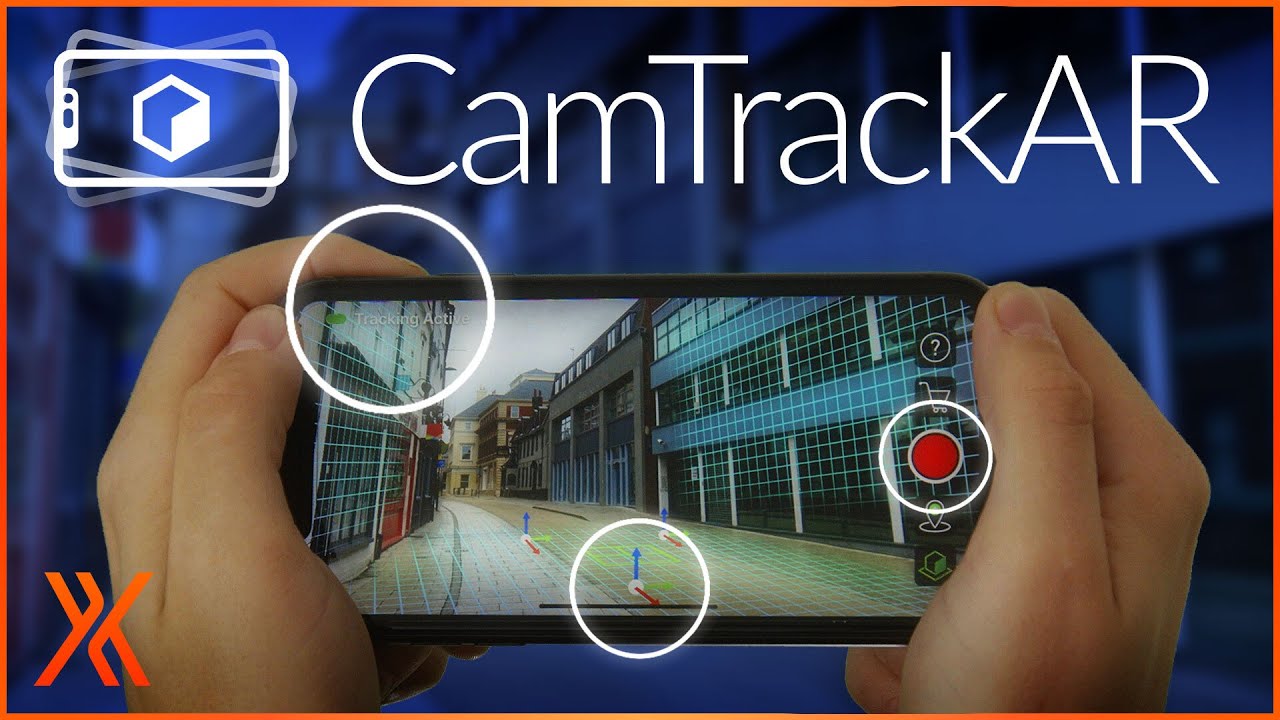
Have you tried a manual connection ?
By pressing the connection button in the android application and entering the ip address displayed in the bottom of the QrCode in the addon pannel
Could you try to ping your phone from you computer and chack if you have Destination host unreachable in the result?
I knew I was connected because that button changed it’s color.
But now that I tried typing the ip manually I got an error on blender!
I also got the camera getting captured for a moment, but didn’t pay attention, I think it stopped a couple of secconds later.
Traceback (most recent call last):
File “C:\Users\xdani\AppData\Roaming\Blender Foundation\Blender\2.83\scripts\addons\smartphone_remote_001a\operators.py”, line 376, in modal
result = function()
File “C:\Users\xdani\AppData\Roaming\Blender Foundation\Blender\2.83\scripts\addons\smartphone_remote_001a\operators.py”, line 256, in export_cached_scene
filter_glob=".glb;.gltf"
File “C:\Users\xdani\Desktop\blender-2.83-c2e62c129235-windows64\2.83\scripts\modules\bpy\ops.py”, line 199, in call
ret = op_call(self.idname_py(), C_dict, kw, C_exec, C_undo)
RuntimeError: Error: Traceback (most recent call last):
File “C:\Users\xdani\Desktop\blender-2.83-c2e62c129235-windows64\2.83\scripts\addons\io_scene_gltf2_init_.py”, line 468, in execute
if hasattr(sys.modules[addon_name], ‘glTF2ExportUserExtension’):
KeyError: ‘mesh_mesh_align_plus’
EDIT: I opened blender without administrator permissions this final time and got no error.
Also now I know what happened exactly the previous time it worked for a few seconds: camera works, but if I suggest scene update I get the error and the camera stops as well.
I am investigating on possible issues, I keep you in touch as soon as I found something.
I will publish a small apk update soon with more logs in order to help !
Sorry for the bugs
The version v0.0.3 of the apk is not even installed - the application immediately crashes on note. So I tested 0.0.1 and 0.0.2.
These versions are working but only the red button appears.
@Djusi my bad for the crash you encountered during the v0.0.3, I forgot to update the binaries on gitlab
Try to download it from here, I it doesn’t crash on startup, you must install the addon v0.0.3 in order to make it work.
More generally, in order to prevent version compatibility errors you should use the same addon and apk version
So if you use the apk v0.0.2, you should install the addon v0.0.2.
Cool! I managed to run! Yes, it is necessary that the versions match. In my case, version 0.0.2 worked.
Thank you!
Incredibly cool project, why only so few public !? …
Sorry for not responding for a long time.
Here’s a video: https://drive.google.com/file/d/18mJI-dzxNAgmuMR20Ts2b1S_bgKJ--U1/view?usp=sharing
I work with vfx and have not yet figured out how to record video in parallel (high-quality) and record the position of the camera.
Maybe there is another way?
I run away from camera tracking, but all the time I come back to it
Hi @Jack_John !
I am still working on it during my free time but I progress slowly since I haven’t much time currently
It should be faster on September
Forgive me for not answering exactly on the topic, but it seems I found what I was looking for for so long. It would be so great to implement something like this.
Maybe someone will be interested.:
The addon fails to register if there is no active internet connection. The proper way would be to handle it gracefully and let the user input manual IP addr I think.
Hi @RLB,
The camera shake is due to the lack of detected features in the environment. You can improve the tracking quality by filming the whole room with the smartphone from different angles (with the remote app open). By doing this, the tracking system shall learn new features and get much more stable.
 in the android application and entering the ip address displayed in the bottom of the QrCode in the addon pannel