Hey guys!
I was tinkering with geometry nodes then decided it would be fun to try and make a mini game!
so after a few days of testing various methods and systems, I had come up with a logic systems for items and collisions, amazing what Blender lets you do, here is a little test video!
Sorry for the resolution highest my computer can record in OBS without going up in flames!
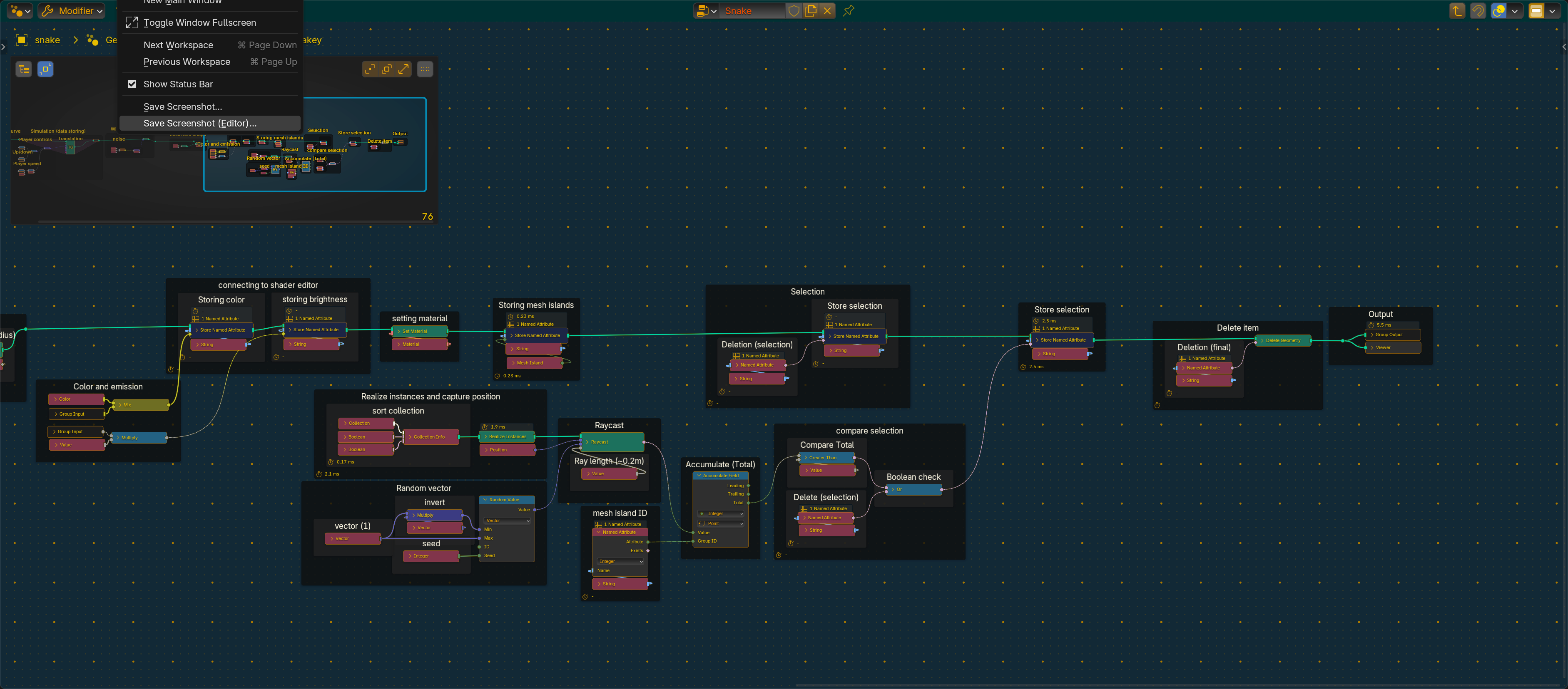
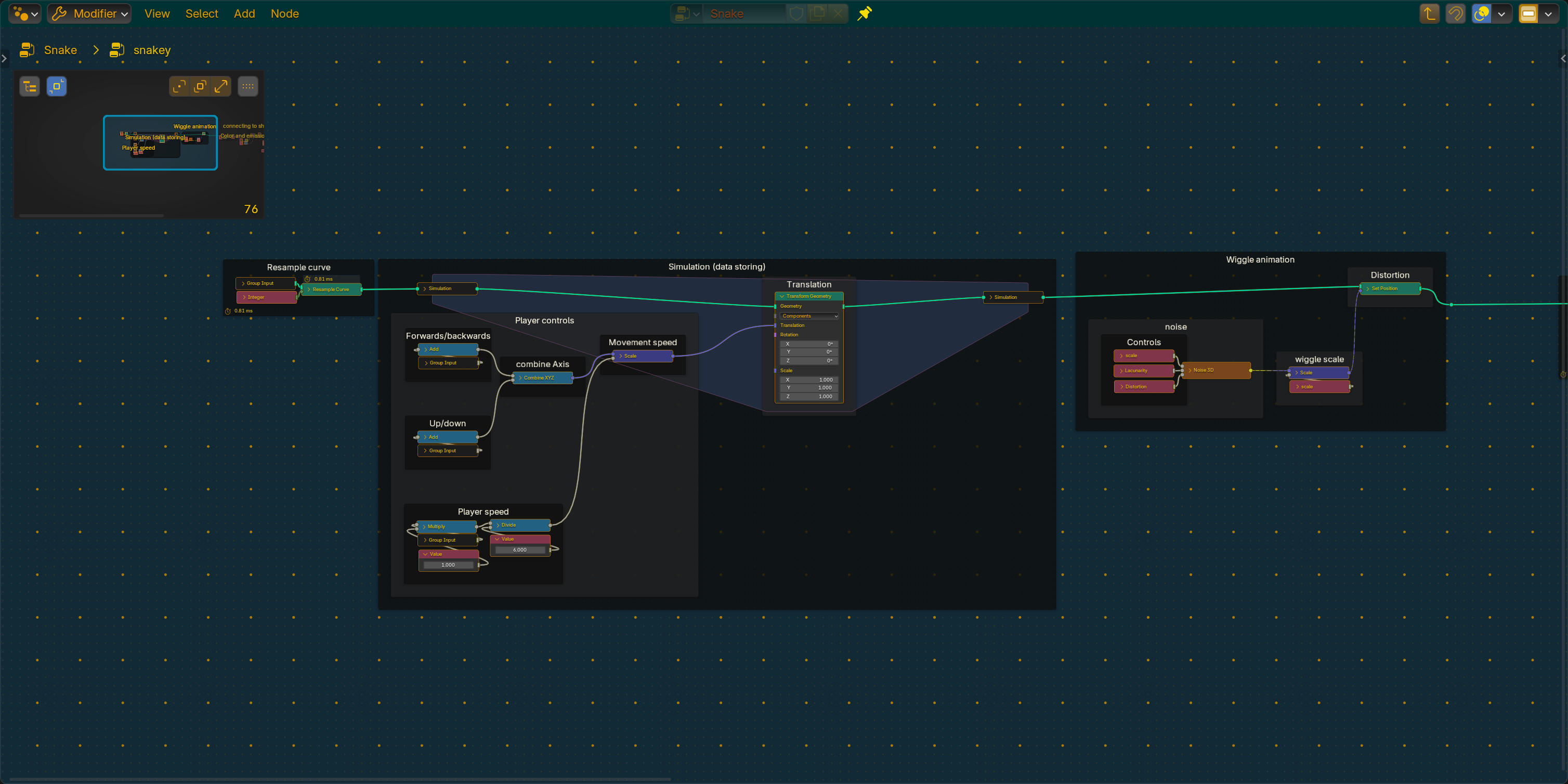
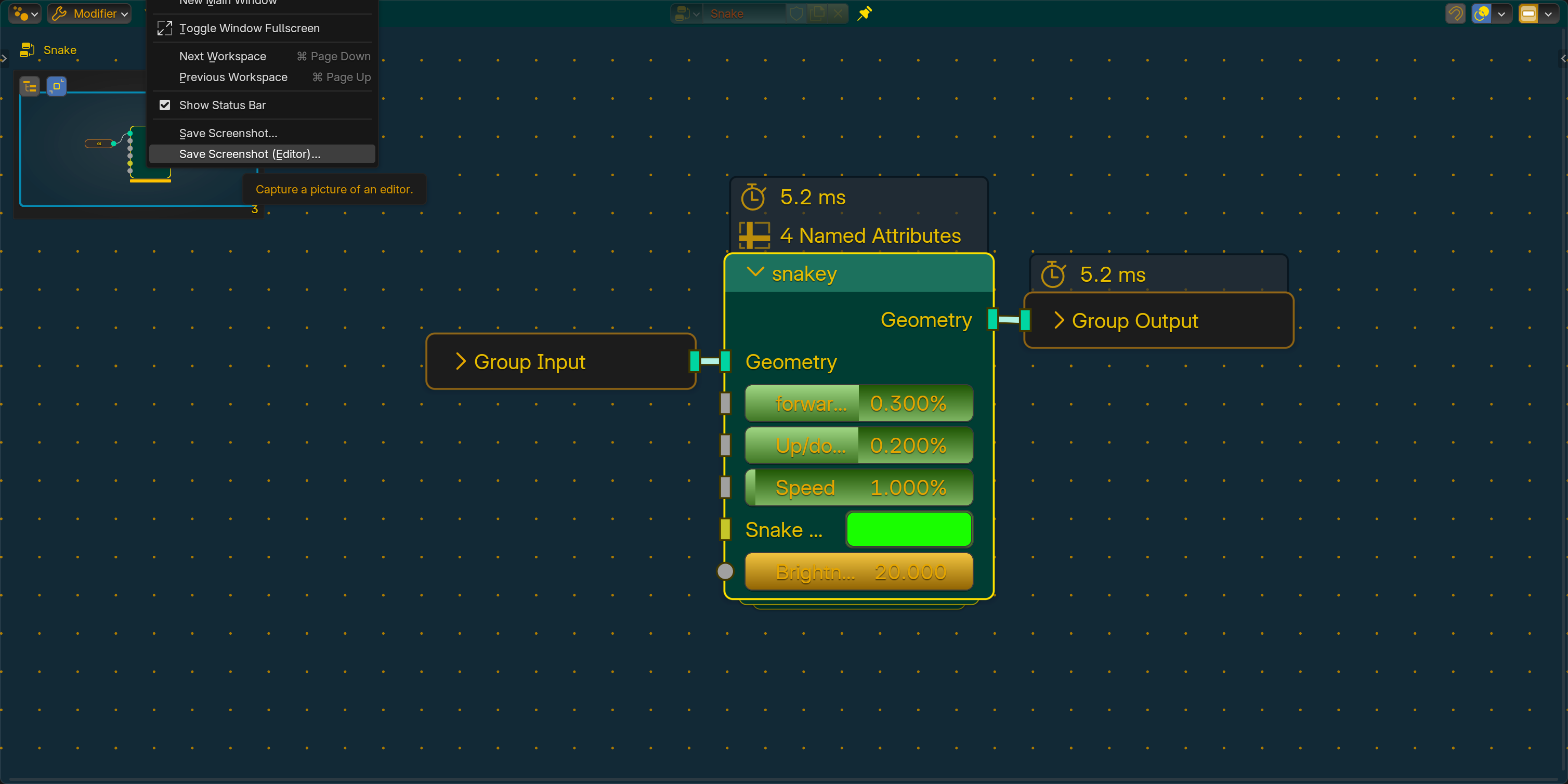
Here’s some bender screenshots with a node mini map!
The user controls the forward and backward using a simple slider which is added to the simulation zone a small amount each frame while the speed controls a scalar value up and down is pretty much the same on a different axis!
And the animation is just some simple noise that distorts the curve before it is converted to a mesh.
Though I couldn’t find a way to connect it to WASD keys, I bet you can do that with some python though!
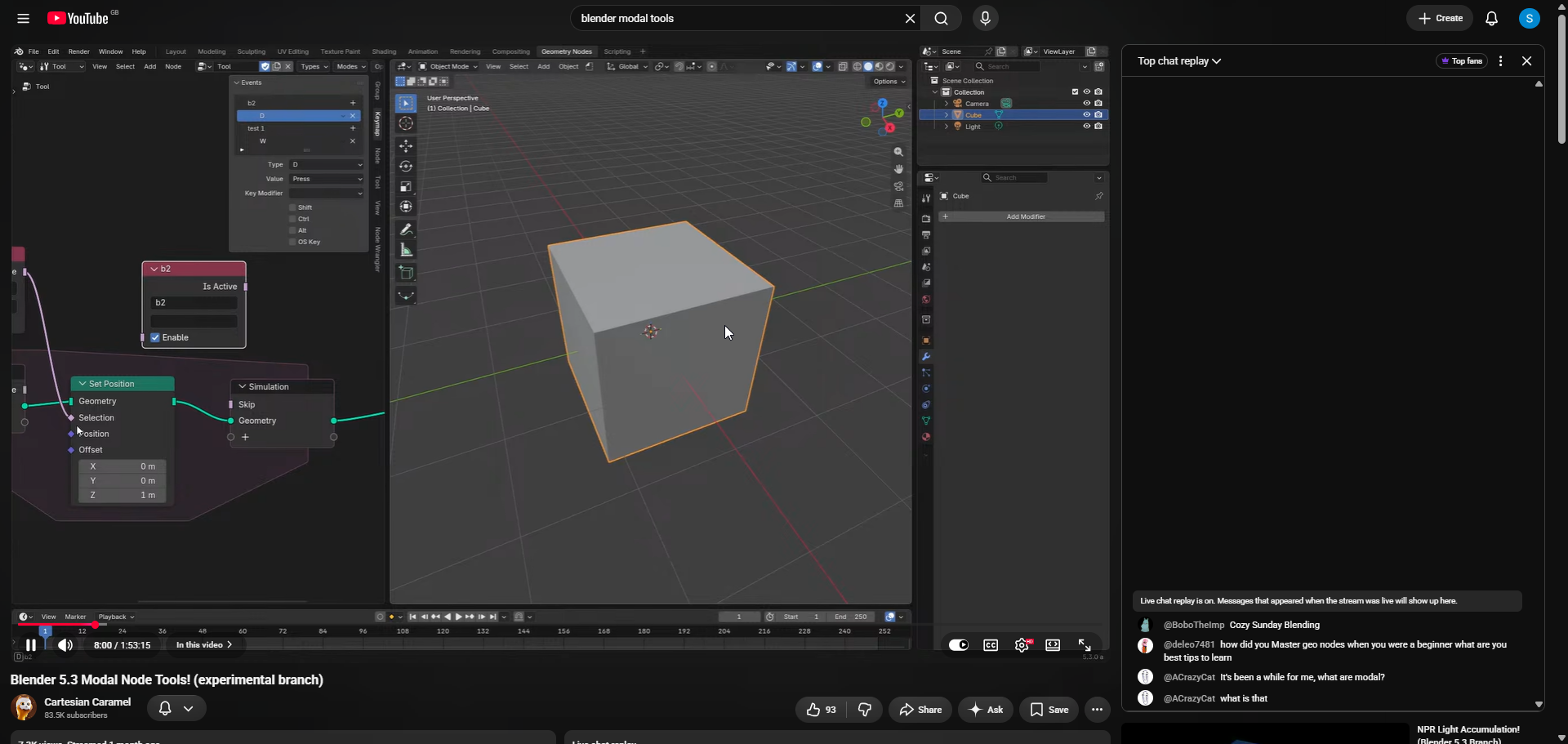
btw, i believe you can absolutely hook up regular keybinds (no Python code needed) to setting/unsetting bool inputs on you GN modifier. want me to explain how?
there are some obscure internal operators in blender, like “Context Set Boolean” (wm.context_set_boolean ) which you can use to set boolean props anywhere if you know their full data path. can be used for quick hacky keybinds. but that does not work very well for geonodes because of need to re-evaluate the graph. but now that i actually put the theory into the test this approach is not working : input is changing, but the geometry is not updated live because Blender has no automatic trigger to refresh the evaluation when we use such hacky ways .
there is another way i can think of with drivers. but that is not really “no Python” since they are based on Python expressions.
sorry, no success my original idea was wrong. happens.




 .
.