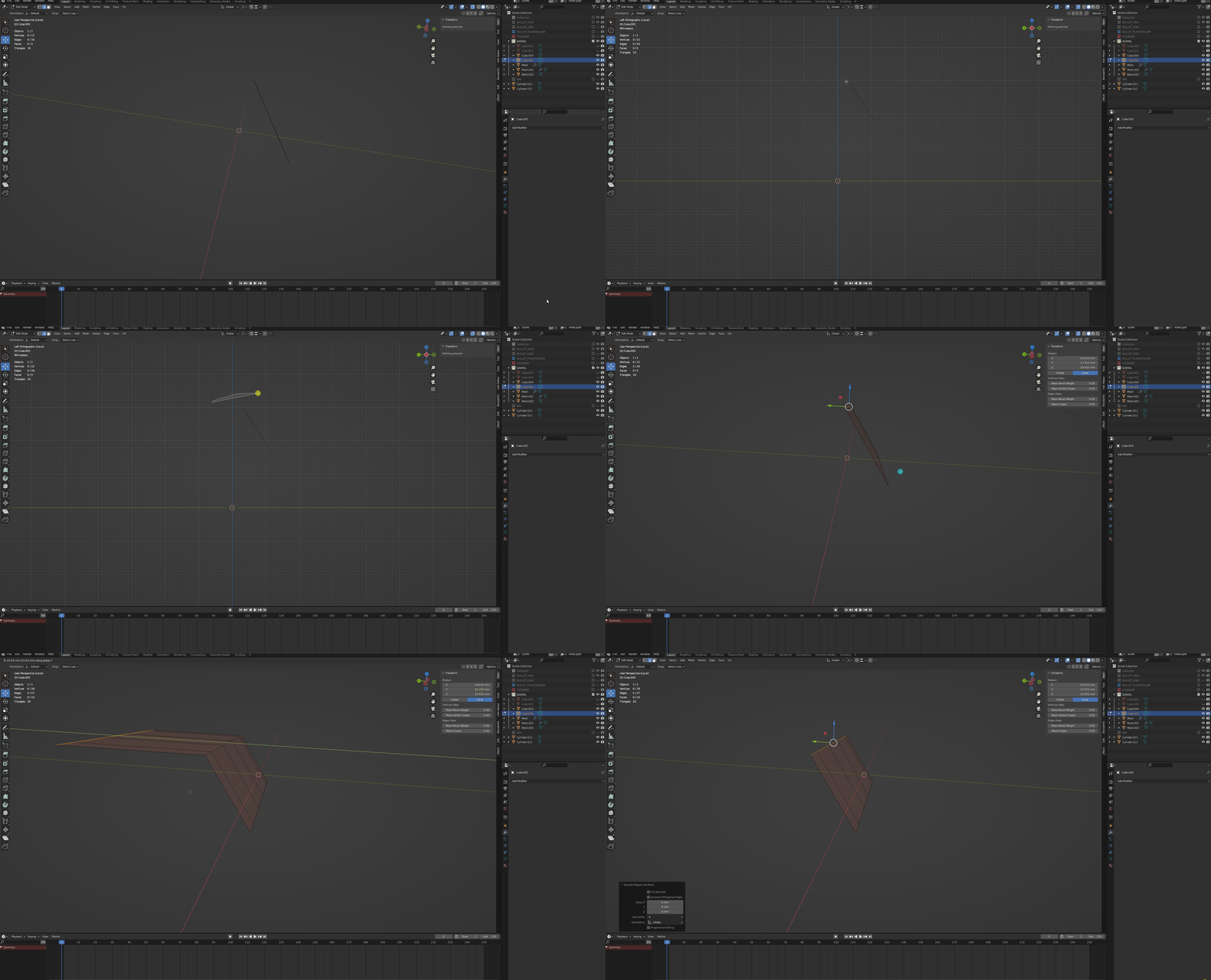
Please see the video, I have my center in the world origin and I extrude my edges , then Y axis and finally I press zero and when I press zero the edges should go to the zero on world coordinates right? I don’t know what is going on. Thank you
Make sure the pivot / active is set to 3d cursor.
Moving to 0 and scaling to 0 will have different results.
2 Likes
Hi there. The number during extruding is setting the offset from original position, I think. So if it’s zero then it stays in place.
You can take that new edge and scale it on the Y-axis with Pivot Point set to 3D-cursor (which is currently at World Center).
The pivot point can be set in the drop down menu at the top of the screen (there, between Orientation and Snap options). Then select the edge, S + Y + 0.
1 Like
Thanks fellas,
I do have the pivot to 3d cursor and maybe I’m mixing things but I think there was one option that you scalled or moved, then press the axis you want to lock it to that axis, and finally if you press zero it would snal to the world zero right?
Or is zero meaning it will move zero? Thanks
If you “scale” to zero, it moves to pivot. If you “move”, it moves zero.
1 Like
@stray I have moved the edges passed Y zero and then I tryed to select them and scale,Y,0 and still nothing.
How would you extrude or move the edges to they are at Y zero?
It used to work when I pressed Scale+Y and press zero (assuming the cursor is at world zero)
Thank you

Check out this pivot point option here:

If you want your extruded vertices at z=0 it would be faster to typ 0 into the Transform Info on the top right.
Yes if you had the Pivot point set to 3D Cursor… . 6 (as @stray mentioned)
Typing gz1 will move them one unit up… so it is relative.
@Okidoki @stray I did a small video and I’m sorry if you mentioned something that I didn’t follow but I’m new to blender.https://www.dropbox.com/s/id5j3elsr7tsays/SNAP2022-08-26%2012-31-33.mp4?dl=0
Just do it…

Thanks yeah it works now. Sorry for all the work I gave you guy’s. 
You are welcome… sometimes it’s just this tiny bit… to get someone on the line again 
Exactelly, I still remember when I started with modo the frustration if duplicated vertex,etc.
Nothing looked correct in subd because of those deamons.
