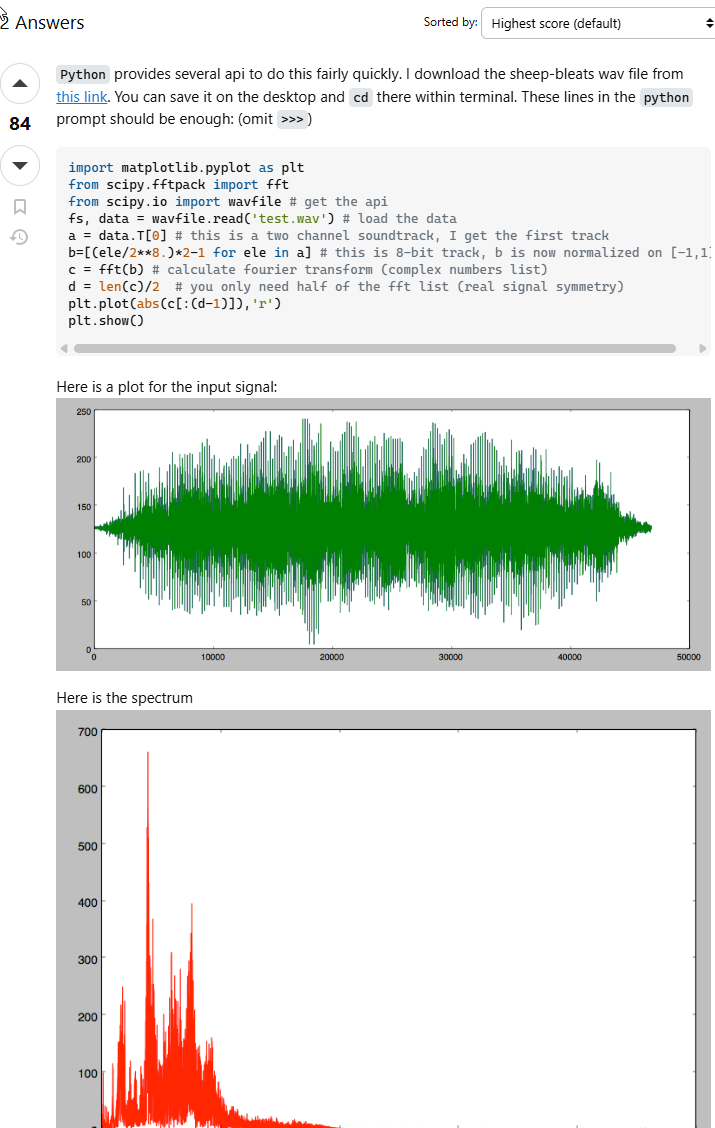
My next project is going to simulate a waveform Oscilloscope as an audio visualizer. Nothing fancy, just a green sine wave that reacts to a sound file’s amplitude and frequency (volume and pitch, respectively). The tutorials I’ve found so far have been pretty helpful overall, but their results only import the sound file’s amplitude. Is there any way to bake the frequency as its own value without having to make separate objects for each frequency range?
Not exactly. The goal is to make an animated wave where the frequency of the wave matches the frequency of the sound. The “Sound to Sample” function only does amplitude.
I never found a way to do this with native Blender, but I did do it with vvvv FFT node and Blender.
I think it will be difficult and tedious but you could use the bake function with the high pass and low pass to bake each frequency range 20-40 4-60…15000-20000.
it would mean one bake for each “slot”. I am not aware of any analyzer that can output that info as an array of values - over time.
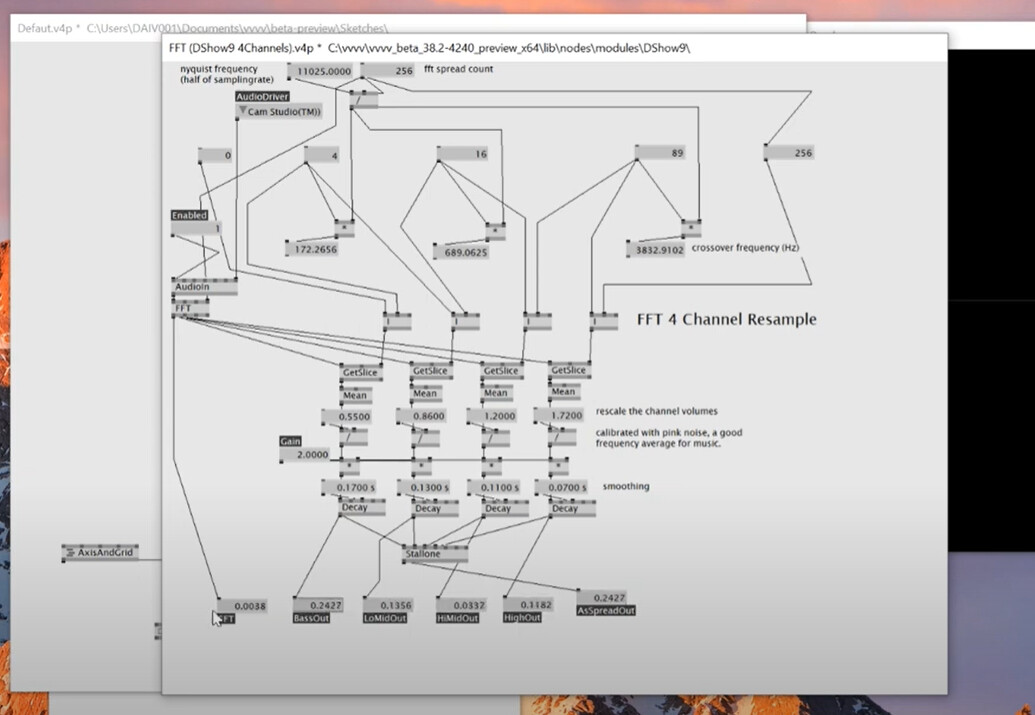
Ha ha just found this Chris, is amazing (have not seen the whole thing)
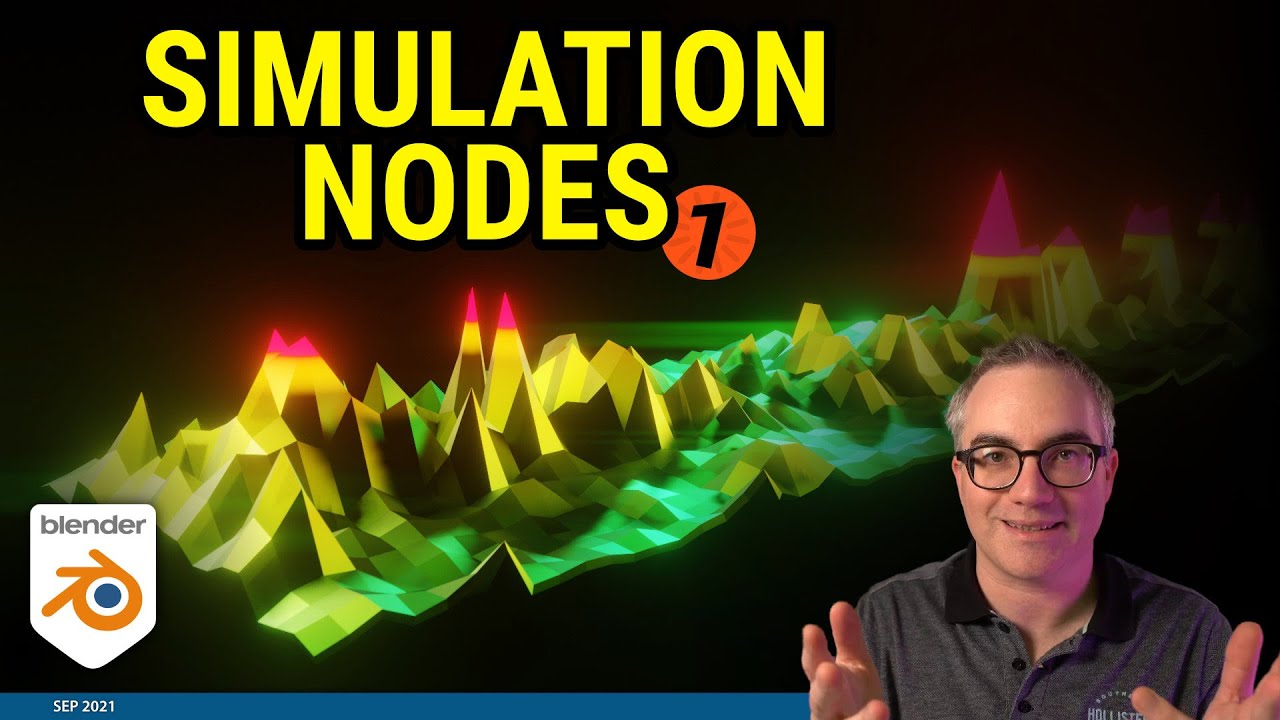
worth getting just for that!
Off to download simulation nodes
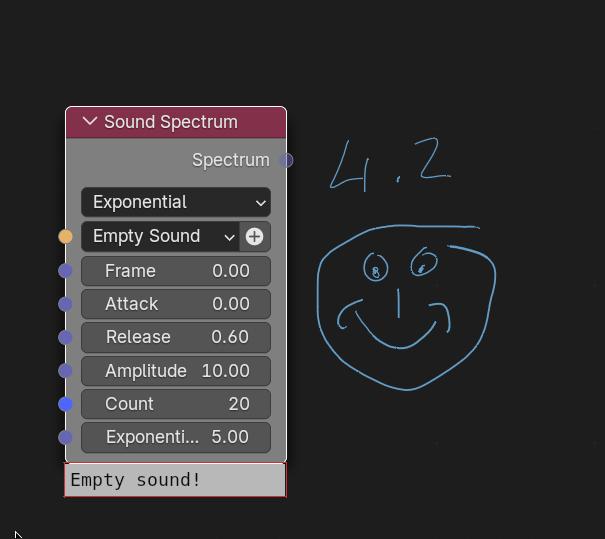
Yea, sound spectrum node!!!
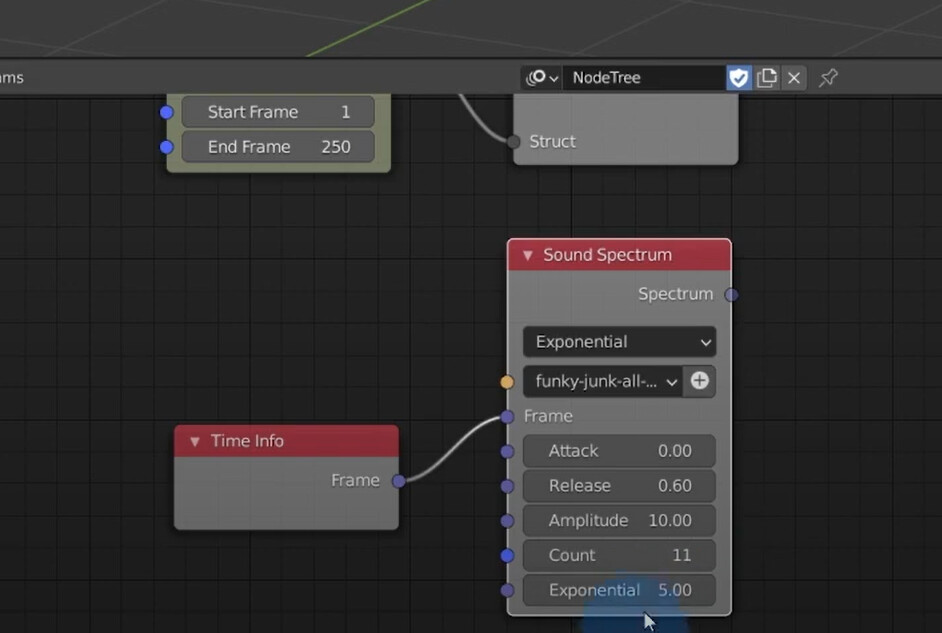
At least you can get hold of it and run on 3.1 ( I presume)