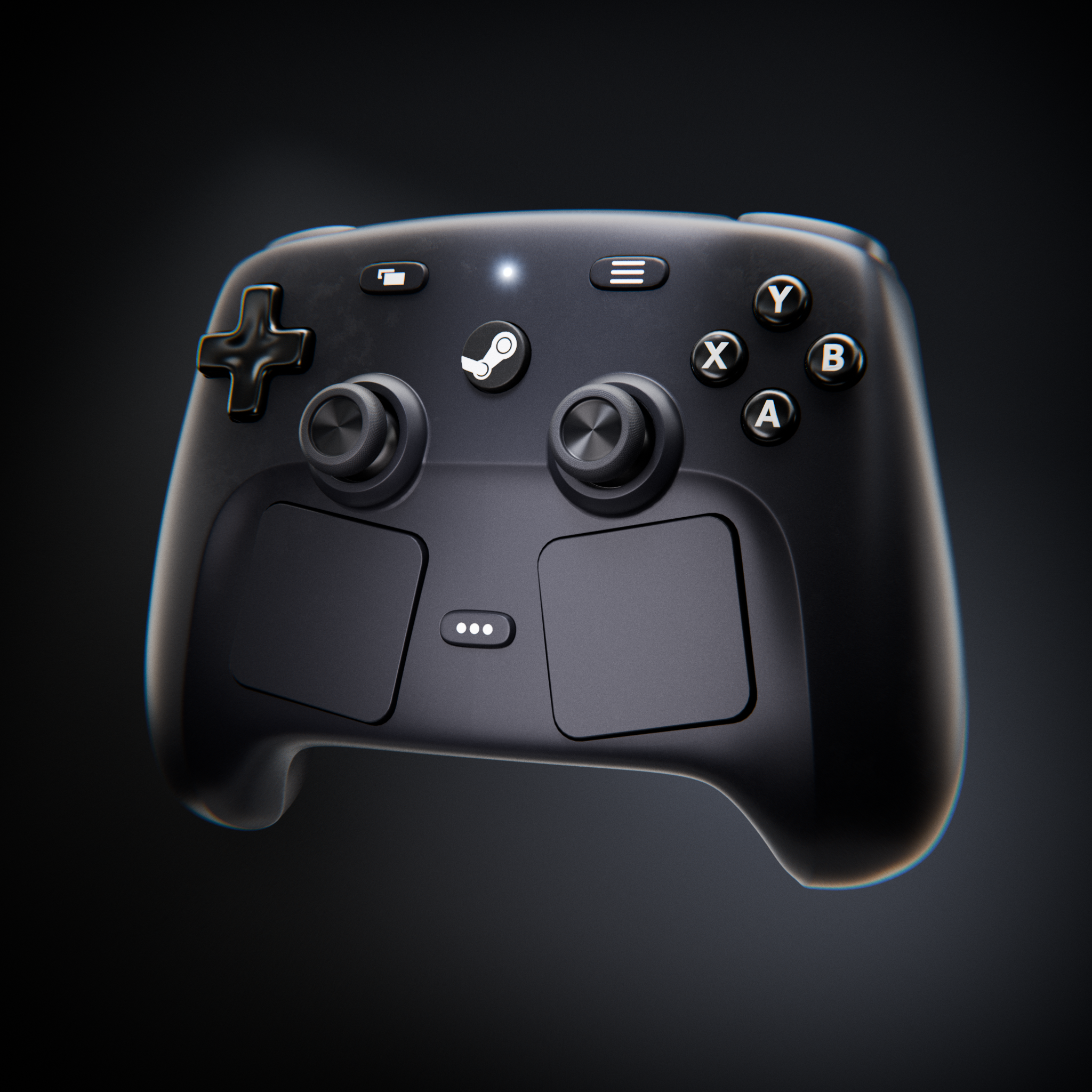
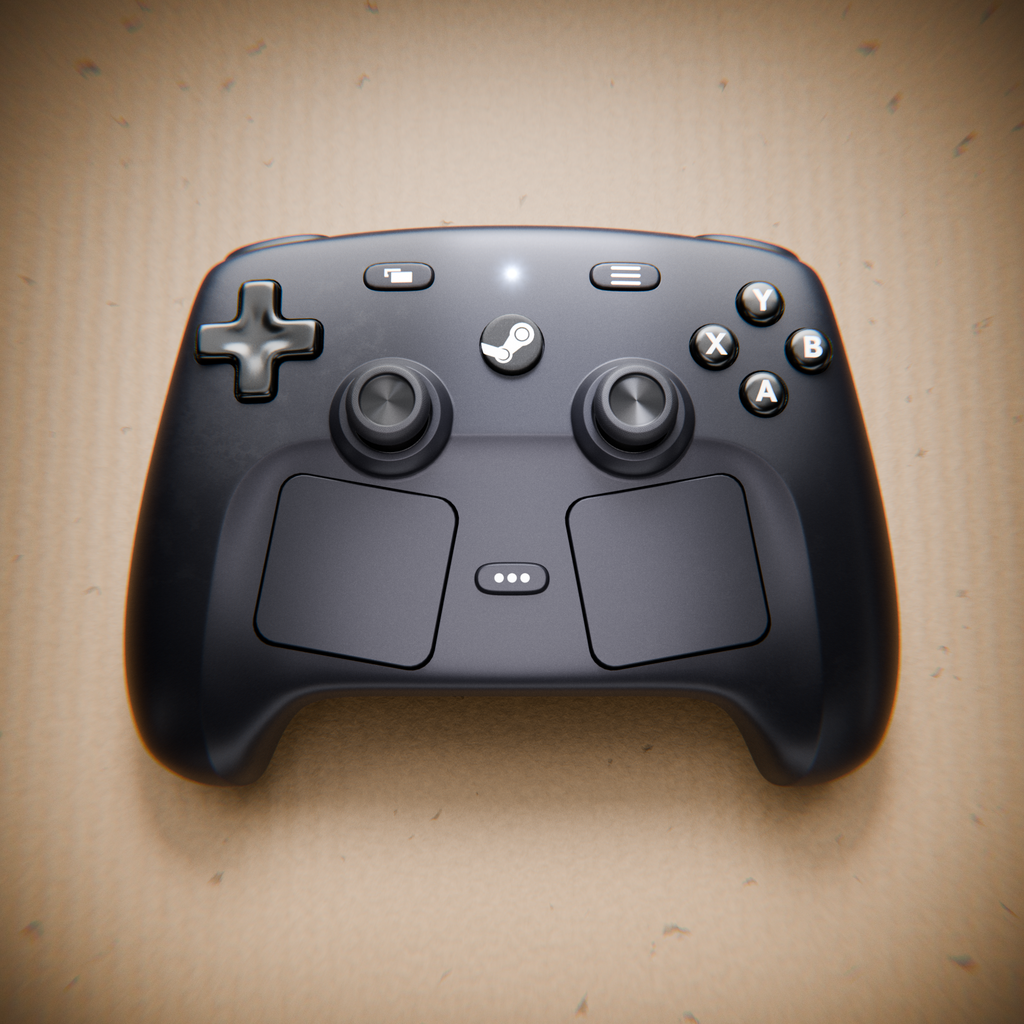
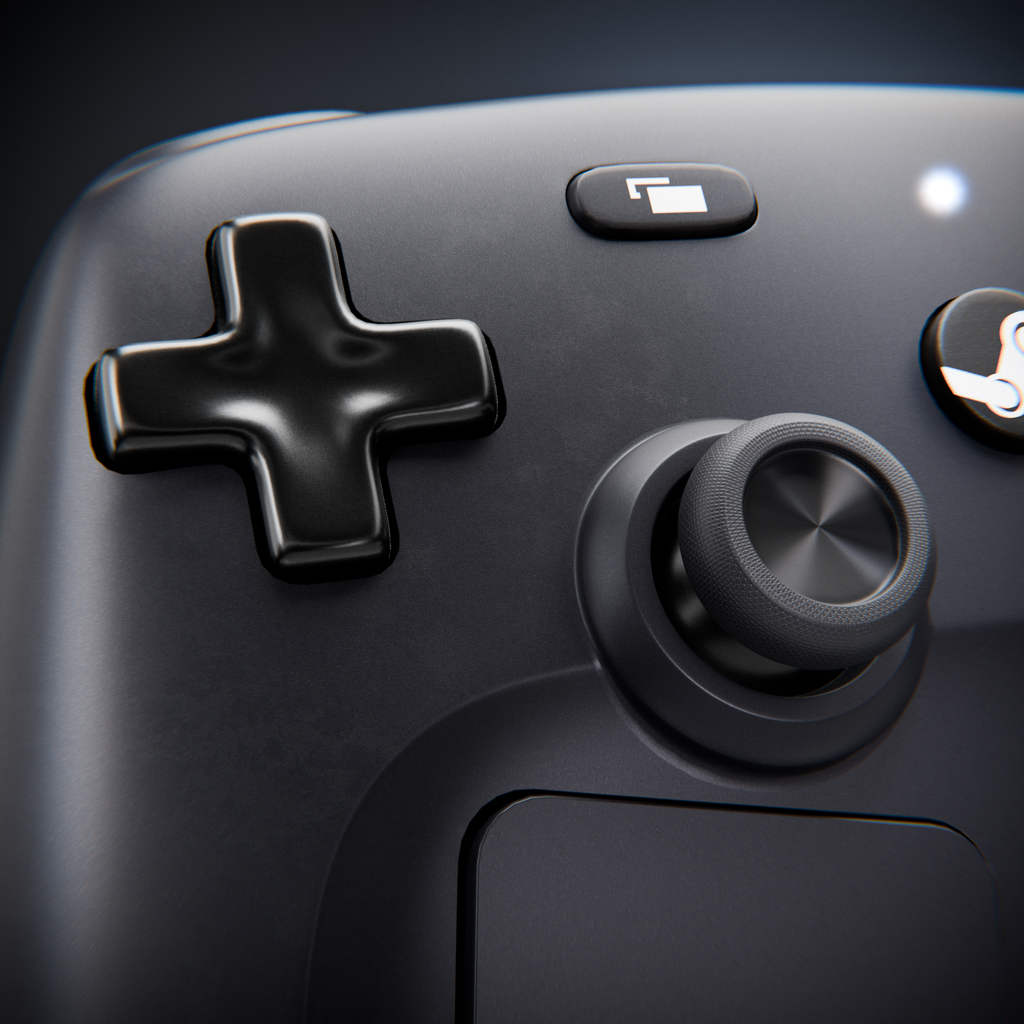
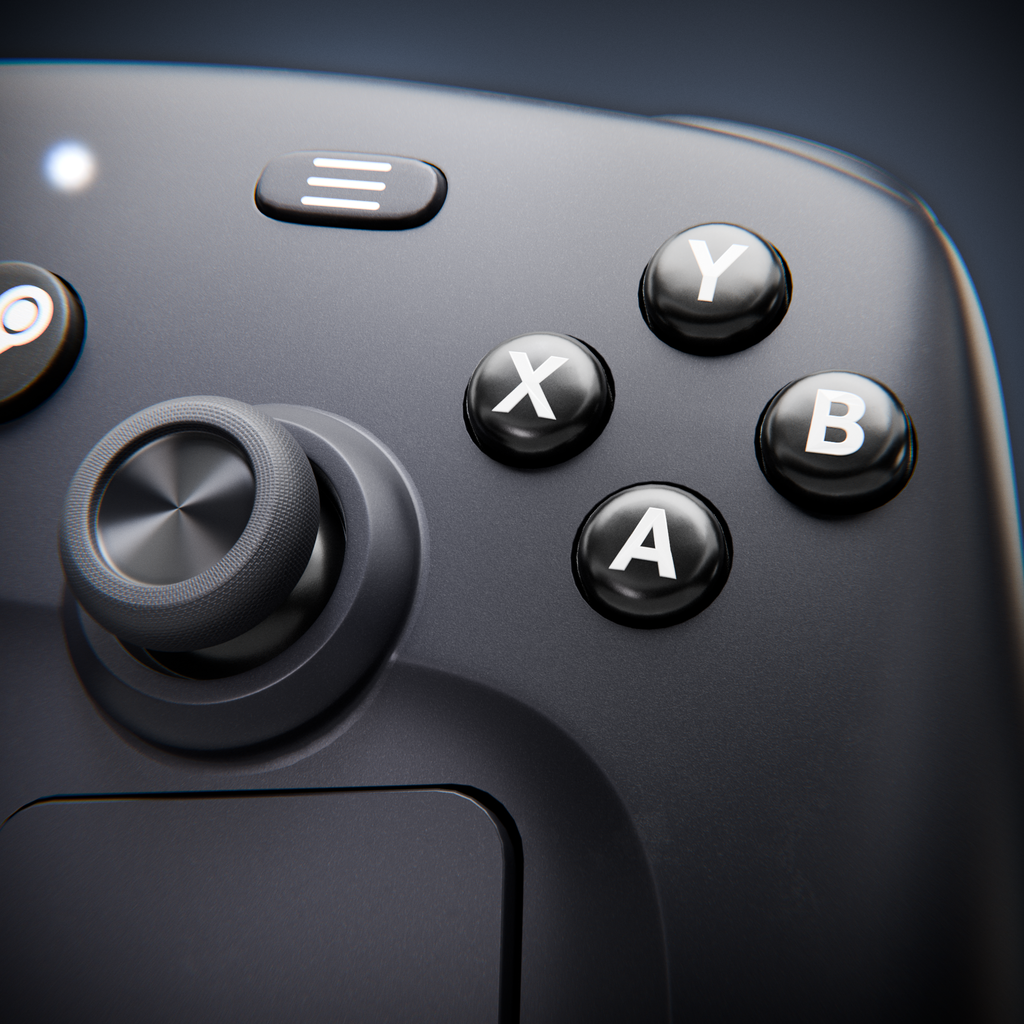
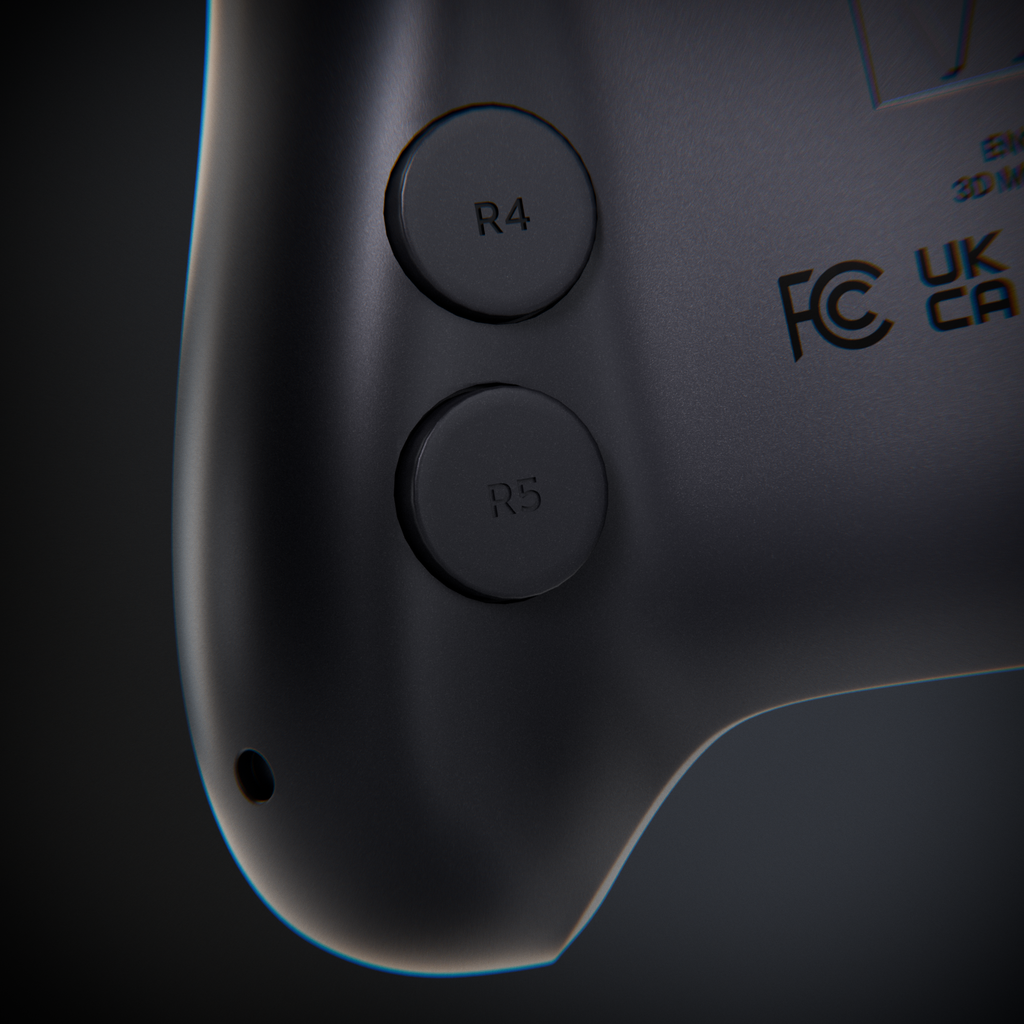
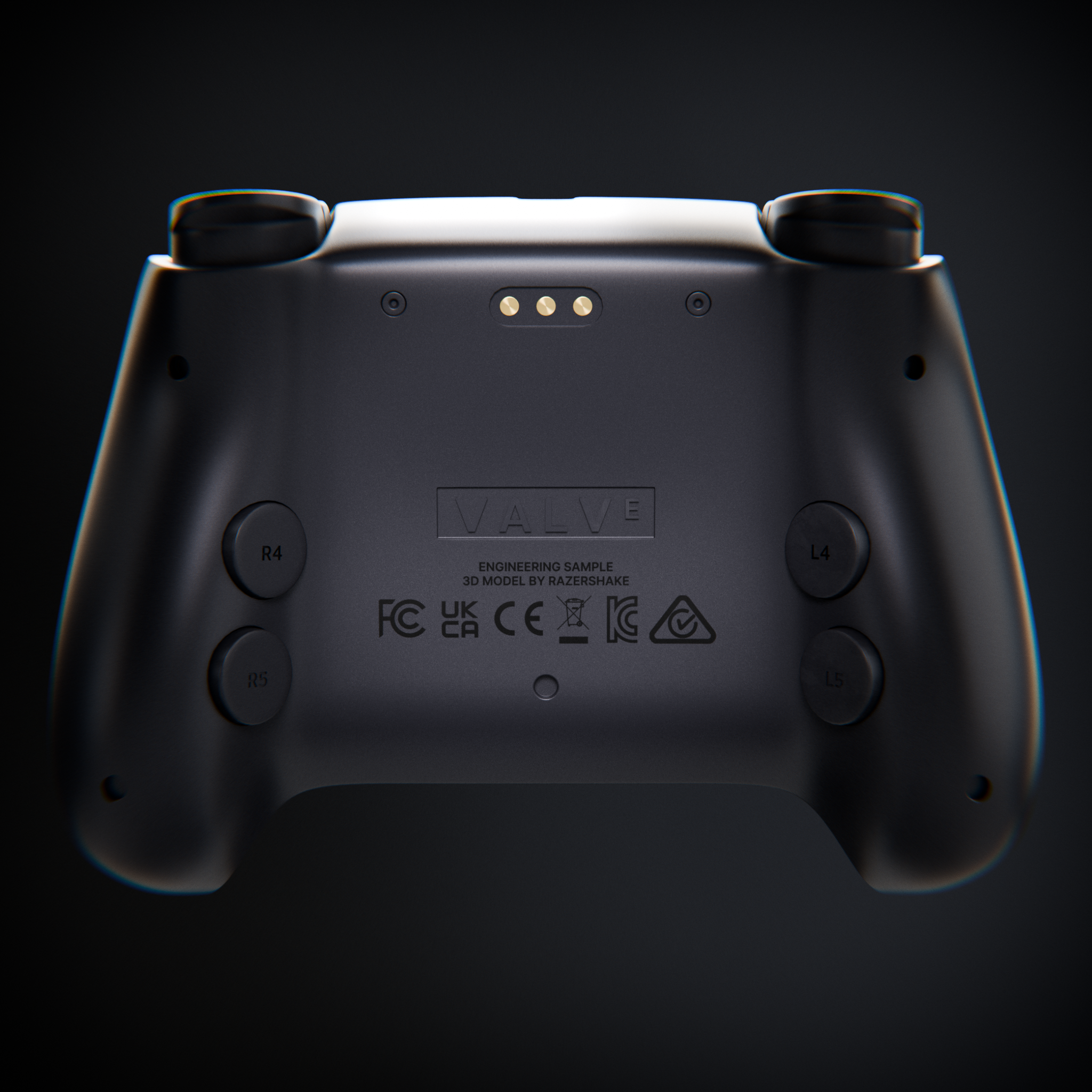
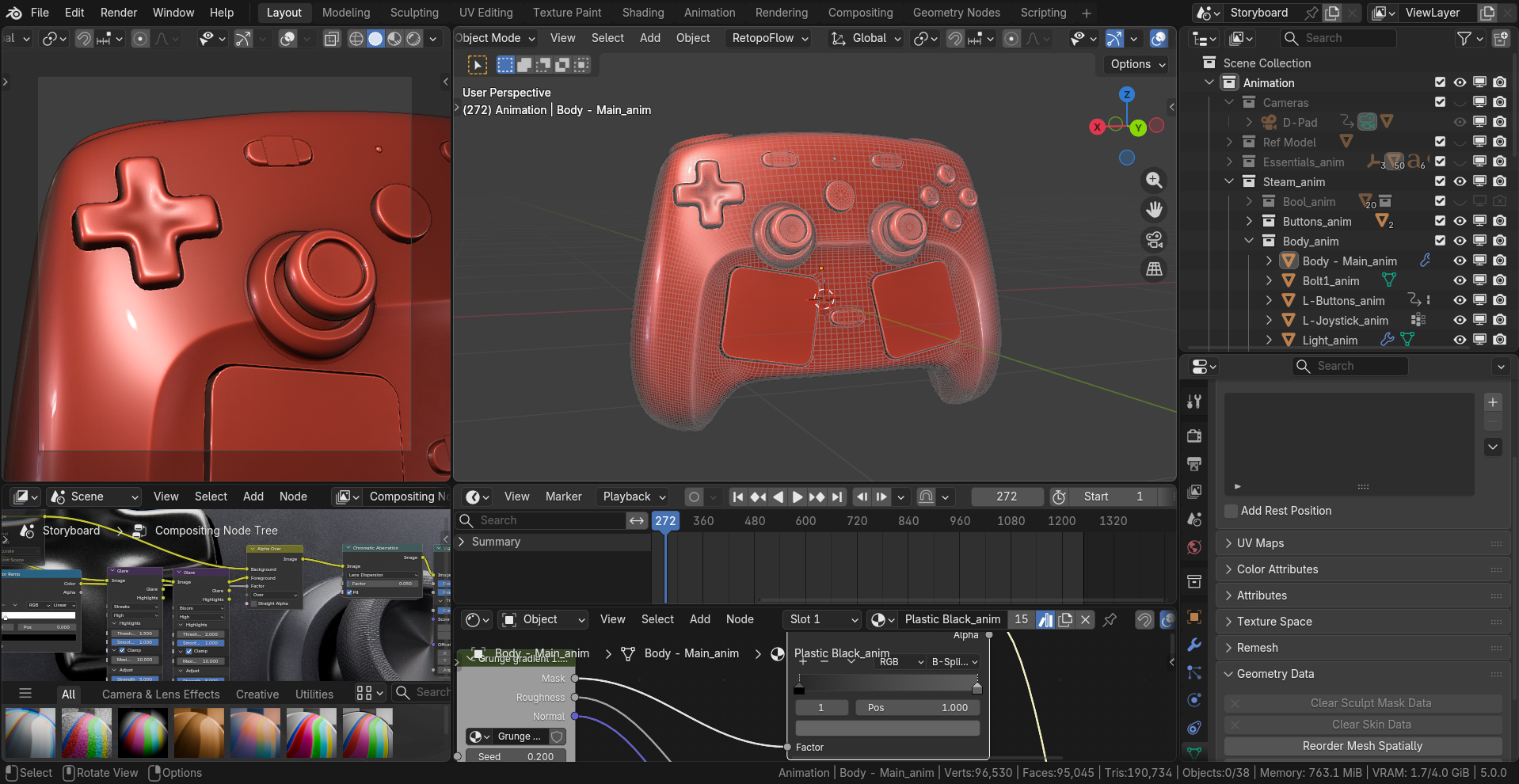
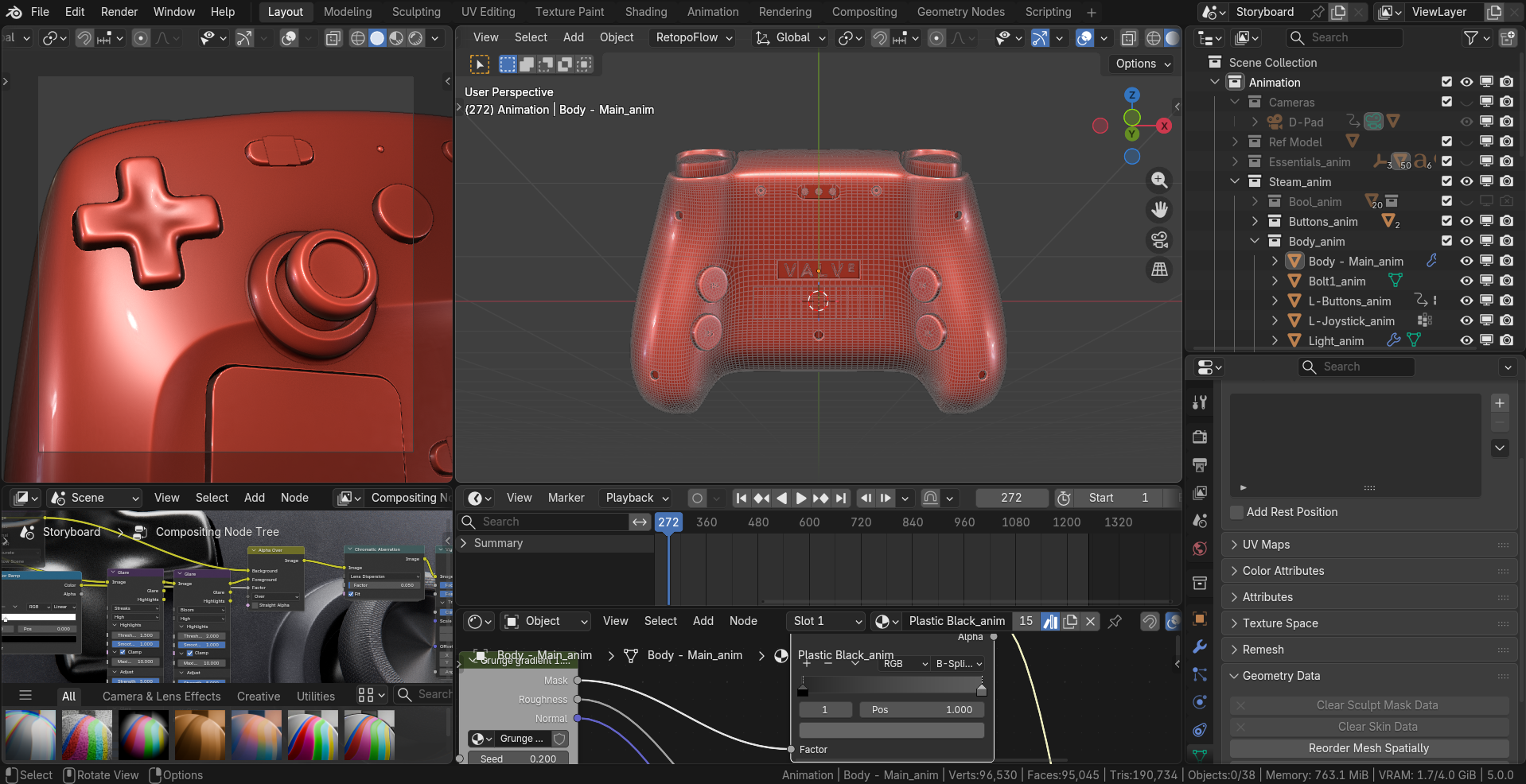
Recently Valve announced their new steam hardware, quite excited as a gamer - I started to re-create their steam controller in Blender about a week ago, here is what I made so far!
You can check it out also on Instagram: Renders Animation Reel
The 3D animation couldn’t be uploaded so you can check it on Instagram
Very nice. Really nailed the look, great modelling, materials, and lighting. The only thing that seemed off was the camera animation as well as some of the button animations in the animation reel. What more do you want to add to this if this is a work in progress?
It’s not a work in progress, for the animation I think for now I just decided to post it anyway even though it’s not perfect, quite stiff. Hopefully as I practice and learn more, I’ll be able to make better animations in the future.
Oh ok. This post is in the work in progress subcategory so that’s why I thought it was. The animation is pretty good btw, just some tweaks would help. You mentioned it was your first animation, so it is pretty good
Mainly the camera animation. The second scene has a random zoom in at the end which doesn’t look right, and overall the camera animations seem more linear/ stiff/ choppy. There are also camera shakes when the buttons are pressed, which don’t really seem right either. A slight camera movement would work better in that case, maybe like a slight zoom in. Just playing around with the animation curves will solve this, making them smoother, even slowing animations down can help. Basically, there shouldn’t be sudden changes in speed or direction in this animation. There’s just a lot of unnecessary and random camera movements here. You should also look at the transitions between scenes, and make one animation flow into the next more smoothly. This should be fairly easy to do. Aside from this, I recommend maybe try adding some depth of field, especially to the close up shots of the buttons. The animation of the trigger buttons also feels very linear without any impact. Other than that, the lighting looks good, but it looks way better in the still renders you posted here. Did you use the same lighting in the animation? If you did then maybe it’s the compression on instagram that makes it look a little worse, or maybe you didn’t composite it the same way as the still renders. Still looks fine though
Thanks for the detailed feedback my G! watching it over and over again now honestly shows that there is quite a lot of mistakes with it. Do you have any helpful tutorials, resources to guide me through 3D animation?
I don’t think I know of any tutorials or anything, but you seem to know what you’re doing enough to not absolutely need tutorials. The still renders are very good, just some of the things in it aren’t translated to the animation
I have been using Blender for more than 2 and 1/2 years. I’m trying to master geometry nodes and shader nodes. You have done an amazing job. I love this. Thanks for sharing.