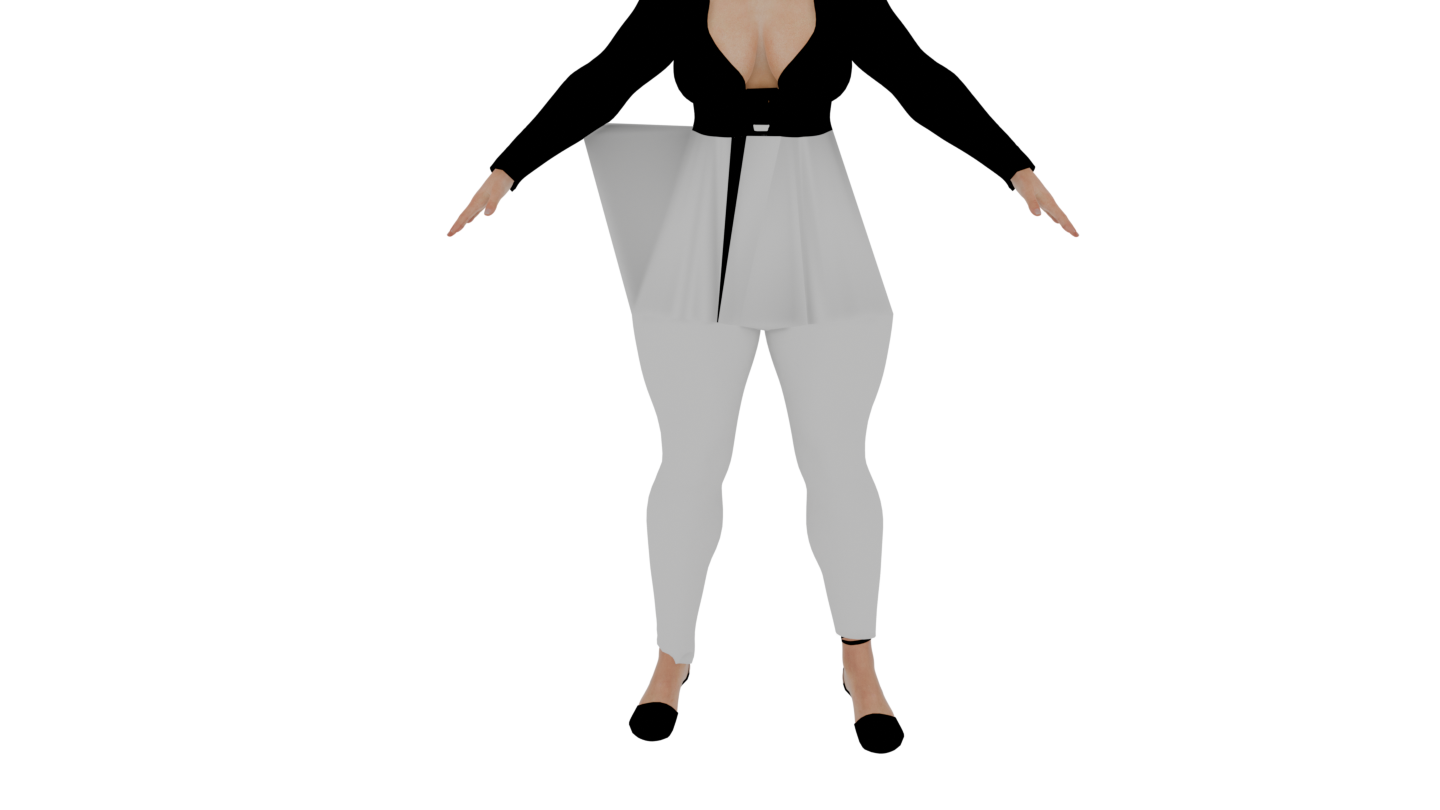
I don’t know why it would only happen when you render, but maybe that vertex is closer to the arm than to the torso.
Try a tapered cylinder, like a cone with the tip cut off, and see how that does.
Edit: Are you only referring to the top part here, or are you also talking about the cuff of the right pantleg? That one looks like it isn’t shrinkwrapping at the bottom. Possibly an issue with the modifier order or vertex groups if you’re using the mirror modifier. The mirror modifier works well with perfectly-mirrored vertex group names, e.g. ‘ankle.L’, ‘ankle.R’. This is also true for bone names.
If it’s only at render, make sure your modifiers all have the same settings at render and in the viewport. If you have modifiers that are disabled in the viewport and active at render (or inversely) or subdivision with a different number of levels, it could give you a result that’s different.
For the shrinkwrap problem, this looks like the kind of issue that could be fixed with a different shrinkwrap method. Maybe try “project” with both positive and negative enabled instead of “nearest surface point”?