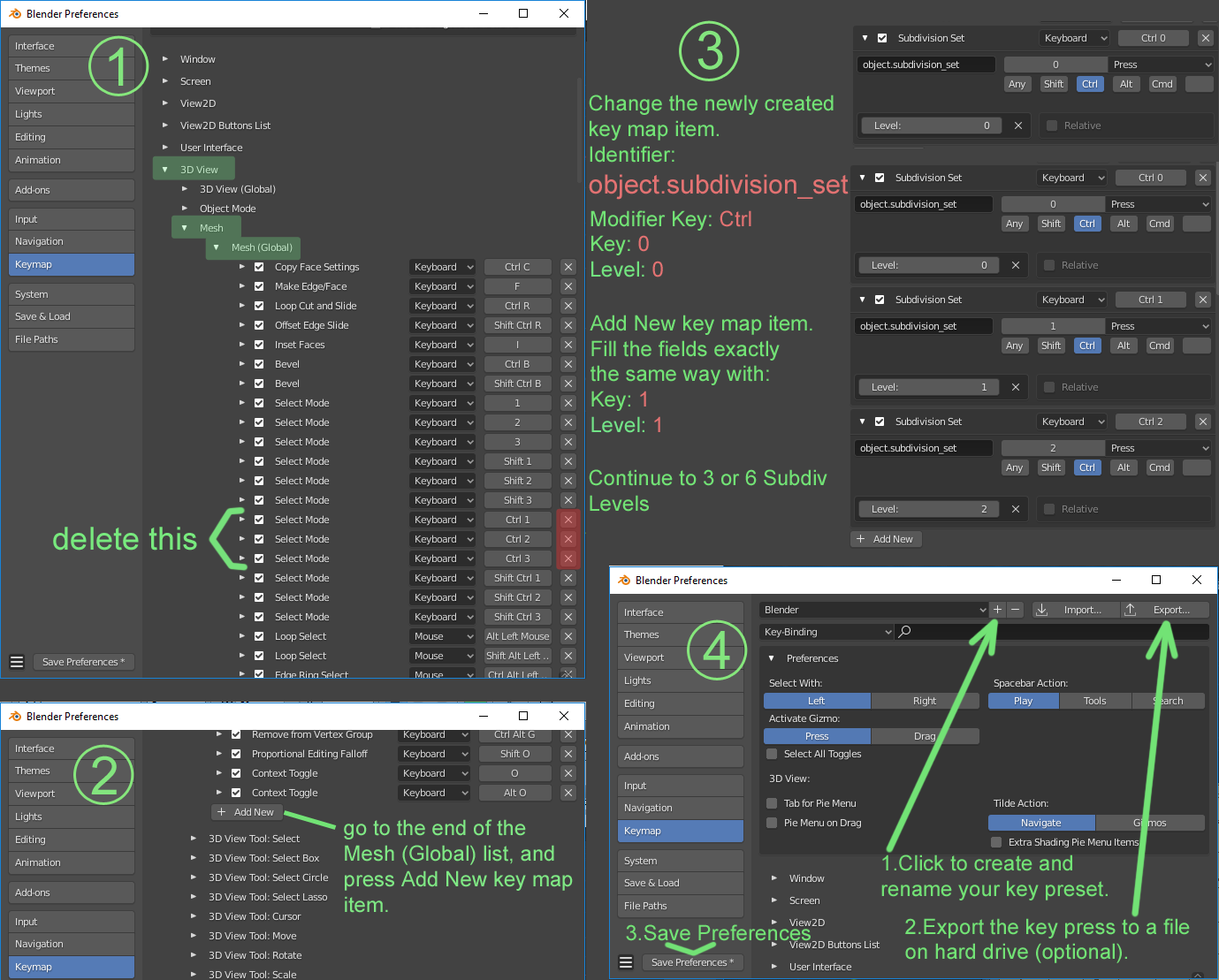
In 2.7 when you using Edit mode, you can press ctrl+0,1,2,3…, and add or change subdivision level.
In 2.8 you can add or change subdivision level with shortcut only in Object mode. In Edit mode this shortcut dosn’t work.
This is a bug? How can I use this shortcut for Edit mode in 2.8?
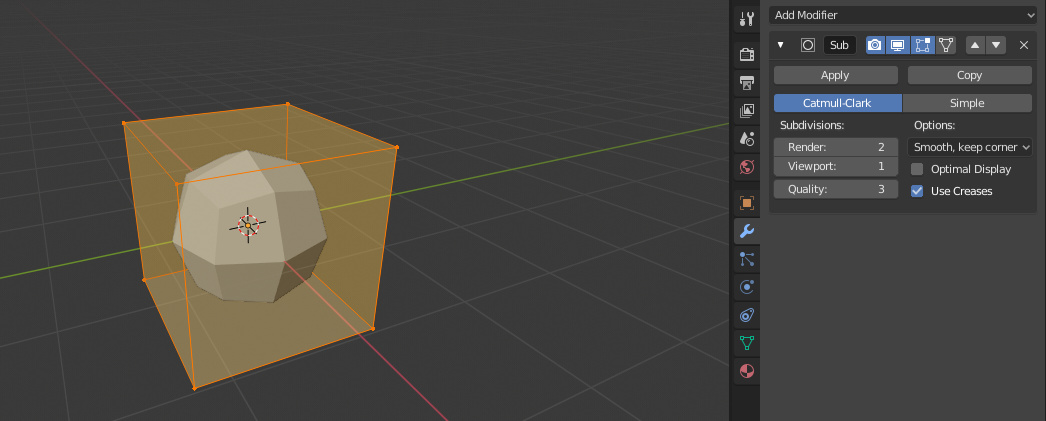
Brecht said: “These shortcuts were intentionally changed to be used for mode switching with expand selection.”
I’m not happy at all! For what? How it works?
Can I manually assign hotkeys to Subsurf modifier in Edit mode? Somebody knows?
I set up my 2.8 with 2.79 interface, RMB select options and ctrl-1 etc in edit is setting up subdiv. If in Win10, you should be able to reset your setup options by deleting /users/user/appdata/roaming/blender foundation or something like that.