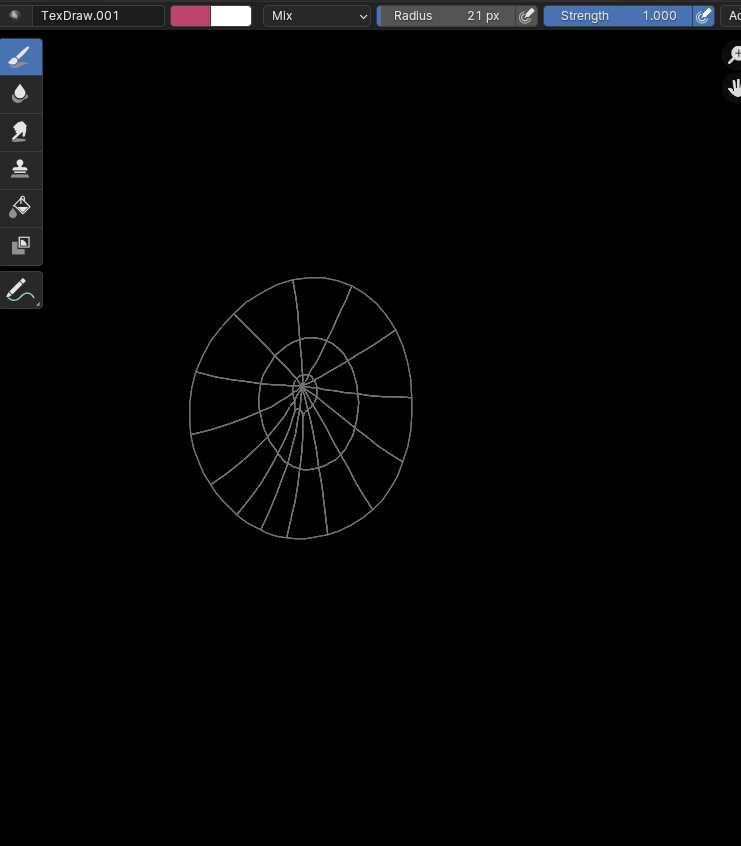
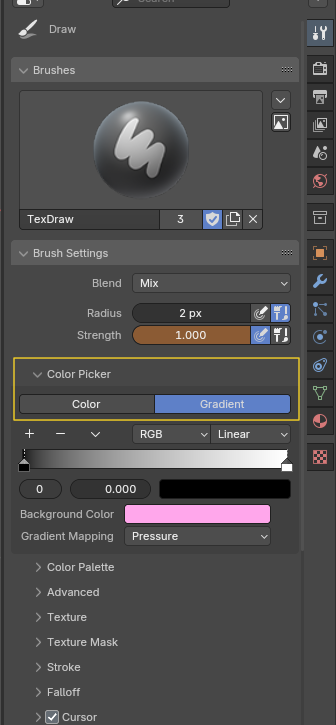
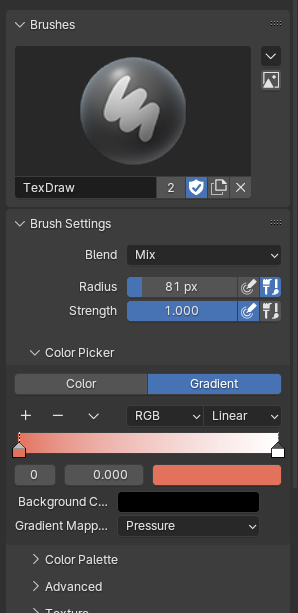
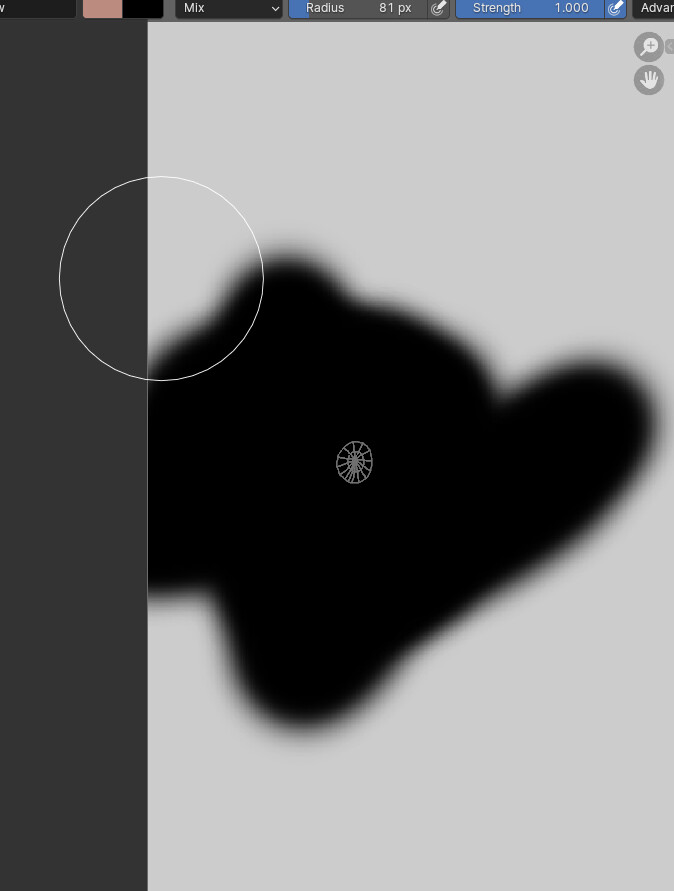
it just doesnt draw color? I even used mask and then painted and like it just paints it black… I tried to make a new image and did everything right, and when I paint it stays black but like i have that slight lag when i paint with too big of a brush so its painting but just not color… what the hell am i supposed to do? I used normal Texdraw as well and it didnt work i tried to make a new one but changed nothing. I am just stumped, I have texture painted before and this never happened to me and like I have no idea what to do… I can only paint black EVEN if both the colors are not black this is so weird
Maybe you have changed default display of channels from Color & Alpha to Red, Green or Blue.
If you display only one channel of color, that is logical to see an Image in level of greys in Image Editor.
Check the last popover on the extreme right of header of Image Editor.
The problem is not that it does not appear on the model. I literally can not texture paint in anything except black (My hypothesis at least, as masking made me color it white and drawing made it black) not even in the image editor can i texture paint. I wanna say im in some kind of masking mode or something but I have not chosen any and I even deliberately chose like non-mask stuff but it just doesnt seem to work. I just cant paint the texture, it should show up fine on the model since when i did some weird stuff with masking earlier but also only in black color. My problem is I literally can NOT paint anything on any texture. I tried making new ones but it does not work. I am so confused. I tried making a new file and it seems to work perfectly on that file but for some reason on this file I can not. I am confused. Maybe its a problem with the save file?
If you think its something to do with masking or a “masking mode” maybe i just need to turn it off? I have no idea how to do it tho so if you could tell me that would be great i am willing to try it
nope, just created a texture image, its on color & alpha
How would I check if i have color channels though? Just in case, and also for future reference when i need it
Yeah I know how gradient color picking works dude im not a total beginner that setting is not the problem because I tried on another file and the normal color works fine
Without seeing the file, I can only assume you added a new black image texture to your Brush Texture and if it is using a black image set to View, it will just paint that black image onto whatever you are painting.