Hey there guys! Pretty new to Blender but not to 3D. I am working on building up a city scene over the last couple of days when, starting today, I’ve been having problems with my textures not showing up in the texture viewport shading mode in the 3D viewport. I’m not sure what caused the change, but it happened while switching back and forth between wireframe and texture while adding objects to the scene. Little by little, the textures stopped showing up.
If I open up an earlier file the textures show just fine. The files are still in the scene as when I render the image, they render just fine. But they are disappearing from my viewport. and the more I work on the scene, the more they disappear.
Here are a couple of the textures hanging on. The other textures just wont display.
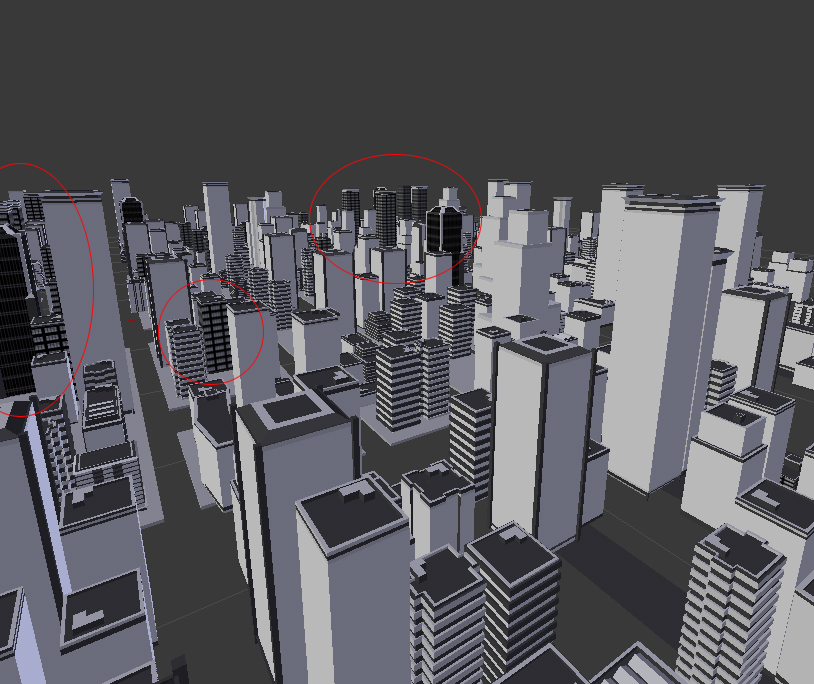
Rendering viewport shading mode, showing that the textures still exist.
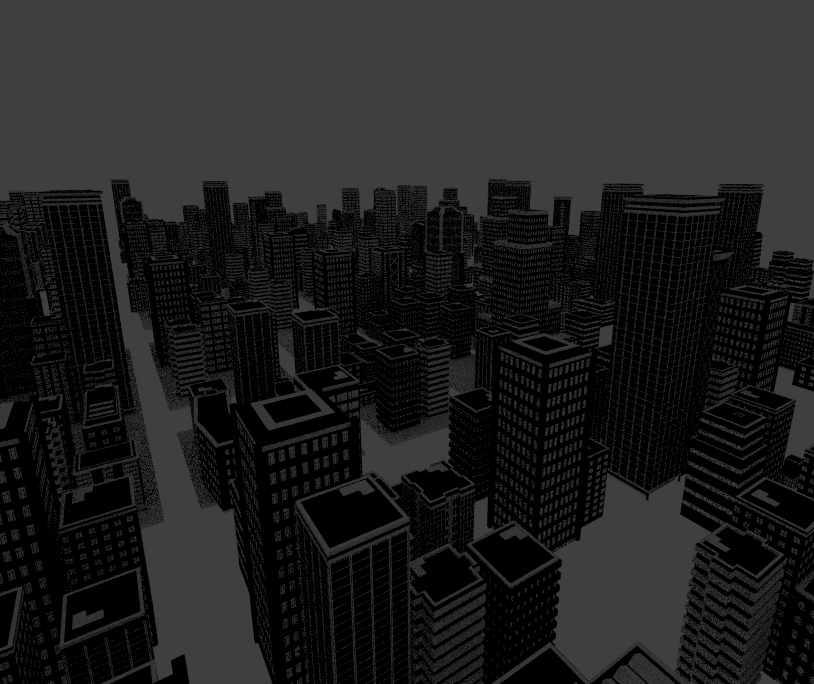
Some of the building assets from an earlier file with the textures displaying in the texture viewport shading mode properly.

So, I am not quite sure what happened. Not am I sure if I should be posting this in the Materials and Textures forum, or the Basics / interface, or the Technical support forum.
I can work around this, if needs be. I will be using After Effects to render this city. Having the textures display here is more for convenience at this point. But I really would like to understand what’s happening. Chances are it’s an iD10T error. haha.
You guys are awesome, by the way! This forum always has the answers to almost all of my problems. Thank you so much in advanced for your help, and for all the help you have inadvertently given me!