This is clearly a big project, can’t compare… and yes, I’m also eager to see it in master… BUT a proper “dam_standard” brush is a must… like, it’s one of those basic things that should be there since day one… 
6 Likes
Performance optimizations are already on the list for the multires. Currently the dev is working on baking from multires.
2 Likes
Agreed, but the four most important reasons I’m still working with ZBrush are Dynamesh, Sculptris Pro and two types of smoothing: the volume-preserving alternative Smooth brush algorithm, and the Polish slider.
Dynamesh is noticeably better than Voxel Remesh, because it isn’t as destructive as Voxel Remesh when remeshing with the same resolution.
Sculptris Pro is better simply because Dyntopo development is discontinued. A part of the Sculpt Mode brushes, such as Draw Sharp, doesn’t support Dyntopo. I know why that is, I know Dyntopo uses the slow Bmesh method for triangular subdivision. But I always hate it when things are discontinued in stead of improved.
Regarding the smoothing: when working with Blender Sculpt Mode, a Corrective Smooth modifier with Length Weight and Only Smooth modes activated kind of approaches the ZBrush Polish slider algorithm, and if Pablo could make a mix between the two current Smooth brush algorithms (Laplacian and Surface), ideally combined with the Slide Relax brush smoothing algorithm, then that could compete with ZBrush Alt + smooth.
4 Likes
Regarding the multires. I have a character with it to level 6 high detail and couple million verts. I disabled the modifier in viewport and render to rig it… Over time like 4 to 5 minutes the usage of memory goes beyond the limit of my pc of around 37 GB… Anyone else encountered it? or can reproduce it? It should be a memory leak of the multires and so a bug
Testing UDIM and texture painting with multires now (though just splashing some colors in for now), Blender is truly on the cusp of having truly powerful creature making workflow (as all three features are able to coexist just fine).
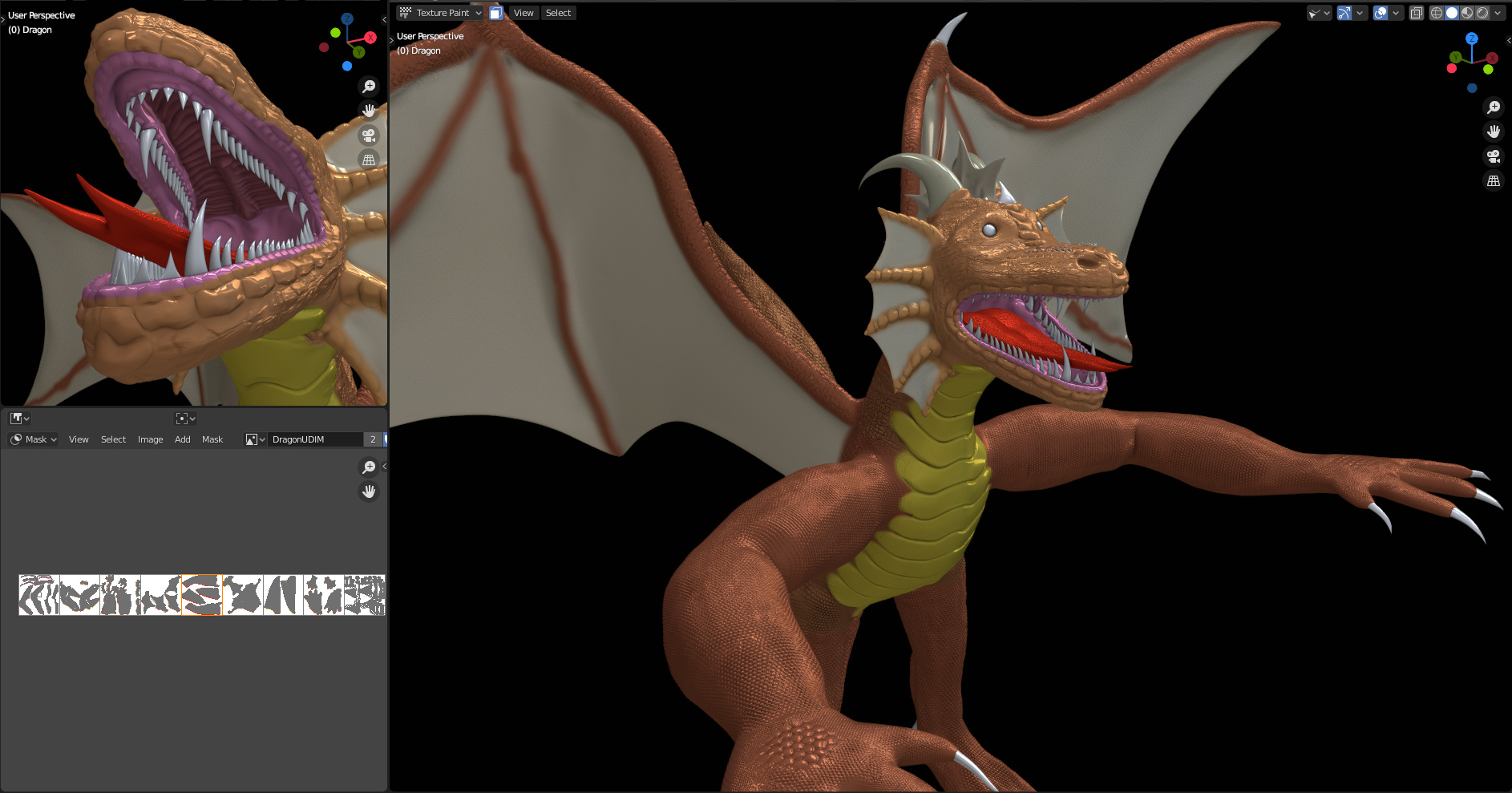
Try replicating this in Blender a year ago, you just can’t because UDIM did not exist, multires was broken, sculpt and paint had a lot more missing, and undo was horrible. It is mostly onward and upward from here now (ie. closer and closer to Zbrush and Substance Painter levels of performance functionality).
5 Likes
Could be the undo system (as each step takes some memory to store).
The preferences has options for the maximum number of possible undo steps, and I think the maximum amount of memory it is allowed to use up as well.
That could be it but i have also disabled the multires in render and viewport and the consumption stays high.
But curious that undo is filling up the ram to its limits. That would basically cause every bigger file at some point to crash… But maybe i should try to lower the undo steps and see if that helps.
Thanks i have not thought of it.
I tried the Pose tool on 2.83 and it’s not great, it only rotates mesh slection.
While in 3D Coat Pose tool allow to make a selection or select by mask also, and allow to move, rotate and scale the selection.
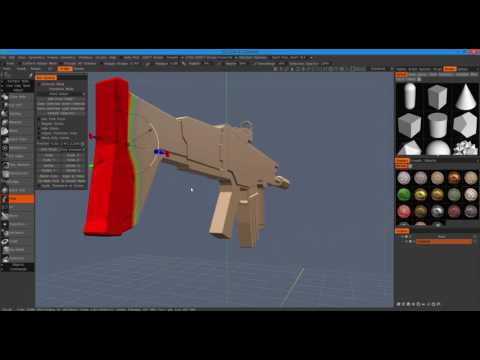
Also no curves tool ?

Also no extract from mask subtool, no extrude surface from mask.
Blender is far from what 3D Coat or Zbrush allows about tools and features to work faster and better. It needs to get most essential tools for full sculpting work.
3 Likes
You could pay some money for an add-on for the extract and extrude or you could be patient and wait on Pablo’s work that he mentioned before about these. I remember the extract caught my attention because still now I use Dyntopo Plus add-on, and would love a better solution there as well. Dyntopo Plus has a nice feature of letting you store temporary brush settings so you can mix and match quickly there. The pose by mask sounds very useful, and hopefully a similar approach will find its way into Pablo’s work needs.
2 Likes
I don’t understand the Pose tool in 2.83, the interest of rotating things is really limited to characters poses only. While in 3D coat , Pose tool has many uses.
I think Blender is becoming like Unity 3D engine.
It will stay basic perhaps enough for many people, but incomplete tools for other people that will need to buy addons to become productive (quick retopology or paiting BDSF materials addons).
I no more waste money on addons (they can become discontinued , or bugs not fixed, also no Blender official support).
Instead all money you put on addons you could had baught a 3D Coat or Zbrush license getting all needed and most advanced tools without needing to pay for addons.
BTW, it’s just i mainly use Blender for modeler and animation for my needs.
While i understand other people using Blender exclusively can buy addons and have different Blender uses and needs.
While i still think Blender by default should have some more minimum essentials brush tools
- curves brush
- lot better pose brush tool
- extract subtool
- split brush tool
- insert mesh
2 Likes
I don’t think there is any basis in the argument that Blender will remain basic with add-ons having to fill the need in every aspect as you suggest. Pretty much every release since 2.80 we have got some feature that has helped bridge the features gap between perpetual 3D softwares and Blender. The software is far less basic now than when I started using it when the 2.80 Alpha just launched, but there is certainly a lot more work to do.
The Pose tool is pretty brand new and is still under development. It has got several updates since its 2.81 release and it keeps getting updated over time with more changes coming in 2.90. If you have any suggestions to the devs on how to improve it, then go to Devtalk and leave that feedback. Though, the Pose tool from 3D Coat looks more like a mix of using masks and the Transform gizmos than what the Pose tool in Blender is trying to achieve. I think adding better Transform gizmos and masking features would do the job better than redesigning the Pose tool to be more like the one in 3D Coat. The way the Pose tool interacts with the new Face Sets I think helped making the tool a lot more practical and easy to use.
Most add-ons for Blender do not cost nearly as much as buying 3D Coat or ZBrush. It’s honestly kind of silly that you are making such a comparison, especially since the most expensive add-on I use for Blender sculpting is Quad Remesher, which costs around 90-100 Euros or 110 USD, but that one is a clear outlier with several add-ons either being completely free or costing a fraction of what Quad Remesher costs. Though, I agree that if you want a tried and tested 3D sculpting package, investing into ZBrush or 3D Coat would be a good idea. Still, comparing the costs of investing into Blender versus investing into 3D Coat or ZBrush, Blender is the clear winner in terms of it being the far cheaper option.
3 Likes
Pablo very recently posted a really interesting design task involving fixing the persistent base mesh for the Layer brush. However, the task also involves many other areas of sculpting, including talks about Shape Keys, Sculpt Layers, the Pose tool, and cloth simulation brushes and filters.
7 Likes
pose tool is just for rotations by design. For moving and scaling there are separate transform tools in a sculpt mode. They suport masking as in those 3dcoat videos. The only thing is a Pivot Points - they’re aren’t ready yet.
1 Like
6 Likes
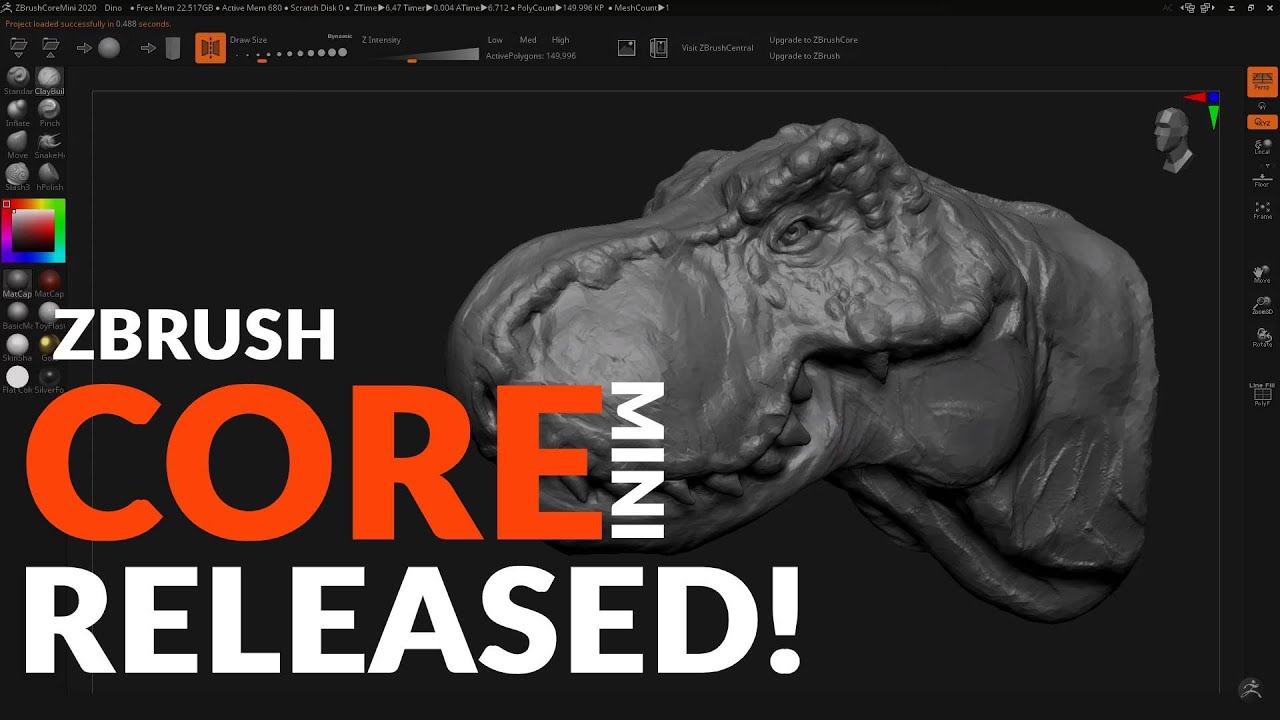
That’s actually really cool! The UI looks a lot cleaner and usable for newcomes by adding some quality of life features that make it easier to sculpt when compared to regular ZBrush. Would be nice if they took a similar approach to the rest of the ZBrush package by making it this easy to start sculpting, save, and import/export your work.
I do hope however that they will expand it to include some more features. No SubDiv system and brush Alphas make this hard to recommend over just using Blender to learn, even with Sculptris Pro tech available for sculpting. I checked out ZBrush Core a bit and while it did have these things available, it still lacks the quality of life features that Core Mini has. Also, it seems like they actually limit the amount of polygons you can have in Core (i.e. 20 million vs 100 million I saw in a video), so removing that restriction would be nice as well.
3 Likes
It’s just skin for sculptris 6.
1 Like
The idea is really cool, yep. But the usability of this initial version is quite trashy.
Theres no way to change back to the smooth brush once it has been substituted.
No shortcuts for brushes at all…
…and no way to create them (it seems to recognize “shift+alt+click” though. misleading behaviour.)
Honestly, thats not a great first impression for a someone new to zbrush or sculpting.
But hey! Its the initial version after all. Hopefully they’ll fix some UI caveats. 
Is there a Demo somewhere or did you throw in 10$?
Id try it too for 1 month but the payment methods scare me away. 
4 Likes
well now you can make eggs more easier in just two clicks 
3 Likes
I keep hoping Pablo and fellow devs will stop introducing new features like all the cloth gimmicks until the already present features are well worked out, both how they work (effectivity) and how they are controlled (convenience), and until essential issues like the crippled Sculpt Mode Undo are fixed.
I also think this is a smart move by Pixologic. It was necessary to maintain a competitive position with regard to Blender. Now I hope the full version of ZBrush will get a makeover in some areas, to dust off the 1990s. 
4 Likes