Thanks for mentioning it. The warnings aren’t removed yet, even for vertex attributes (that’s one of the next steps). As a guess for this situation, maybe the color attribute was actually on face corners? I know we confusingly called those “vertex colors” in the past so it’s easy to mix up. Or it’s not working in this case, because there are no experimental toggles or anything.
1 Like
It’s been very cool to see the examples of node tools in this thread! I know it’s not as interactive we’d hope (note that you can assign a shortcut or put them in quick favorites though!), and that sculptors don’t want to create node networks for basic things, but with the future of asset bundles even the extensions platform, I’d hope it could be useful for people who don’t want anything to do with nodes too!
I hope the next iteration of the project will help a lot with sculpt mode, with inputs like the mouse cursor and the view transform, and control over masks/soft selections, there should be a lot more to do. But I’m sure others are more imaginative too, so I wanted to point out the dedicated feedback thread for node tools over on devtalk. It would be great to have some of these examples there too, or ideas for the future. Thanks 
23 Likes
I just did another quick test.
I put some vertex colors on a cube, enabled dyntopo, and moved the brush around on where I had vertex colors. Nothing displayed during dyntopo mode, but when I turned dyntopo off I found that the colors were in fact preserved.
The lack of display of mesh attributes while in dyntopo mode confused me and made me wonder if something was not enabled yet, but this is all a WIP.
https://www.3dcharacterworkshop.com/offers/zmuP3Gvr/checkout
found it, apparently there is a way to purchase the addon itself.
$27.00 USD or more
1 Like
Addon is fine, native is finer…
6 Likes
Been trying the ported over changes to Dyntopo. There are a lot of unsupported stuff still happening with the implementation. You can’t do any edits to the face sets. None of the Face Sets menu operators work while having Dyntopo activated. Can’t paint face sets either. The only thing that seems to work with Dyntopo is masking, so at least there’s that.
I hope the devs keep working on Dyntopo till it’s feature complete and don’t stop midway like with the Multires project. Still a long way to go before it matches the sculpt branches.
2 Likes
I hope so too, as Zeno’s development model is a common practice in FOSS overall and it would be nice to see at least one major project overcome it for good.
For reference, based on the paradox about a runner who only goes halfway, and then halfway again, and as such never excels at anything.
2 Likes
No more confusion about whether Blender preserves colors now.
Fix: Sculpt dynamic topology doesn’t draw active/render color attribute · a6a2af5fdd - blender - Blender Projects
Patches to watch include improvements to undo and better support of face sets
#113510 - WIP: Sculpt: Implement vertex data undo for dynamic topology - blender - Blender Projects
#113357 - WIP: Sculpt: Implement face set brush for dyntopo - blender - Blender Projects
10 Likes
Float2 attributes are now interpolated.
Sculpt: Support Float2 attributes for dynamic topology · 926c6782fe - blender - Blender Projects
A previous commit hints at UVMaps being of that type, so we are getting the basics in place for freeform organic modeling.
EDIT: The Windows buildbot just updated with the commit included and I tested, actual UVMaps are not supported yet so I am not entirely sure what float2 is used for.
4 Likes
Some clarifications: that commit is just about drawing, not interpolation. Interpolation is implemented by domain rather than by data type. So in main, vertex float2 attributes are interpolated, UV maps on face corners aren’t.
11 Likes
Sometimes when I remesh with Ctrl R it automatically creates black color attribute. I keep trying but can’t pinpoint exactly when does that happen to report as bug. Does anyone experience this?
Edge attribute preservation is in
Sculpt: Preserve edge attribute on split with dyntopo · f8ee27c88b - blender - Blender Projects
Meanwhile, there is continuing cleanup and modernization in the code regarding things like PBVH. Joe also recently submitted a pull request making the PBVH more robust.
11 Likes
Will 2024 the year of a proper Multires revamp? Can it? Can… 
8 Likes
I used to use a lot the shift+control shortcut for lasso masks, but in version 4.1.0 alpha it doesnt seem to be working anymore, it is a bug or has been removed for some reason?
1 Like
It’s Shift Ctrl RMB now, like in all other modes. There’s also now Shift RMB for lasso unmasking.
There are actually a lot of small tweaks to the keymap.
Feedback is very welcome!
10 Likes
LOL… If a simple brush can’t see the light of day, what chances does a multires revamp has? 
5 Likes
If anyone here is trying out Geometry Nodes for Sculpt Mode, here’s a neat little setup for merging separate face set meshes.

Before:
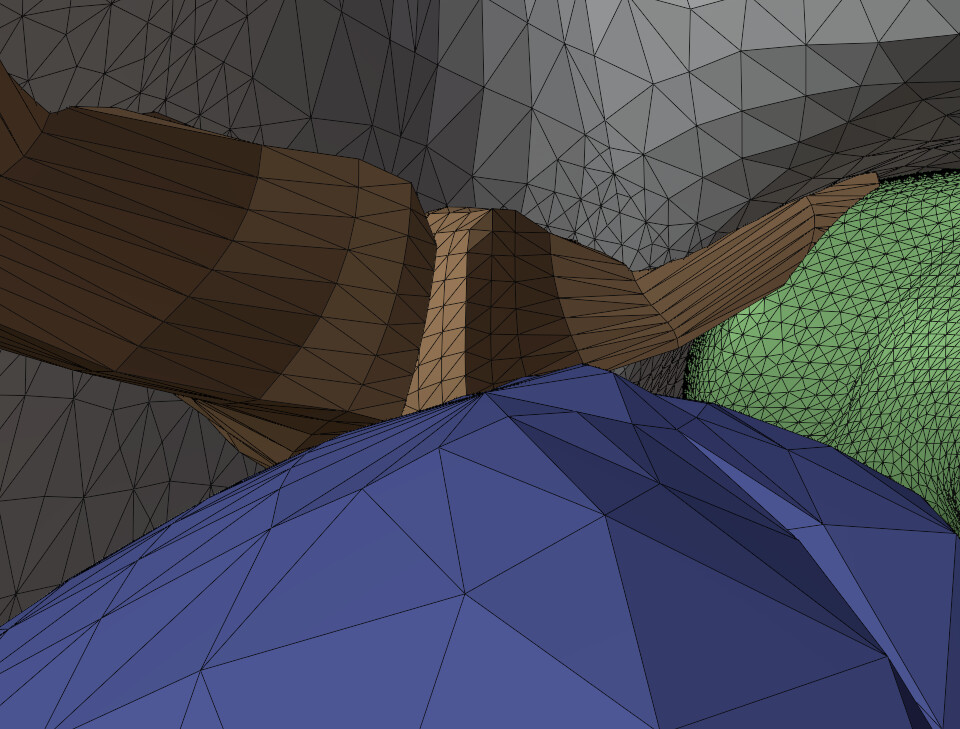
After:
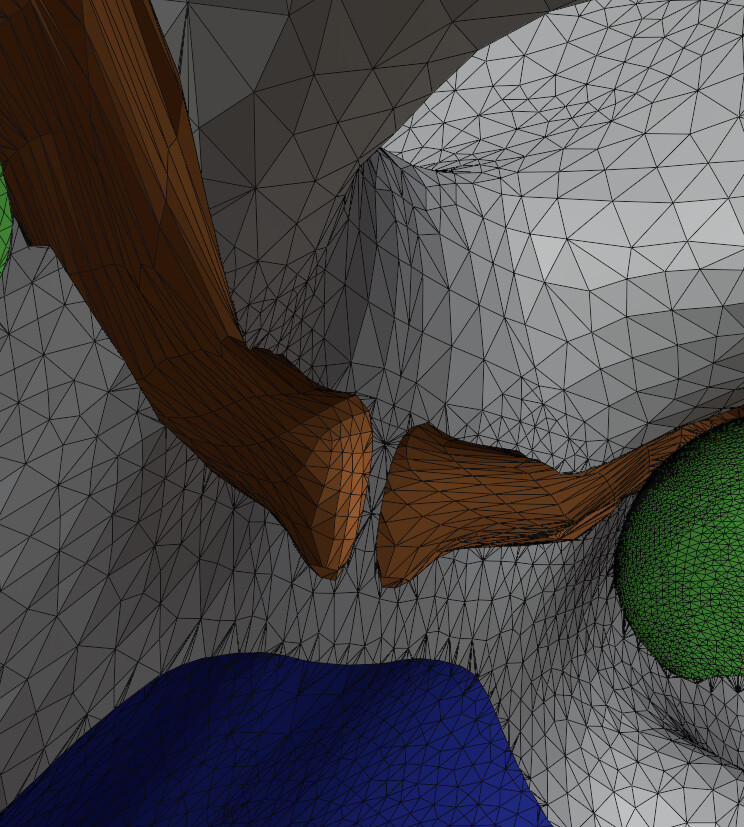
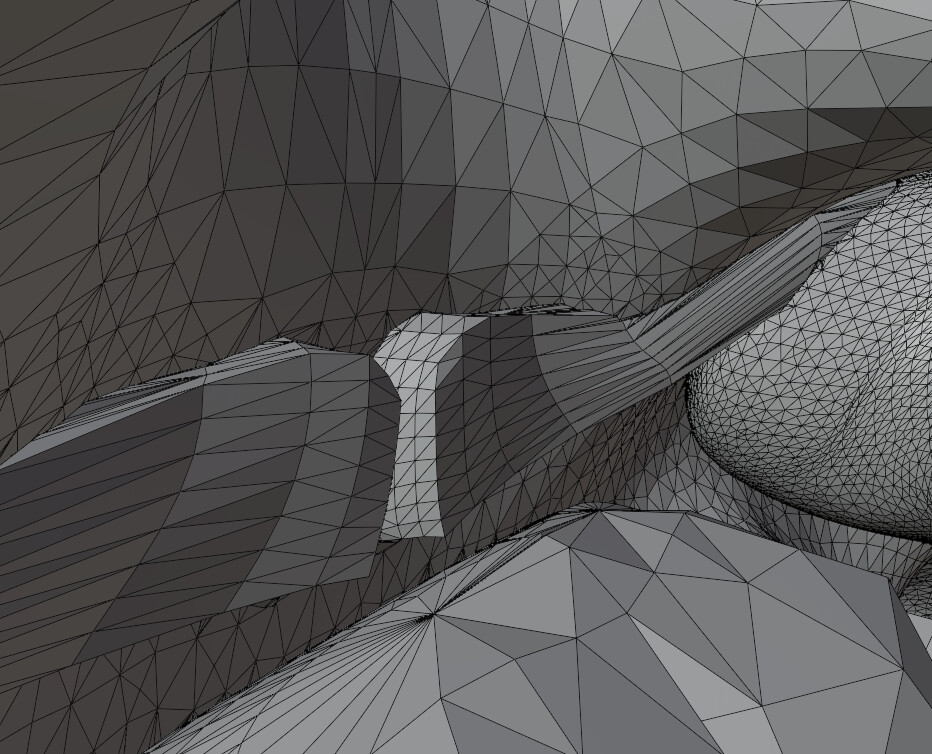
I recommend using this operator beforehand if no face sets have been made.

You get these results otherwise:
11 Likes

1 Like
That’s a bug. The sooner these things are reported the faster they are investigated and fixed 
6 Likes
In that case I’ll write a bunch for Sculpt Mode Geometry Nodes once I get the time. Had several ones happen to me by trying to build my own custom objects that could be moved around in Sculpt Mode. 
I already made one about how Face Sets are using the same node language as other types of selection methods (i.e. pink socket “Selection”), but behave vastly different from how selections work. It’s considered to be a “mask” according to the people who reviewed my ticket and wasn’t considered a bug, but frankly, it is not at all clear that Face Sets can’t be used as a selection method for boolean different face set objects in your scene. The only boolean type that works is by adding meshes together in a boolean operation (see my post above), but subtracting or intersecting booleans can’t use Set Face Sets to make said selection, even though the nodes indicate that it should work.
2 Likes