Regarding material slot names proposal on rightclickselect: https://blender.community/c/rightclickselect/yFfbbc/
My comment: https://blender.community/c/rightclickselect/yFfbbc/#comment-54052
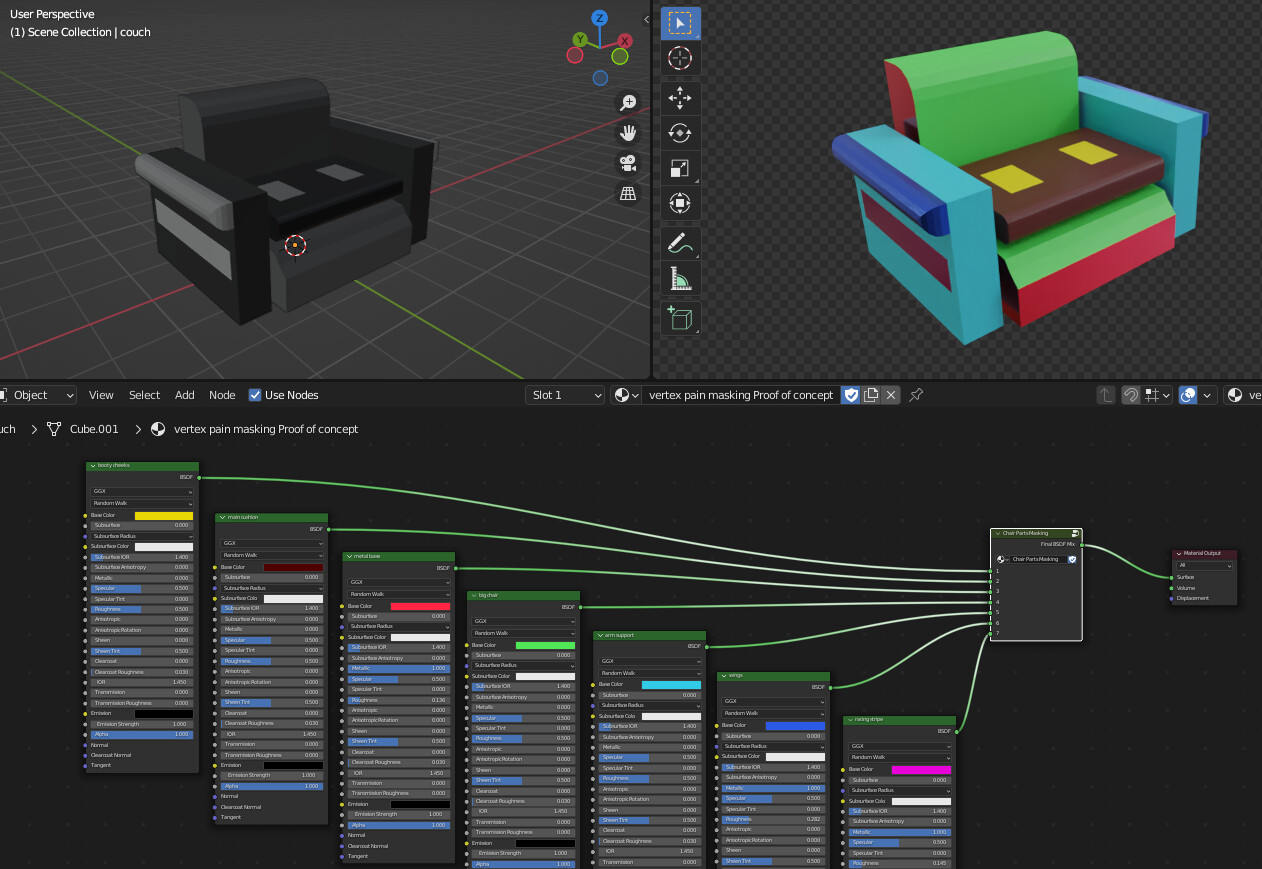
Demonstrating using vertex paint values on faces as masks to mix together many different shaders within a single material.
In edit mode select faces. In vertex paint mode enable “face selection masking for painting”. Use shift+k to fill the selected faces with a shade of grey.
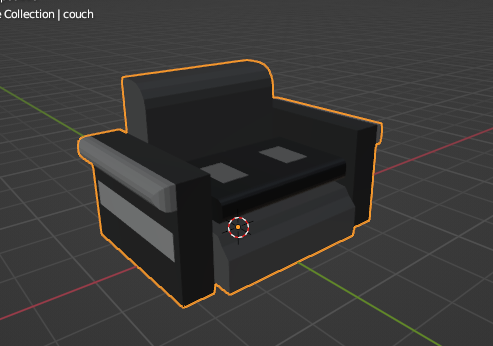
Demarcate the various parts of the model this way.
Use the math compare node to isolate each part of the model based on the vertex color provided by the attribute node.

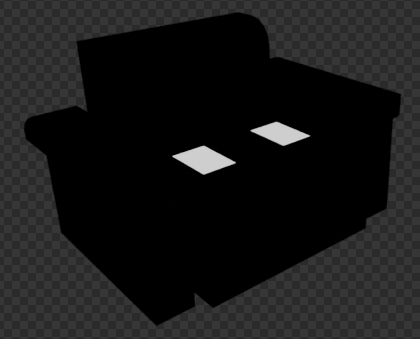
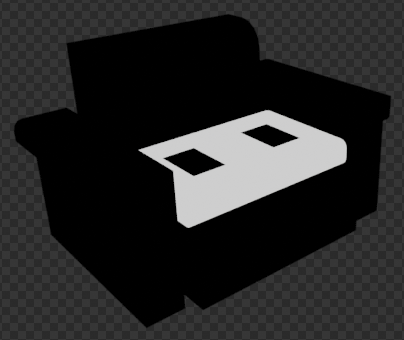
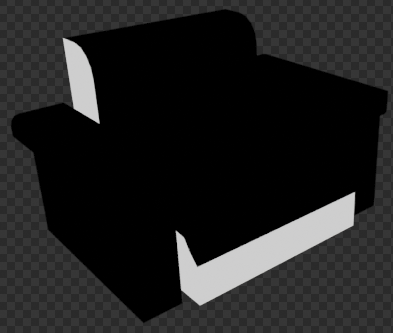
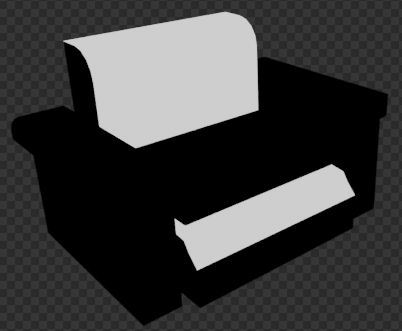
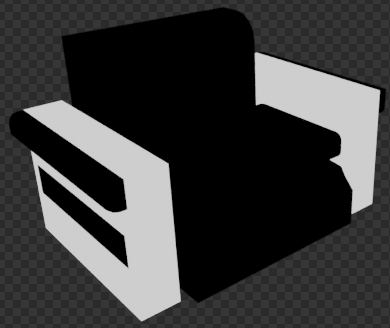
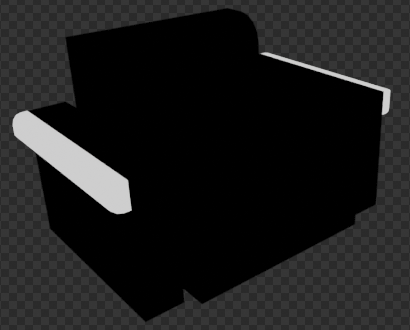
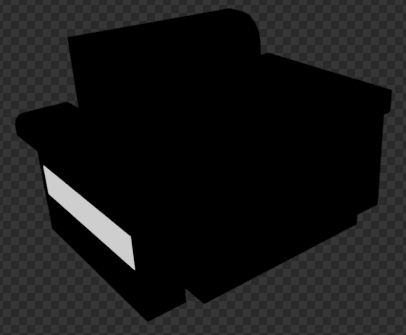
You can then plug a different shader / node group into each masked area:
vertex-color-masking-test.blend (1.1 MB)