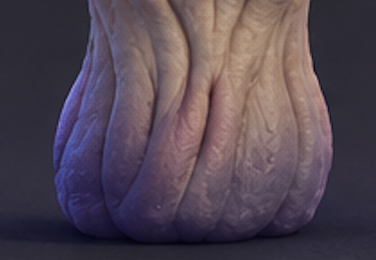
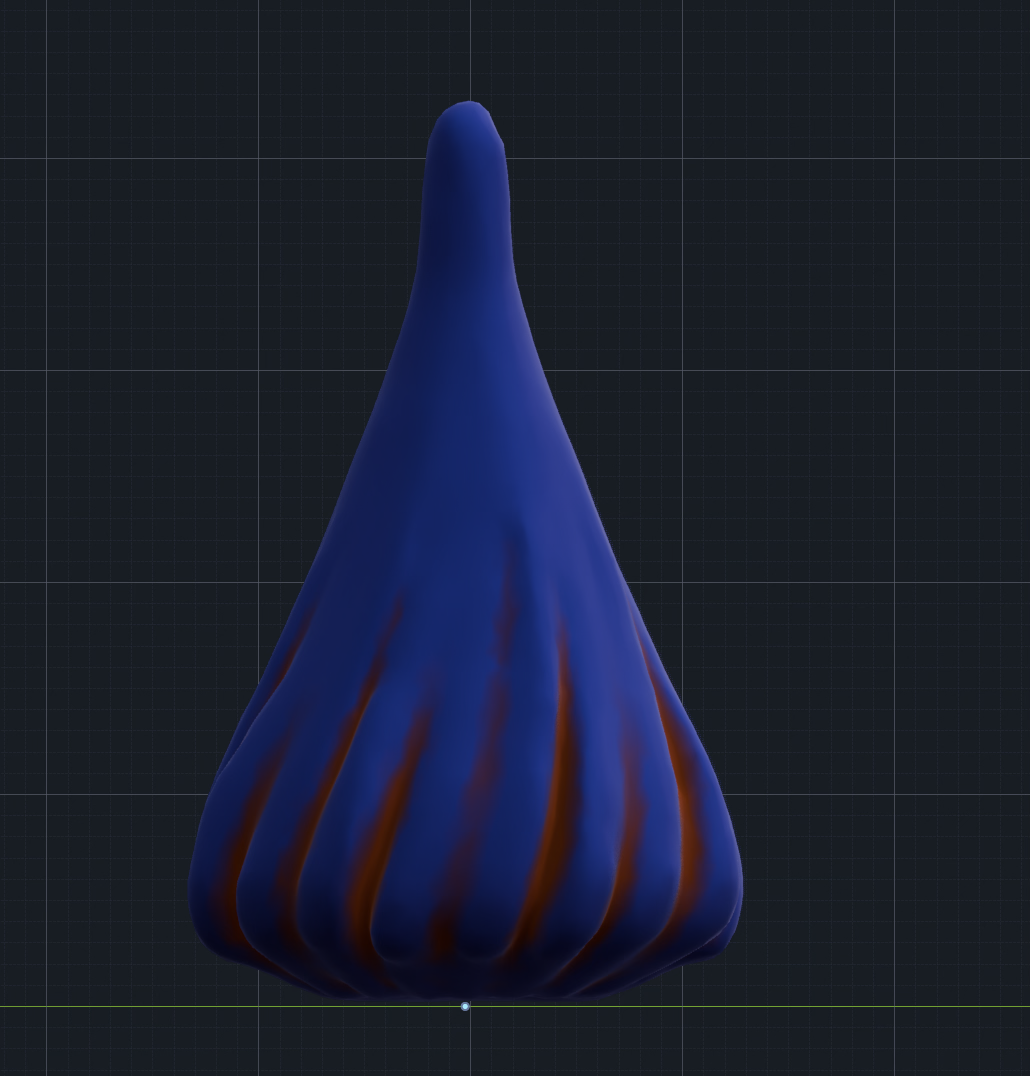
I’d like to achieve a similar look using procedural stylized materials, with long, deep folds arranged in a random pattern across the surface. Right now I do not like my result, so that’s why I want to see your tips and tricks how would you create the stylized material of skin folds. I would like to experiment and to choose the appropriate settings
The reason your result looks like uniform, inflated tubes comes down to the jellyfish tutorial you followed. That node setup uses Arctan2, Fraction, and Absolute math to slice the mesh into continuous radial wedges from top to bottom, just wiggling the lines with a Noise Texture. In your mushroom reference, skin folds aren’t unbroken vertical stripes—they branch out, sag under gravity, and taper off into flat skin.
To get that organic look procedurally, ditch the radial math and start with a Voronoi Texture set to Distance to Edge (or Smooth F1), stretched along one axis via a Mapping node and warped by feeding a low-frequency Noise Texture into its vector input. To fix the puffy “sausage” profile, drop an RGB Curves or Float Curve node right before your Displacement: give the curve a sharp V-pinch at the bottom and a wide, soft arch at the top so creases cut deep into the flesh while the outer folds stay broad. Finally, blend a second, higher-scale stretched Voronoi or Wave texture over top to add the fine micro-wrinkles that break up the surface.
I’ve changed my mind. I made a mistake when I thought I could create the effect of skin folds using a material. I need to modify the entire mesh to create the ones. Looks pretty good, but I would appreciate any advice to improve the solution below