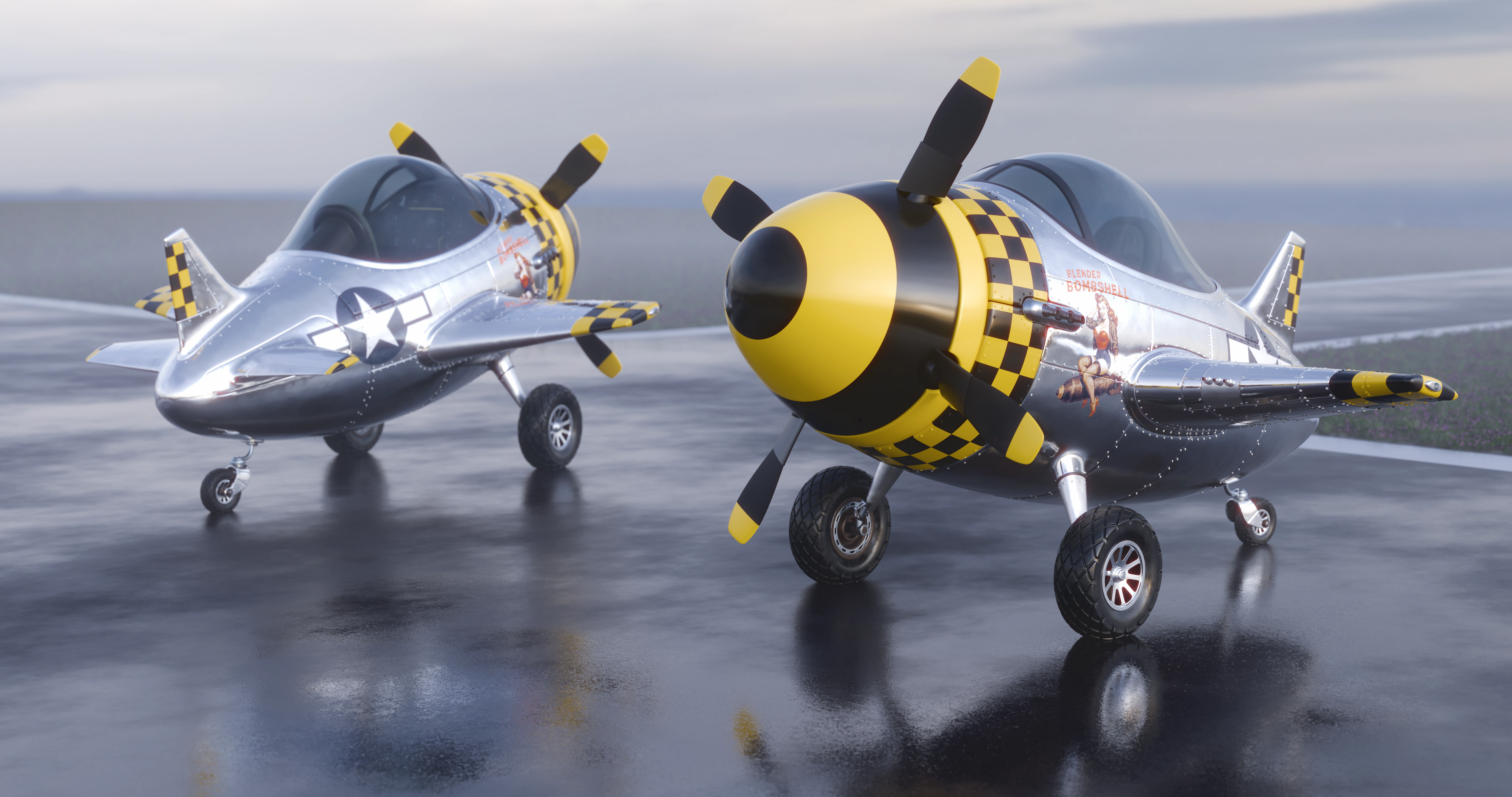
Finally satisfied with this. It took way too long, but I also learned a lot. Great course for beginners.
One of the best things I learned (not from the course) was how quad topo doesn’t have to be stressful. There are shortcuts and weird unorthodox edge connections that resolve perfectly fine. Let’s just say making the panels was a deep dive into what was possible for great shading versus best practice.
It didn’t take long to find the plane to mashup with the course. The P-51D Mustang is iconic and pops up everywhere. The course is just modeling, so I took it further as I tend to do.
The plane is over 750 objects. I made all the panels myself once I figured out a consistent and predictable method that didn’t scare the crap out of me in case of mistakes. I placed every rivet by hand/snapping and it was actually a little fun. And also organic as it was impossible to be perfect, but then looking at real examples, they aren’t either.
I learned about parts of a plane so that was a bonus that I’ll probably never use.
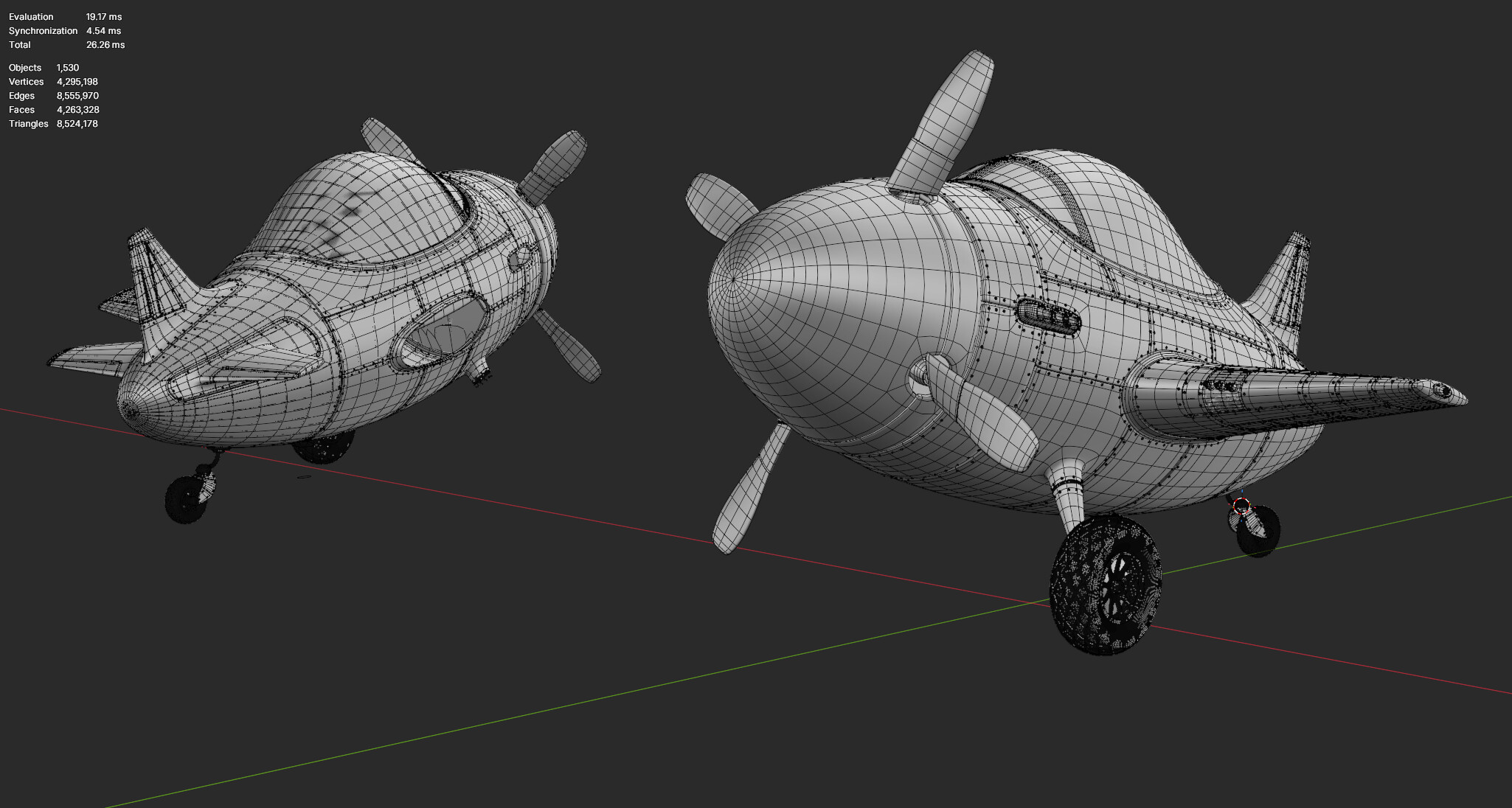
Clocking in at around 6-7M faces per plane (only because I’m cranking sub-d to 3 with already considerable bases). Every single part is editable in a comfortable controlled way even though it may look scary, it’s really not. Or maybe I’m just numb to it now
As usual, please feel free to ask me questions if you want to know more about what I did!
Here’s the viewport with subd view optimization turned on. The tires got away from me in the beginning so they are dense as hell even on zero in viewport display, but here ya go! Also, this was mirrored at render only, so.
Hello! I hope all’s well. Your (P-51D Mustang Mashup) with Lighting and Texturing came out stunning. I believe it’s the Screen Space Reflection on the surface that you used, right? If yes, then if I may ask, what is the precise measurement for Screen Space Reflection to put? Also, is that a brush stroke in Sculpting mode under the wing and around for nuts and bolts on the body of the plane, right? It’s awesome. Also, I have seen a great course for beginners for Blender on CGCOOKIE.com with shortcut keys and other aspects in Blender. It’s going to help me a lot. Thank you.
Thanks! This isn’t EVEE, so I didn’t have to set any of that. I’ve never used EVEE actually, so I’m definitely not the guy to help in that area. There was also no sculpting. Just normal poly modelling. Glad you liked it though!
It’s a lost cause by now but i noticed two major problems in my “final render”… here’s the latest and i still missed one thing… so refresh https://jmh3d.com/mocks/toy-plane-mashup.webp