Hey everyone once again.
Im still working on a rollecoaster animation for which I seem to be once again stuck with.
The rough idea is to get an animated cart with pov camera in the third one, and to get the whole railway to get more and more fucked up in all directions as the scene goes by.
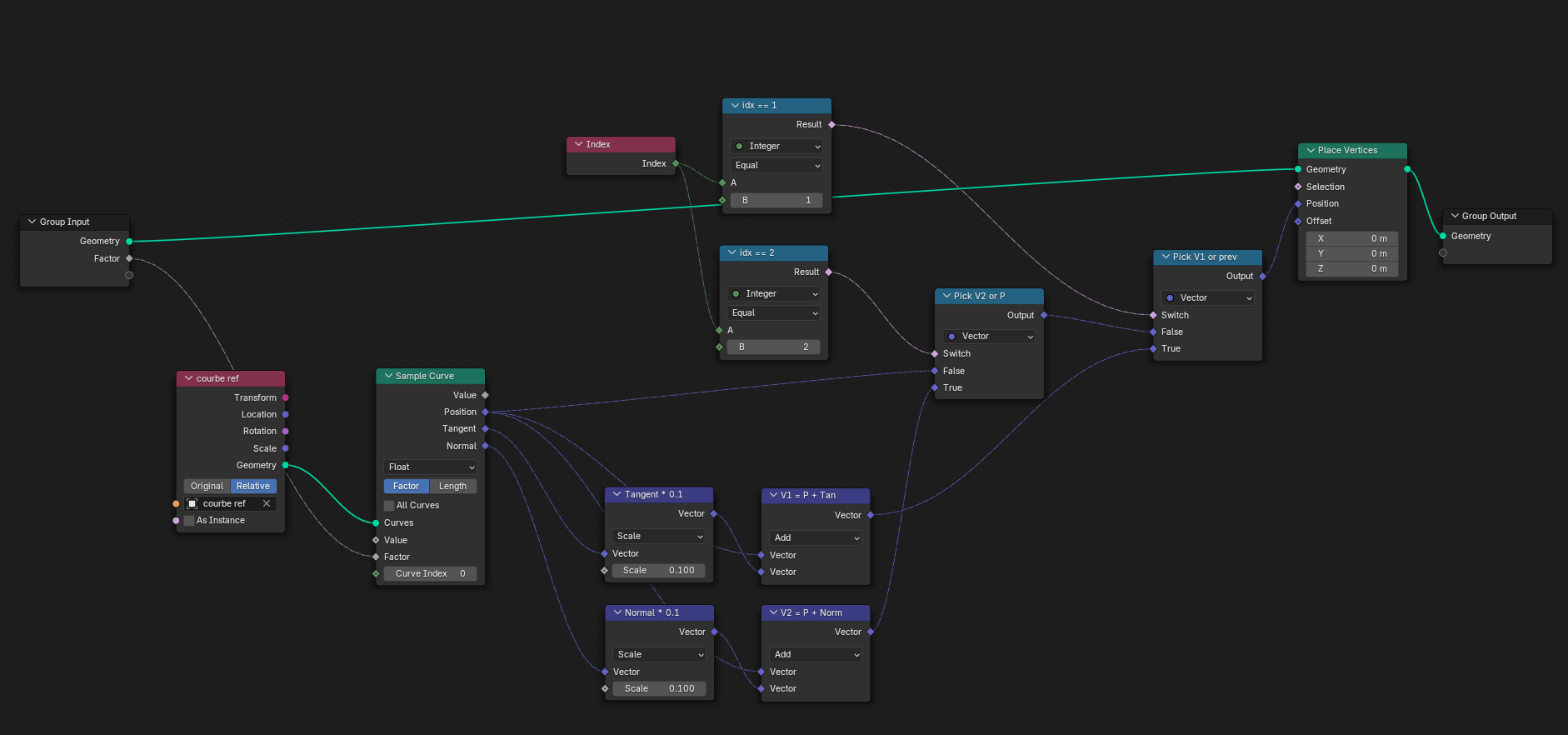
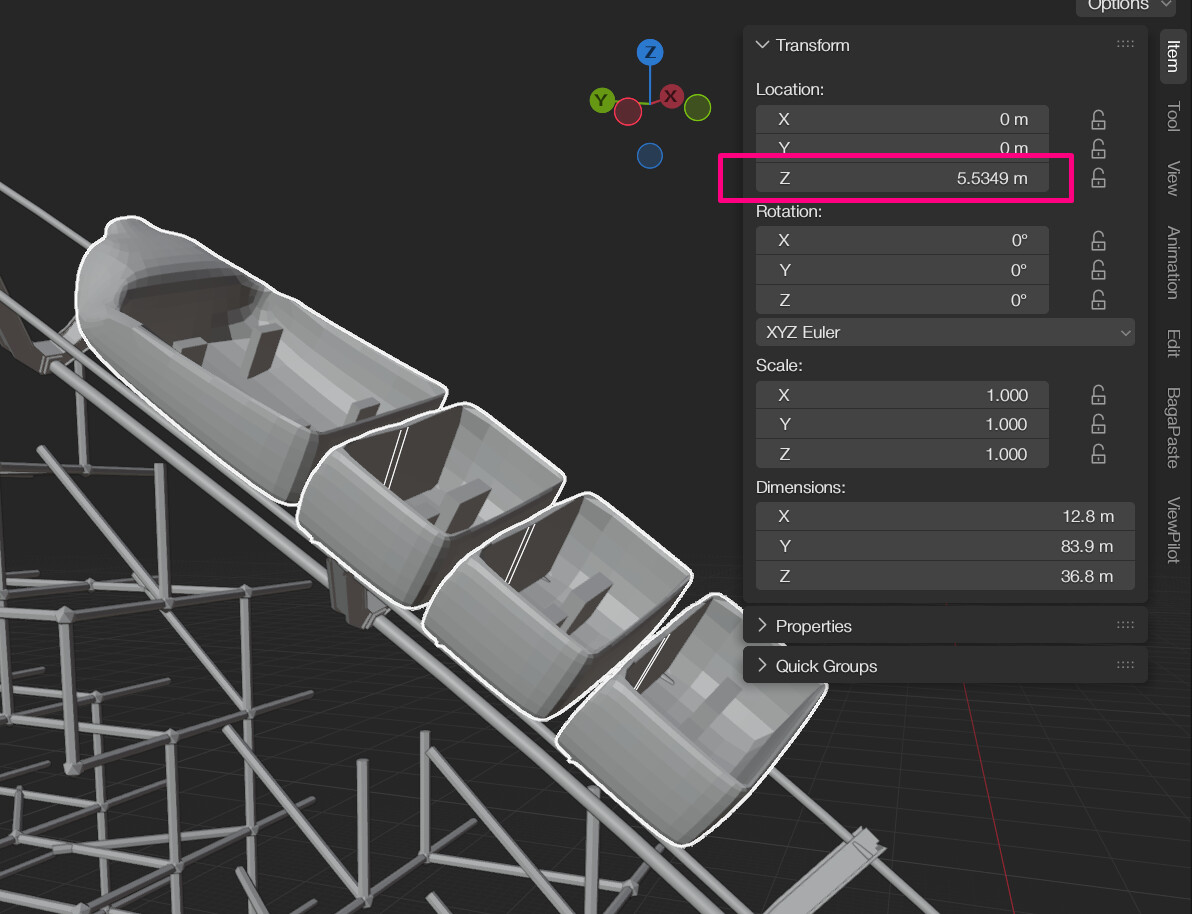
For that I use a base curve (“curve” in the file) that has a noise sett up in GN (not animated yet) and then my rails and pillards instanced in another object with geo nodes, + the carts themselfs (instanced instead of tracking because I couldn’t manage to get the position of the curve when affected by the noise to the animated carts).
The whole thing works fine (and I conceived that the geo nodes are not optimized best, but that is later to manage, sorry about that), but I can’t manage to get a camera to follow in the carts (like a pov). I can’t parent it because my carts are instances.
Things I tried so far :
-Track to constrain but doesn’t align well with the carts that are animated with factors on the curve.
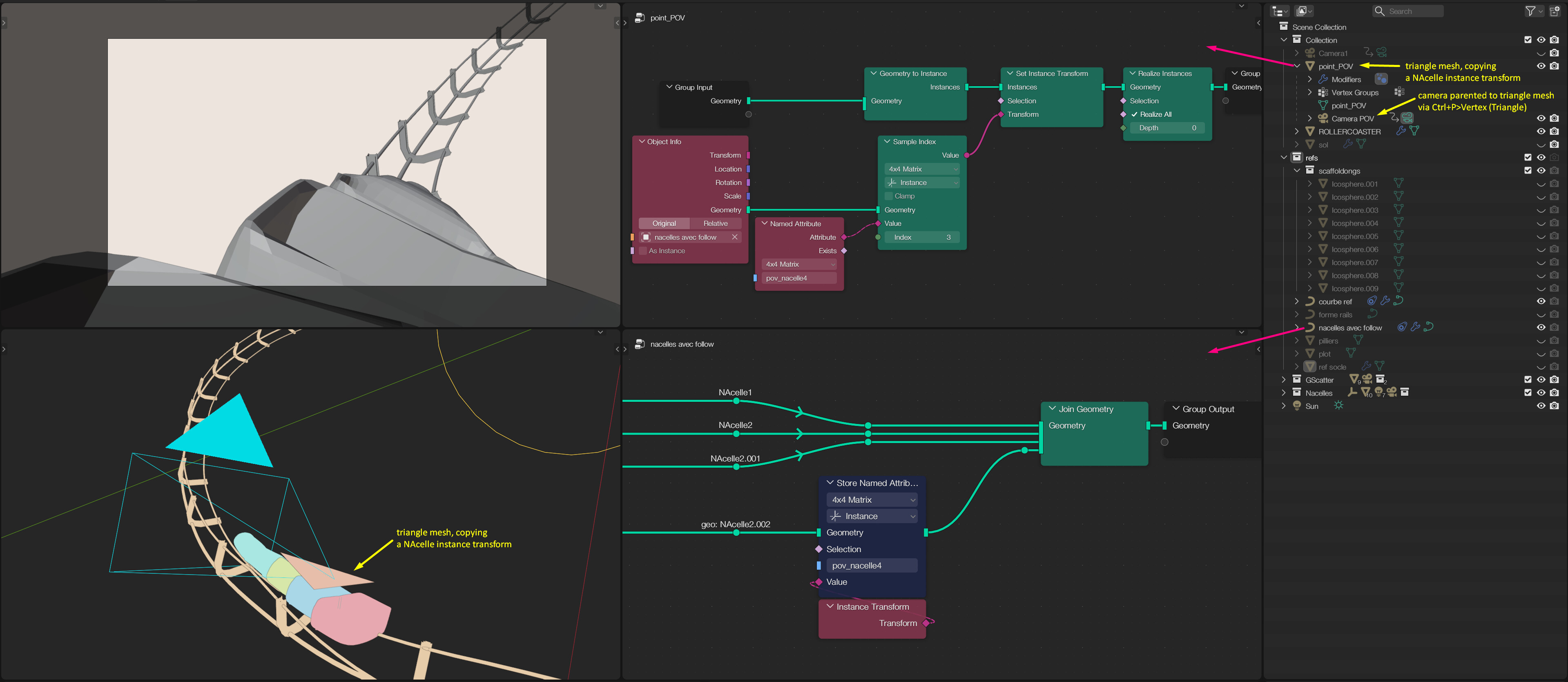
-Parenting to a mesh that have the same GN structure than the carts (but being a mesh object and not a curve object), but the mesh doesn’t animated.
-Desperatly asked Claude to write a script (im rly bad at python) that could get back the tangent + normal + position values from the GN with stored attributes and make the position and rotation of the camera to adapt. (not working correctly because the position was not lengh and not factor based in the scripts). Here’s the script in case it’s useful :
bpy.app.handlers.frame_change_post.clear()

import bpy
from mathutils import Vector

def update_camera_follow(scene):
    factor = ((scene.frame_current * 0.01) - 0.008) % 1.0
    curve_obj = bpy.data.objects["courbe ref"]
    cam_obj = bpy.data.objects["Camera nacelle.001"]
    depsgraph = bpy.context.evaluated_depsgraph_get()
    eval_obj = curve_obj.evaluated_get(depsgraph)
    mesh = eval_obj.to_mesh()
    verts = [curve_obj.matrix_world @ v.co for v in mesh.vertices]
    lengths = [0.0]
    for i in range(1, len(verts)):
        lengths.append(lengths[-1] + (verts[i] - verts[i-1]).length)
    total = lengths[-1]
    target = factor * total
    for i in range(len(lengths) - 1):
        if lengths[i+1] >= target:
            t = (target - lengths[i]) / (lengths[i+1] - lengths[i])
            pos = verts[i].lerp(verts[i+1], t)
            tan = (verts[i+1] - verts[i]).normalized()
            break
    pos.z += 2
    cam_obj.location = pos
    rot = tan.to_track_quat('-Z', 'Y')
    cam_obj.rotation_mode = 'QUATERNION'
    cam_obj.rotation_quaternion = rot
    eval_obj.to_mesh_clear()

bpy.app.handlers.frame_change_post.append(update_camera_follow)
So ! I have a great feeling that the solution is way more simpe than any of that and that Im just doing full nonsens here, did anyone tried a similar setup at some point ? or does anyone have an idea of things to try on ?
You can access the file here : https://drive.google.com/file/d/1Z1BwPyQzphs9-wUfnSbLqOdtaicUPTRc/view?usp=sharing
Thank you so much, I wish you all a great day