Transhuman4Blender: A WIP Character Creator Journey

Hi,

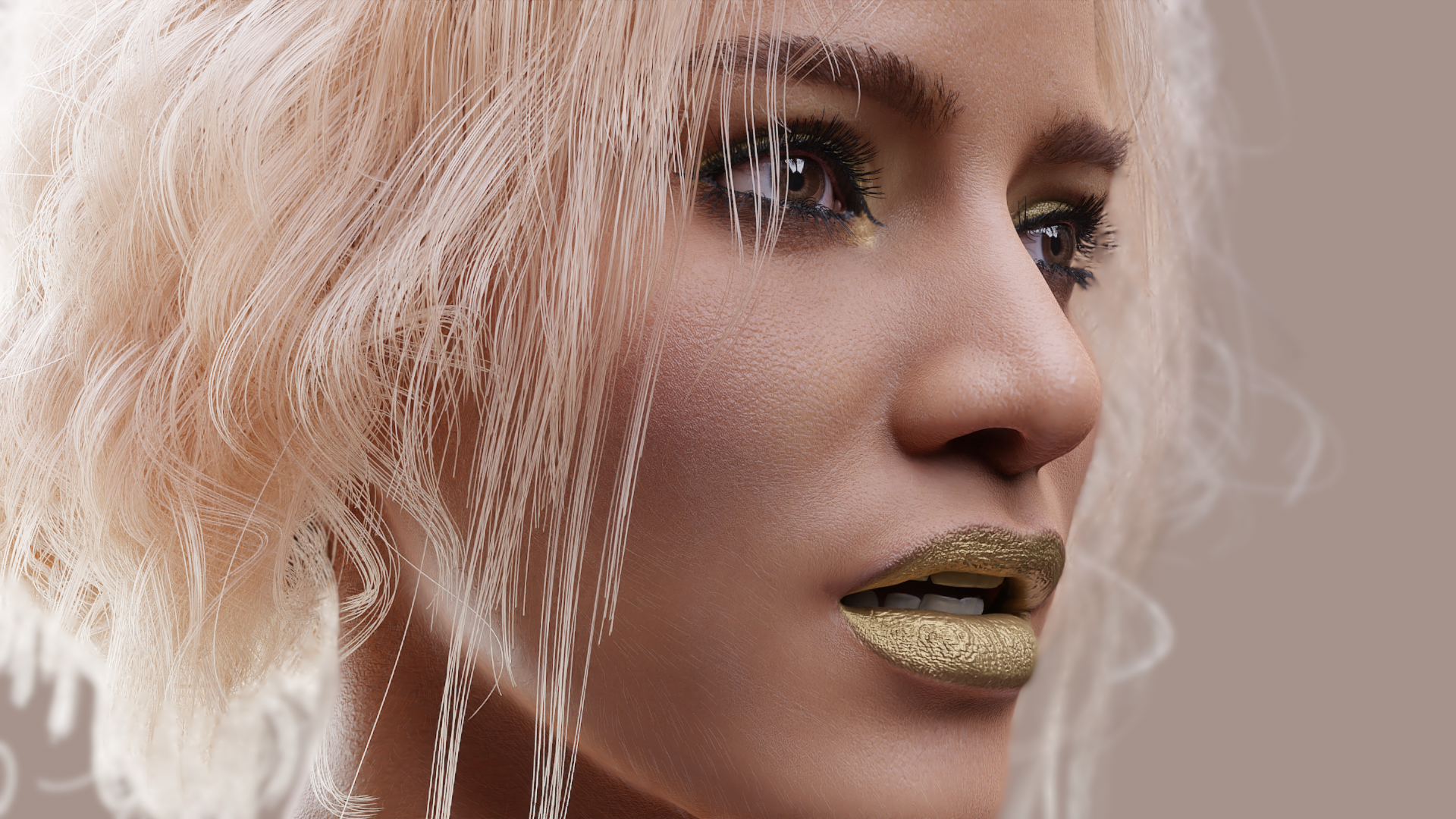
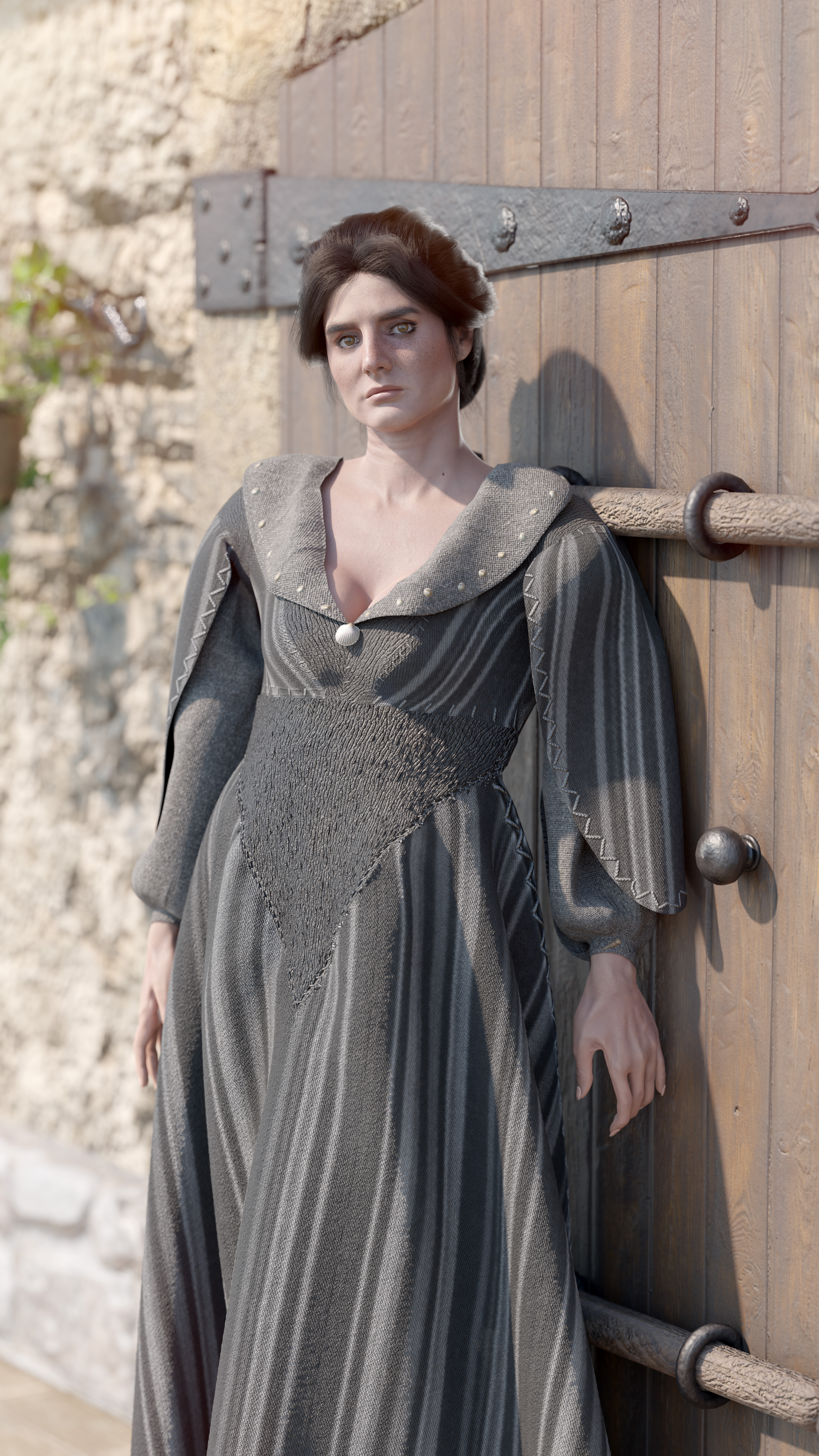
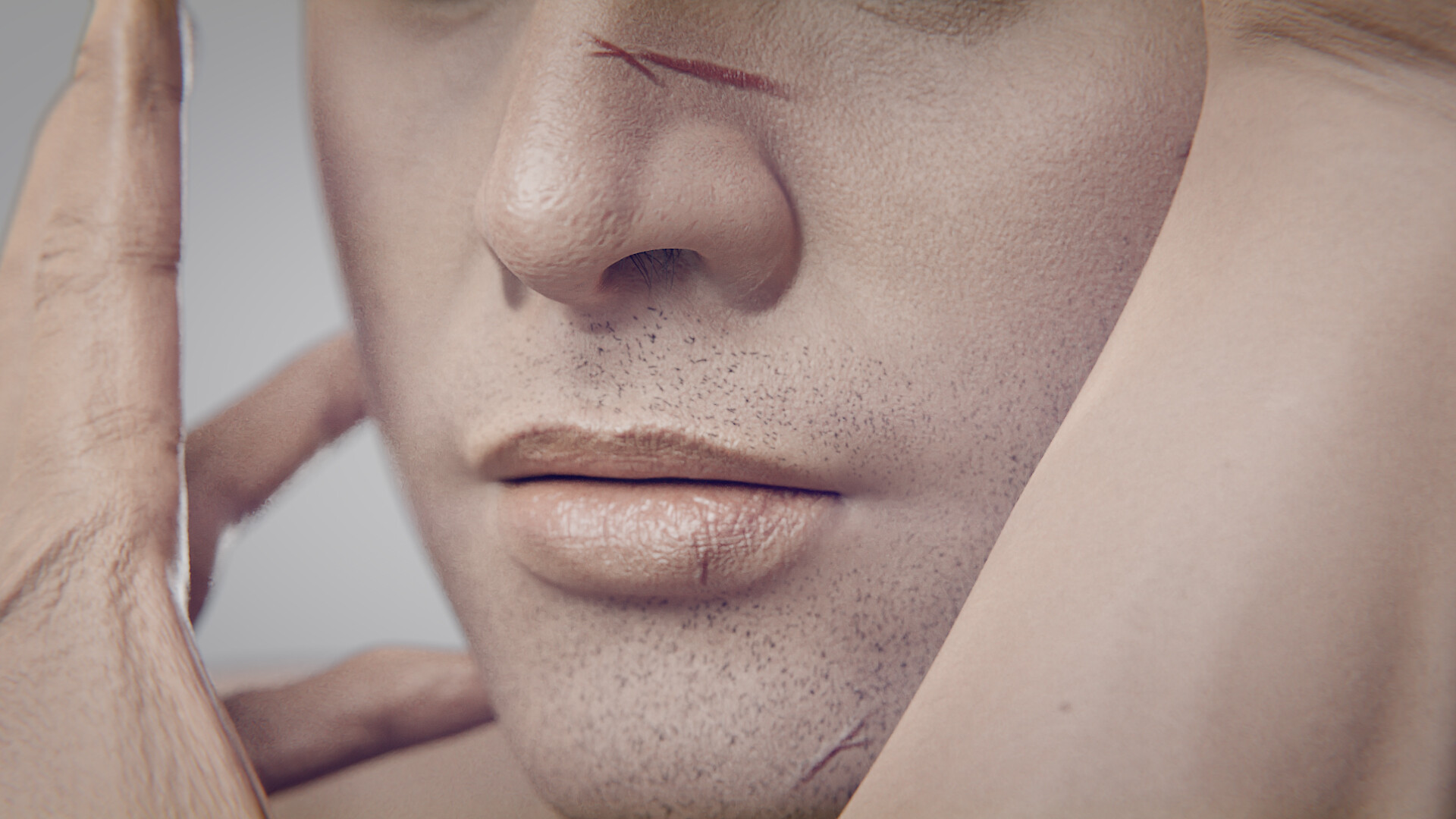
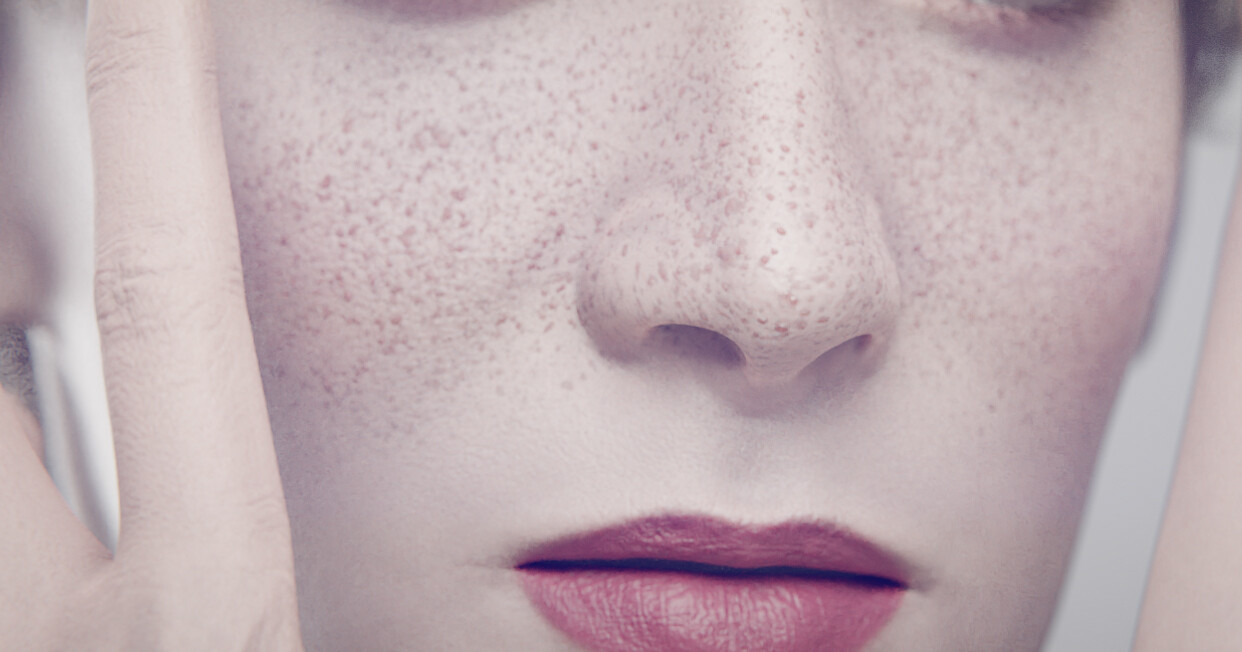
I’ve been working on a personal project for the past 3 years. My friend is writing a novel, and I wanted to bring the characters to life in Blender. I started making models based on the descriptions, and before I knew it, I was adding features and edit capabilities. Now, I have a character creator that I can use🌱

I’m not sure where this will lead, but I’m excited about the possibilities. I’ll share more details soon, but for now, I wanted to start showing some cute renders I took. I hope you like them!

Thank you for reading my post. I’m looking forward to sharing more with you soon! :pray:


11 Likes

That looks really nice. I’d like to know more about your process.

1 Like

Hello again :cherry_blossom:

Today, I’d like to share a bit about the journey behind Transhuman4Blender.

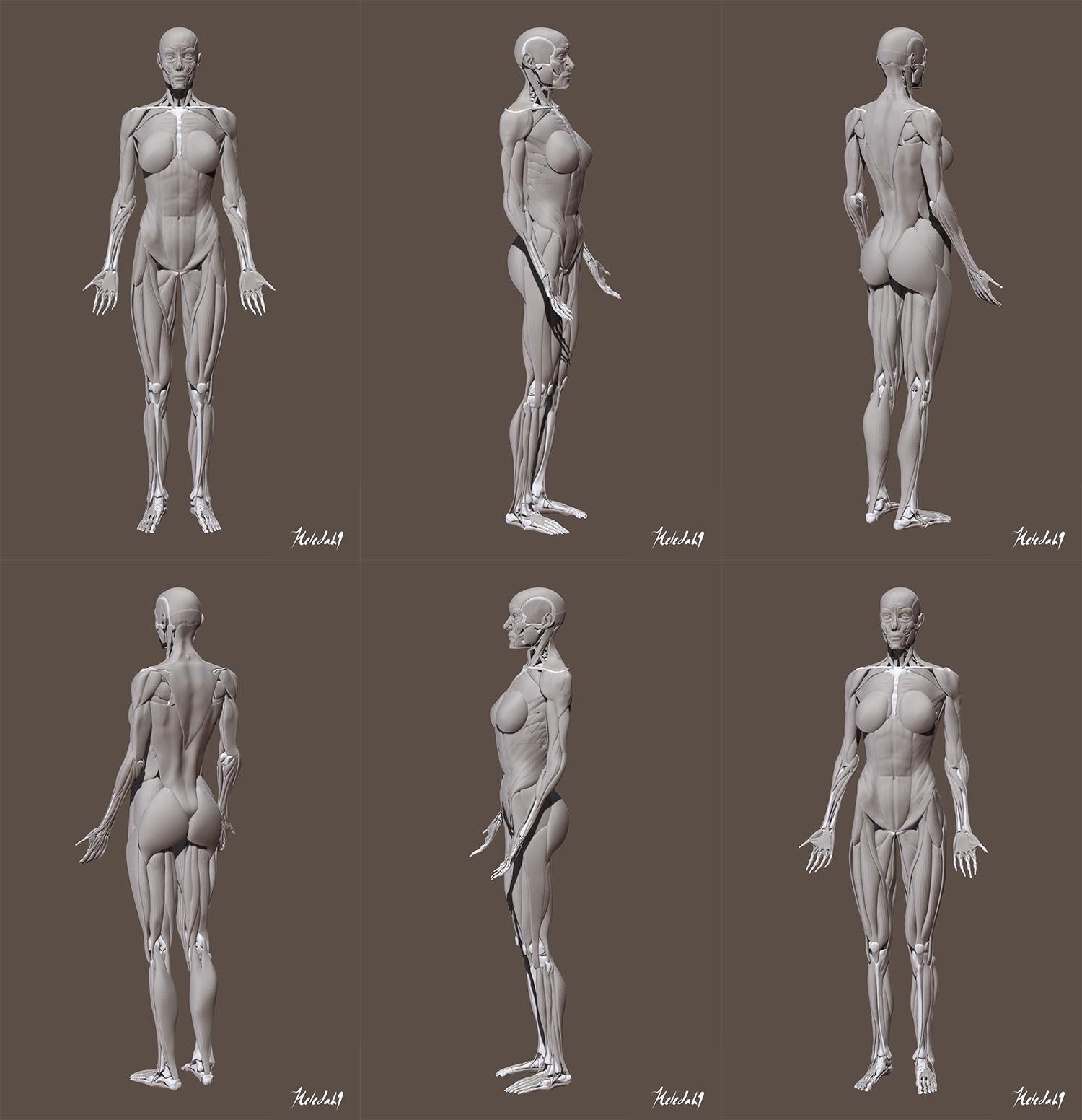
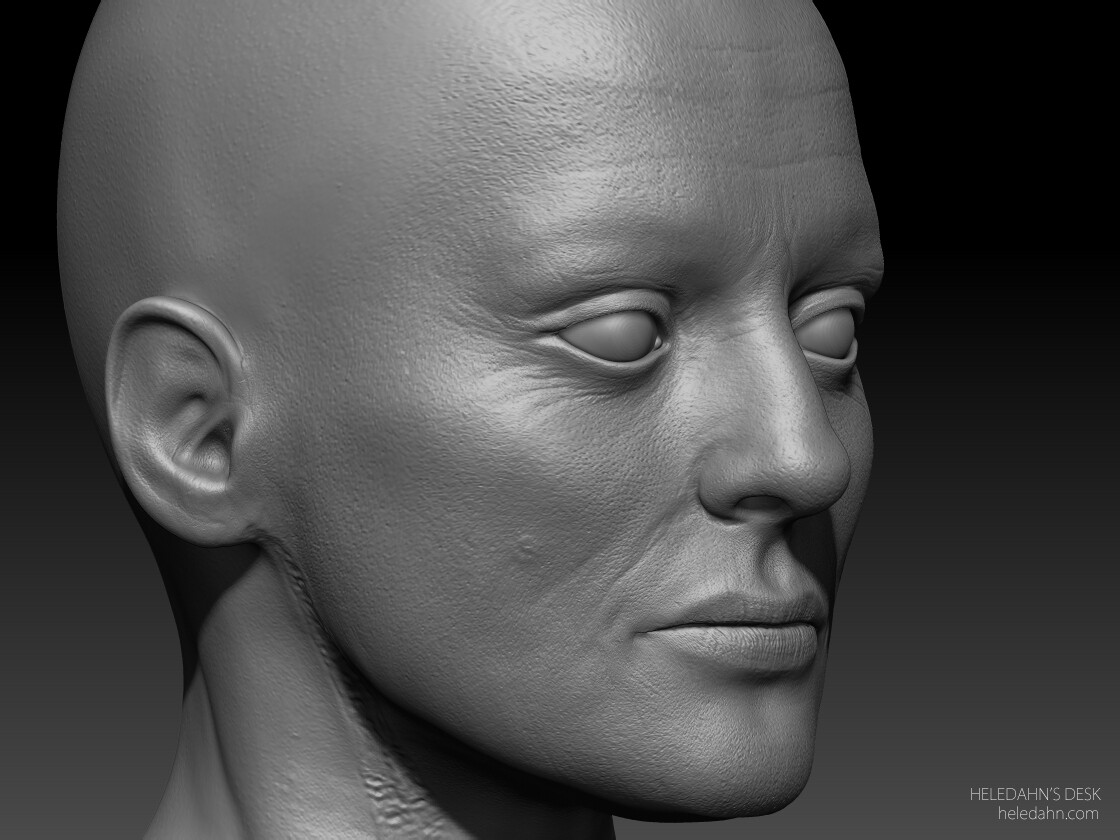
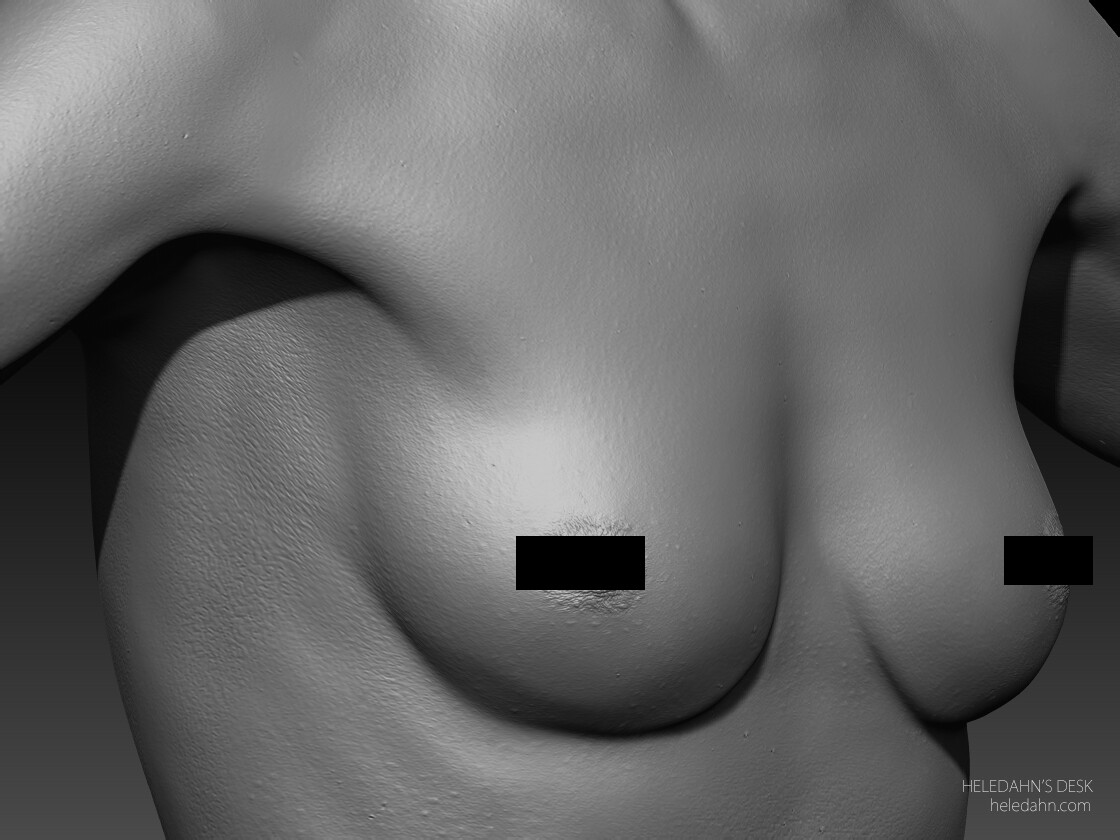
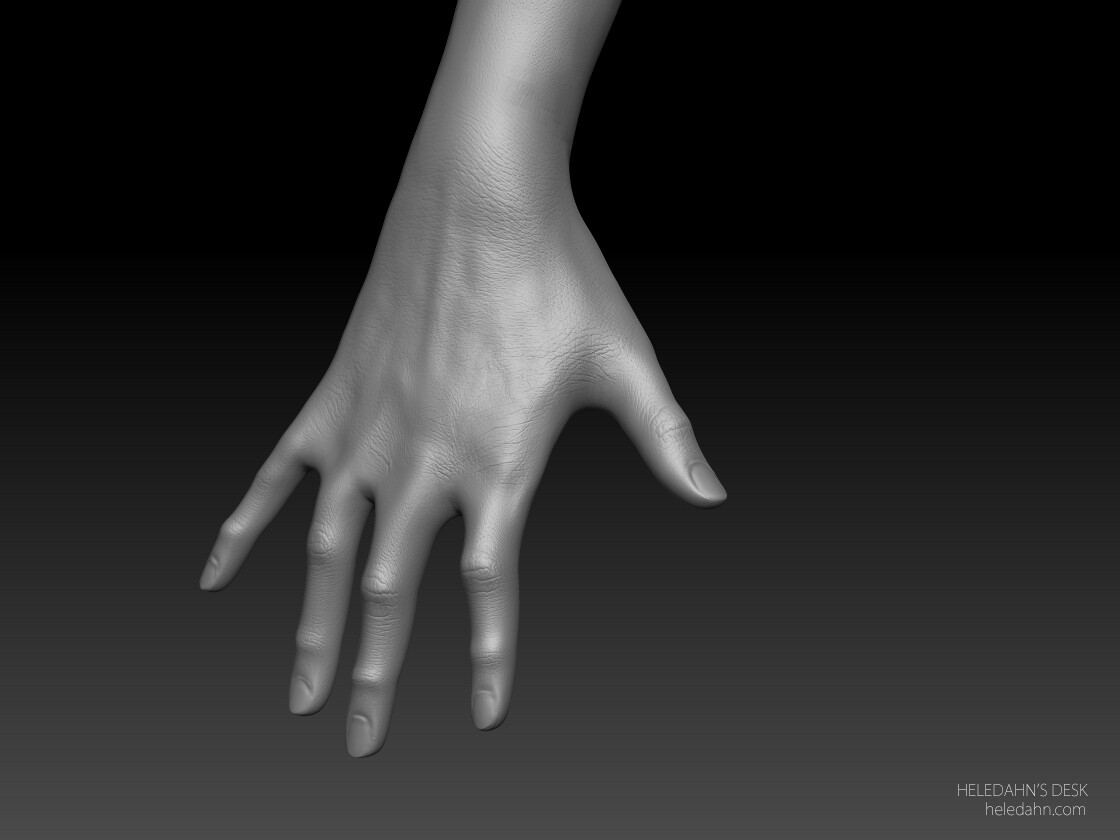
It all started with a dive into human anatomy. A human skeleton and a few écorchés were sculpted in ZBrush, followed by the sculpting of a male and a female character. They were far from perfect, but they were the best I could do at the time.

heledahn-muscles-study-gif

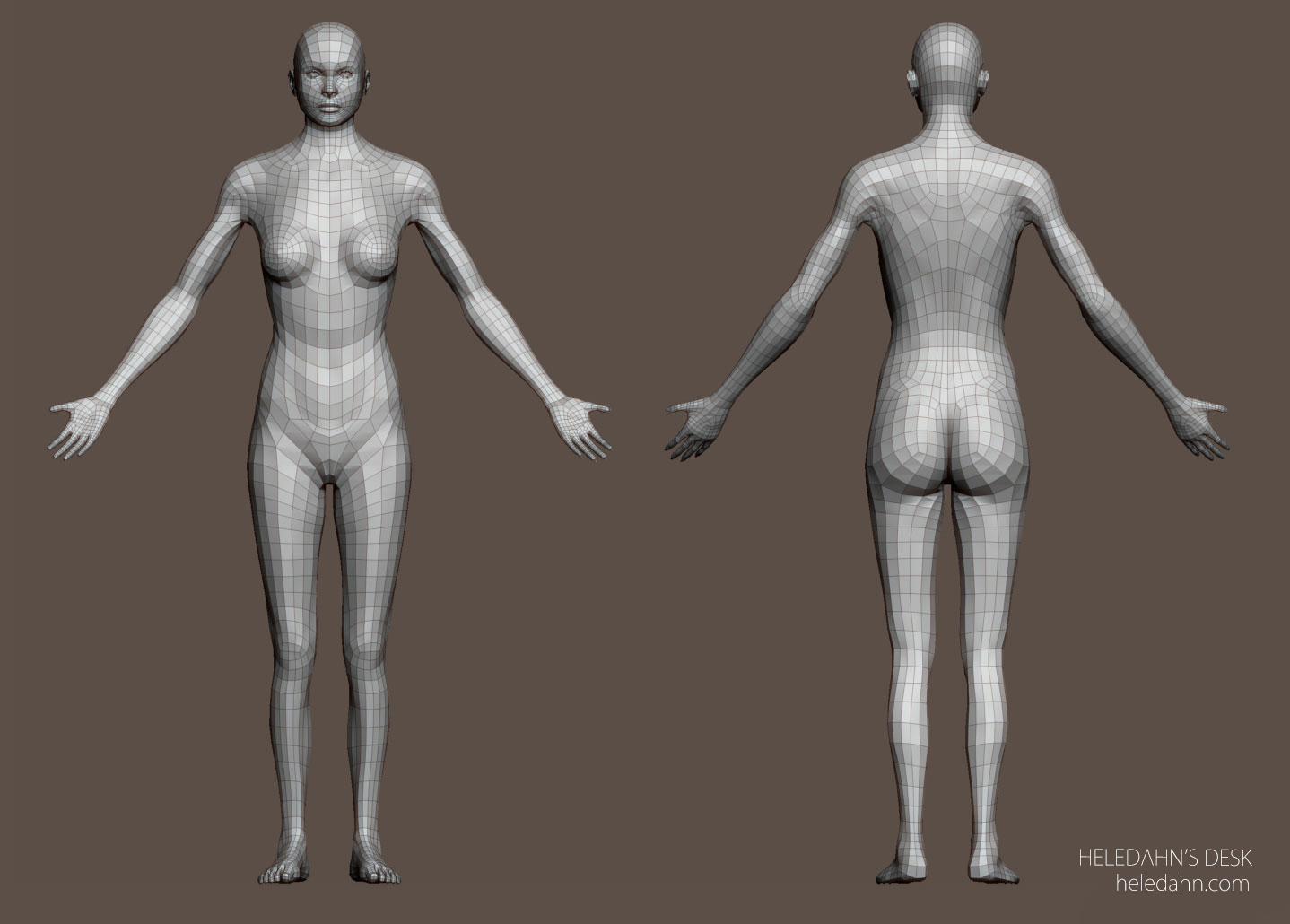
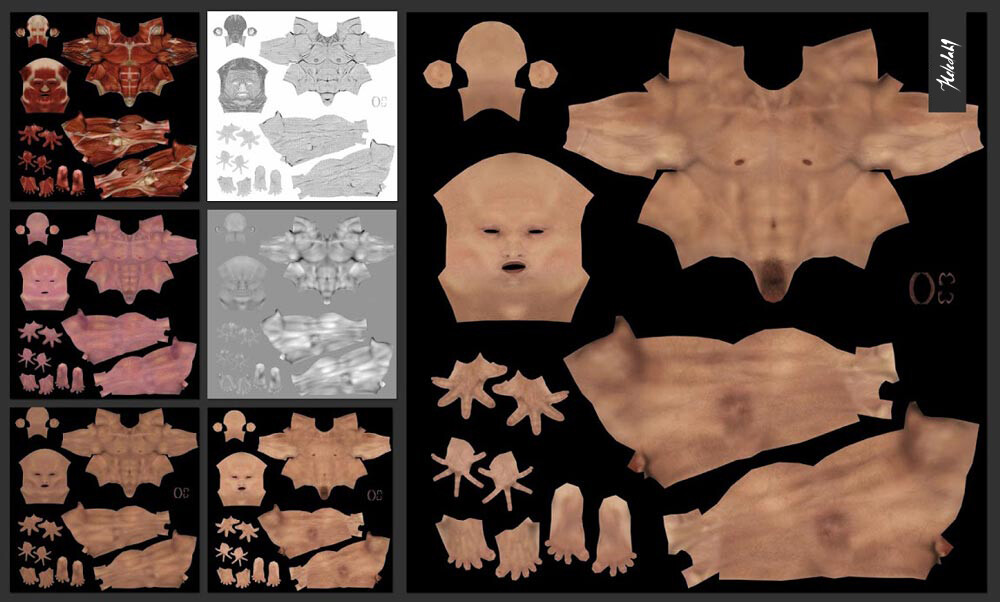
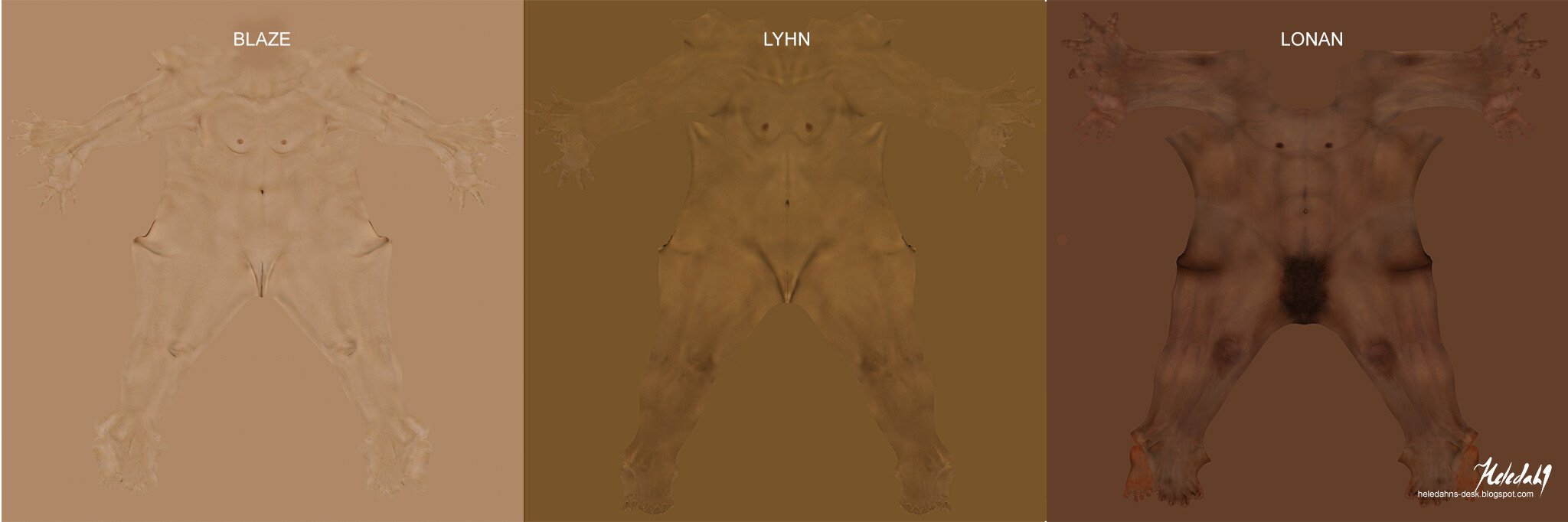
These characters, designed with a topology flow optimized for animation (I hoped), were textured from real-life skin photos.

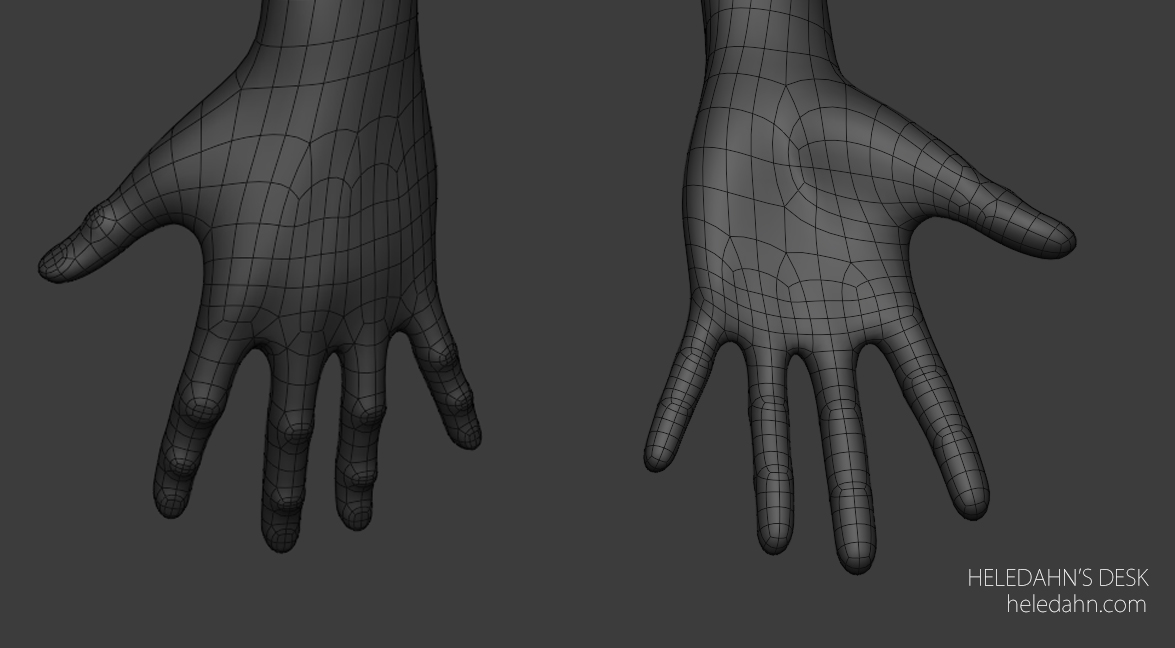
Topology - First attempt

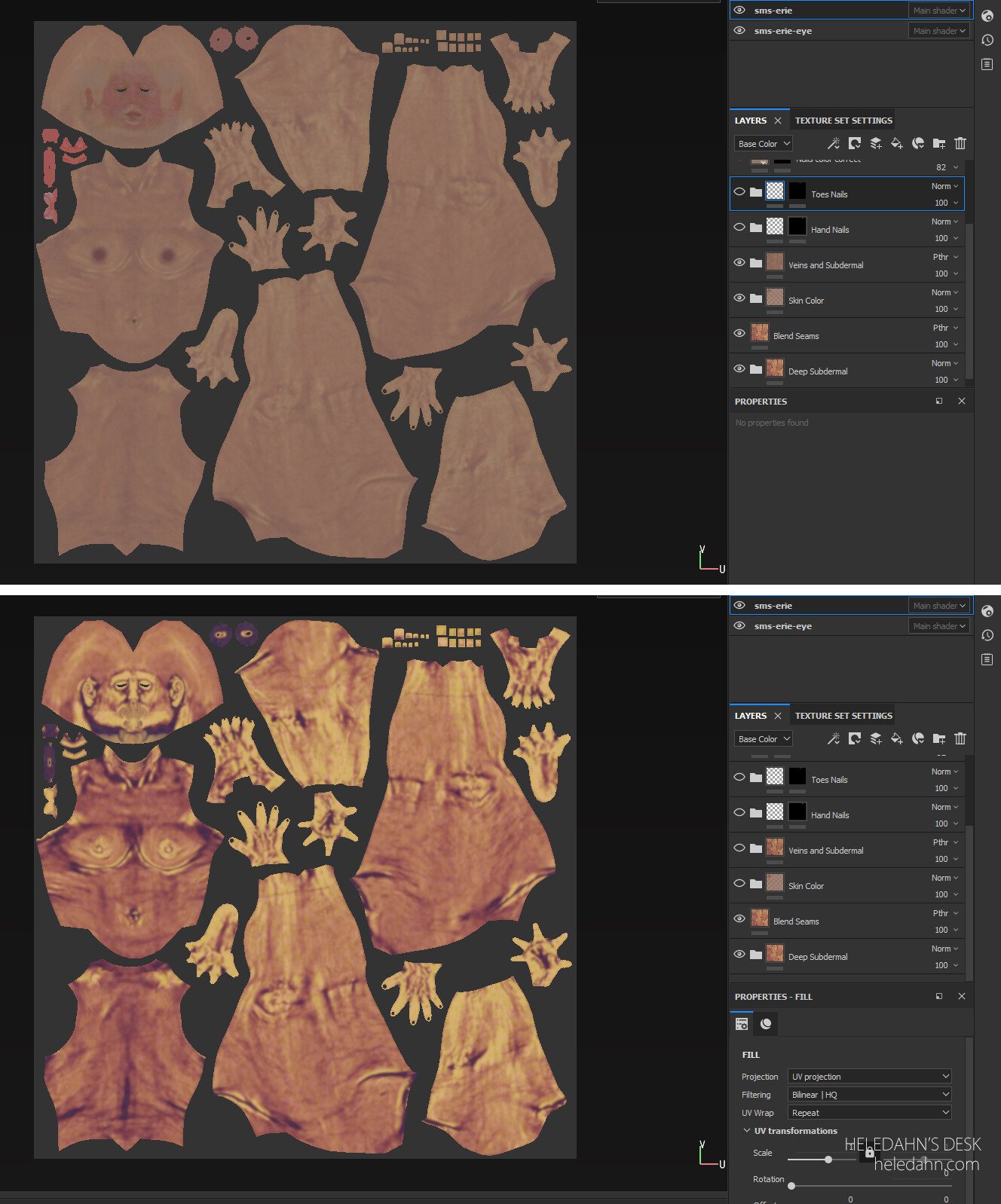
Skin - First attempt (done in ZBrush)

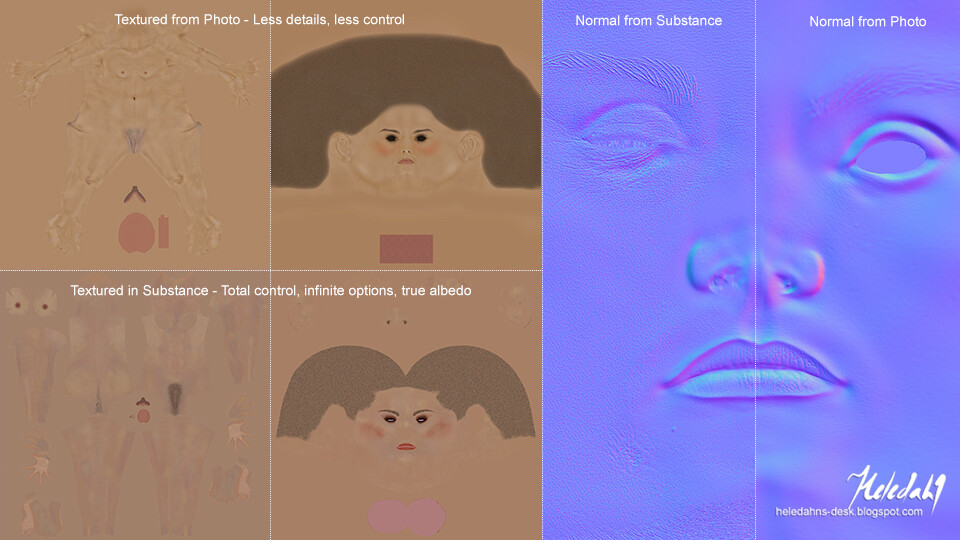
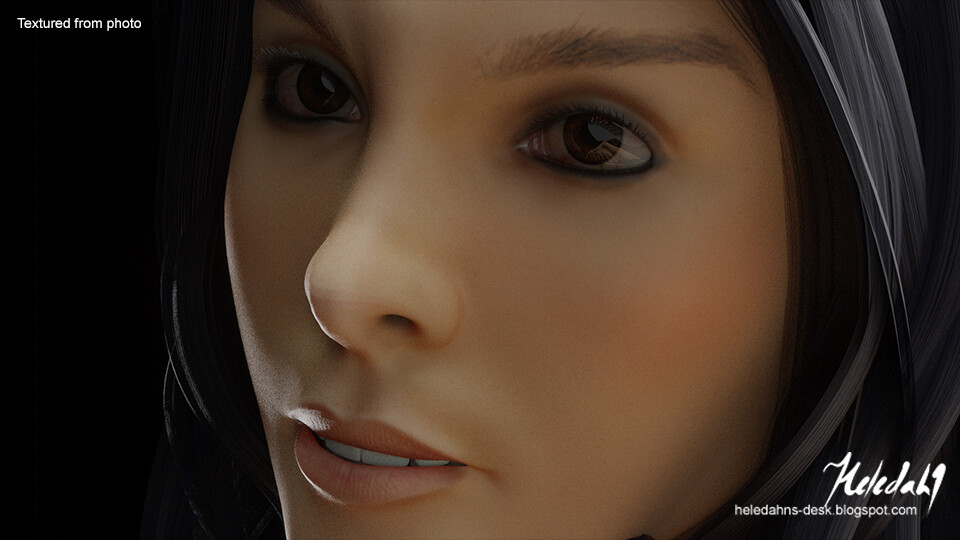
Skin - Second attempt (using photo)

When new skin shaders were introduced in Substance Painter, it opened up a world of possibilities, and more tests were made.

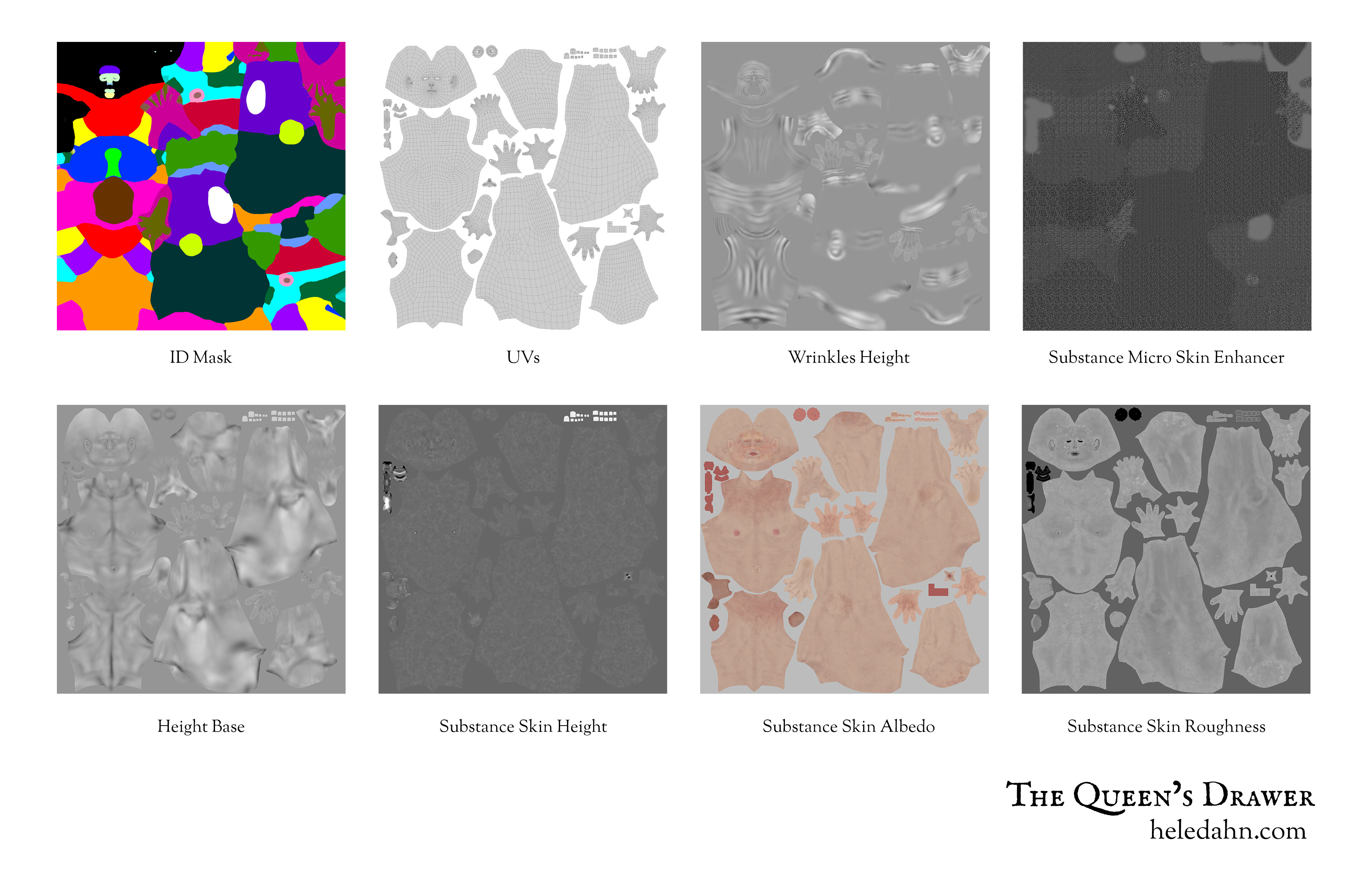
Skin - Third attempt (done in Substance)

However, achieving the right human proportions was a challenge for me. That’s when scanning came into the picture. By combining scanning with an overhauled topology flow and Substance skin textures, a variety of unique characters were born.

Topology - Second attempt

Skin - Fourth attempt (done in Substance)

Substance skin really helped.

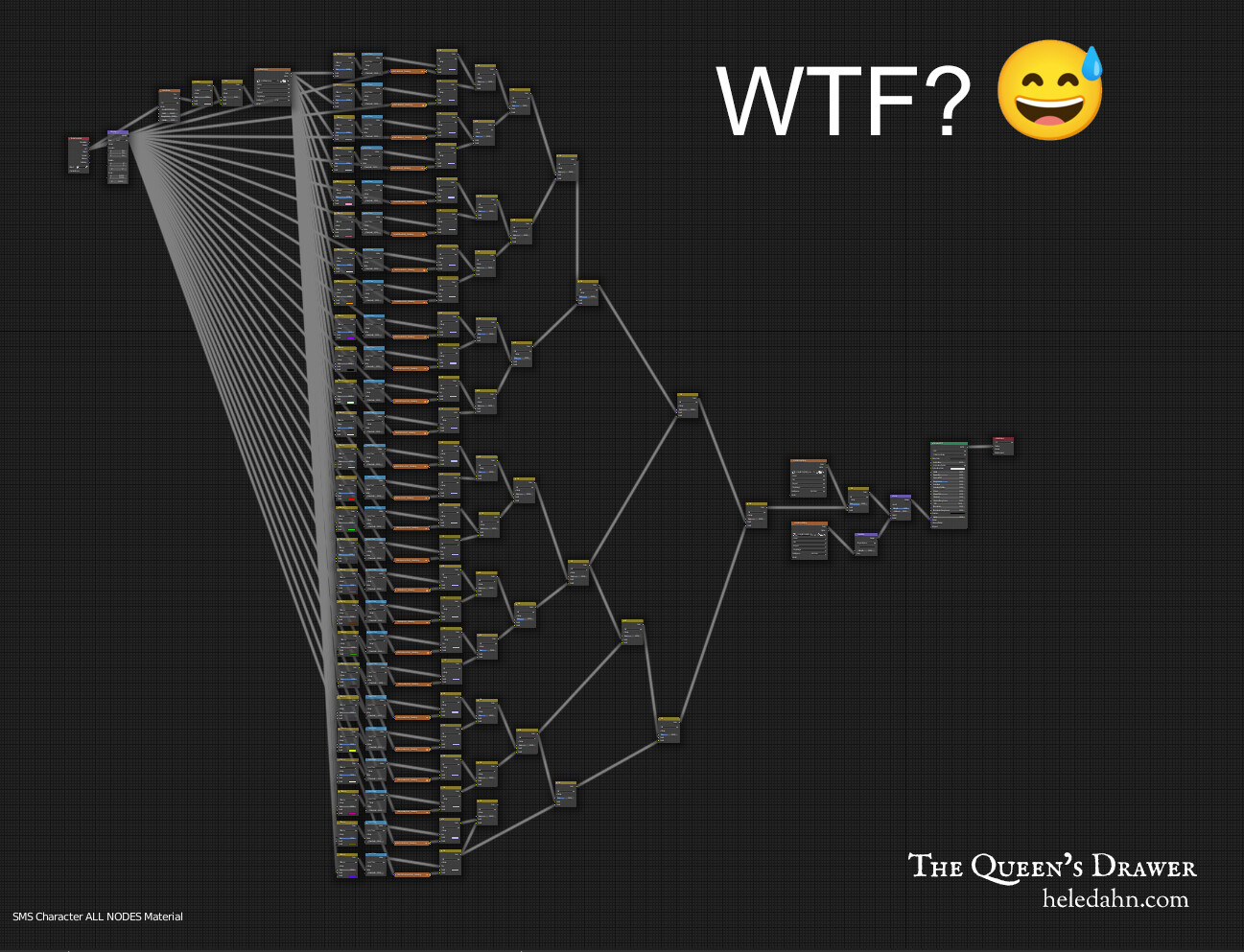
There were some crazy times where the skin shader looked like this

But it looked much better than before

Despite these advancements, the skin had a plastic-like appearance that needed refining. After numerous adjustments to the shader and pushing the Substance texturing to the best of my ability, the characters started to look a bit more natural.

But then came a new challenge. Every time I corrected a mistake in one character, I had to go back and edit all the others. This led to the idea of a human creator that could host all the characters into one. What started as an addition of body types and a gender switch option quickly expanded to include makeup capabilities, hair editing, mocap animation, etc. Eventually, a plugin was developed to control everything.

And that’s how Transhuman4Blender came to be. It’s been a journey of continuous learning and improvement, and there’s still more to do.

I hope this walk down memory lane wasn’t too boring! There’s so much more to share about Transhuman4Blender, but I’ll save those details for another day.

Thanks for reading :blossom:

3 Likes

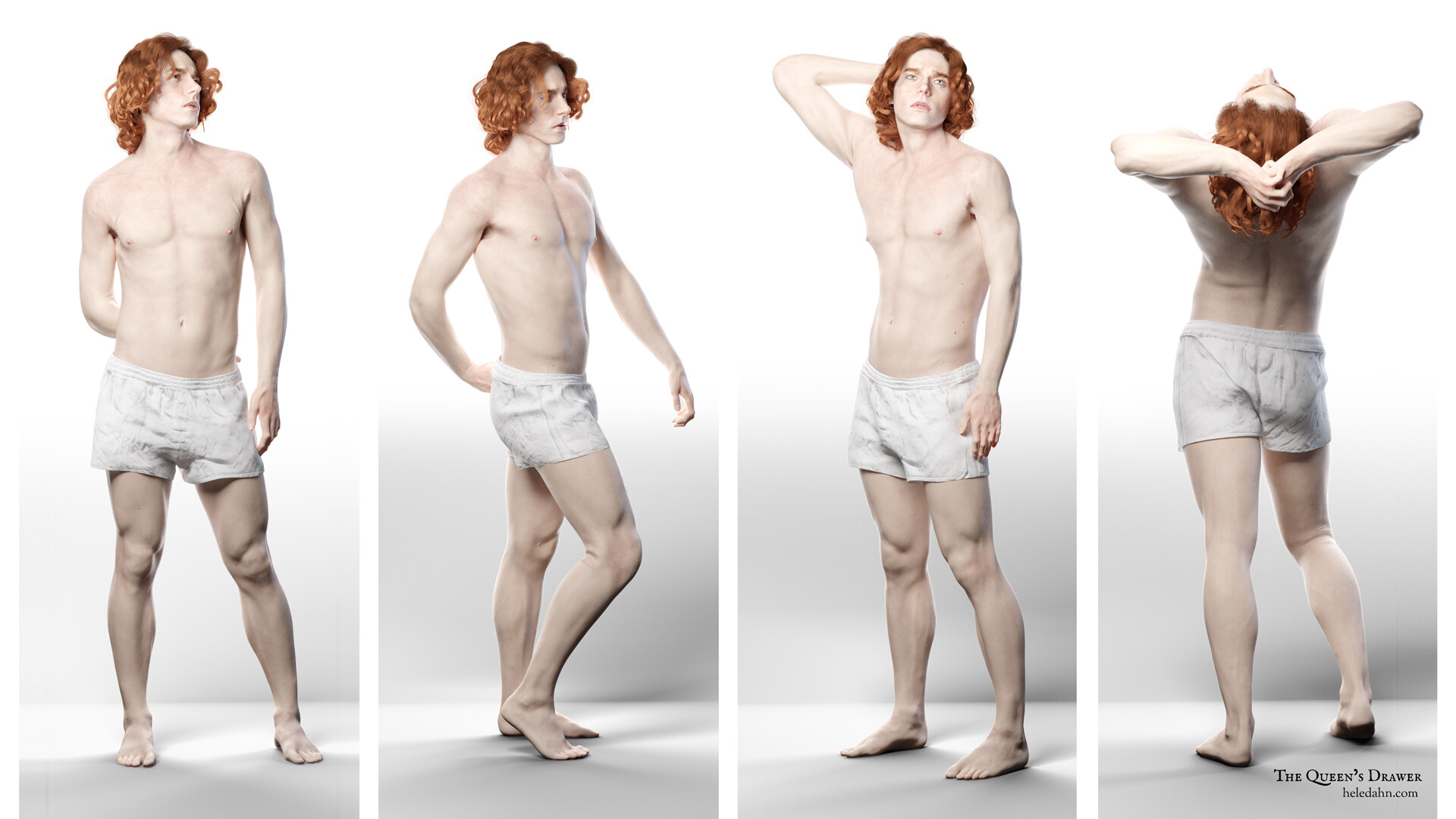
Here are some of the characters I designed for my friend’s story. Parting from the same base, I would make a new body and face, draw a new skin in Substance Painter, and then do the hair, eye-color, etc, for each character to be unique.

This was very time consuming because if I found a mistake in the rig, or the weighs were wrong, I had to go back to each of this characters and fix them one by one :sleepy:


2 Likes

These look really good. I’m impressed at what a diverse range of characters it can make too.

Does your plugin have a way to adjust the bones when a character’s proportions change with shapekeys? If so, how did you figure that out?

Did you substance painter to create alphas for sculpting in Zbrush? Or are you handling the detailing either in SP directly, or with other alphas in Zbrush? Any specific tutorials in SP skin texturing you found helpful?

Are these characters created from combinations of granular morphs for different parts of the face, or through morphs for the entire face (for example a Blaze morph, a Lyhn morph, a Lonan morph)? Or a combination thereof?

2 Likes

I couldn’t find a way for the bones, sadly. I wish there were shape keys for armatures. What I did was make all the characters fit the same skeleton (hands in the exact same position, feet too, and the eyes and the mouth as well) This way It’s easy to change the face & body with the hundreds of shape keys the plugin has, and make unique characters.

Because they all have the same skeleton, I can transfer the mocap data super easy. If I want to change the proportions a bit, I scale the armature in pose mode and add those extra variations.

About the SP skin, there’s a tutorial I liked (https://texturing.xyz/pages/making-of-underworld-viktor-bill-nighy) but it ultimately didn’t work for me (because of this tutorial the skin shader looked insane!) The skin, now in SP they have tons of skin materials, and I apply them with masks to the body parts like this (https://substance3d.adobe.com/magazine/substance-source-micro-skins-body-parts/)

About the morphs, Transhuman4Blender has a base mesh that is genderless and has no ethnicity. Then we have hundreds of morphs to change every aspects of the face and the body. To make it a bit easier, I added five female base faces and five male that can be used as a starter point, and there are one female & one male body types, and then weight -, weight +, and muscular for each.

Besides all this you can add age and make the characters look really old. You can save it all in presets to keep each character and reload it any time.

So like this alone you can already make any character you dream of, but I got carried away, and I added a randomizer, so we can create background characters with unique features with the click of a button! You can also randomize the characters you have already saved to find new variations.

And then there’s an extra option that we can import “personas”, which are meshes with completely different bodies and faces (but that still fit the same rig), and will replace the base mesh and can be used with all the morphs to have even more variations.

I hope this solves your questions :blush:

I will update soon with screen recordings of everything. I’m really interested in knowing what you guys think of this tool and finding friends to test it

Thanks for your interest!

1 Like

That’s the same approach I’m taking with rigs and basemeshes for now too. I know people have coded addons that work around this, but I have no idea how one would begin to figuring it out. Not that I’ve gotten to the point where I’ve looked either though…

Any chance you could show a comparison of your male and female meshes in T-Pose? I’m curious how you balanced the needs of both to work well on the same rig. I know the base is between the two of them, but still.

When I asked about the skin texturing, I was actually curious about the diffuse maps too, but wow both of these are great!

I definitely see some useful bits in Making of Viktor breakdown (however, I won’t be using that shader either, LOL). Also, that breakdown of where those microscans are supposed to go is extremely helpful. Time to re-organize some files.

If you’re looking for volunteers to test the addon, I’d be happy to help! Full disclosure just in case it would be of concern to you: I do have my own WIP morphable basemesh tool I’m working on. I don’t think there would be a conflict since your tool is aimed at a high-fidelity realistic character aesthetic, whereas I’m aiming for a more lightly stylized semi-realism. Think less “photoreal enough to be a digi-double”, and more “video games before 3D scanning became common place”. I plan to continue making mine from scratch, and have very specific ideas how mine should look and function. I just think the disclosure is important if you would not have wanted me to test the addon had you known I had a comparable project in development.

I’m also happy to simply enjoy any behind-the-scenes artistic or technical breakdowns or even just additional art of your characters.

2 Likes

Hey, thanks so much for your interest and for being honest! I don’t see any problem with you having your own character creator, so if you’re still interested, I’d be honoured to have you as a beta tester. :blush: Love your style and it’s awesome that you’re into Dragon Age. Can’t wait to see what you come up with using the plugin! I’ll let you know as soon as the beta is ready. :+1:

1 Like

Hey everyone! I’m doing some last-minute tests, working with the mocap and adjusting faceshapes. Also testing some character variations in the same scene with clothes. :sweat_smile: Sorry if the cinematography’s a bit off, still gotta hit the books on that one! :movie_camera::books:

Now I’m testing posing and rendering. The hair is killing me and I think it might just become another plugin :joy: When I have time I’ll take a video of the character creator :maple_leaf:

Looking forward to seeing it. Let’s see how the magic works under the hood.

2 Likes

Fascinating! This work deserves far more attention. I am trying to do something similat…

1 Like

Thank you so much :face_holding_back_tears:

Tried designing another character from the same land as the previous lady, following the description that my friend provided. I’m very happy with how the tool is performing :star_struck:

The plugin has also automatic wrinkles that appear when the skin folds, like in the neck, or when the character smiles. I think the wrinkle map can be improved, but that will be a future update. For now I’m testing all the capabilities by making all the characters that my friend needs for their novel to see how it looks :maple_leaf:

Things are moving forward and the plugin is almost ready! I’m now preparing the documentation and some videos showing how to use it!

This is just a little teaser of my screen recording while I prepared one of the presets. There are not many options shown here, but I thought I should start publishing things so here it goes :upside_down_face:

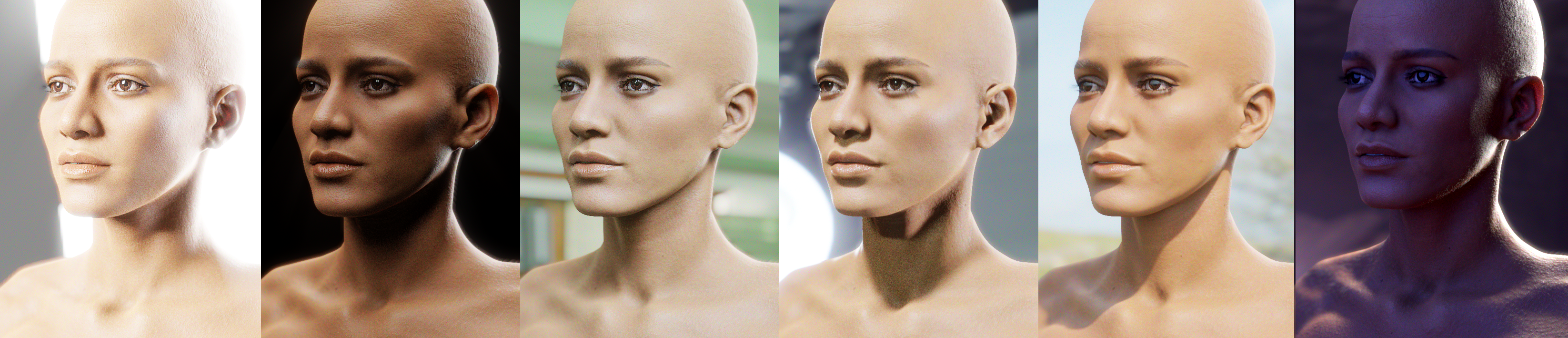
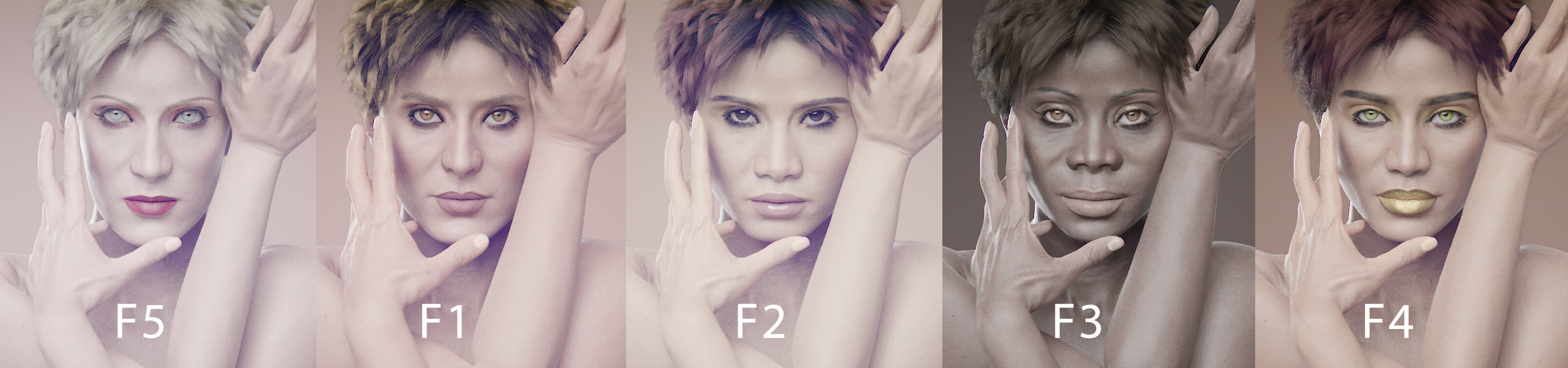
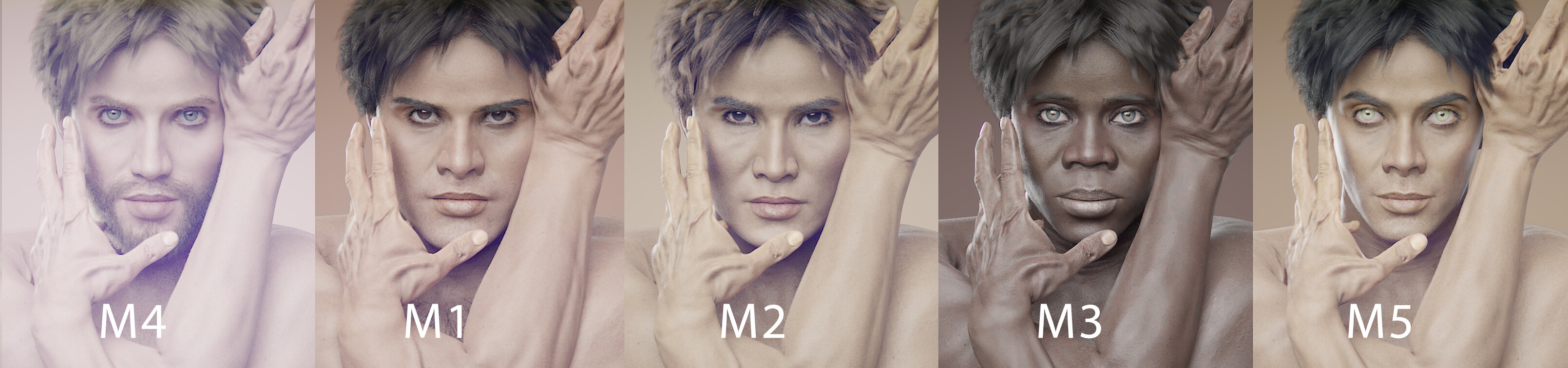
While I prepare the documentation I took some renders of how the Transhuman presets looks :eyes:

This are the 5 female presets:

And this are the 5 male presets:

1 Like

Hi friends! I made a new section in my web with the documentation of Transhuman4Blender. You can take a look if you’re interested in learning how it works :smiling_face_with_three_hearts:

Transhuman4Blender - Documentation

I also wanted to share this render of the eye colors I took for the docs. I love how it looks and I can’t wait to start making cool cinematic animations with this tool!

Let me know what you think :dizzy:

1 Like

I have a few more screenshots of how Transhuman4Blender looks :sparkling_heart:

These are from the Skin customization panel, where there’s a section called ‘scars’ where you can load all these cool skin effects like freckles and other skin conditions :ok_hand:

1 Like