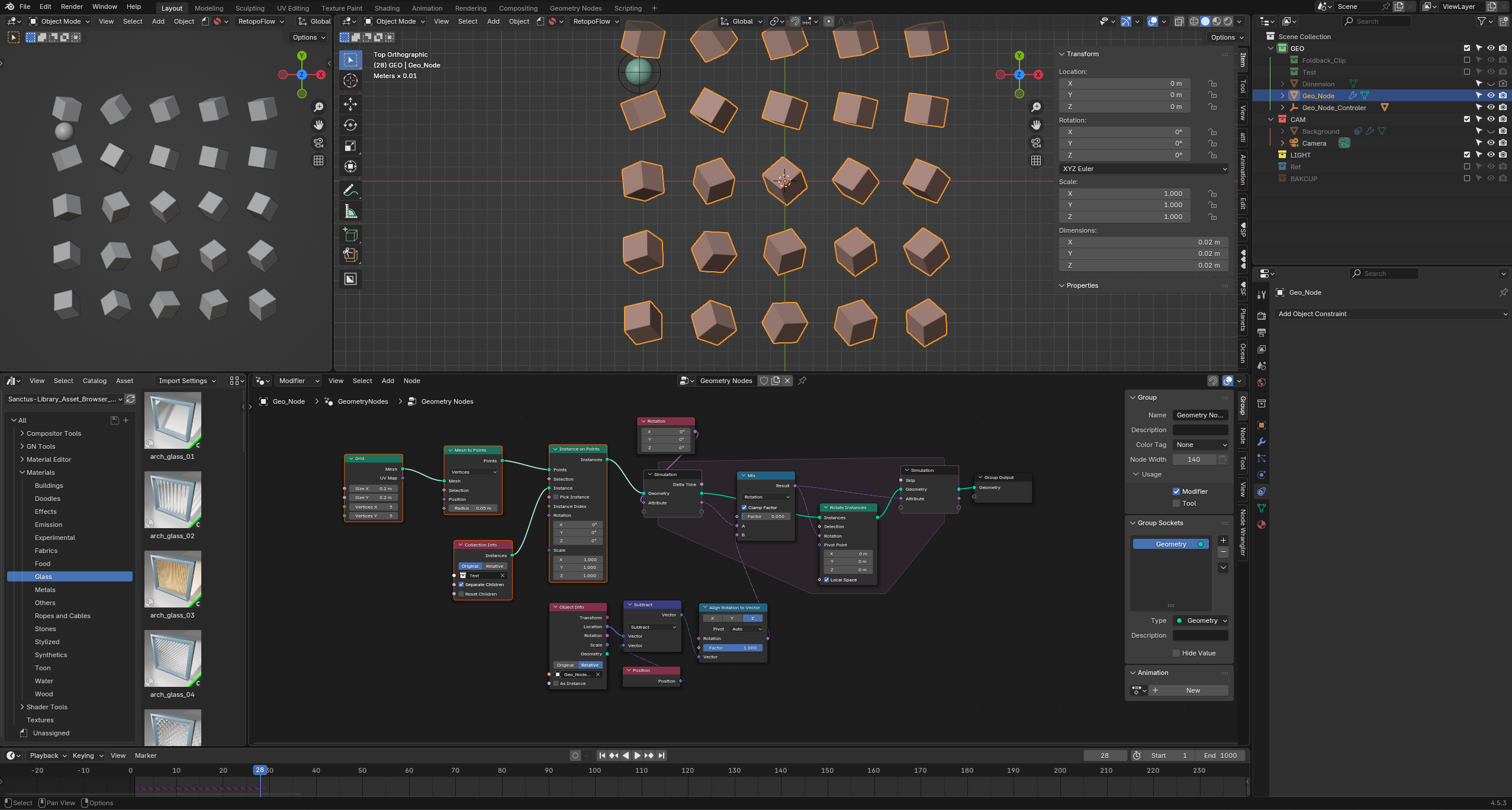
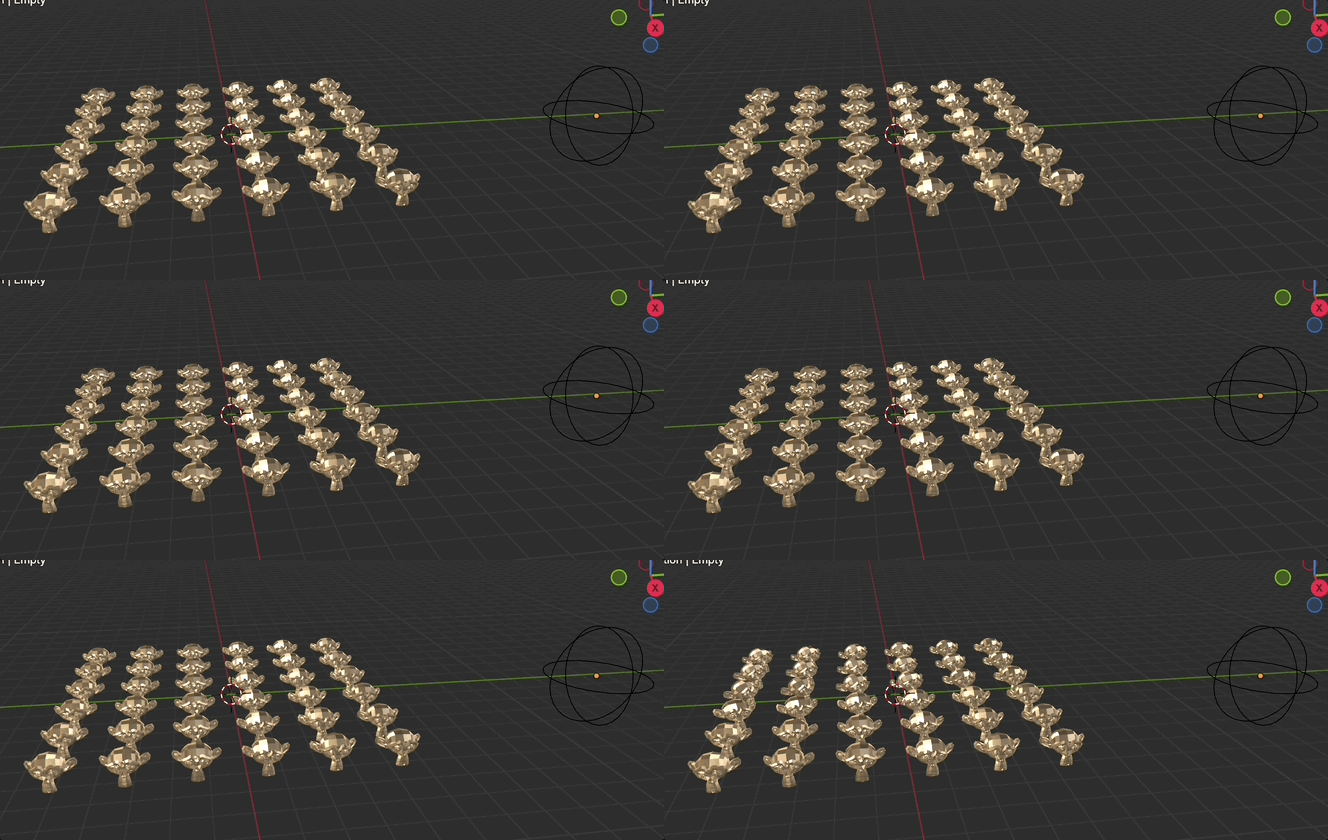
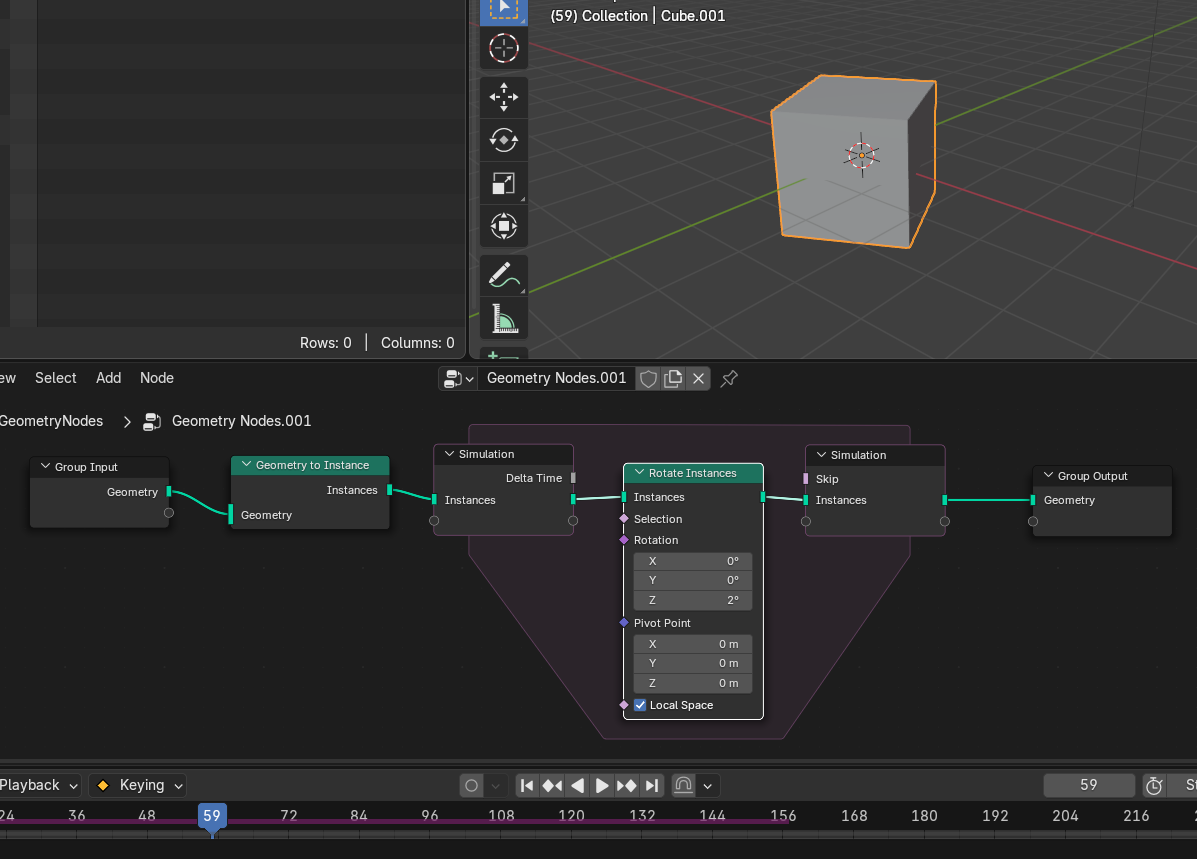
I’m sure this is something simple, but I can’t seem to get it working. I’m trying to create multiple instances of an object, each of which should slowly rotate to face an empty. The idea is that they don’t snap instantly, but instead turn with a kind of delay, as if they’re “catching up” to the empty’s direction.
I figured a simulation zone would be the way to do this, but with my current setup the instances just keep spinning infinitely instead of smoothly orienting toward the empty.
Any tips or suggestions would be greatly appreciated—thanks in advance!
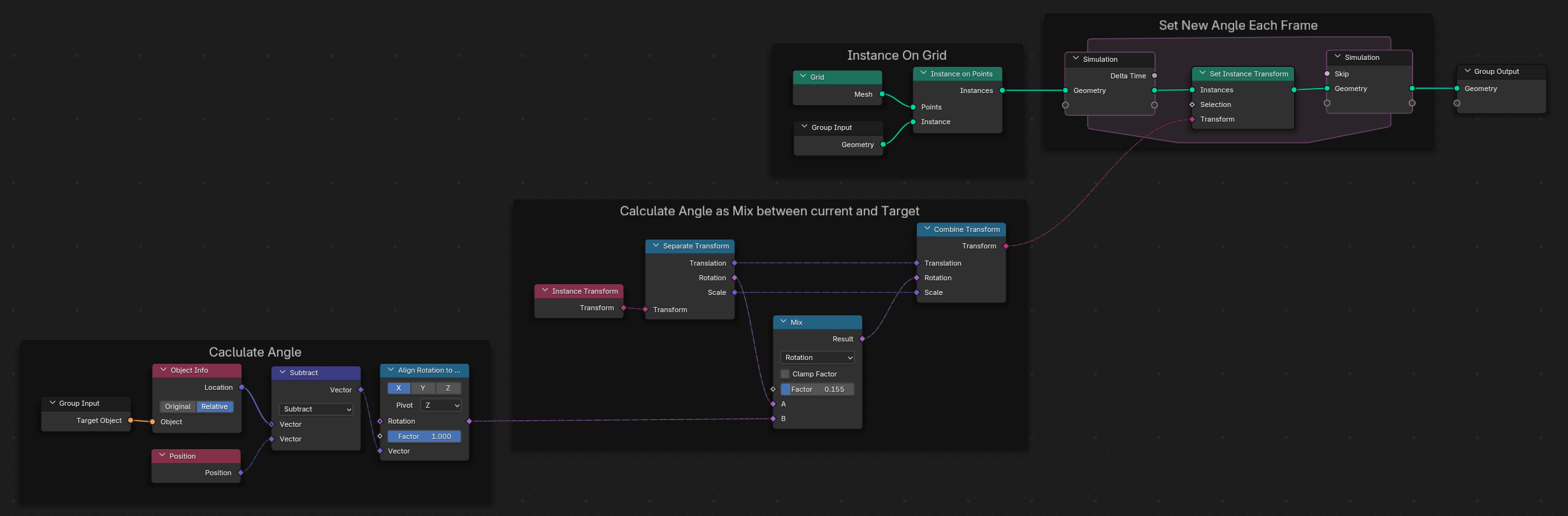
…you’ll see a rotating cube. This is because for each frame, the rotation is applied to the existing rotation.
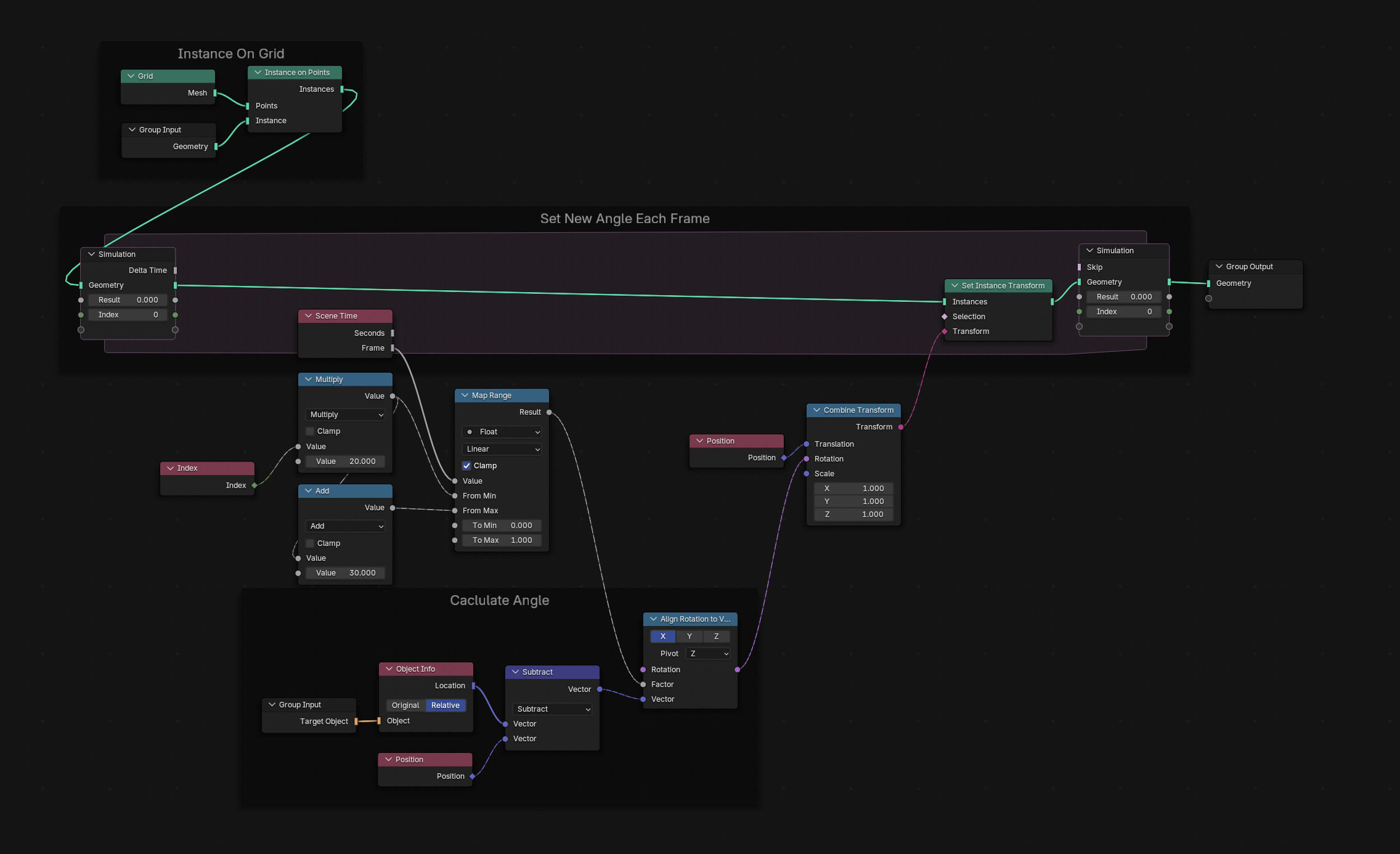
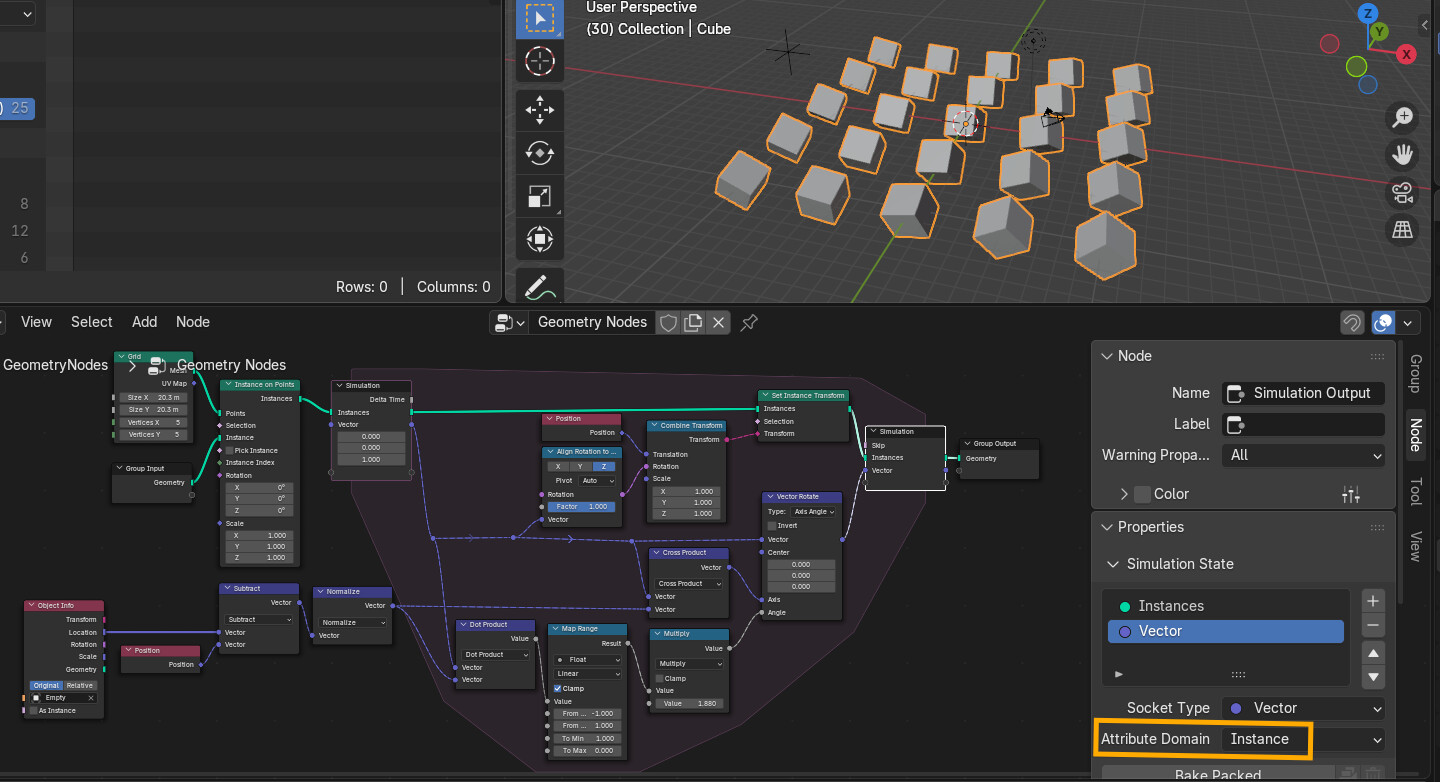
Set Instance Transform on the other hand will overwrite any existing transform. That is why, in general, you almost exclusively use the Set Instance Transform node in simulations when dealing with Instances (and why I have a preference to stay in the point domain for the simulation and only instance after the simulation).
Another gotcha when Simulating instances is that you need to remember to use the Instance attribute domain on any state variables: