Original post:
I am a lecturer at the Delta Academy (Vlissingen, Netherlands). One of the subjects I teach is fluid dynamics. In 2007 , I made the following instruction video’s:
(At this moment they are dutch spoken, the new ones will be in English)
The last years, I did not have enough time for Blender. This has changed and I am catching up with Blender 2.5.
First thing I want to do is to make an update of the video’s:
1. Use resolution 1280 x 720, 30 fps
2. English spoken
3. Add icoon Delta Academy
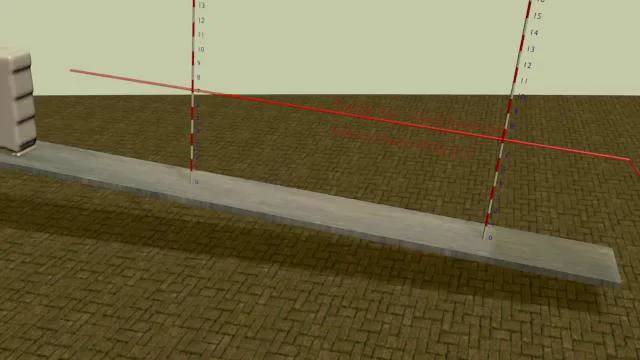
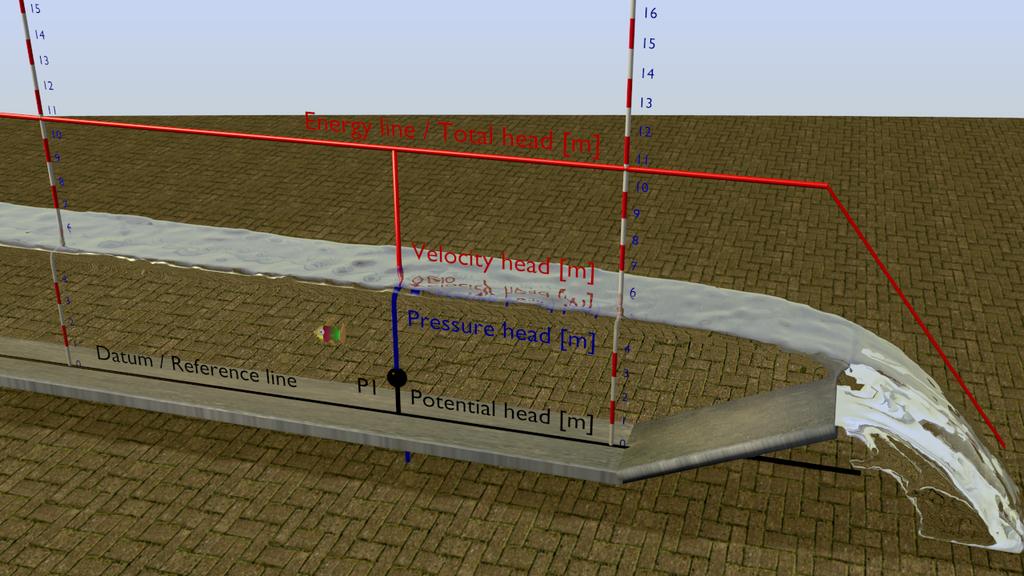
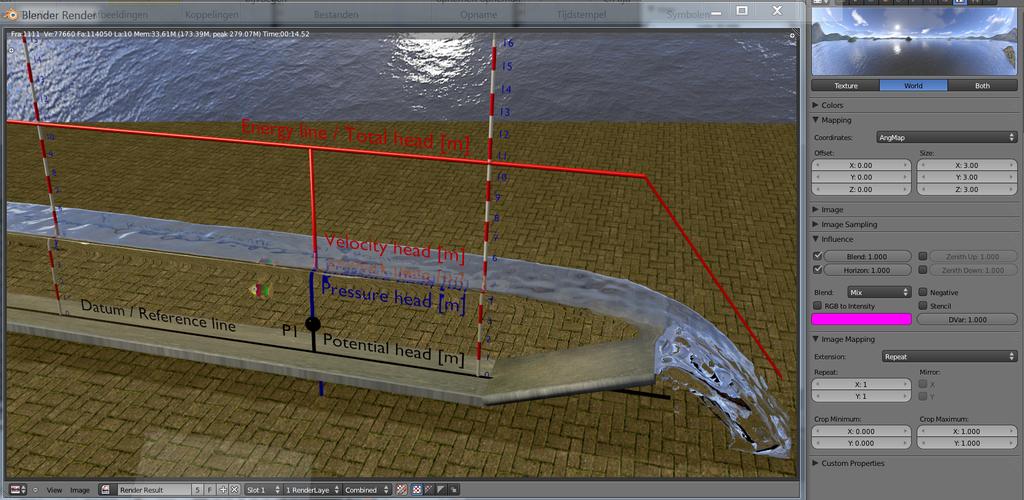
4. Add Energy line / Total  Head
5. Add Velocity Head
6. Improve lighting
   	7. In de future: add animated person who explains theory
I am a Civil Engineer not an artist. Especially lighting and colors is very difficult for me.
So if anyone is suggestions please tell me. I will post my progress in this Thread.
I also was wondering if it is possible to measure the velocity of the fluid.
well there are external Fluids simulation program free using FME
but not in blender !
you can model it in blender then export as OBJ to external program
but all the advanced FME calcualtion are not done in blender
unless you know how tio implement this in 2.5 then it might be possible
Thanks Ricky, but I’m going to stick with Blender for the time being. Blender fluid has enough accuracy for my purpose. I don’t have time to look at other programs. That is also one of the big problems today, there are to many possibilities (hits on google).
I think that with Blender 2.5, my increasing experience and maybe some help of you artists, the quality of the video’s can improve a lot.
What I really would like to make, is a Blender game about fluid dynamics, that would be awesome. I have already have the Yo Franky DVD. But this is long term planning.
E-learning should be interactive.
i know there is or going to be a new upate for fluid simulation in 2.5
but don’t know where to find the new doc for this!
it will allow the mixe of several different viscosity fluids in same simulation
which will add some new features in 2.5
if you can communiate with Farsthary
he mght be able to tell you if there is anyway tog et any Velocity data
but i dought it will be included in fluid simulation!
but he may have another way of doing it with may be a special built!
The first goal is to get a nice lighting setup and nice material for the water.
So I have been looking around at internet and now I have the following three possibilities .
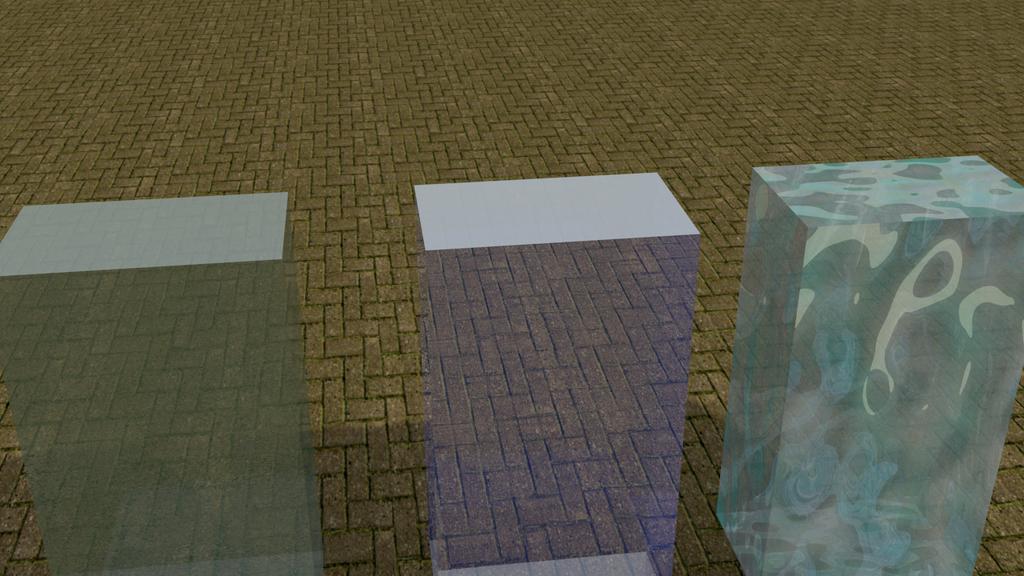
From left to right river water, blue water and sea water. The sea water looks a bit strange, but it is actually the material I used in the renders of my first post.
There is a problem with the firts two materials, as you can see, the top of the cubes is light blue, it does not look like the other sides.
What could be the problem?? I tried different lights from different corners, does change anything?
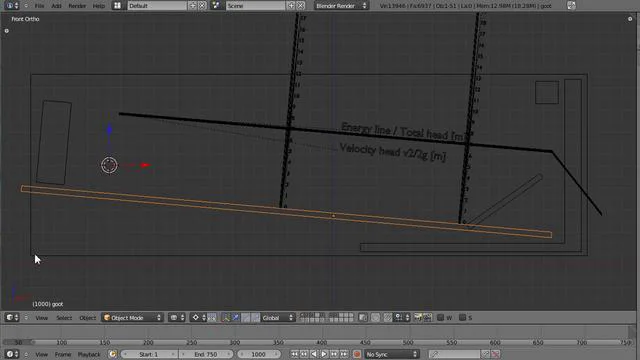
The physical length of my fluid system is 4.5 m.
A resolution of 200 gives fluid parts with a length of 22,5 mm, a resolution of 500 parts with a length of 9 mm
The higher the resolution the longer the baking takes
See the following video for some experiments.
For rendering speed, the fluid has no material.
I did not record the time to make the bakes (this should be in blender, just as with single renders?)
I baked 300 frames, 200 wend fast (estimate in minutes), 500 slow (estimate couple hours). The other two in between.
500 looks best, although there is to much splashing in my opinion. For setting up my system I will start with 200.
The velocity is a bit to high, I.m going to decrease this a bit.
I think I found a better way to calculate the discharge?
In my model 1 unit equals 10 cm in the real world.
The inflow box measures 2,52 x 2,52 x 7,391 units is 0,25 x 0,25 x 0,74 m
The volume is 0,0460 m3. The inflow is set as volume
The inflow velocity is set at x = 2, y and z = 0. If this means that the volume enters the system twice per second (I’m not sure if this is correct) than the discharge would be 0,0460 x 2 = 0,094 m3/s. This is about the same discharge I found with the following the tracer particle method (see second video).
If this method is correct, this will be a easy way to know the discharge
The blend file is not attached, because it is to big??? The forum does not allow to upload files bigger than 1000 kb.
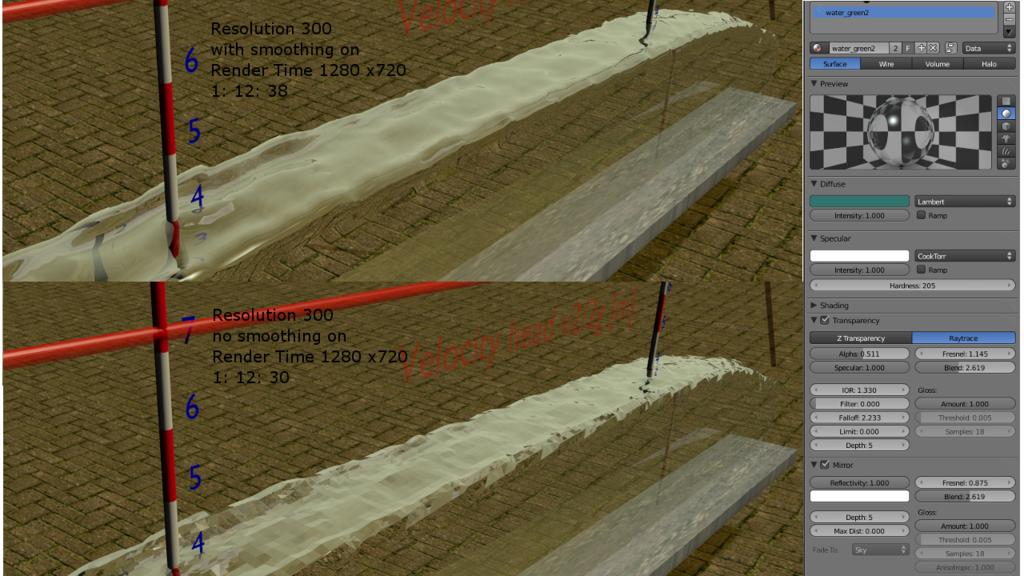
Render time mentioned on the picture is in minutes. So expose a video lasts 2 min = 2 x 60 x 25 = 3000 frames x 1.5 min = 4500 min = 75 hours
3 day’s of rendering!!!
Or video
The fluid looks a lot better than the original video’s from my first post.
Using a resolution higher than 300 for fluid baking drastically increases baking time.
In this post several renders with the blade /valve up, so there will be a subcritical flow.
The coming time I will add several video’s to this post.
The domain and objects have all “free slib”, smoothing 1 and subdivision 1
No particles, so maybe I could set the subdivision at 0??
Discharge 0,0460 (=volume inlet) x 2 (velocity) = 0,094 m3/s.
To minimize render time, the fluid has no material.
Test 1, resolution 320
The surface of the fluid is to turbulent. The fluid level should rise to the left.
The influence of inlet is to big. I could make the channel longer, but that means more baking-time
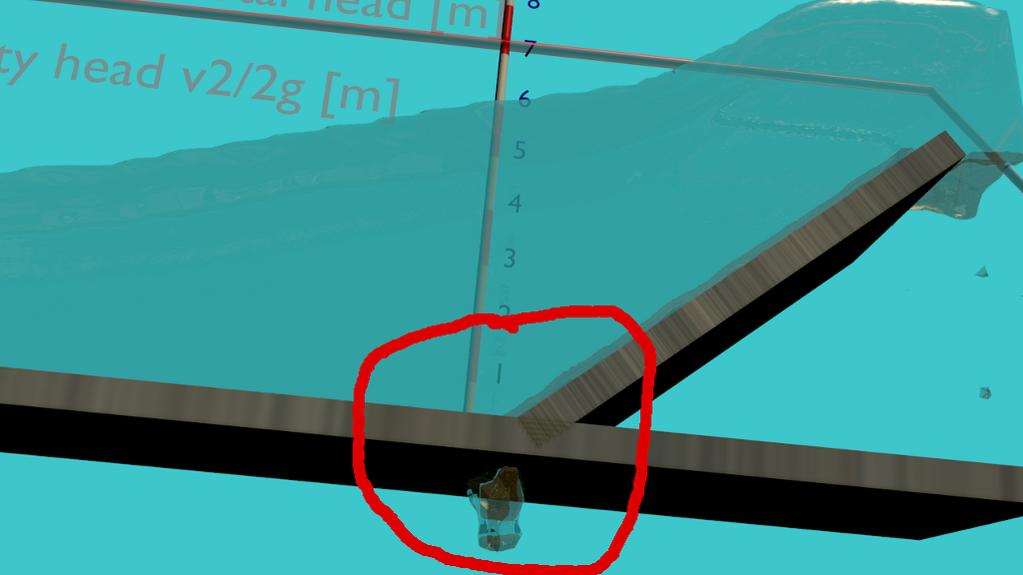
At 22 sec the fluid starts to vibrate??? What is happening.
Vertical inlet, less height, bit more thickness, channel 0.5 m longer, resolution 400.
At some point the fluid starts to vibrate again?
This is the best until now.
Two weeks ago my motherboard crashed. So I needed a new system, :eyebrowlift2: yes.
Intel i7-870 and 8 gb ram. The difference in speed with baking and rendering is really unbelievable. So this gives new opportunities.
Am example, for the video below, with my duo core 2 each frame would take about 1:30 min, now it is max 10 sec per frame
I have changed the width of the channel to 500 mm and the fluid resolution to 300. Even with 8 Gb Ram, a higher res than 300 gives memory problems.
But it is getting better and better.