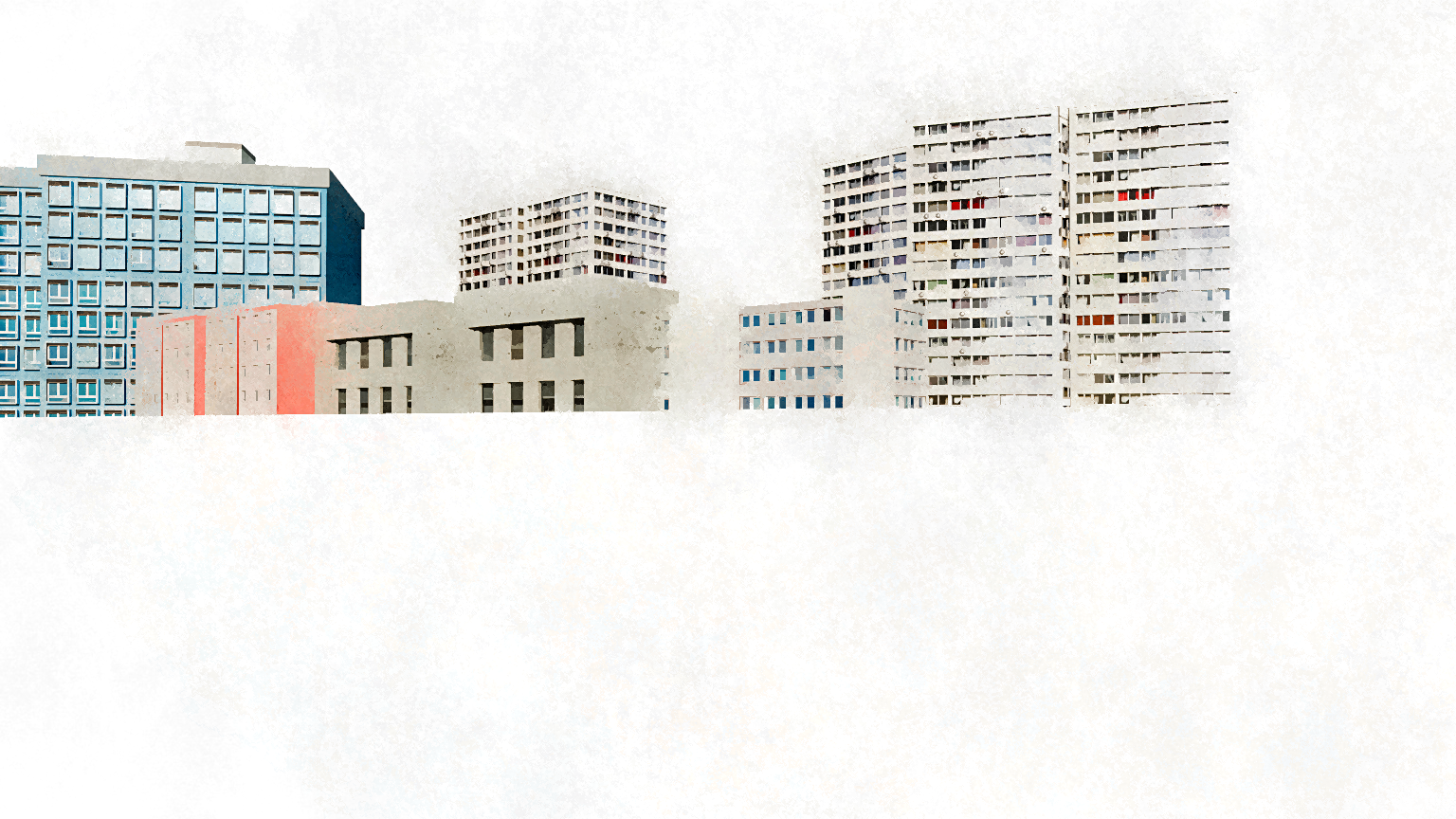
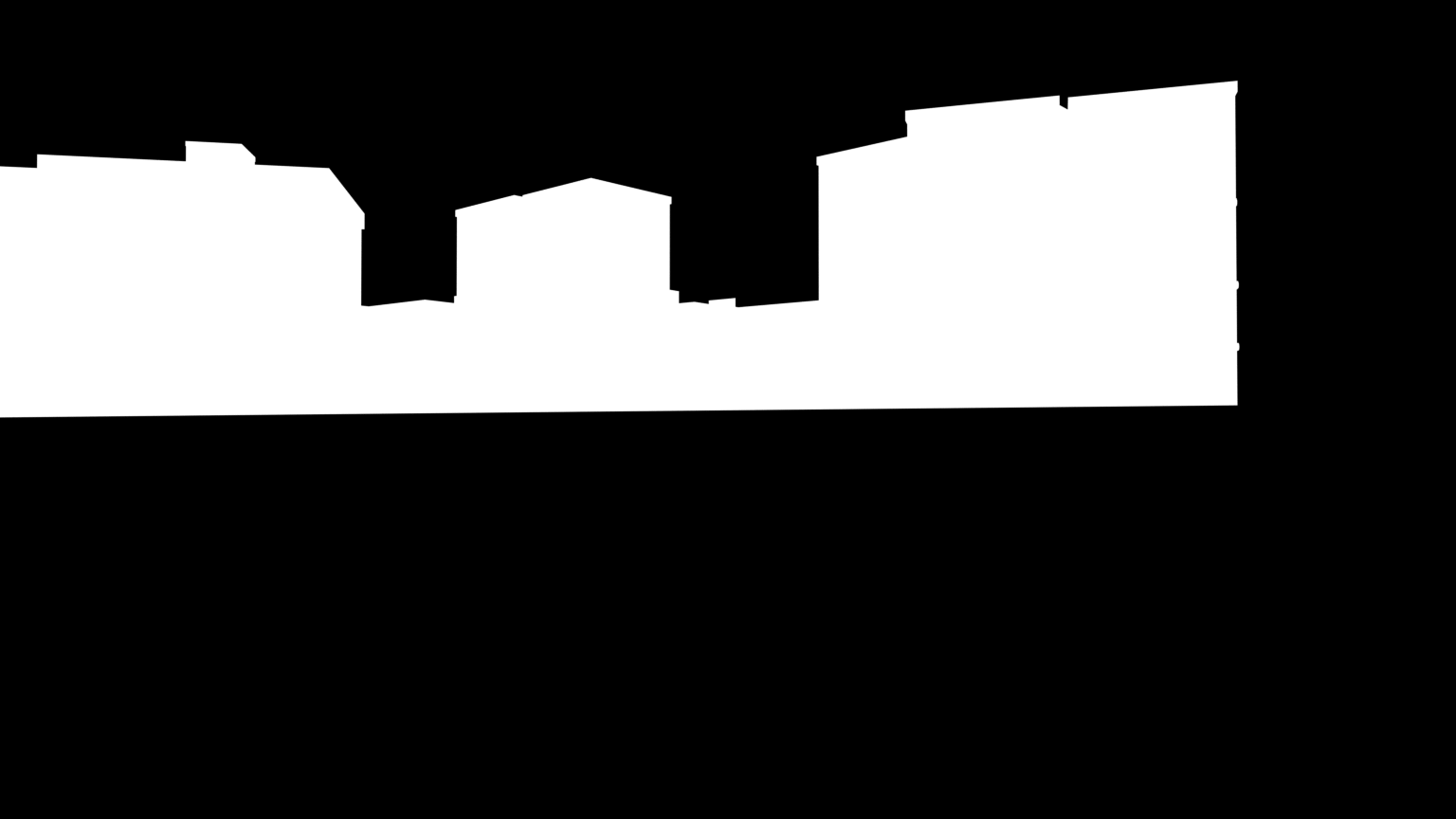
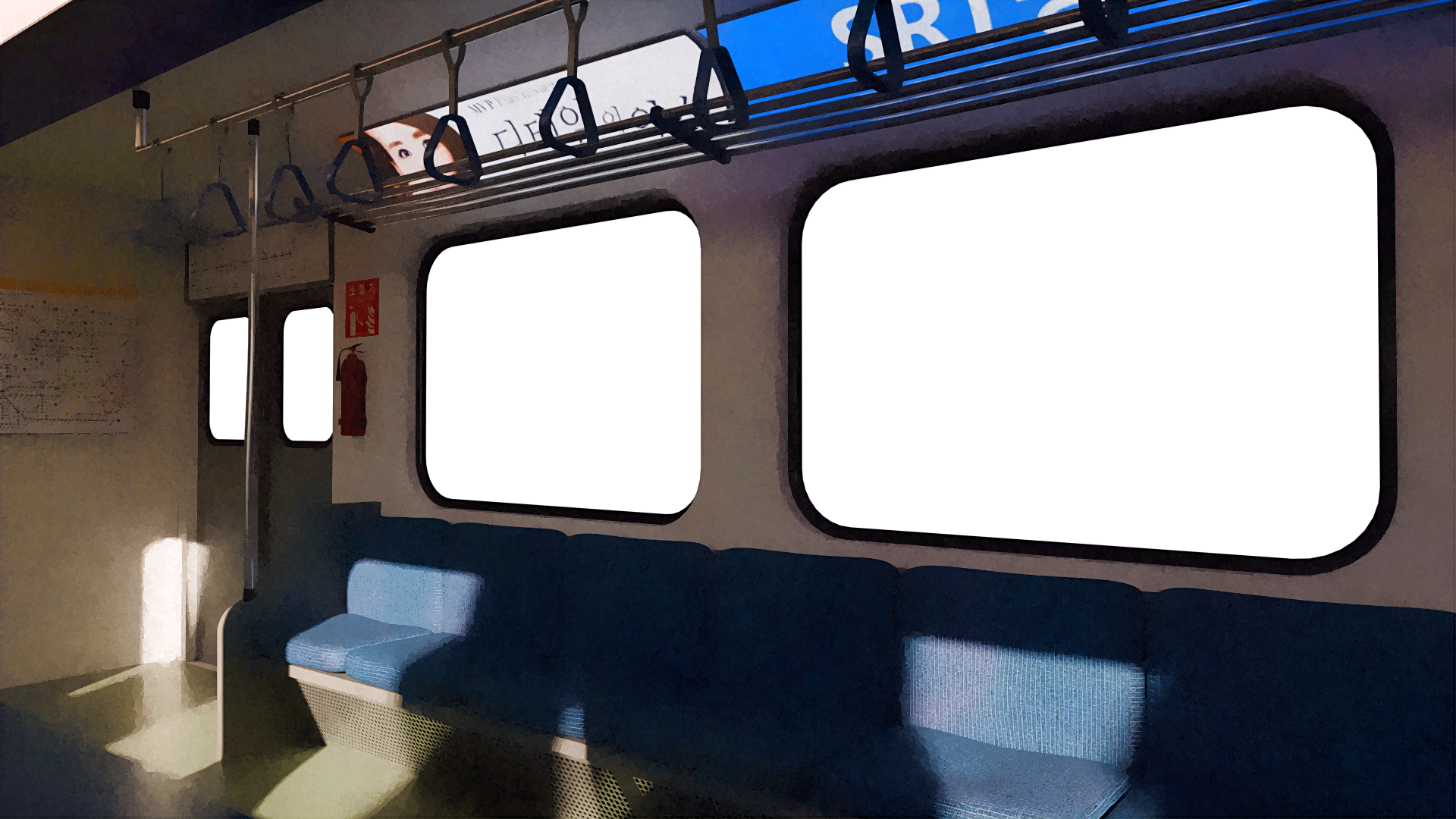
I have a background element of some moving buildings - 240 frames. I have processed these frames in a program called Fotosketch in order to give them a painted look. This program doesn’t have the ability to preserve alpha information - so I did an alpha pass of the same 240 frames.
What I’d like to do, in the Blender video editor, is use the alpha pass frames to “cut out” the white background of the painted colour frames and have a sky background behind them.
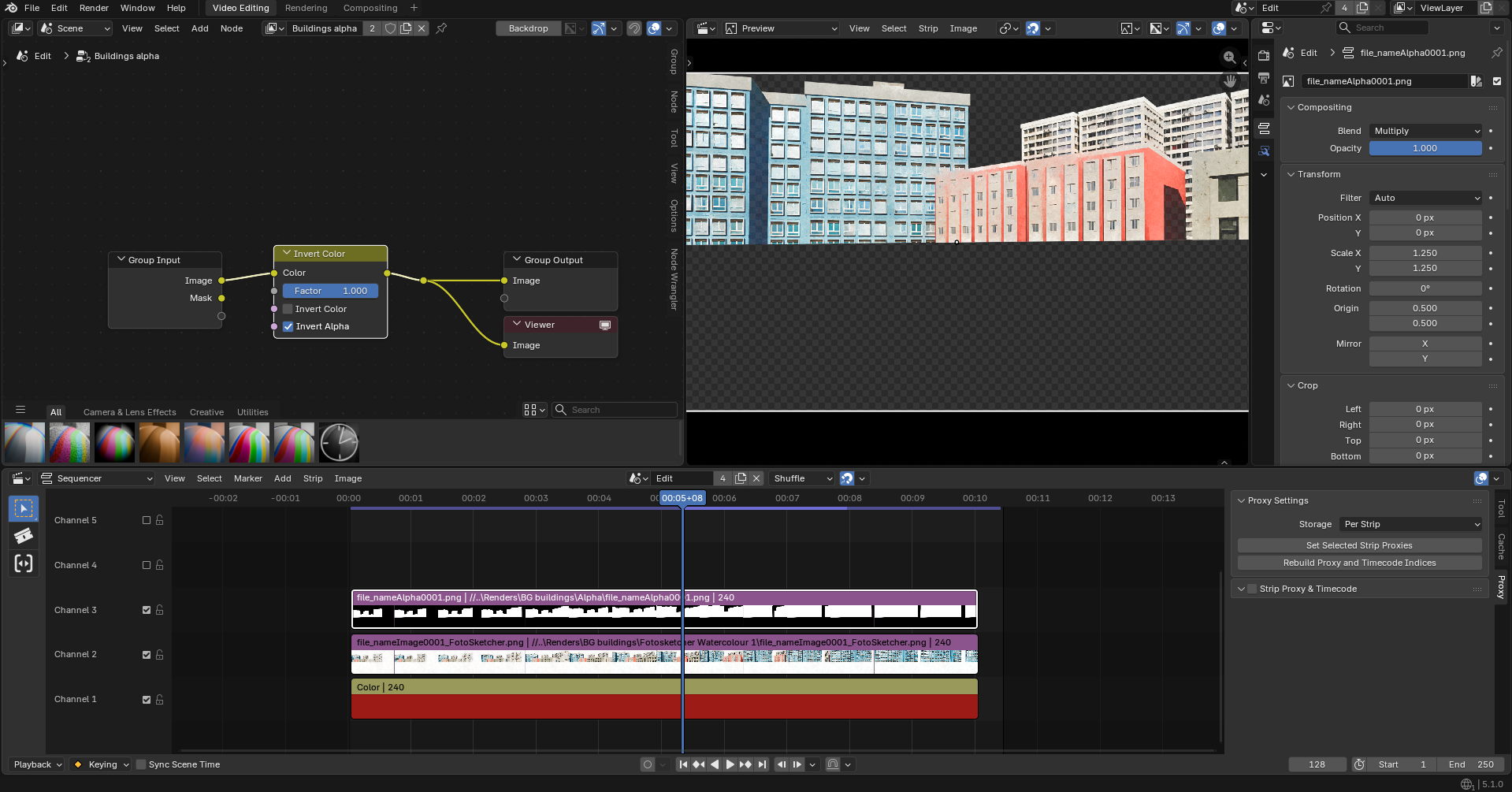
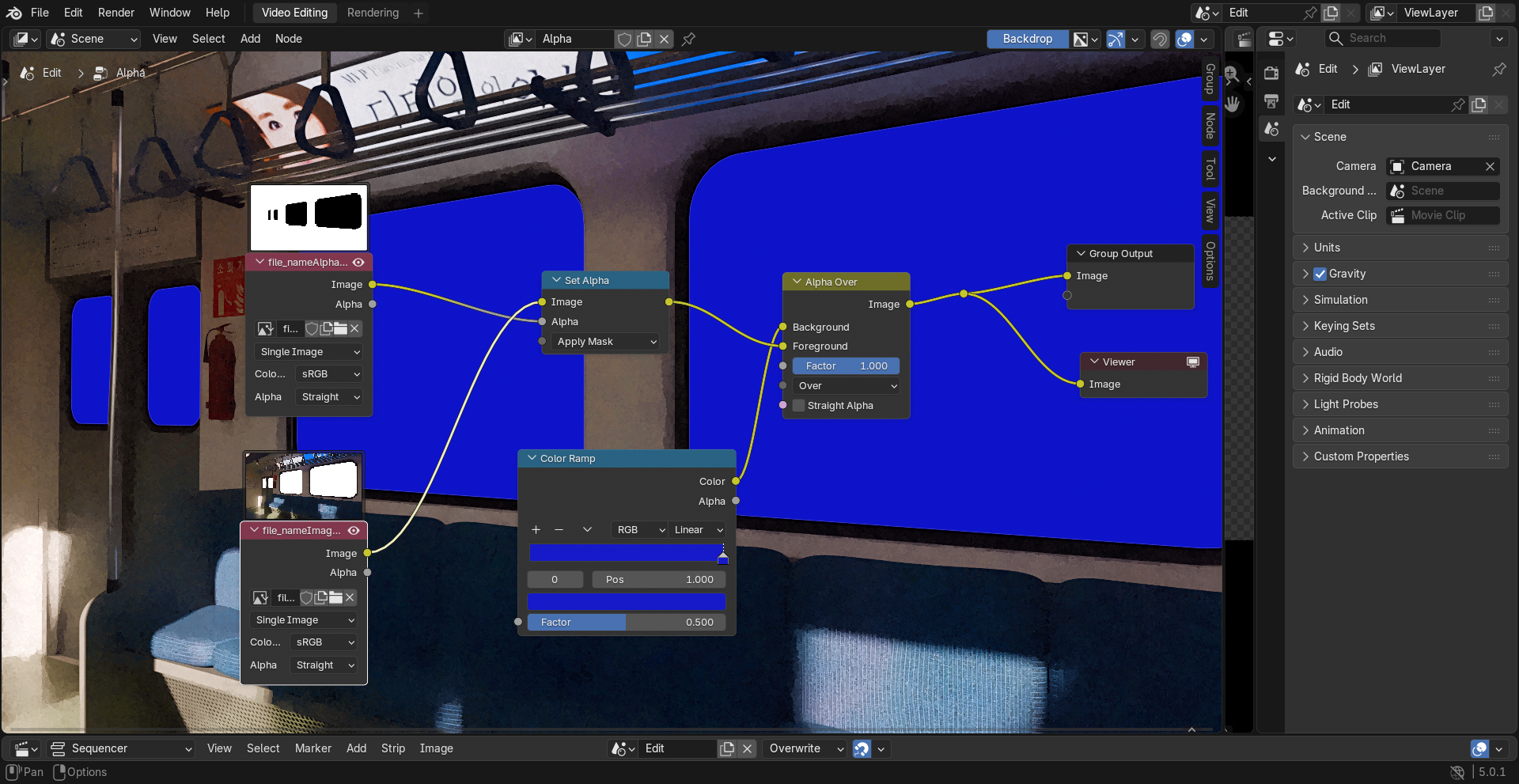
This is the video editor setup I have at the moment. As you can see, the solid red layer at the bottom isn’t showing through, despite the buildings seeming to have a transparent alpha background. By inverting the alpha of the alpha pass in the compositor I can get it to show in the space where the buildings are, which is the opposite of what I need, but indicates that what I’m after is possible.
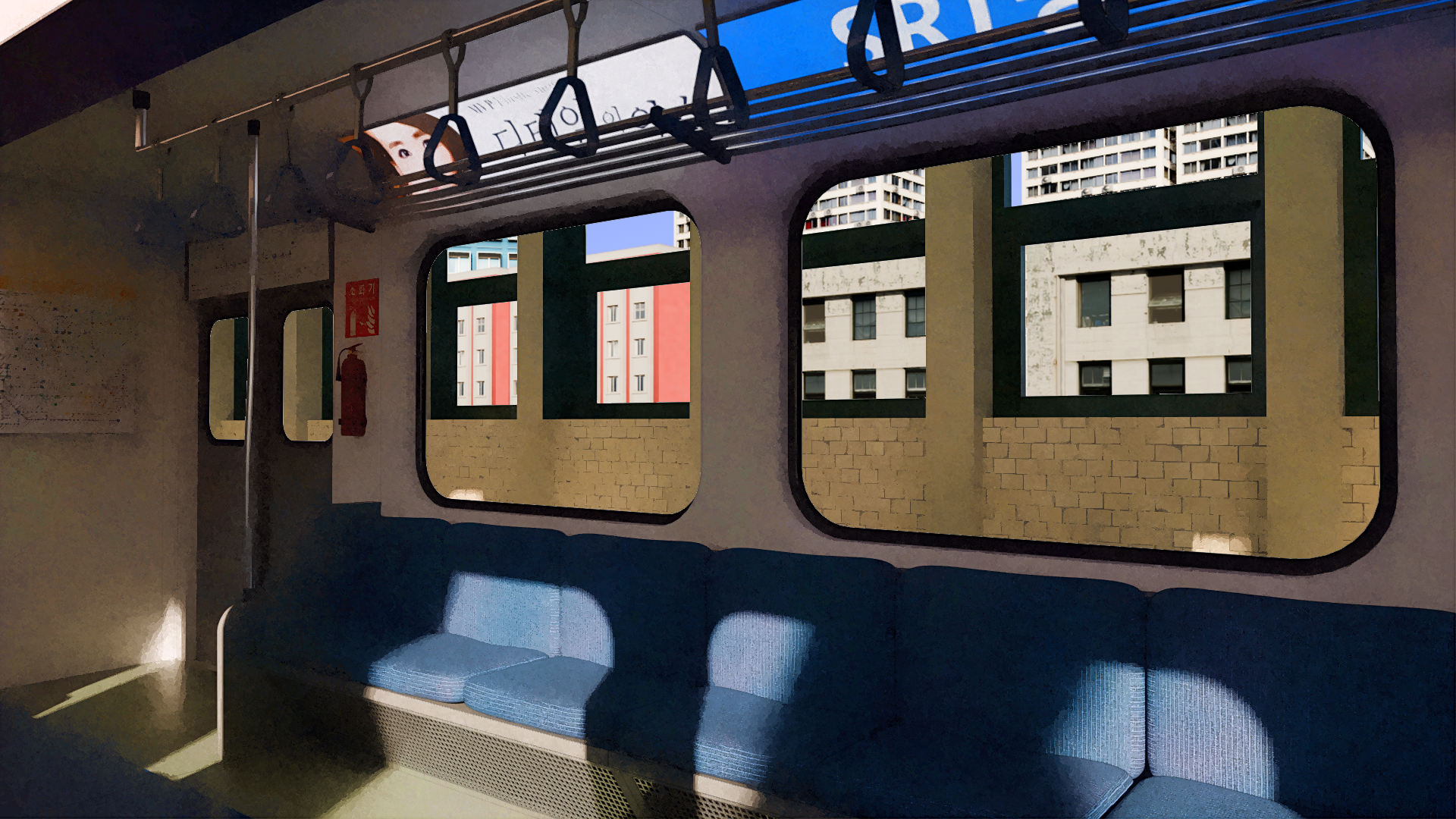
Ultimately what I want is to end up with an image like this, with the foreground train, and two background layers - the train platform and the buildings behind it. I put this together in an image editor.
Dose the red show if you delete the Alpha strip?
If you could save just one image from each strip and save as a new file, and share it, i will have a look.
Apologies, I’d forgotten Blender doesn’t do that by default. I attempted to pack external resources but it gave me a “no new files have been packed” error, so I’ve simply included them in this zip with the blend file.
I am sorry but didn’t find a quick fix what i think you will have to do is use third party app to make the windows transparent and save with alpha channel.
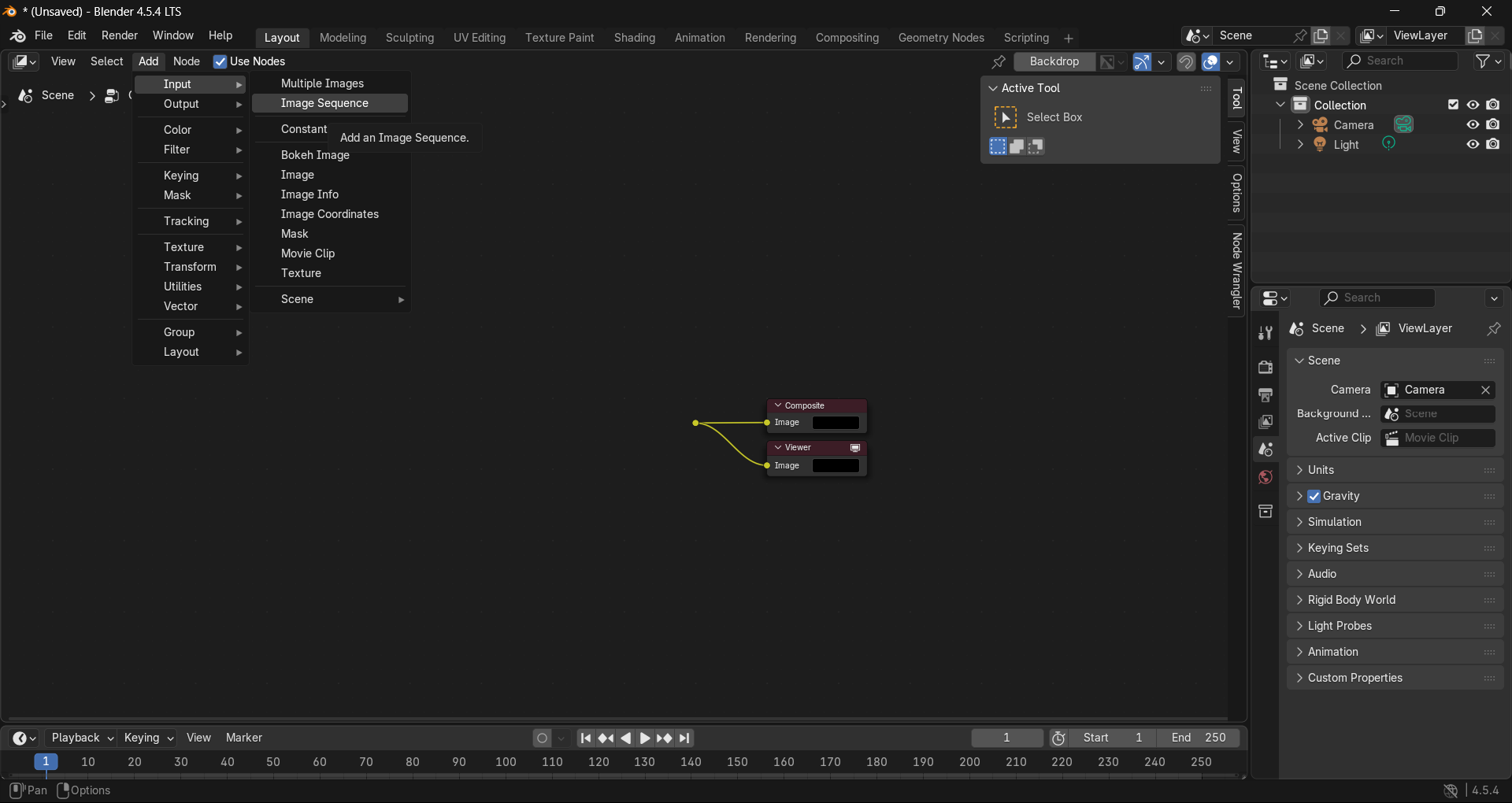
I may not completely understood that sentence.. fuzzy.. what (non-native english listener here ) ?? But in my example i used the image node.. but there is (like tried to imply/suggest) the Image Sequence and the Movie Clip node too.
I think I’ve got it yeah. Just combine them into one new file, with alpha transparency and then work with those. Really appreciate all the help, be sure to give you a shout out if this thing is ever finished.

 )
)
 ) ?? But in my example i used the image node.. but there is (like tried to imply/suggest) the Image Sequence and the Movie Clip node too.