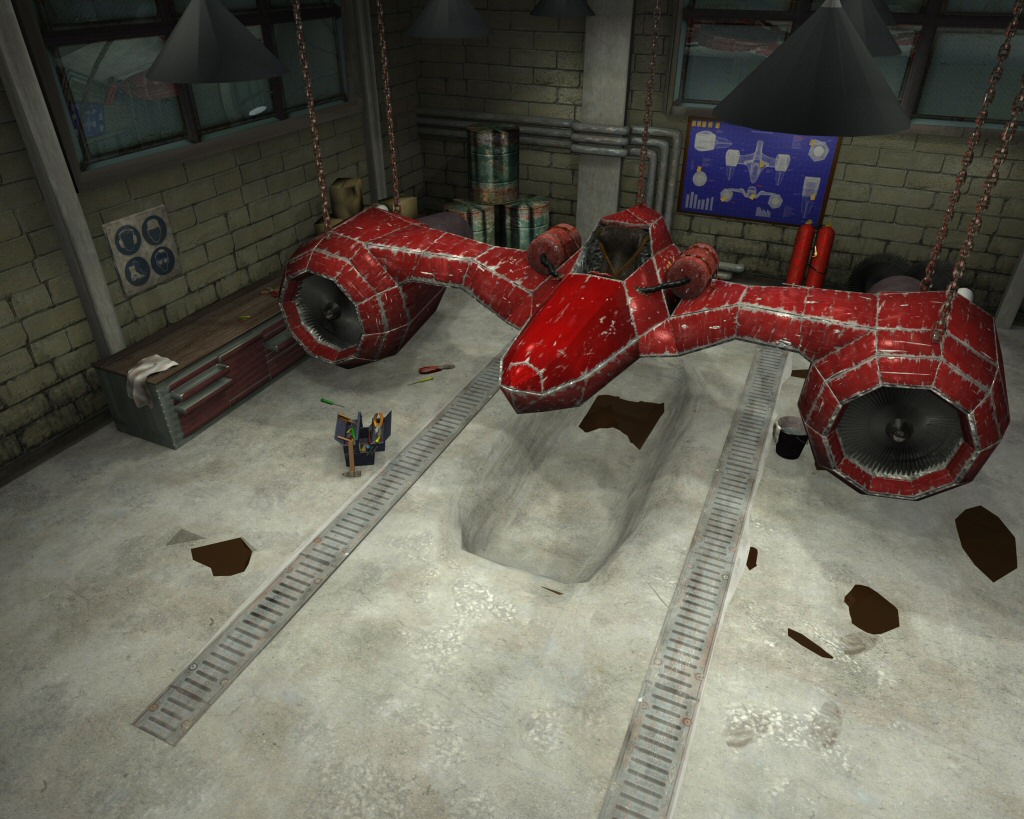
Hi,
i have come across a serious problem in my jetvehicle project.
after using version 2.45 for a while i decided to try 2.46.
after i installed the new version i made some changes and saved, when i rendered the uv maps all rendered black.
everything with a uv map is black.
At first i thought it happened because the file was broken, but uv maps dont render in other files as well. So i thought that blender was broken and i uninstalled it.
after reinstalling the uvs still didnt render or they render only in a few parts of the image.
which looks like this:
i guessed that blender must have done something in windows which doesnt undo with the uninstall, so i reinstalled windows.
But the error still occurs, even on another computer.
materials are rendered correctly and images loaded as texture work aswell.
And before someone asks: yes they are all set to TexFace, it worked all fine before.
I dont think that it is my computer because the error occurs on another machine aswell, and i have rendered much more complicated scenes before.
The last thing i tried was to append the whole content to another file but this doesnt help either.
This is giving me quite a headache so i would be verry happy if someone was able to help me.
If you want to have a look at the blend file you can download it here(about 100MB) http://rapidshare.com/files/107179078/Jet_packed.rar
In the Game Engine texface only works with Blender materials if you put in an empty image texture with nothing loaded in a texture slot. Not sure if that would apply to the render portion as well.
If all else fails you could set image textures to UV coordinates using the texture slots, that’s how most people do it anyway, the only time I’ve used TexFace was to visualize how a texture would be UVmapped in textured mode before rendering.
Okay, I downloaded you blend and found the root of the problem. Turn off the TexFace button on all your materials. From what I gather from PapaSmurf and others, TexFace is meant to be used with the Game Engine, not rendering. You have all your Textures loaded as Image Textures so there is no need to have TexFace turned on.
That did it.
There must be a limit for texface materials, after i disabled most of them and loaded the images as textures, the ones i forgott showed their texface again.
You cant imagine how reliefed i am, i thought that there was something broken in the files, or even worse, my computer.
Thanks a lot for saving my day.
Thanks to PapaSmurf too. He recently explained to me why using TexFace isn’t a good Ideal for renders. So that lead me to the solution. Glad things are working for you again.