2 Likes
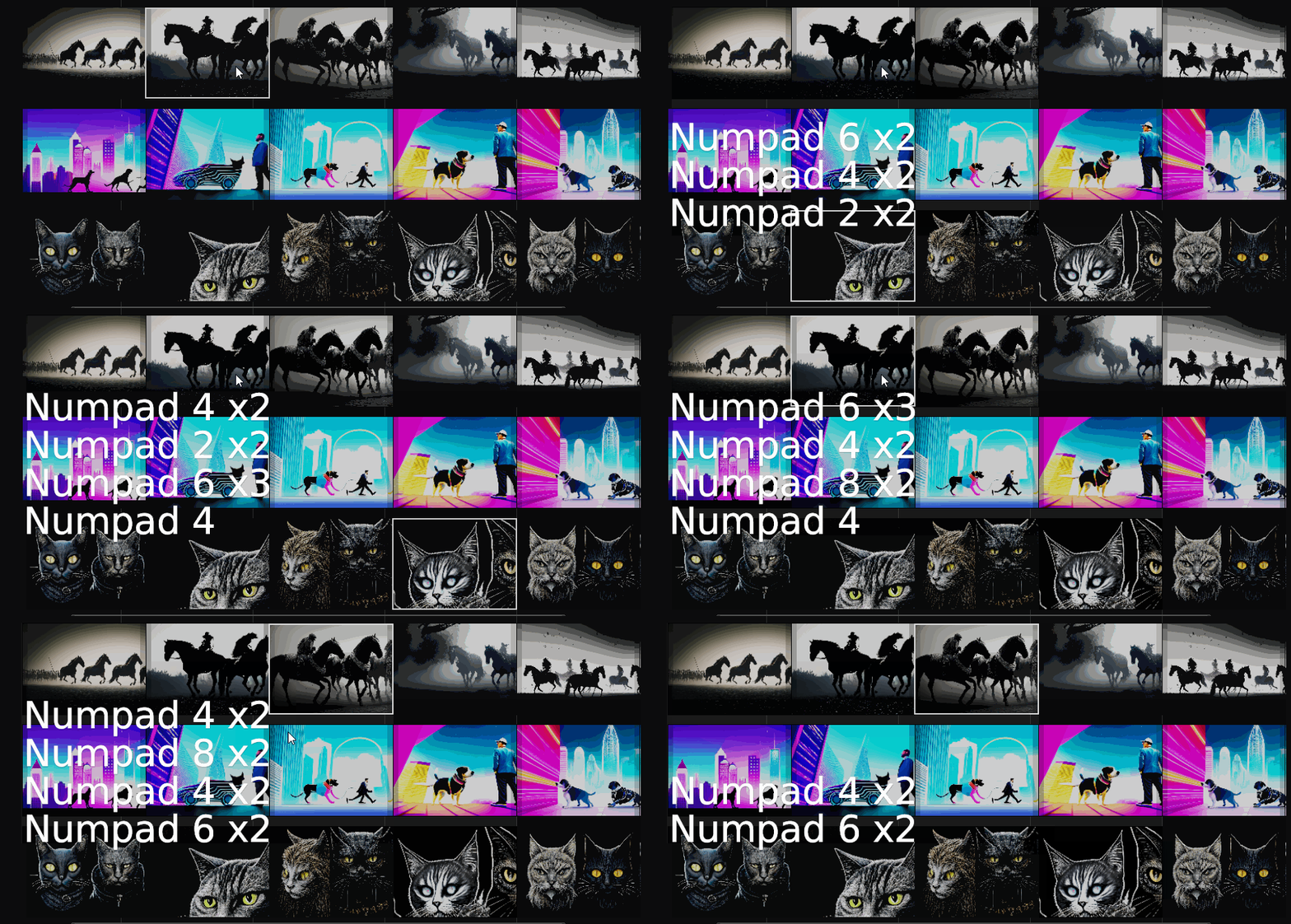
Free add-on to storehouse(copy to folder) all source files used in your Blender VSE edit: https://github.com/tin2tin/sequencer_storehouse/tree/main

2 Likes
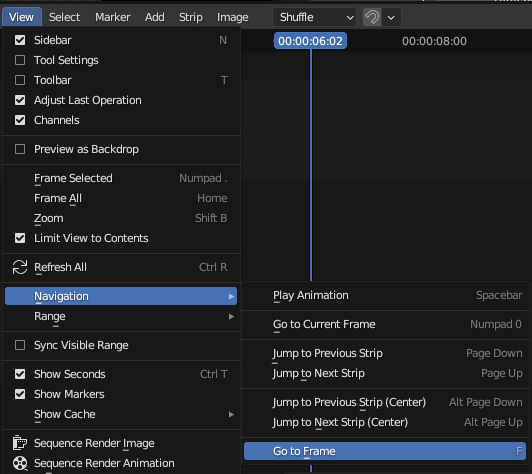
Free add-on to go to frame(pop-up/type in): https://github.com/tin2tin/go_to_frame
1 Like
Join through splits: https://twitter.com/tintwotin/status/1719272349923442857
OTIO export: https://twitter.com/tintwotin/status/1719825641279820115
Abandoned patches:
Avoiding removal of the Sequencer & Preview mode: https://archive.blender.org/developer/differential/0012/0012513/index.html
Swap strips: https://archive.blender.org/developer/differential/0012/0012441/index.html
Retiming UI is still not solved: https://projects.blender.org/blender/blender/issues/112343#issuecomment-1060186
(IMO, was it a big mistake to implement an entirely new animation system just for retiming, instead editable keys and curves could have been drawn on strips for all keyable properties, a bit like this: https://archive.blender.org/developer/differential/0012/0012386/index.html )
Handles: https://archive.blender.org/developer/differential/0012/0012308/index.html
Audio panning: https://archive.blender.org/developer/differential/0012/0012311/index.html
Hide/Mute: https://archive.blender.org/developer/differential/0012/0012217/index.html
Workaround for the missing multiline text strip string widget: https://archive.blender.org/developer/differential/0010/0010775/index.html (Blender seriously needs a multiline widget)
Time panel: https://archive.blender.org/developer/differential/0010/0010669/index.html
Multicam: https://archive.blender.org/developer/differential/0010/0010521/index.html
Frame Overlay: https://archive.blender.org/developer/differential/0010/0010503/index.html
Import properties: https://archive.blender.org/developer/differential/0010/0010318/index.html
Transitions: https://archive.blender.org/developer/differential/0010/0010207/index.html
Add Roll & Slide: https://archive.blender.org/developer/differential/0009/0009829/index.html
Fill Gaps: https://archive.blender.org/developer/differential/0007/0007842/index.html
Ripple delete: Video Sequence Editor - News & Add-ons - #236 by tin2tin
2 Likes
https://aras-p.info/blog/2024/02/06/I-accidentally-Blender-VSE/
an interesting article by aras pranckevičius.
and thanks to all the VSE developers! it’s awesome that it gets better every day. 
5 Likes
That was really interesting! So nice to see improvements like this. I really love having the VSE in Blender, it’s just so handy. I used to use Avid but it’s way too much for what I need right now. It’s so nice to have the VSE (and all the other modules) integrated.
3 Likes
I posted this in the other thread before seeing this one, so I’ll share here as it seems to be the more relevant place, sorry for the repeating.
It’s amazing that Blender lets you encode with H264 Constant Rate Factor, but I wish it let me pass parameters for example programs like Handbrake do, they just add a field where you type your preferred settings: “ref=4:trellis=2:b_adapt=2:direct=auto:rc_lookahead=250:aq-mode=2” etc. This lets you have a finer control over how your final size/quality/encoding time looks, while not overwhelming people that don’t care about this. And I would say this is the only option missing that stops Blender from being from THE de-facto video editor for most common editing tasks to recommend to most people. Now many people still stick to Premiere Pro/DaVinci/even VEGAS for the Voukoder plugin that lets you have that finer control in encoding. Considering I think Blender uses ffmpeg it’s baffling how this is not in yet, shouldn’t be hard at all to implement.
Also, for some reason Blender renders slower compared to Handbrake/Voukoder with exactly matched settings (compared with MediaInfo), despite using the same writing library as Voukoder.
The last thing is having info during the rendering - estimated total time, and also when its done - total time it took to render, those are very useful numbers to have.
With those in, especially the first one, Blender would definitely beat virtually all other free video editing options.
1 Like
I’m not a BF hired dev, so I have no say in the developments of the VSE, but right now work is actually being done to clean out old and unused codecs and add new ones which support HDR. And a lot of work by Aras has been put into optimizing the VSE. If you want to follow the developments, you should visit the VSE chat(not for requesting features, tho), and read a few days back, when there was some discussion on exposing more ffmpeg features: https://blender.chat/channel/sequencer-module?msg=FCfrwF27LLcif3iZp
1 Like
i always wondered why blender doesn’t expose hevc/h265 since ffmpeg supports it?
Because ffmpeg was implemented way before h265 even existed. Blender hasn’t been updated much in these ares for decades. But as you can see in the chat, linked to above, are the video export things about to be updated.
3 Likes
That’s great news. Hope with an update to ffmpeg and exposing more of it’s codecs and settings to the end user, Blender will get closer to that default free video editing recommendation for most common tasks.
1 Like
I know this is old but can it be included as a preset for the vse? It’s a pain to have to go into the compositor just to do chromakeying.
It would properly be easier and more user-friendly if someone converted a keying node into a VSE modifier. However, right now, the good news is a lot of work is actually being done to improve the playback performance and color handling(HDR) of the VSE. But afaik no work on modifiers is being planned. Follow the development here: https://blender.chat/channel/sequencer-module
2 Likes
You can “roundtrip” a movie strip in the compositor this way(and key-node in the compositor): https://www.youtube.com/watch?v=8-IQ2liVBpw
1 Like
This probably needs to be revisited to address the preservation of transparencies in timeline rendering and proxy generation. The selection of appropriate codecs to support this is a massive area and is often unclear because tutorial creators have powerful machines that push through the need for proxies. As I mentioned the prefetching of frames or timeline rendering and caching need to work seamlessly to remove frustrations. Hopefully the devs have a good understanding of how these aspects work together for a speedy/transparent experience. Fingers crossed for 4.2.
Is there a way to add multi line text in the VSE?
If yes, how to do this?
If you go the the first post in this thread and find the Text strip section. There are several add-ons which will let you enter a line-break character or insert Text Editor content in the Text Strip including line breaks.
1 Like
A post was split to a new topic: Copying effects to a meta strip on the VSE
We used to be able to scale, rotate and grab/drag the strips in the video preview window. I can’t remember when it was introduced. It seems like it was removed at later some point. Does anyone if those features would be implemented back?