Hi everyone. I wanted to share with you my recent discovery.
I’ve been using Blender for three years, and for the last two almost daily, to develop my architectural projects. The other day, I was watching a video on a YouTube channel called Architecture Topics. The video explains how to create a material pass image, and I accidentally noticed that the guy in the video, unrelated to the main topic, was using something called ‘Viewport Render Image.’ I was almost in shock, realizing that I didn’t know about this feature in Blender!
It’s an incredibly useful option. You can save a lot of images during different stages of your project. I know this is probably something everyone is aware of, but I just wanted to share my excitement about this feature with you .
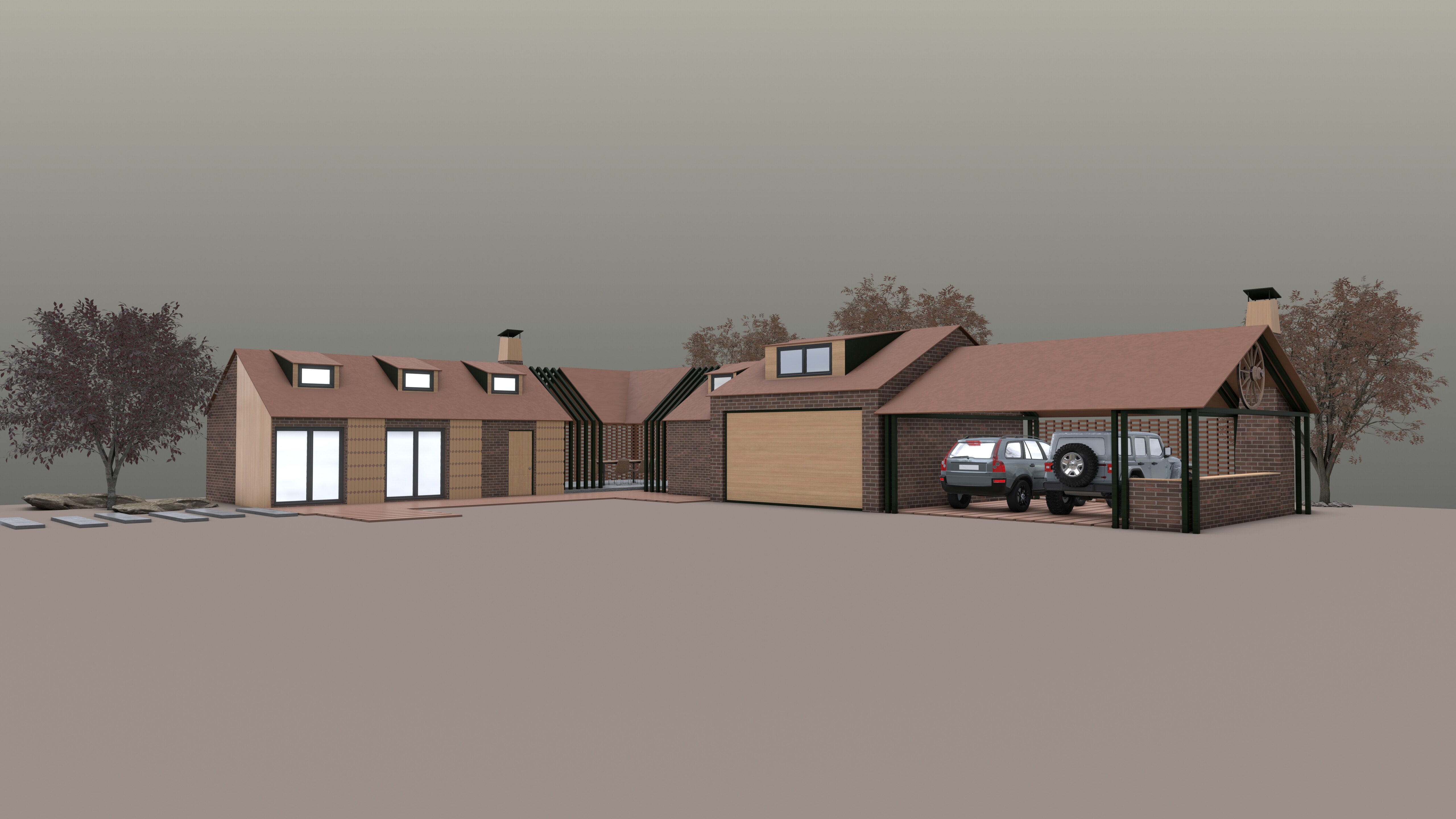
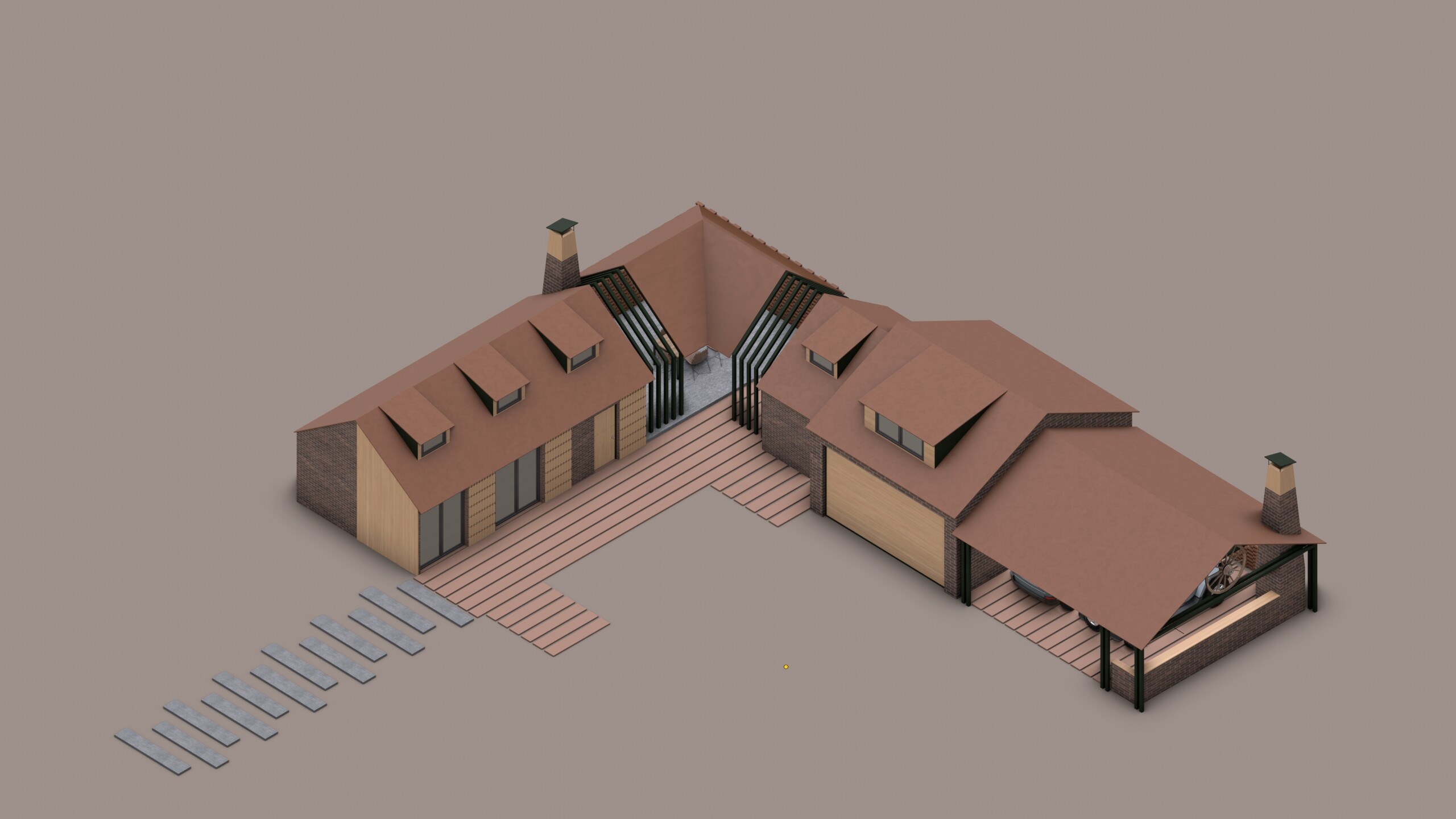
Here are a few images to show how it turned out. All the images are from Material Preview mode, and a few from Solid mode with matcap. Cheers!
I already knew this feature, but I share your excitement.
Doesn’t matter how proficient we’re in something, we always have something to learn or to remember… Specially in a software that complex.
The world is already hard enough and this kind of attitude always makes me feel good. It’s pretty nice to see someone out there still able to feel excited about little (or not so little) discoveries.
Truth. But to be honest, there are days when I get frustrated with the program’s limitations, because Blender isn’t entirely tailored for architectural design . Despite all its shortcomings, it’s still the best program for 3D modeling and rendering. I hope that in the future, more tools suitable for architecture will be developed."
Absolutely! I get where you’re coming from, but I believe these features will improve over time. The team behind it is working with far fewer resources than companies like Autodesk, yet they consistently deliver impressive updates. It’s just a matter of time before we see even bigger advancements.
And by the way, your work is incredible! I always remind myself: the best tool is the one you know how to use.