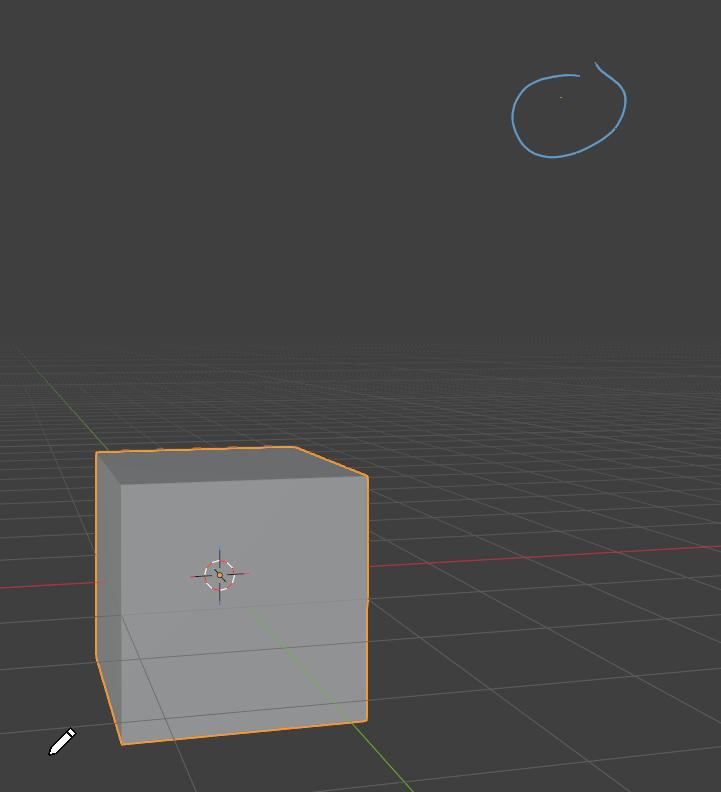
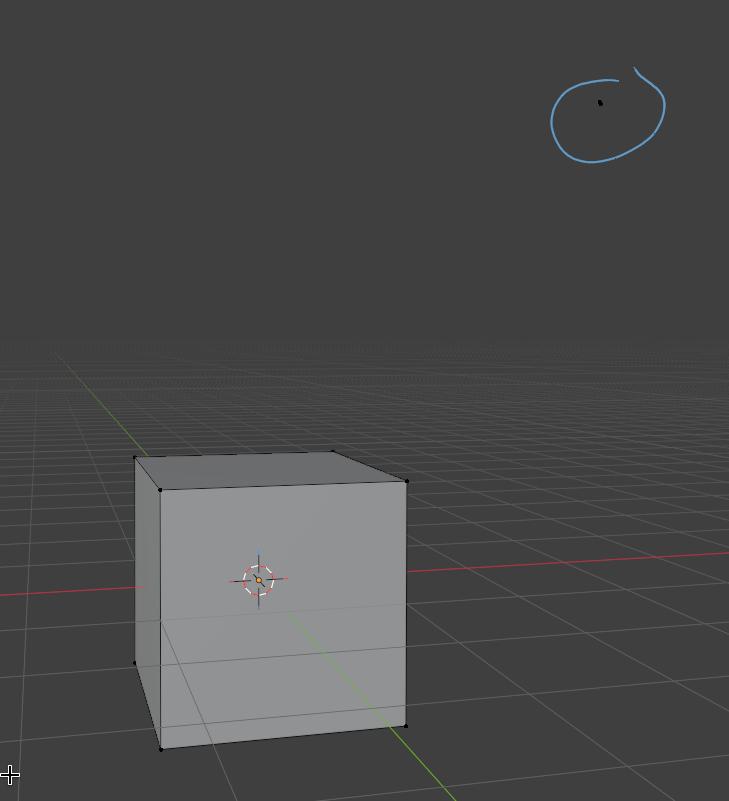
Hi, so I was recently modelling a small little classroom in blender for hobbyist sake and was having trouble diagnosing an issue with one of my models. When viewed in object mode, some of the objects vertices can be seen and I am not sure why that is. I have already tried edit mode → select all → m → merge by distance and it says 0 vertices merged. I have also tried F3 → degenerate dissolve and it says 0 vertices, edges, and faces dissolved. Any one know what’s going on and how to fix?
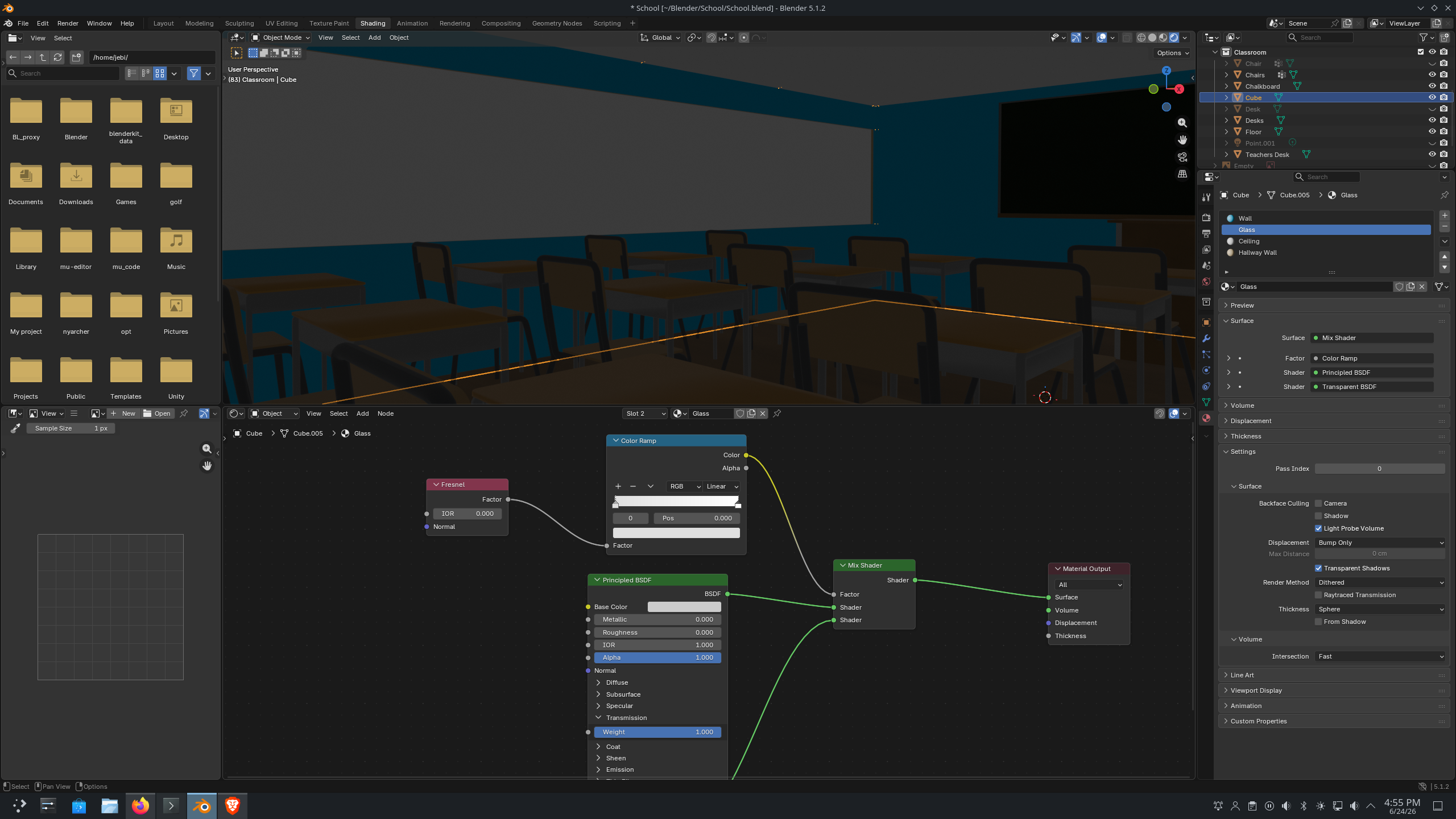
Do you have any modifiers on your cube? Maybe it could be caused by something like a skin or solidify modifier? Also, have you tried rendering the scene, to see if the vertices pop up there? If they don’t, I wouldn’t worry too much about it. Is it also just with the one object? If that’s the case, the issue might be under the object properties tab of the cube you have selected. I’m kinda new to blender, but I’ve had a couple issues like this. If you want to upload the file, I might could take a look at it for you.
Hello and welcome aboard!
First thing to do is hide everything not related to the problem. Desks & chairs, etc… Disable all that stuff in the viewport so you can get a clearer view of the problem. I almost didn’t see the extra verts in your screenshot because of the walls and ceiling, so hide them, (eye icon in outliner).
Once you have a clear view of the problem, try going into edit mode and hit Alt-H to un-hide any hidden vertices. That’s my best guess.
The easiest way to get help around here would be to delete everything not related to the problem and upload the .blend file. New users usually can’t upload files, and files have to be under 5mb to upload. Use a file hosting service and post the link here if you still can’t figure it out.
Good Luck!
Randy
You can also go into edit mode, press alt+h to make sure no vertices are hidden, select one vertex from the part that you want to keep, and press ctrl+l to select all vertices connected to it. After that you can press ctrl+i to invert the selection and see what gets selected. If they are just loose vertices you can delete them. 
Hello so I read each of your posts and to answer your questions:
- There are no modifiers
- I have rendered the scene and they are not visible
- It does just have to do with that cube object I have selected
- I have done alt-h in edit mode, selected a vertex, and clicked ctrl + l but that selected every vertex?
I was going to try to share the files in here but when I exported the cube as an fbx and imported it into another project, those pesky vertices were gone. I guess it could have to do with forming a whole bunch of vertices by selecting intersecting edges, moving them with g, and then immediately right clicking. Every vertex that is showing in the picture was created using that method I believe. Or it’s just a bug blender perhaps? I’m not sure but thank you guys for helping
Have you tried changing prefs between Vulcan and OpenGL?