can anyone explain how to properly set the water simulation, i tried the water simulation and it look like this

Hi and welcome, try higher resulotion.
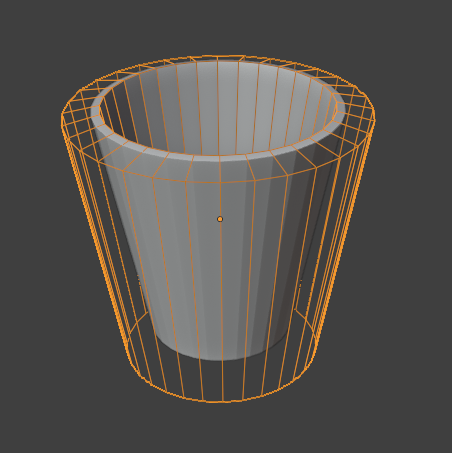
you also might benefit from a water blocker object that isn’t your cup. the simulation engine doesn’t handle thin walls super well.
i tried higher ressolution, but it make laggy when i preview it
how doo i create water blocker object, can you explain it?
Can you share the file?
sure, i send file with drive since there are restriction for a new user here
ok i will try this one, but what if the domain of the water i set to the glass instead the glass is the effector?? so i won’t need an object with effector?? i mean the domain is the border of the water right so you won’t need an effector if the object it self is a domain, is this logic?
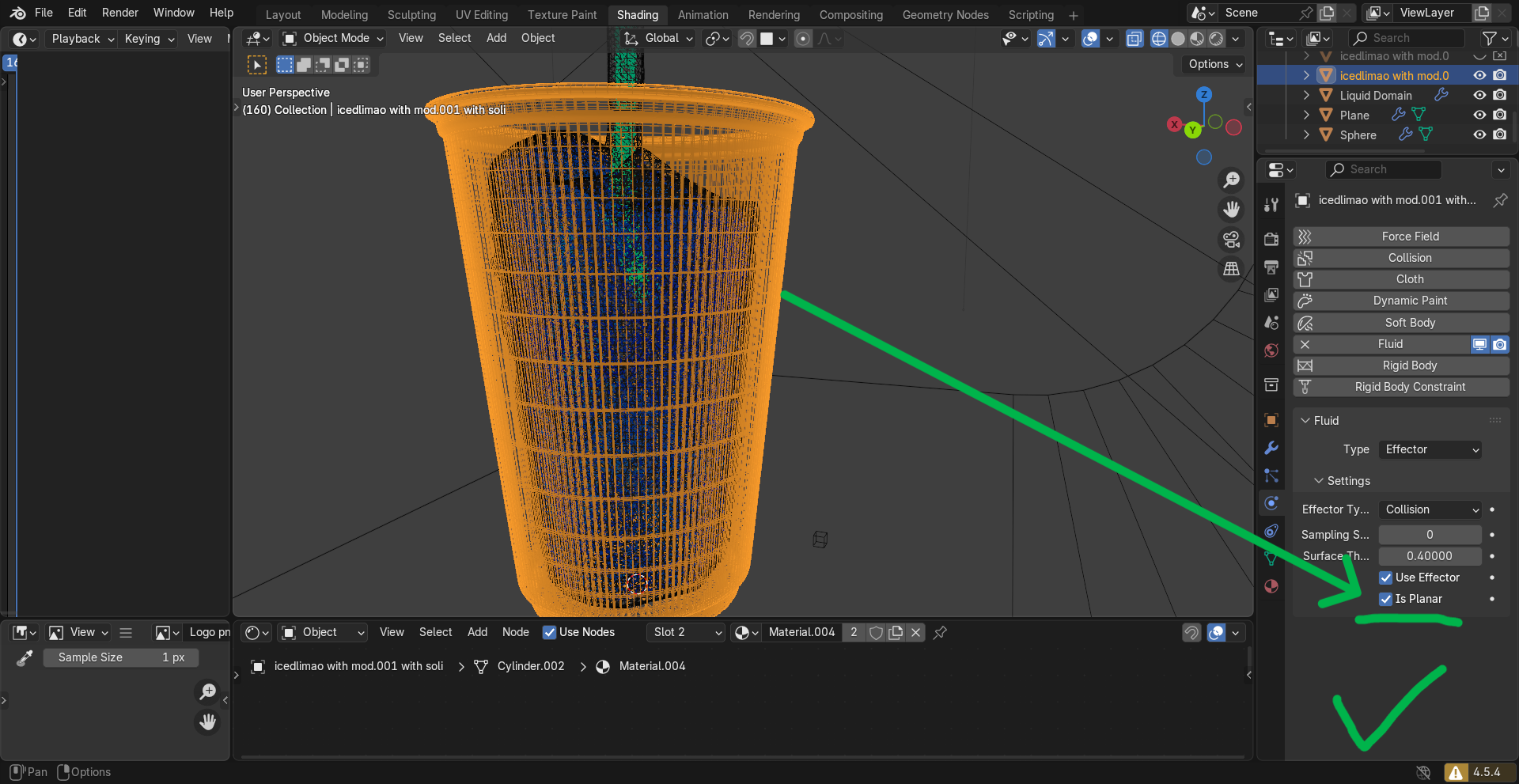
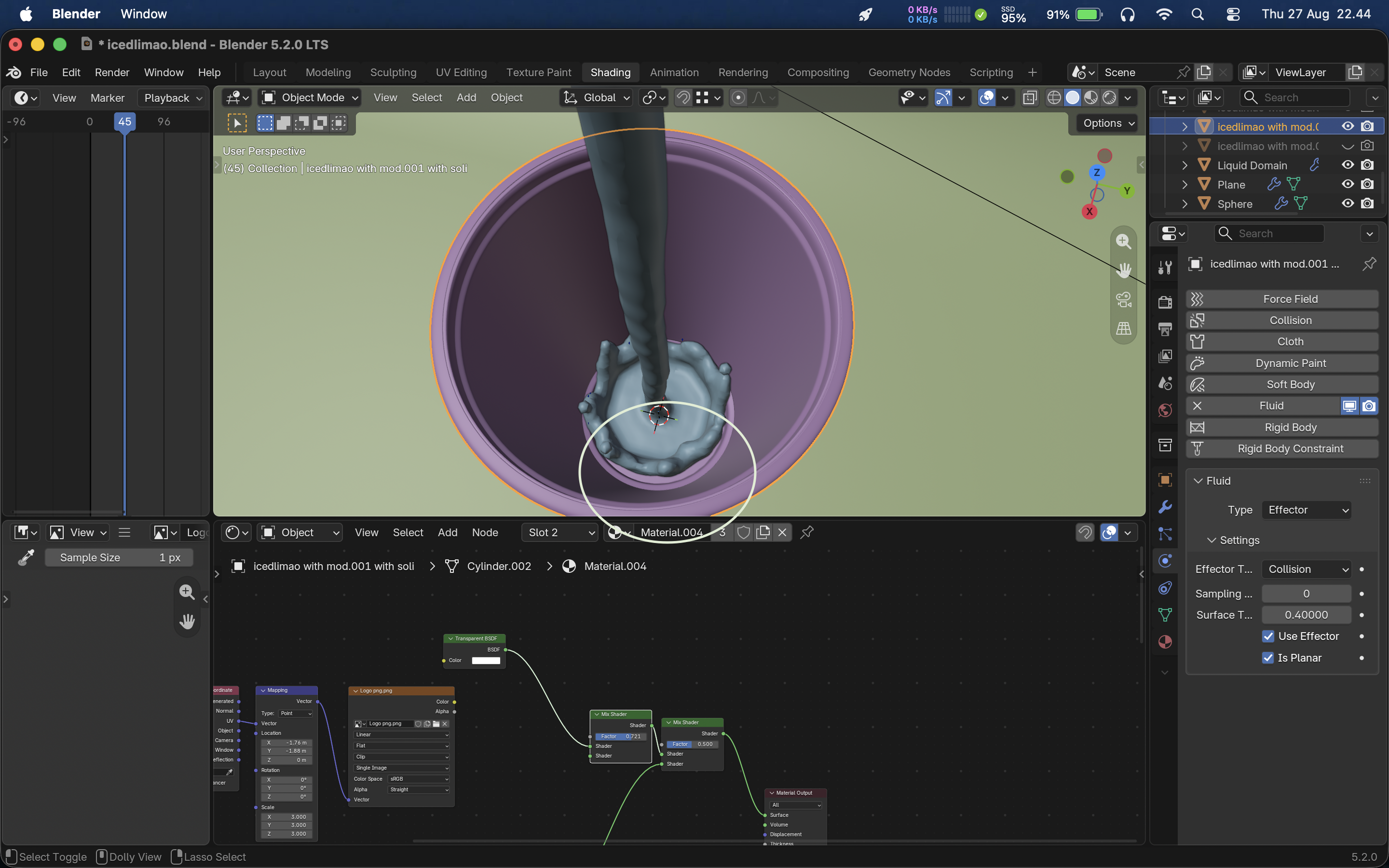
There is only one way to find out render it. Or shrink the glass later? Reduce the collision distance?