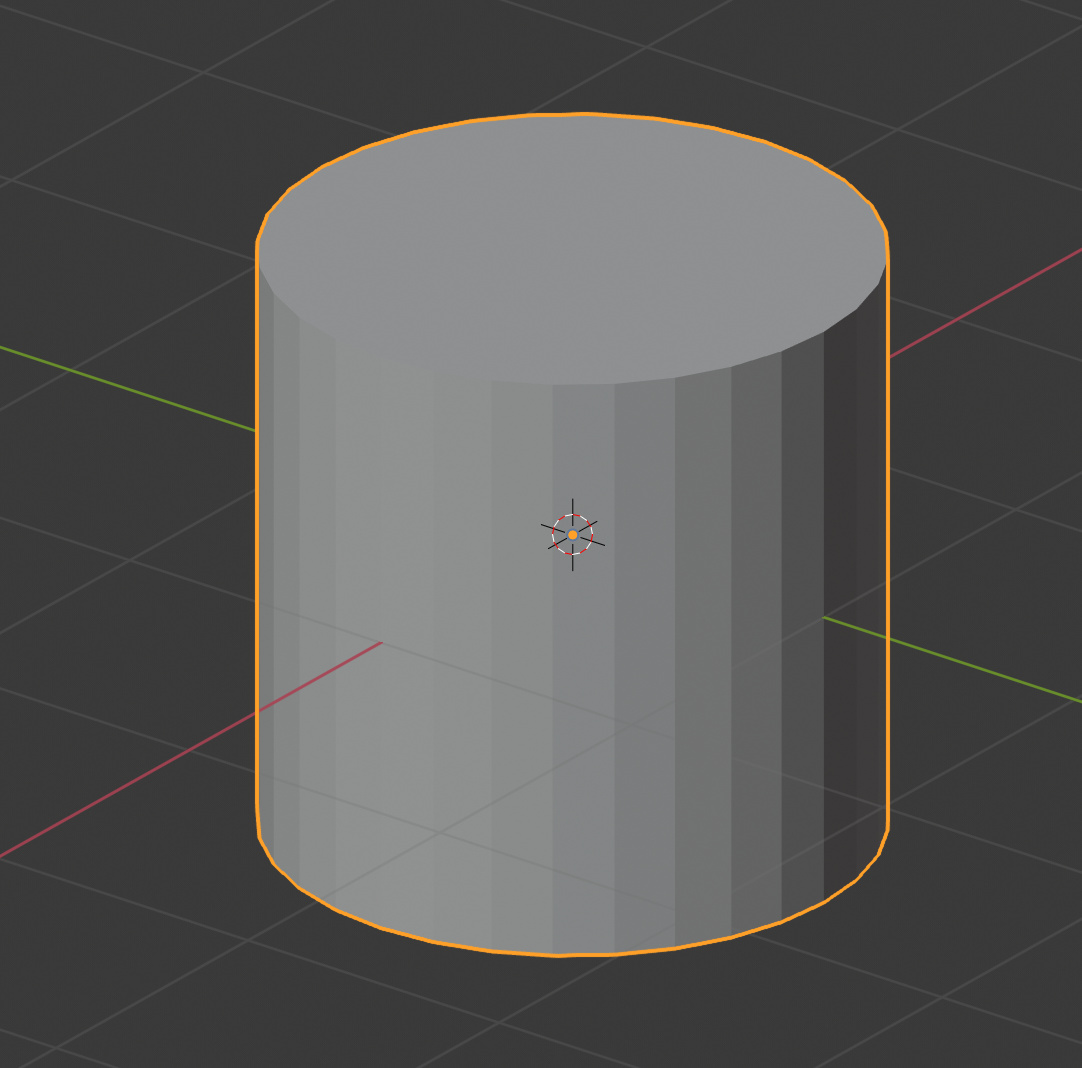
OK, so do it selectively in Edit Mode, first here it is with nothing smoothed:
Select some faces:
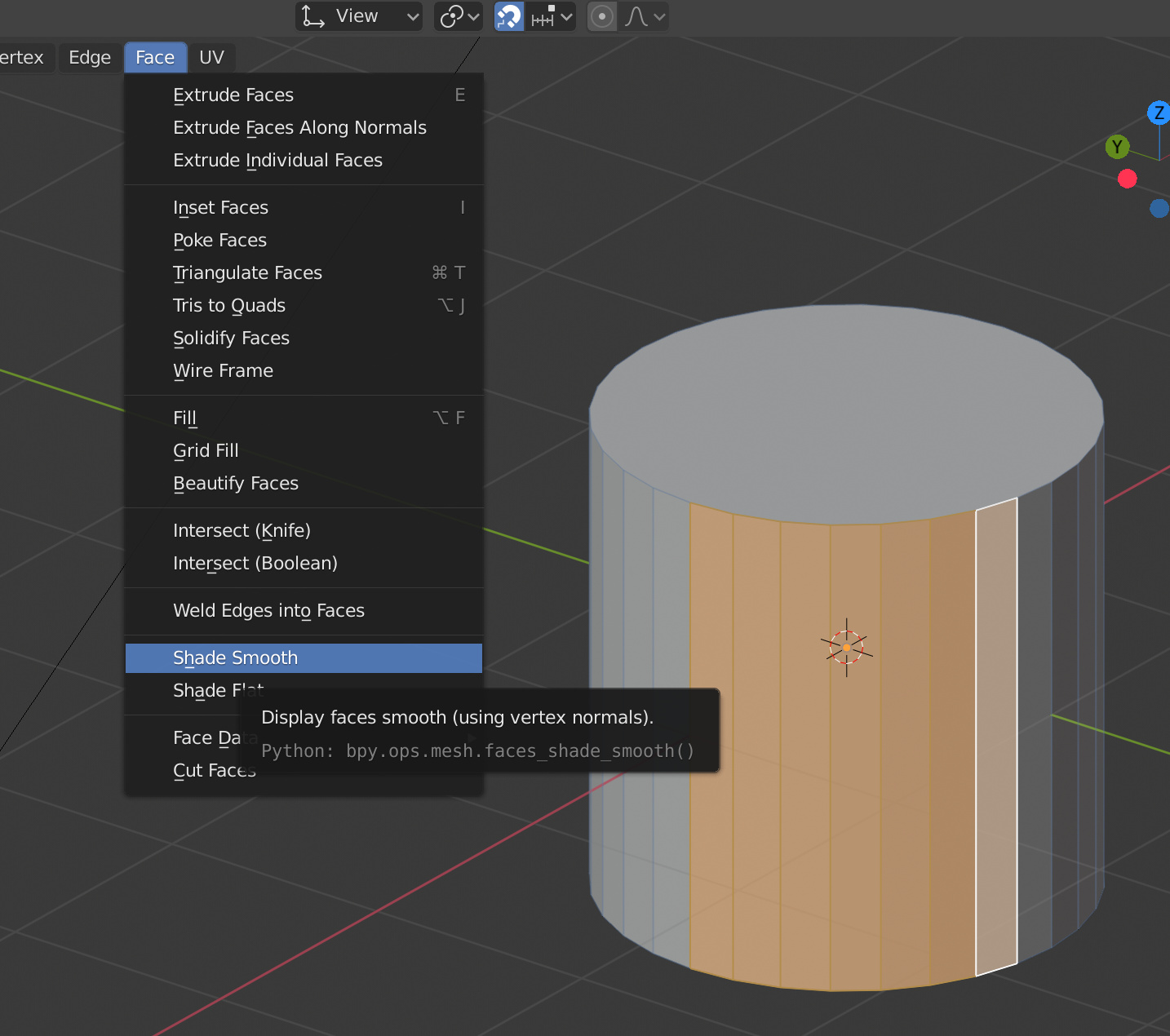
Click Face => Shade Smooth.
Result:

Some are smooth, some are not…
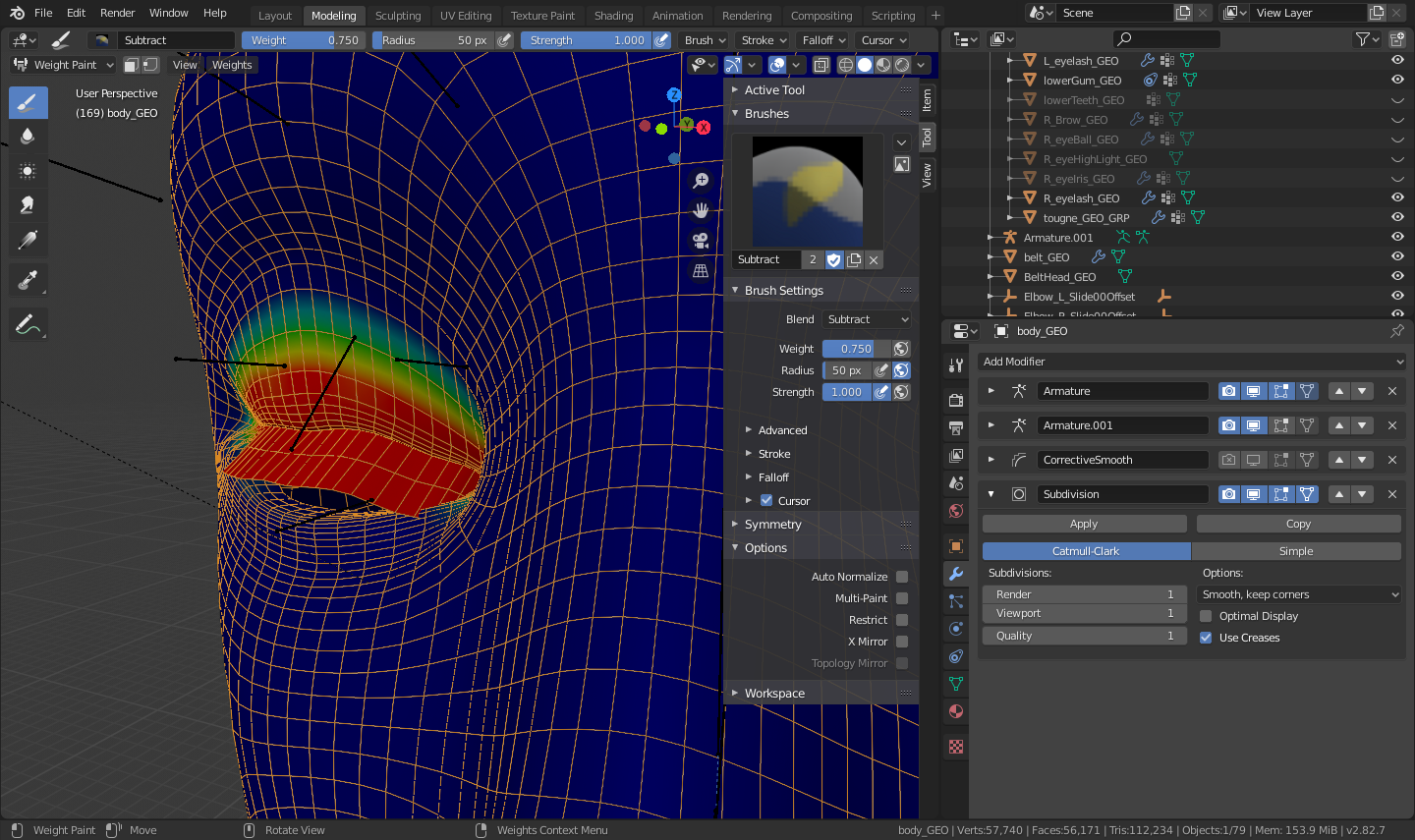
Got it-- thank you! And is there any chance you know how I can get the bottom and top eyelids to match? I’m trying to figure out how to get my avatar to blink and am pretty stuck. The file is below if that’s helpful:
Also, I tried the shade smooth and it did not seem to have any effect on my mesh: https://imgur.com/a/ccKenQz
AnchorPersonAvatar5.blend.zip (1.6 MB)
awesome thank you so much!
YOU ARE MY HERO!!! Literally created an account just to comment. Never would have thought of this but the moment I saw that another vertex group had a bit of weight paint on my specific part of the mesh, I instantly knew why my mesh was wrapping when I tried to rotate it even though I already perfectly weight painted that part on a new vertex group…Just selected the mesh in edit mode using faces and L button click on my intended vertex group and weights → Normalize all and BAM! problem solved