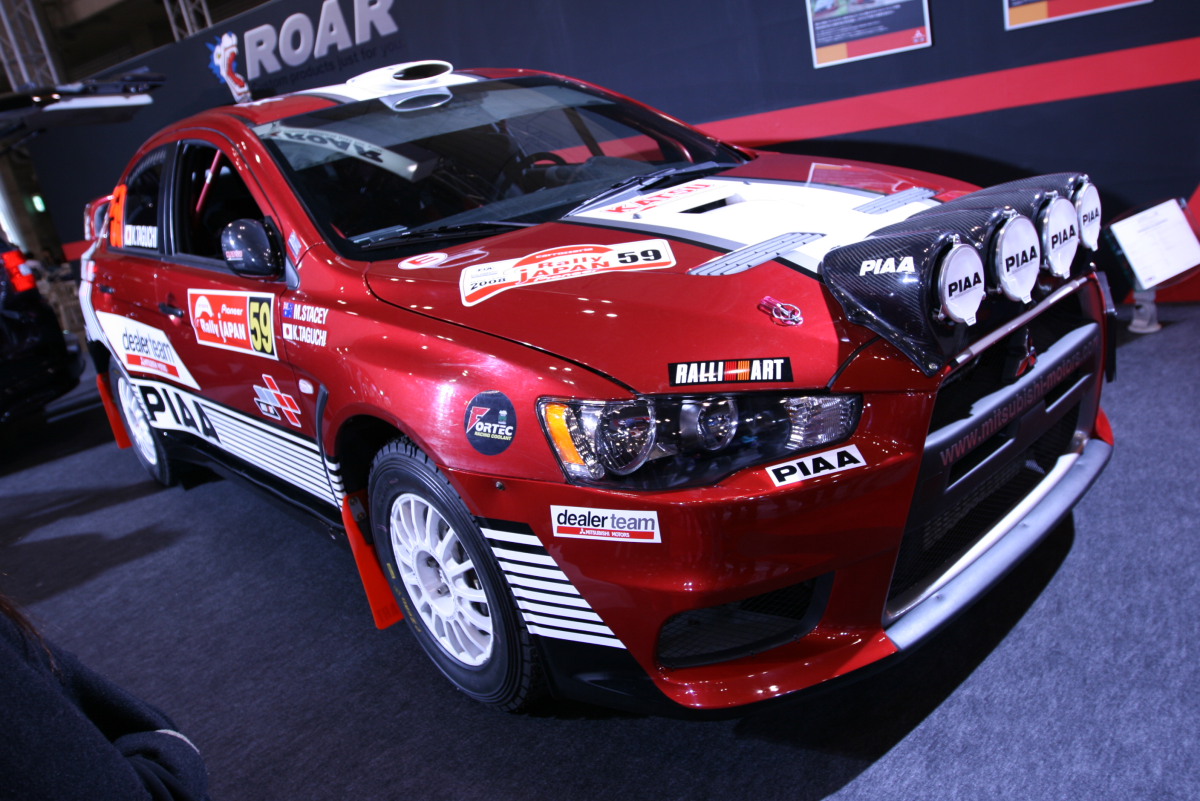
I want to design a very high poly photo realistic Mitsubishi Evo X rally car. Are there more then one way to model this? I’m still pretty new at blender. I’m looking for an efficiant way to do this.
Before I search on google, is there a texture/decal feature in blender that would allow me to upload a PNG with alpha mask of a decal and move it around on the mesh, to the position I want?
Add/Import image as plane, snap to faces on, align rotation to snapping target on, project individual elements on the surface of other objects on. Then grab your plane and press Ctrl or set magnet on.
Okay, by the sounds of this it looks like this will help keep everything neat and tidy.
Any tips on making the image planes match up nicely? I know of a few methods, but I’m curious if there others.
I would suggest UV mapping the component you want to put the decal on and then apply it using an image with an alpha channel, such as .png. But I’d like to know the result if you try JuhaW’s method.
Oh, one more important tip about auto modeling: model each part separately, like the real auto is manufactured. I think this will help you avoid a lot of problems later.