Does anybody know where are units of the grid displayed? The scale of grid changes with zoom (cm,m, km) and in 2.79 it was displayed in the corner. This information is useful to quickly check scale, but in 2.8 I can’t find it anywhere.
Grid Units Displayed? In a corner?
I think nowhere, they never were. Please, show it.
Same in 2.8…
Grid Units are Scene Units (1:1 - unless set otherwise)
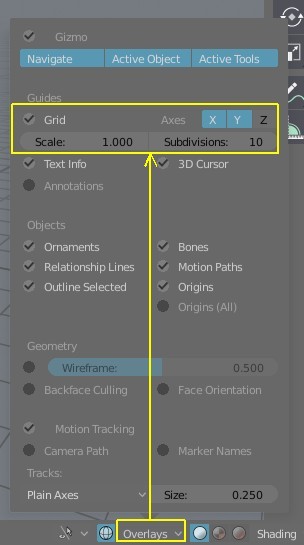
& you have almost same settings: Scale & Subdivisions as in 2.79;
just without number of Lines… ah, well 
There it is. Three levels of zoom with the default cube.
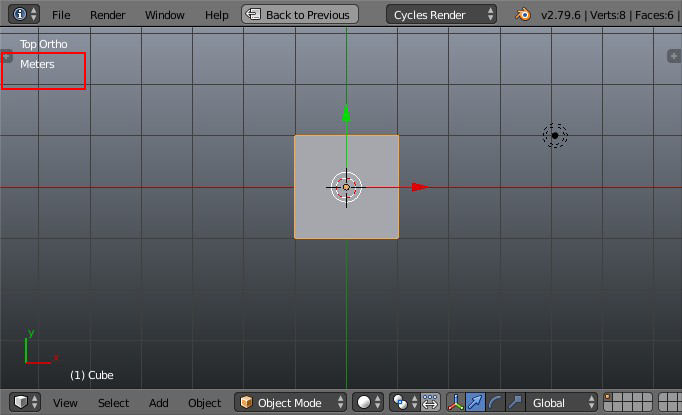
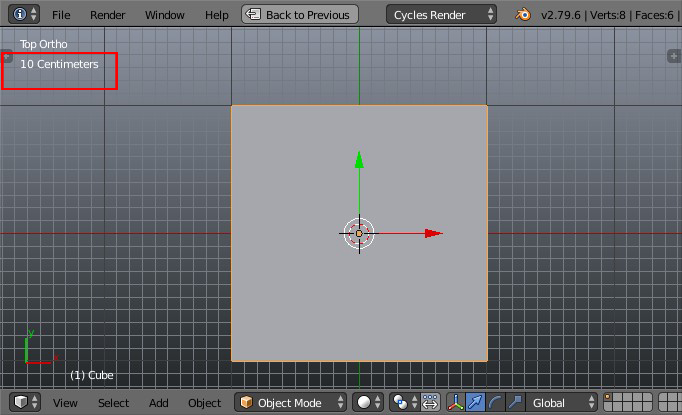
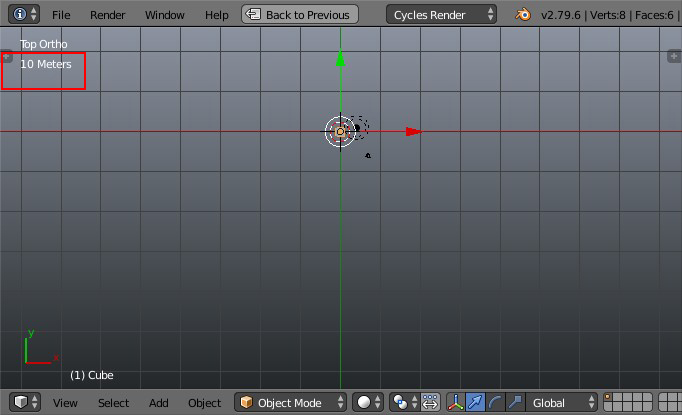
You need to have Metric or Imperial units selected or it doesn’t display. It’s really useful when I need to quickly check dimensions without using the Ruler tool. It’s just one line, so I think it wouldn’t clutter the viewport that much.
2 Likes
 Oh, a 2D Grid! A different kind of grid that was. Is now unified - monolithic Grid?
I’d assume it’s still lacking & dev. should most likely be aware or at least notified about it (to hear their side).
I understand the need for visual info (especially, if user got used to it) but I prefer to work without. Since i don’t use any standard grids.
From architectural education - Grid/Raster is a Tool/ a Helper for creating the basic fundamental frame (as for UI, Image dev.) & after, in advance use becomes distracting, so i got used to make my own, project based custom made grids. Am also using special build which enables me turning all this 2D clusterfuck off.
I’ve reimplemented this feature in 2.80: https://developer.blender.org/D5265
Let’s hope it doesn’t need any changes and makes it into 2.80 stable!
1 Like