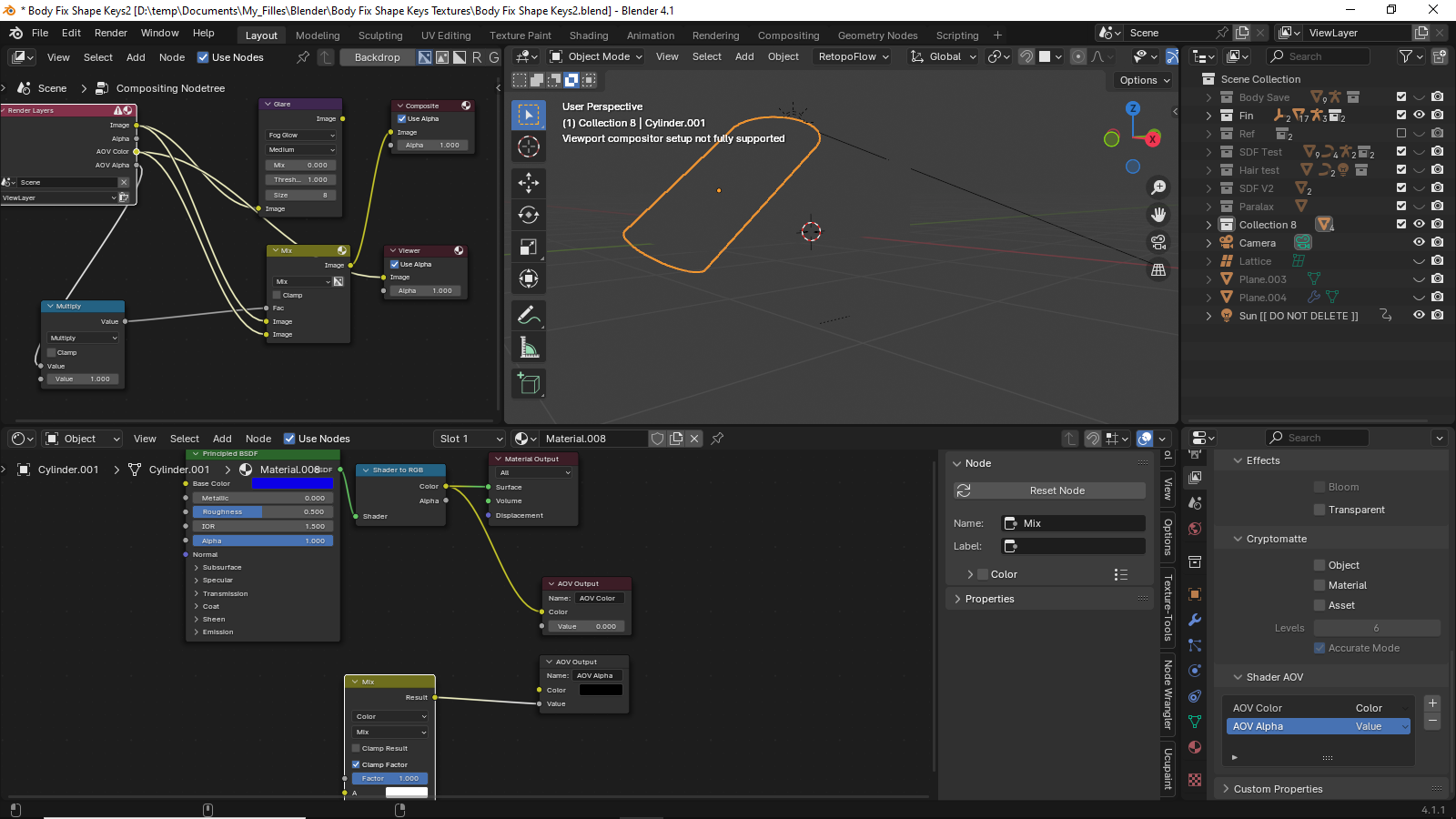
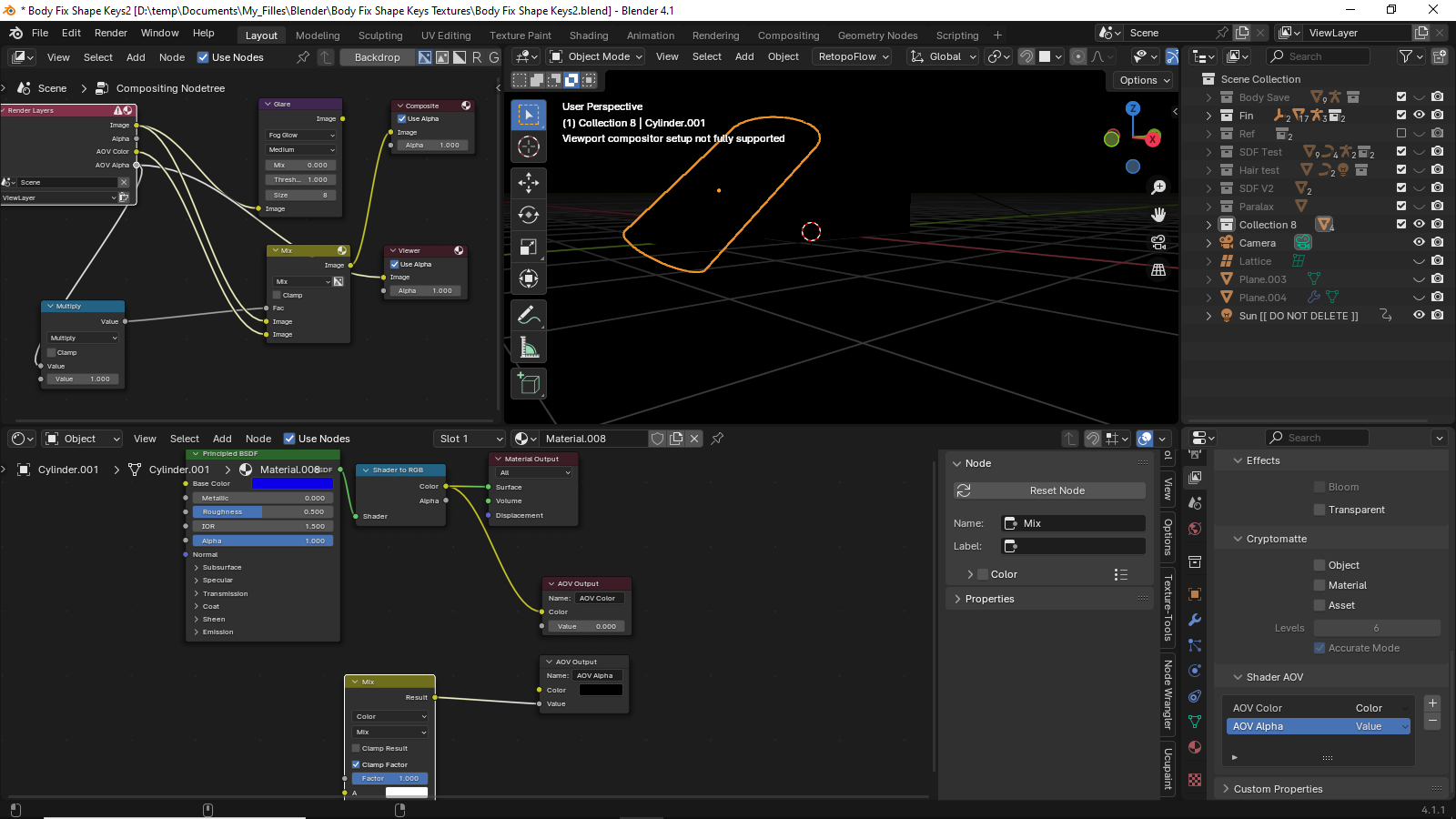
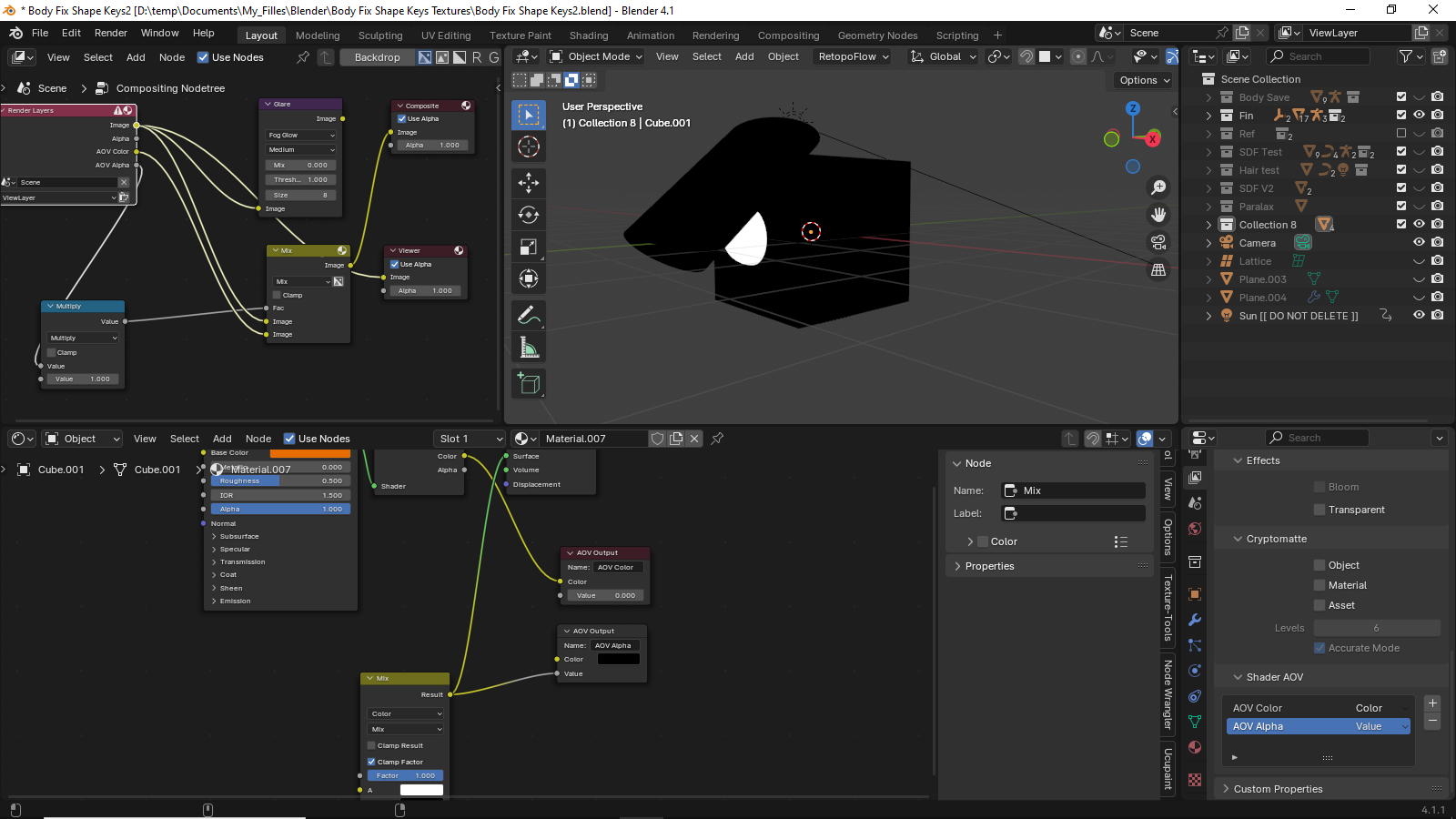
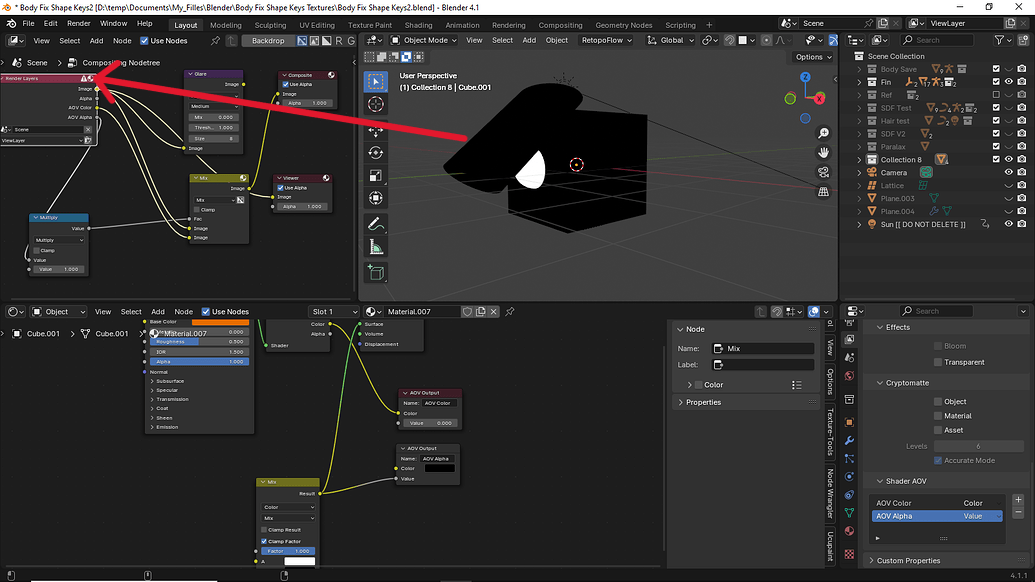
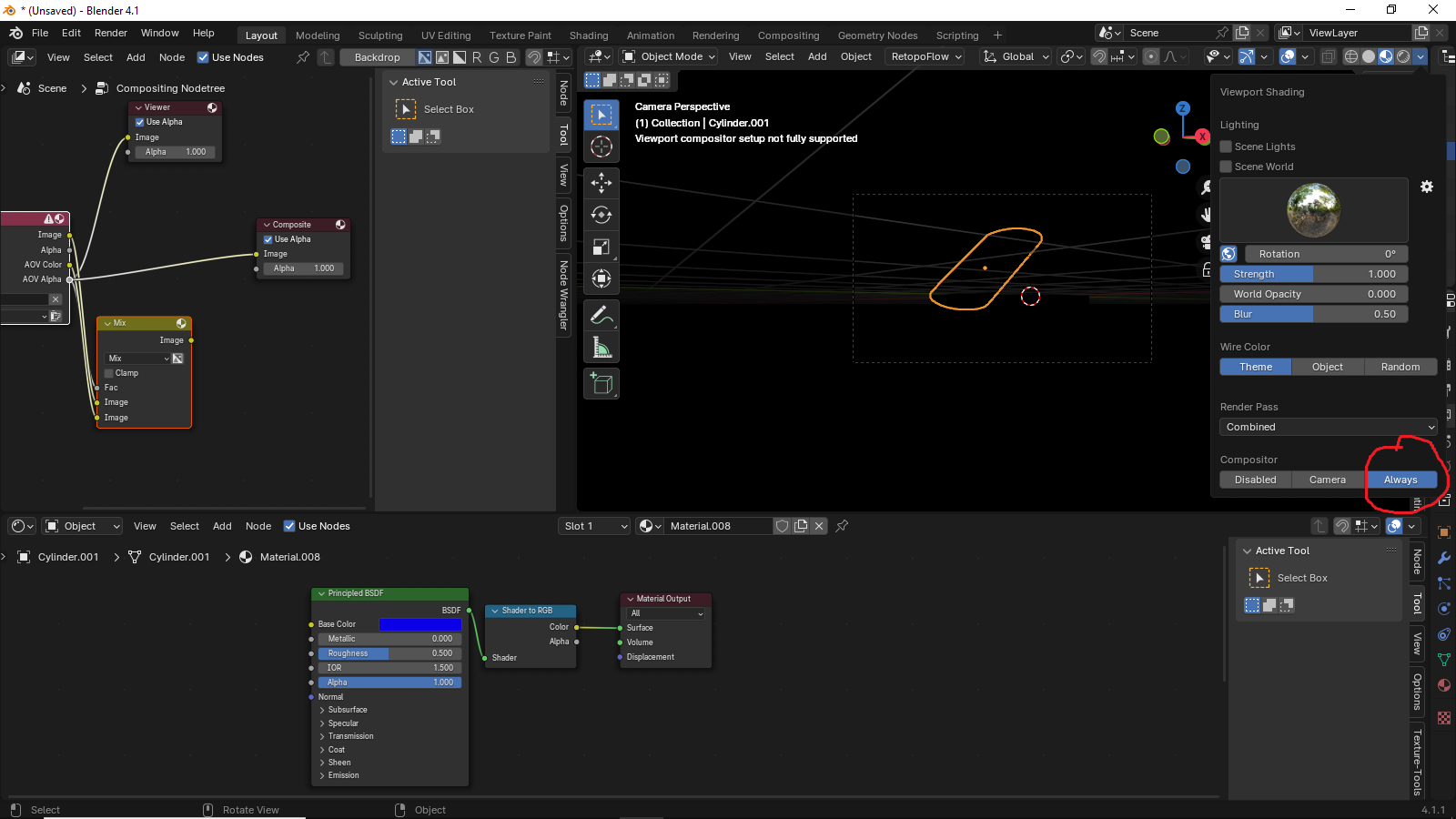
The exclamation mark icon says
““render passes not supported in the Viewport compositor.””
But in the tutorial this icon also appears and everything works for him.
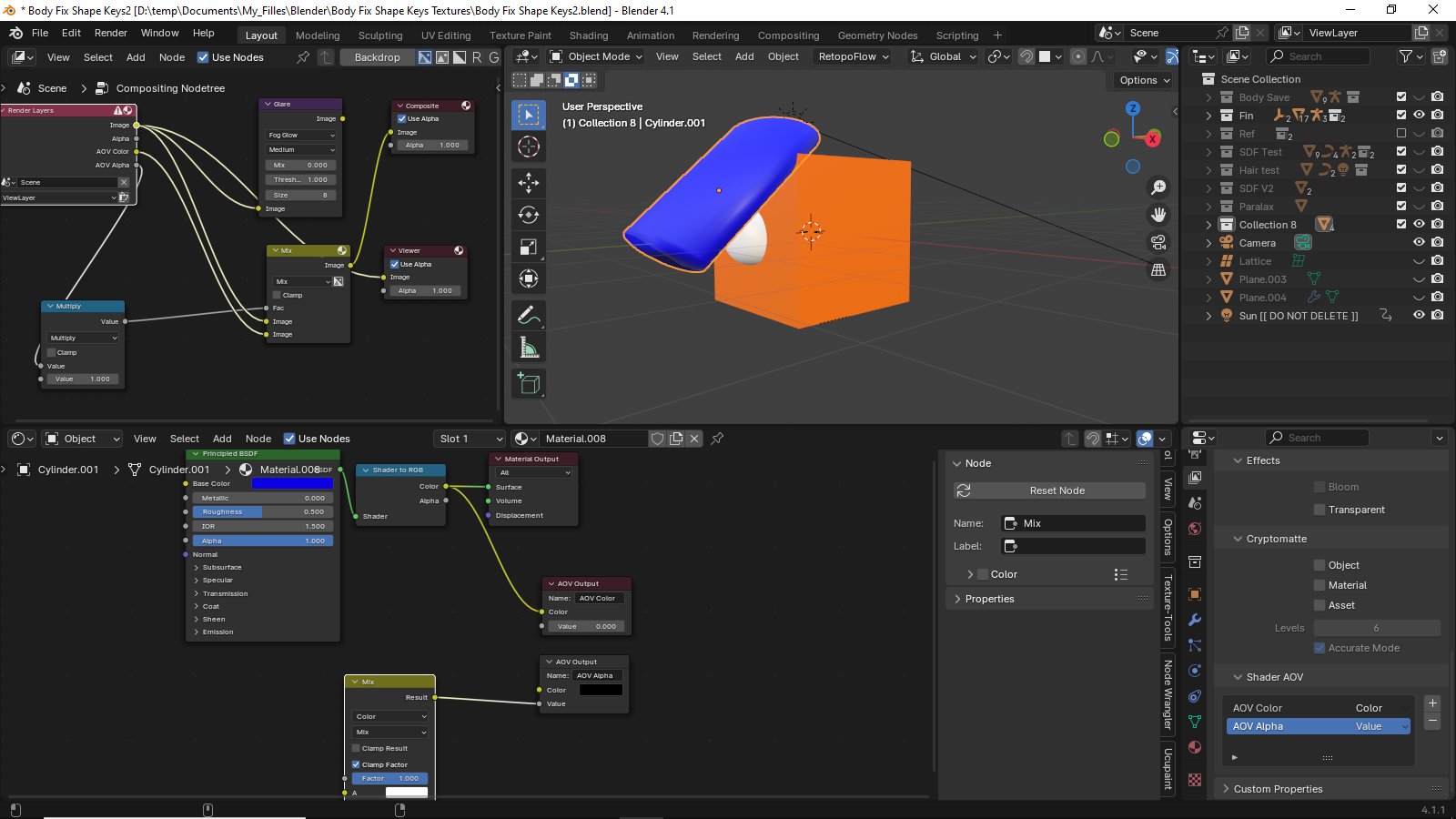
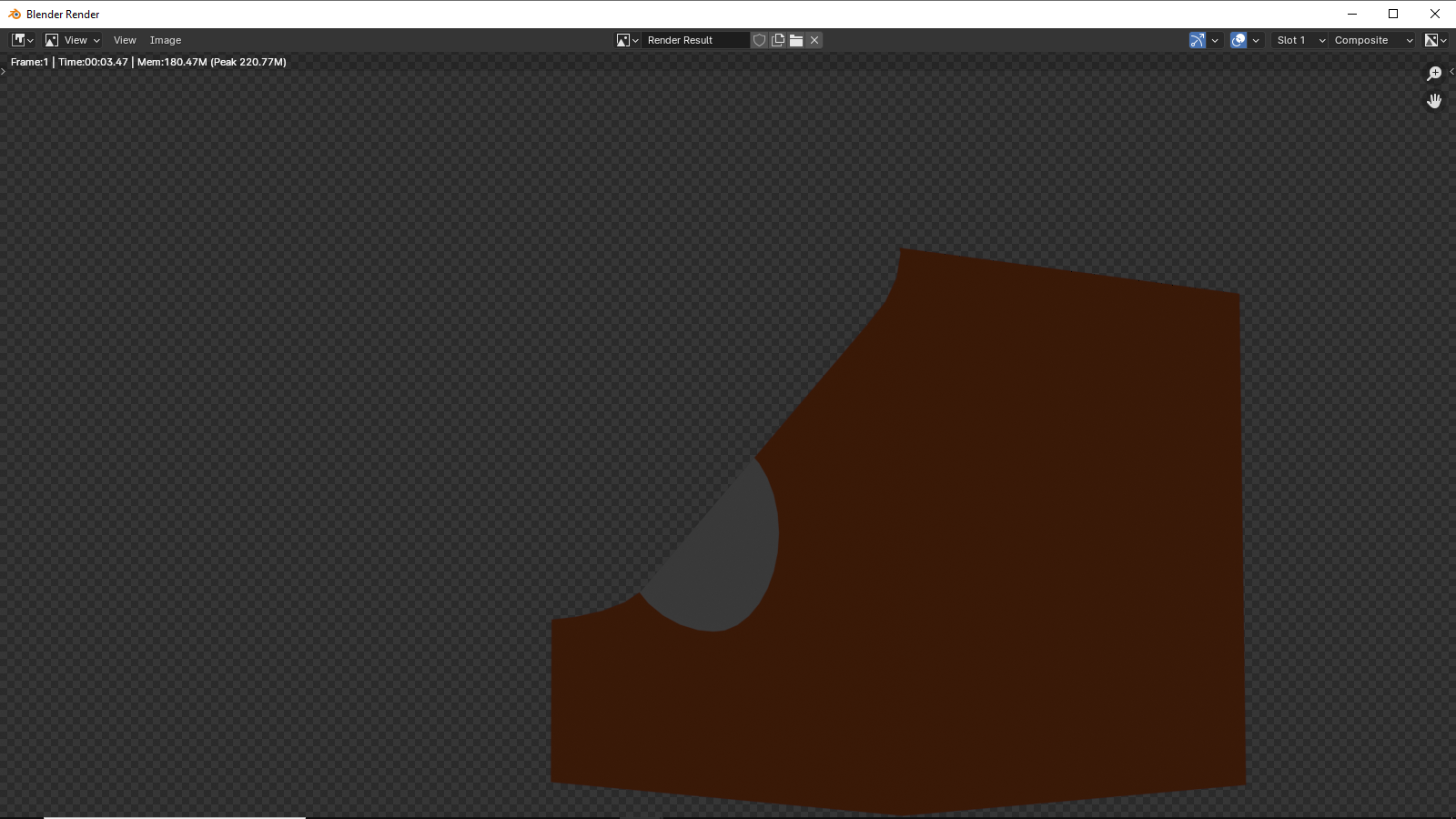
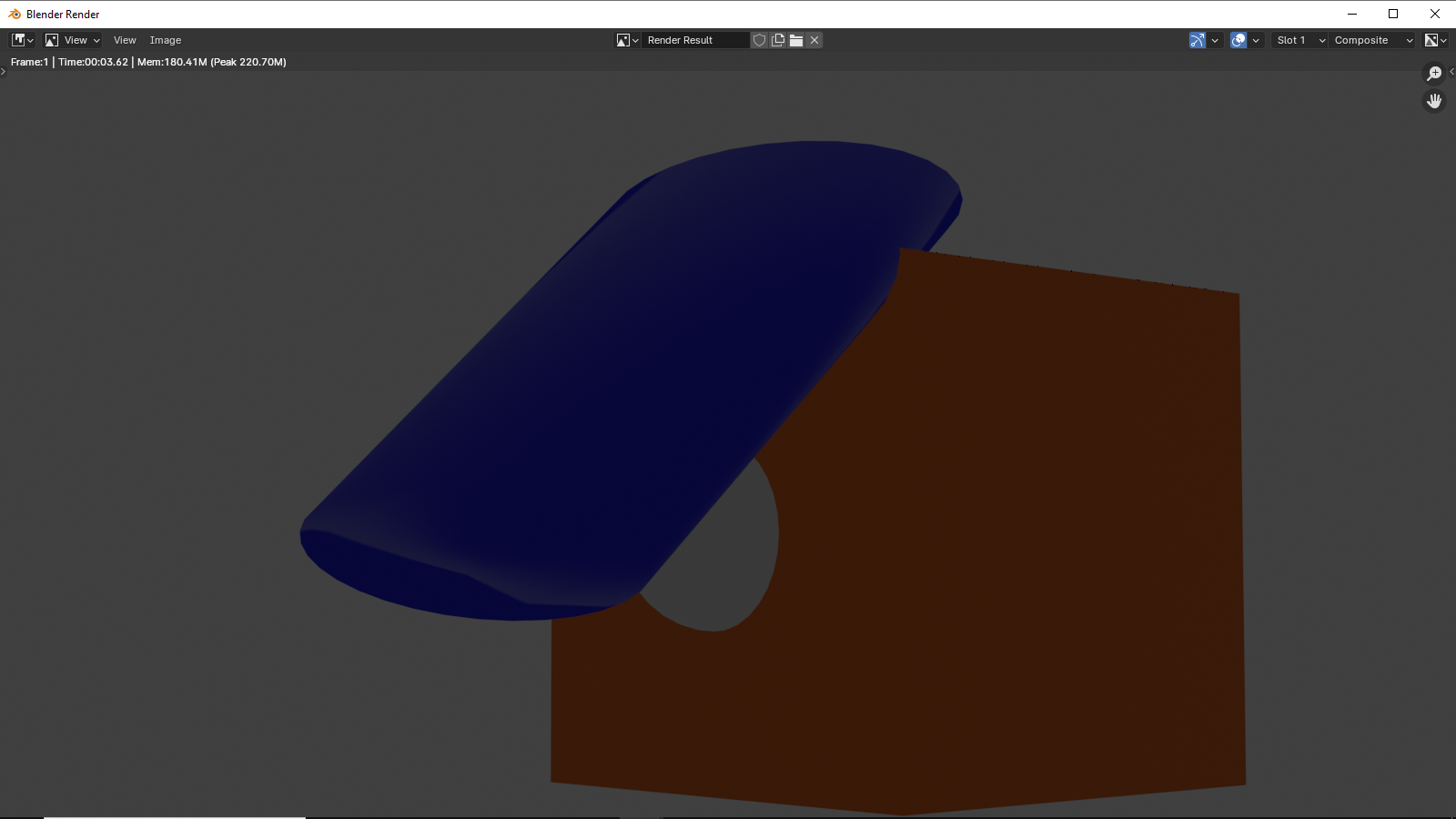
I tried using the camera to view the results but still didn’t get the transparent effect.
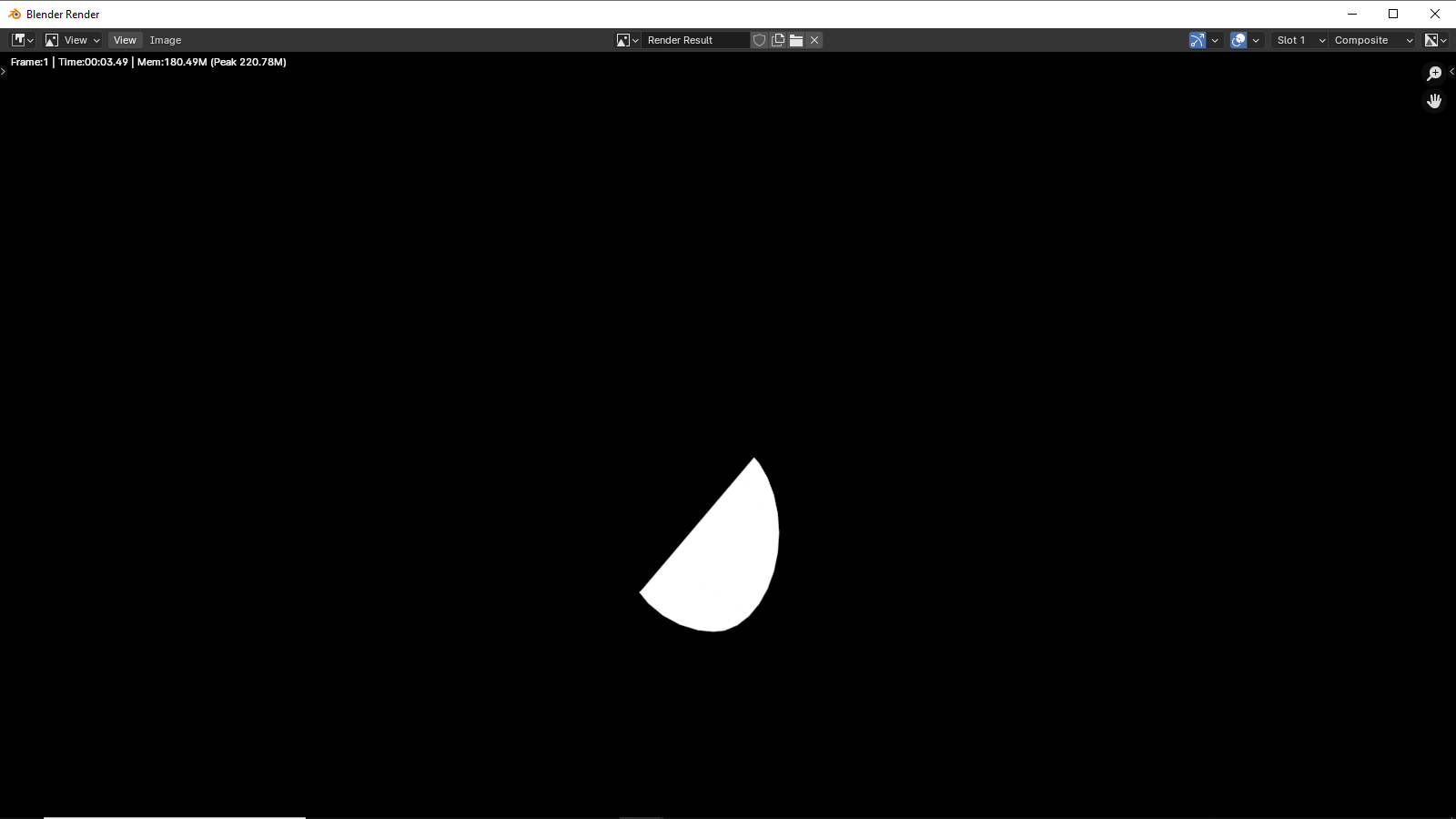
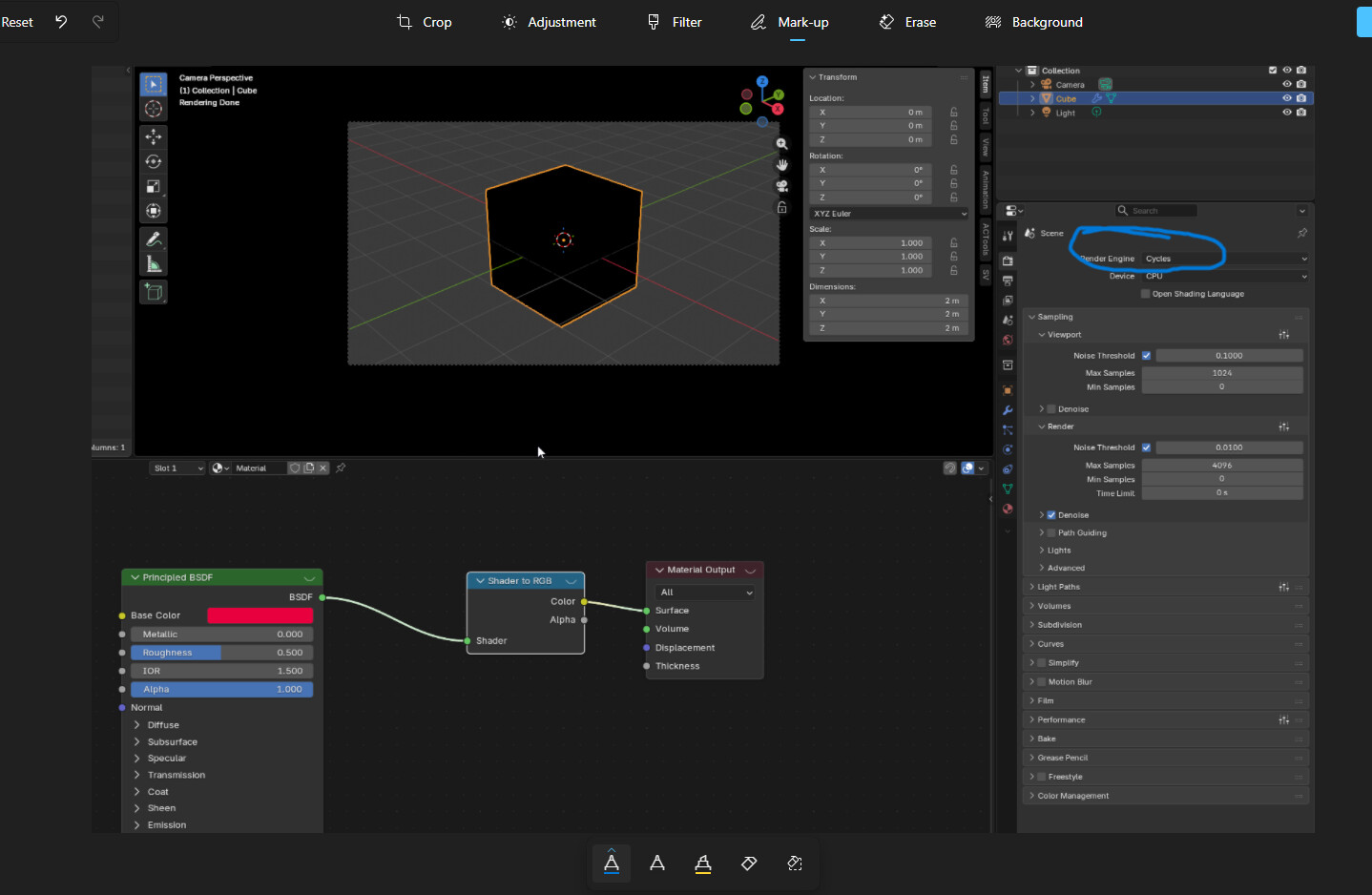
AOV Color
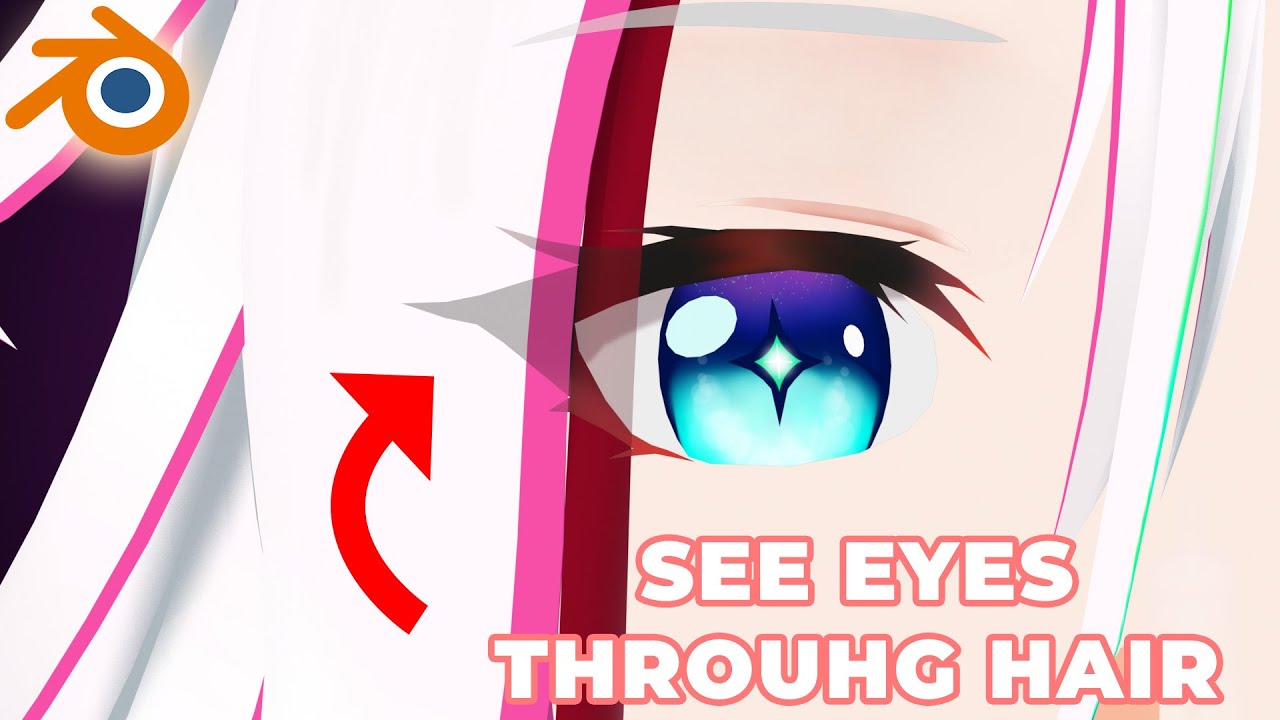
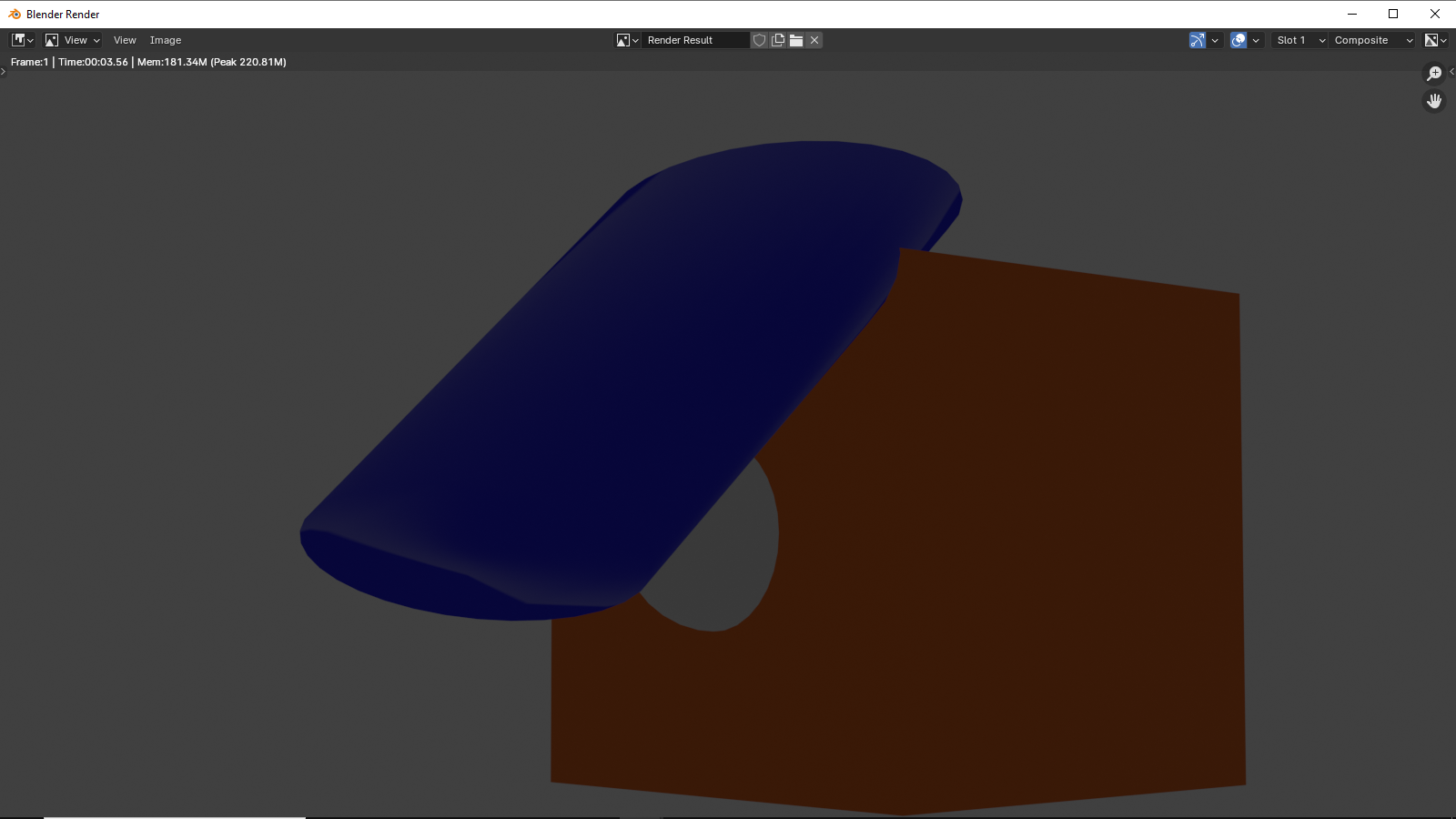
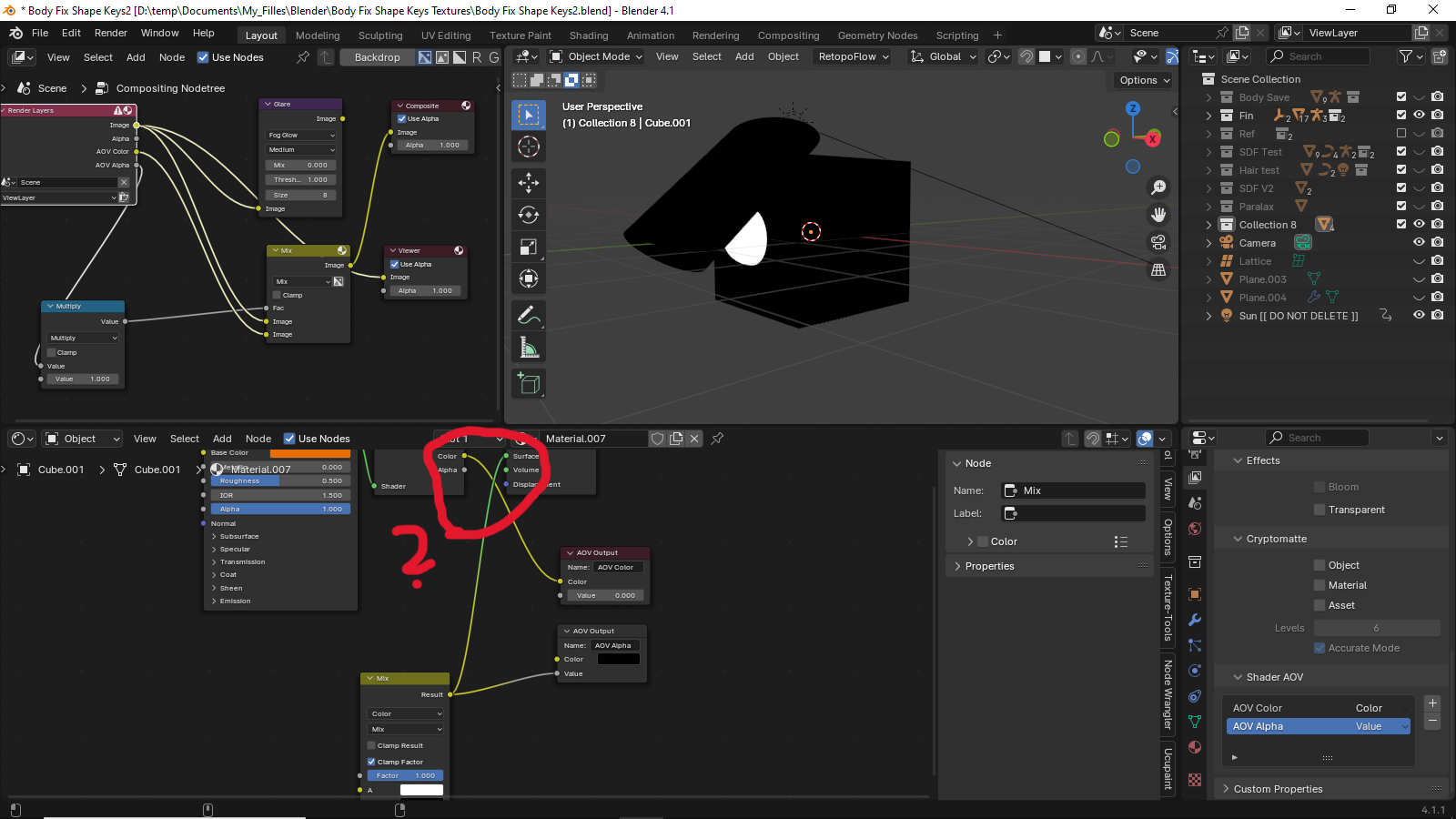
But I don’t understand why I can’t do this with AOV. I’m following the tutorial and even tried it on the same version as the author, but the result is that the hair still covers the eye.
Can anyone explain why my results are different and what I’m missing?
Version 4.1 I also checked version 4.5, the result is the same
Render eevee
Blend Fille Trans test.blend (1.2 MB)
You are showing different setups with the viewe node connected to different nodes… the “result” of the composition is still the output node… but you only show some 3Dview and not the camera output…
Also the mix node for the AOV value you use… has not real input ??
I checked the message and it says that
“render passes not supported in the Viewport compositor.”
But that’s weird, because in the tutorial everything works in Viewport.