Hello. Im new to rigging, and following a few tutorials i was able to get a pretty decent rig on my mesh. However, i noticed that my one of my legs behaves differently when rotating it in comparison to the other leg. What could be causing this? Ive tried adding more geometry, removing geometry, and since this rig was made with rigify, im unsure if this is a weight paint issue, since both legs are supposed to have the same distributions!! Not sure, though. (Right leg is the deformed one, left is correct)
Hello and welcome aboard!
First thing is to check that the mesh object and the armature object (in object mode) have matching loc/rot/scale. Ideally, the location should be 0, rotation should be 0, and scale should be 1 for both objects. If not, you can use CTRL-A to apply loc/rot/scale to reset these values. Miss matches between these values can cause the rubber-band like distortion your screenshot shows.
If that’s not it, then I would start checking over the weighting of the mesh. It looks to me like there might be parts of the mesh’s upper leg area weighted to the lower leg bone. Do you know how to weight paint a mesh to an armature? It’s simple, select the armature in object mode, shift-select the mesh, switch to weight paint mode. Now when you select a deforming bone the mesh will be blue in areas not affected by the bone and red in areas where the mesh is 100% weighted to the bone.
Another way to check what is going on would be to find the mesh’s armature modifier. The modifier has 4 icons at the top, 3 of them are enabled. Enable the 4th one that looks like an upside down triangle, that will enable the modifier to work in edit mode for the mesh. Now pose the character showing the problem and go into edit mode for the mesh. Select one of the misbehaving vertices and in the N-panel there will be a listing of what vertex groups are affecting that vertex.
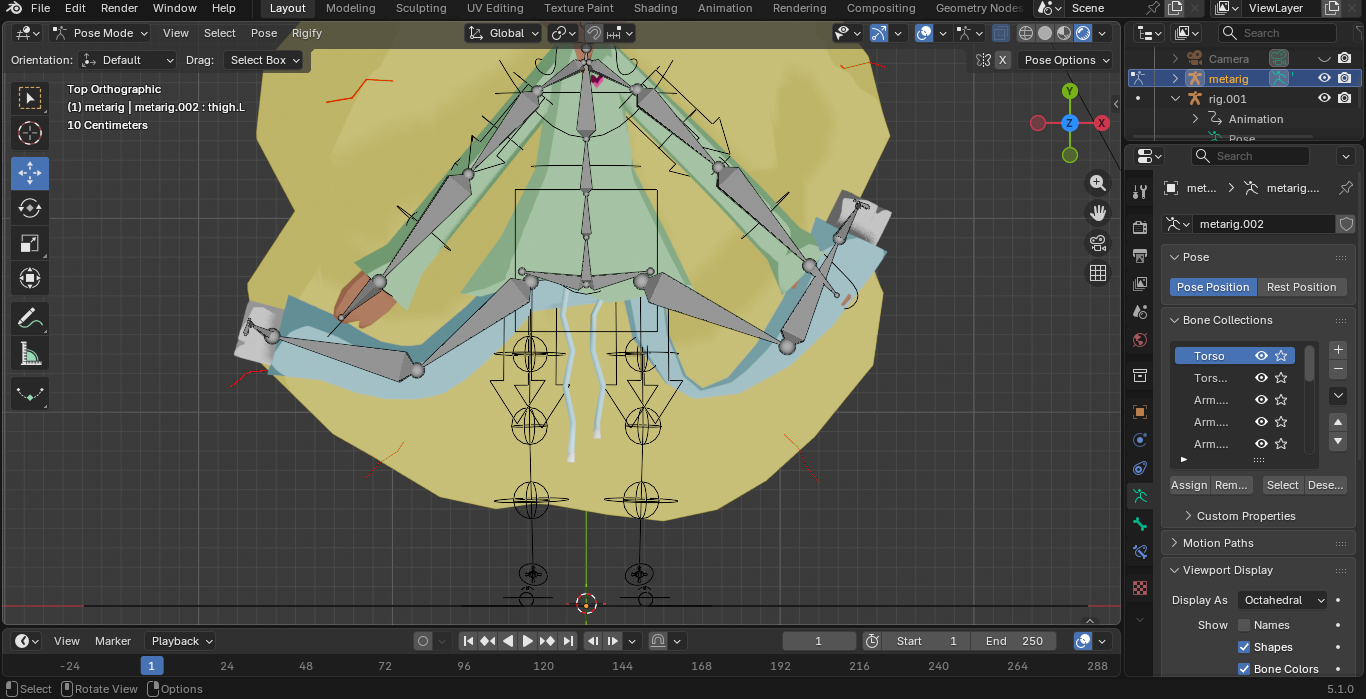
I noticed you’re using rigify for this, but you appear to be posing the metarig. That’s not the intended use of rigify. With rigify, the metarig is only used to size the rig to the character. Once that is done, you generate the actual rig that you will pose. That’s what all those arrows and circles are, that the real rig you want to be parenting the mesh to. But don’t worry about that now, let’s figure out what your problem is first, then deal with that later.
Hoe this helps,
Randy