Found it?
https://wiki.blender.org/wiki/Reference/Release_Notes/2.80/Python_API/Addons
Yes. I found this. Thanks!
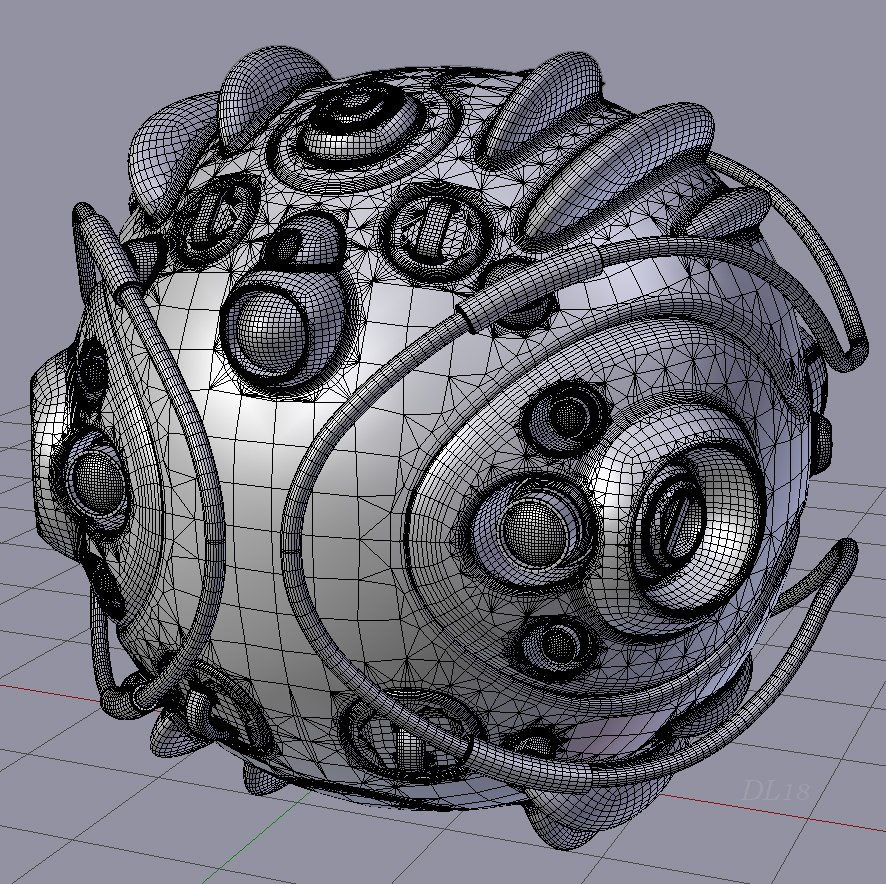
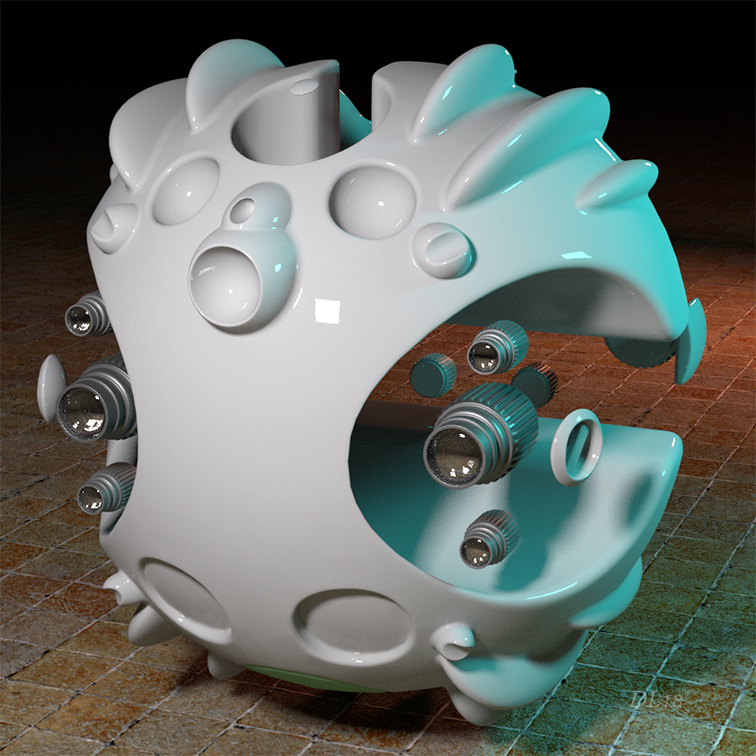
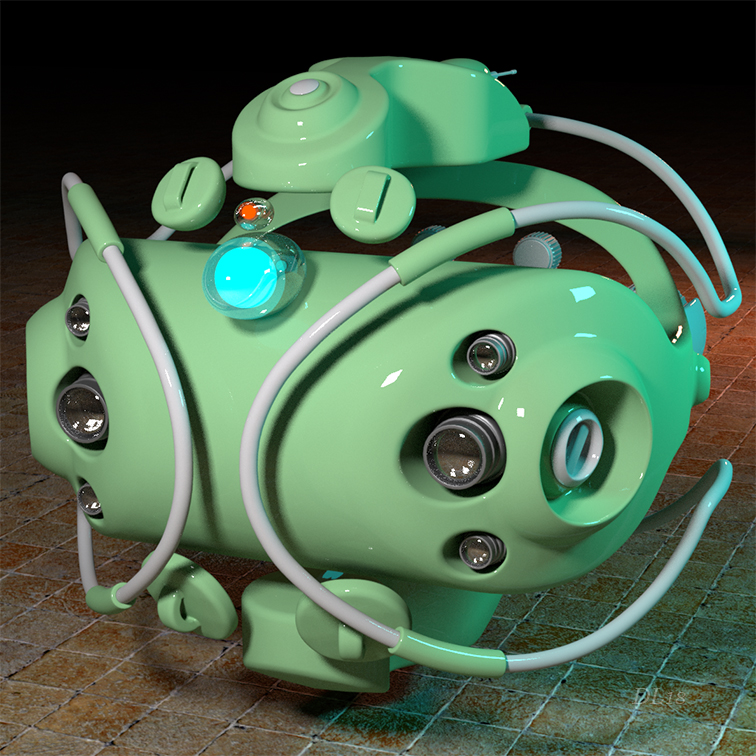
Almost totally made with Bevel after Boolean. At last the booleans are transformed to a very powerful means of modeling inside Blender! Thanks for this so great tool Ilya!
Wow, that’s really clean and beautiful! Very nice job!
Thanks Dheim! It is a joy to work with this tool really! 
I haven’t had a chance to use it yet, but it looks like it handles normals really well. Or am I mistaken and you’re taking extra steps to clean the normals/re-project them (or something else entirely) after you do the booleans?
Yes, I do something after using the tool: I do select the object on which I made the operation and turn to ‘edit’ mode in Blender… then I do select all of it with rectangular selection (someone must be careful to have ‘the make visible all mesh’ turned on, in the bar below, so that every face on the object be selected), after that I do go to the ‘shading and UVs’ tab and click there ‘set from faces’… so all the normals become very smooth.
It looks very good.
Thanks Ilya!
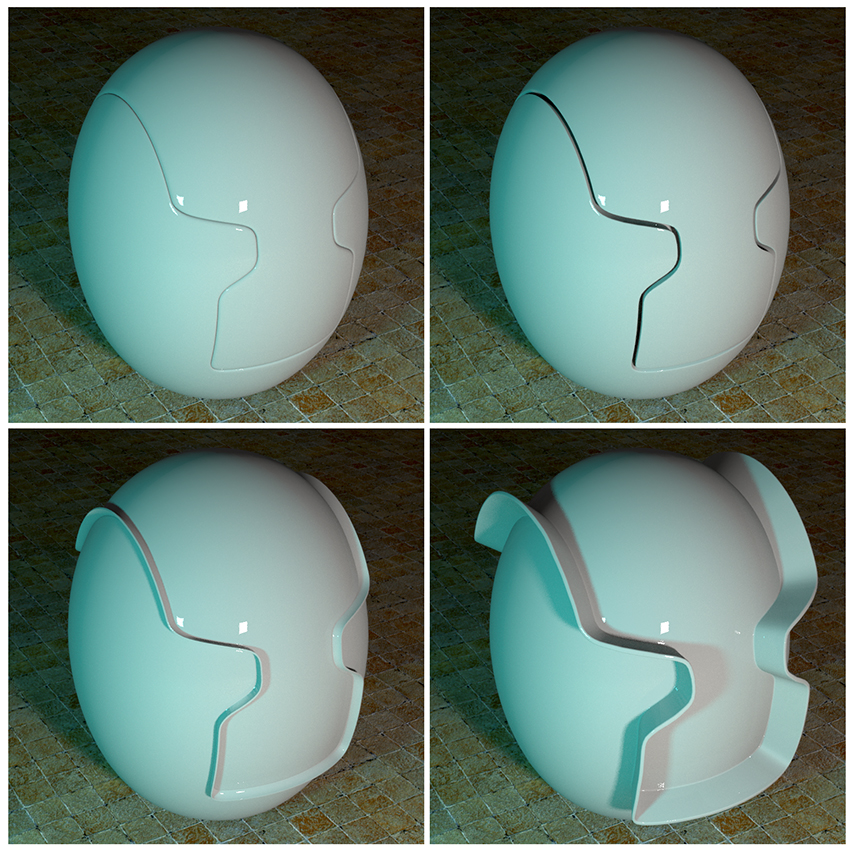
Let put here some images that demonstrate the beveled cuts resulting from add-on’s operations too. They are valuable for giving a good idea of the structures it produces:
Fix for Blender 2.80:
Work in Edit mode
Work ‘Pipe’ method
Location in UI -> Tools
bab_v_0_2_2_1.py (35.9 KB)
This tool should be in blender by default! Amazing
Update:
Normal transfer factor
Make Pipe in Edit Mode and in Object Mode:
Create pipe from selected edges. Create a pipe at the intersection of objects (boolean).
For 2.79:
bab_v_0_2_3.py (43.1 KB)
For 2.80:
bab_v_0_2_3.py (46.2 KB)
you’re the fastest in the wild west!
Здорово ! Nice !
Thank you for your great addon Rodinkov_Ilya.
Btw, let mention here again that someone can achieve a variety of modeling tasks with the use of ‘Bevel after Boolean’… it is not only for bevelling the boolean seams. You can produce with it very nice looking things by taking advantage from the seams produced in the slice mode. A little bit manual work and you can have very satisfying results. Search my instruction videos in my previous posts in this thread and you will understand how those things are achieved. The way followed is very easy to understand.
I was trying it in 2.8 last night and found out that Auto Smooth was broken in Eevee , I reported it and got fixed today.
But why do i have to disable Stop Calculations to see the bevel result ?.
With Stop Calculation enabled only the cutter mesh gets smoothed and no bevel shows , with Stop Calculation off everything works Ok.
In the first iteration there is an error creating a group of vertices. I do not know why.
And as a temporary solution, it was decided to pause.
During the second iteration, and so on. There is no error in creating a vertex group.
To be precise. That boolean overwrites the data of the vertex groups at the first iteration
I don’t see any vertex groups being created.
Maybe I’m doing something wrong.