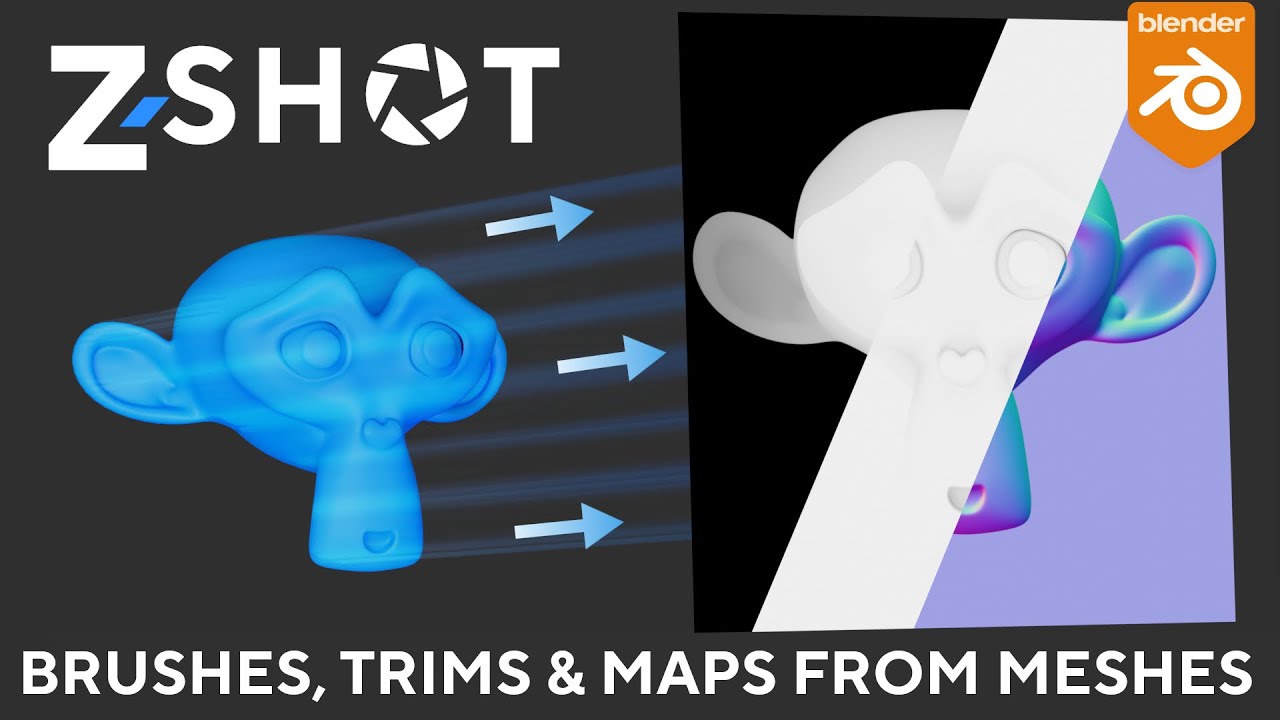
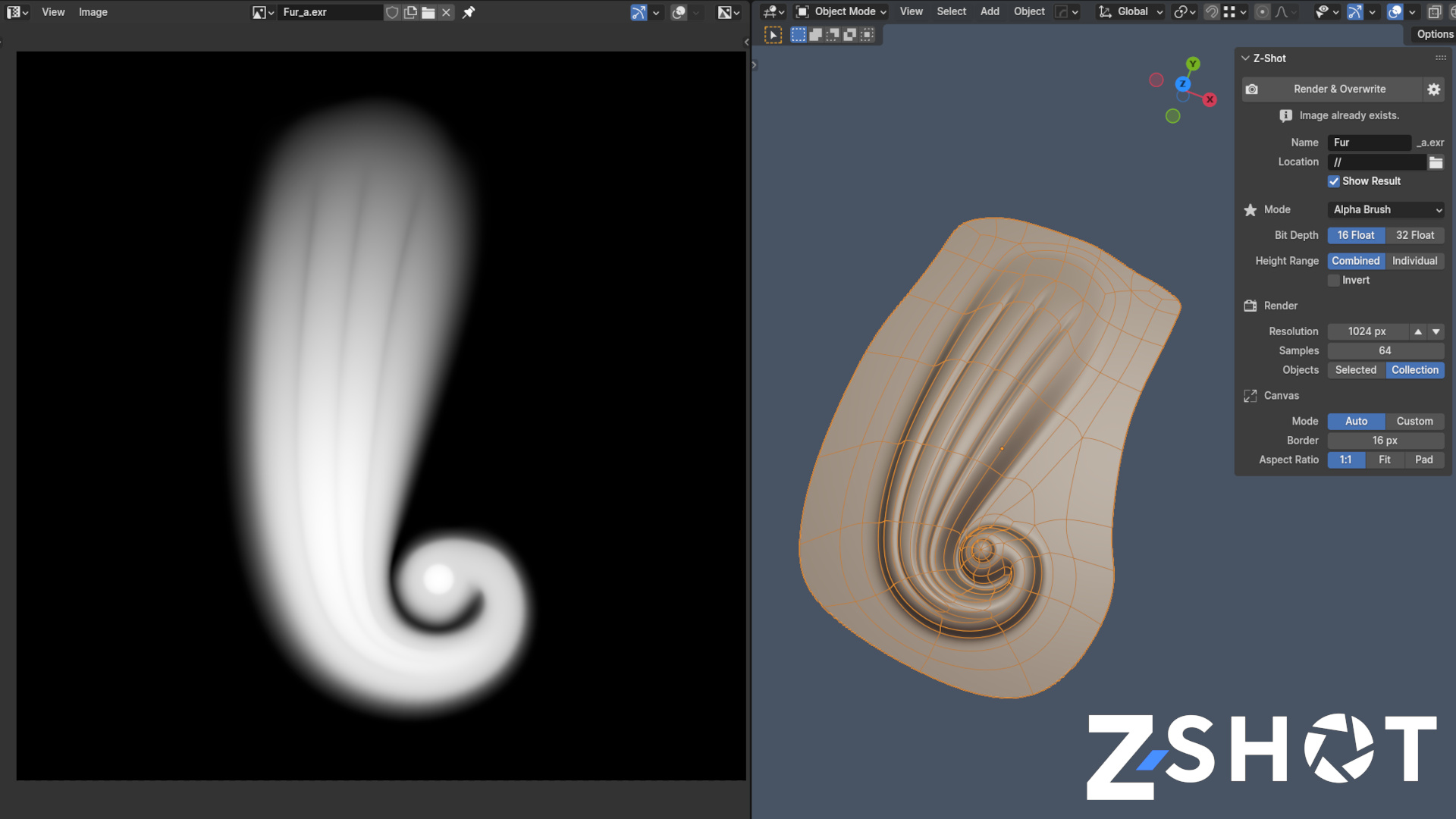
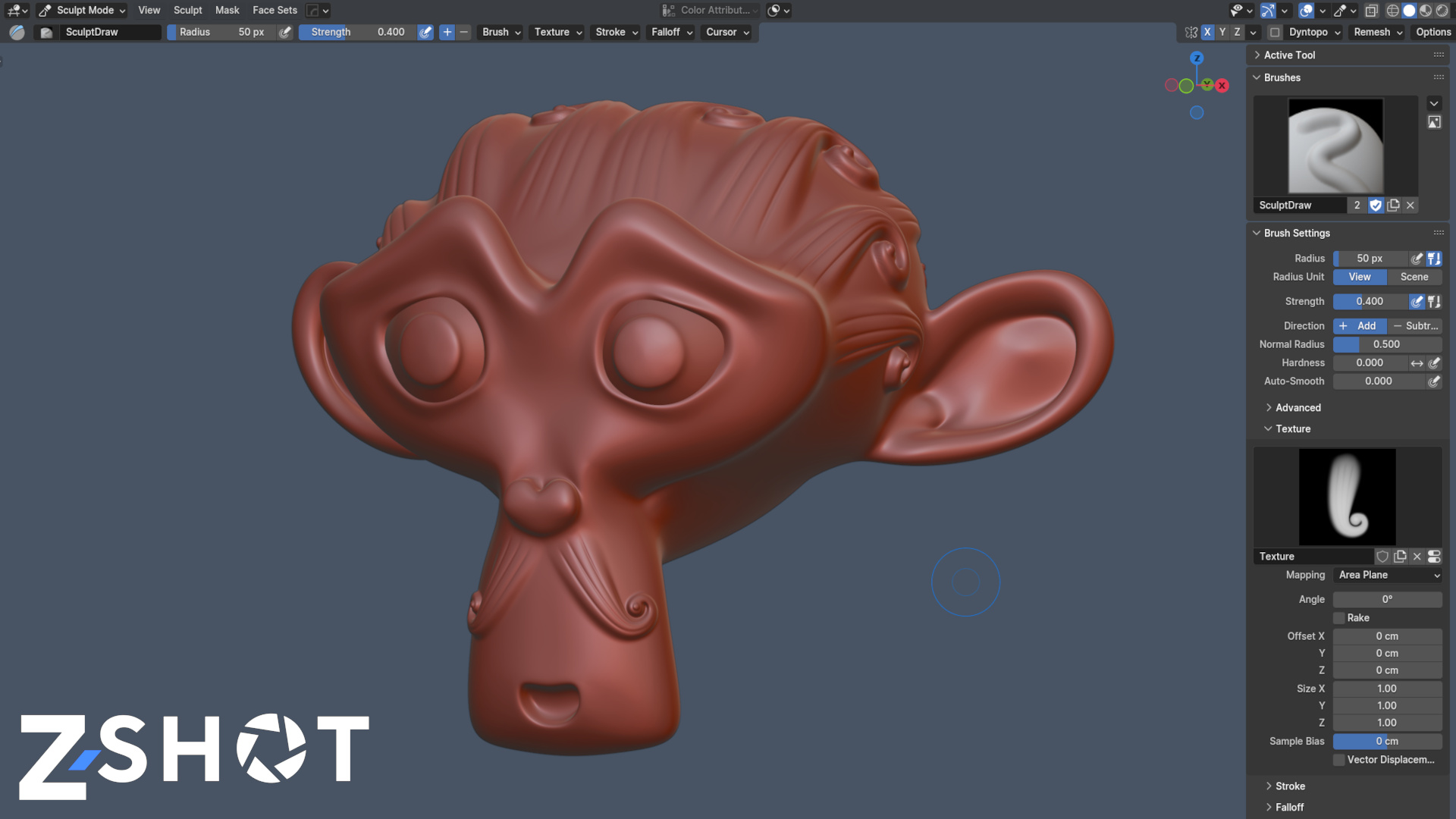
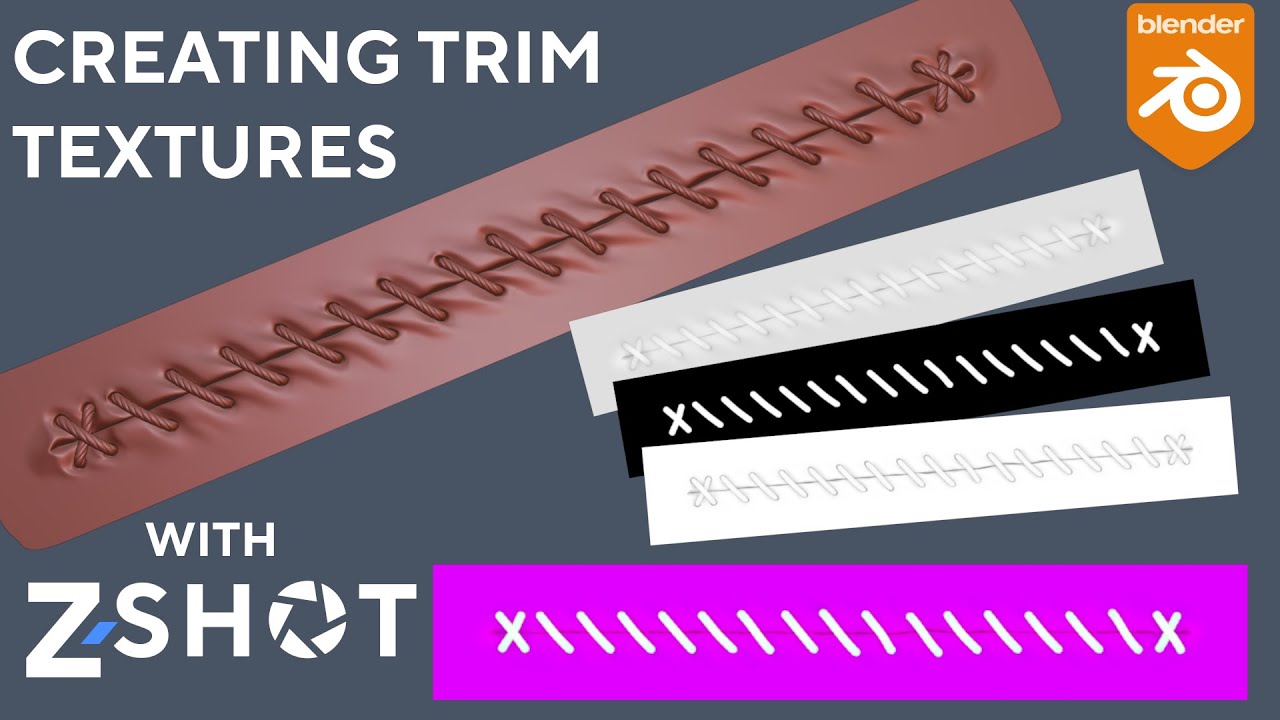
Z-Shot turns 3D objects into alpha brushes, trims, masks, decal textures or icons.
There is no preparation like scene setup, camera placement or fiddling with shaders necessary – simply choose a mode, adjust your output settings, hit the render button and it’s done. Canvas size and aspect ratio are handled automatically with a few comfortable settings.
Main features:
Lightweight and easy to use, no preparation required
Fast rendering
Channel packer included
Batch Rendering
Render modes:
Alpha Brush
Height
Normal
Curvature
Ambient Occlusion
Vertex Color
Opacity
BSDF Base Color, Metallic, Roughness, Normal, Emission, Alpha
There’s a handy new tool that helps creating trims for the Trimflow add-on that have Head and Tail sections. It eliminates the need for calculations and can automatically write a JSON file that Trimflow can read.
This function is only available if the Trimflow add-on is enabled along with Z-Shot.
General:
• New Trimflow Canvas function to assist trim creation for the Trimflow add-on
Fixes:
• Fixed a bug that caused Z-Shot on Blender 4.1 to save rendered images at the wrong directory when the path was set to ‘//’.
Z-Shot has been updated to 1.3.1.
This is especially important for Blender 4.2 users as there is still an unresolved bug in Blender 2.4.2 EEVEE that might screw up height / alpha brush renders.
BSDF Normal mode: unplugging the Normal Map node inside the material prior to rendering is no longer necessary
Subdiv and Multires modifiers: Z-Shot now uses Render levels instead of Viewport levels
Blender 4.2.x: Render modes Alpha Brush and Height will use Cycles instead of EEVEE to prevent flawed output (Issue #125614)
I am madly in love with Z-Shot now that I finally got around to using it for my current photogrammetry project for a client! I am baffled why you don’t have tons of comments here… This simply has to be one of the the most incredible addons in the entire Blenderverse!
The fact that I could take a whopping 20,000,000 poly photogrammetry mesh, select it, click a couple buttons, and then generate 8k Height, Normal, and AO (without crashing!!) is astonishing!
Thank you so much for making this game-changing addon bro! You rock! And come on folks, show some effing love for Z-Shot if you have used it at all!
Edit: You know, you’re really doing yourself a major disservice by not having a more descriptive title for this thread, that would let folks know what it actually does (a shitload) in just a handful of words. Folks like UVPackMaster, Photographer, etc. do this and I’m sure they would tell you that your sales would increase and Z-Shot would get way more love just by doing this one simple thing…
Actually, ‘can do a shitload’ is a lot harder to sell then ‘does this very specific thing’. There are indeed many use cases. For example, I’ve also used Z-Shot to create texture atlases for plants. Still need to make a video about that…
That description is perfect! See, that wasn’t so hard! I’d be shocked if your sales don’t double by adding that. Really dude. Also, I am not sure what the process is for sending press releases to trade sites like CG Channel, et al, but it can’t be that hard. I have seen tons of articles for plugs and addons on various CG sites for ages and many of them were just simple little plugs that do simple little tasks. It’s all about eyeballs bro. More eyeballs = more sales. You really have something special between Z-Shot and TrimFlow and more folks need to know about them. Don’t be afraid to PM those other devs that have a massive user base (like Photographer’s chafouin and UV PackMaster’s glukoz) to pick their brains. They seem like pretty nice blokes. Good luck bassiq!
I went with some affiliates and youtubers, some of which worked out well, others didn’t. Trimflow was featured on 80.lv once. There are so many addons these days, it’s almost impossible to stand out and get a real audience if you don’t already have a solid social media reach in the first place.
To be honest though, I created these addons primarily because I needed them myself and to get into the matter, when it comes to marketing I’m annoyed much too quickly.
Yes!!! That alpha channel addition rocks! And the prefs and auto filenames are wonderful too! Eeeeeeeeee! God I effing love this addon! I don’t think you are charging enough bro! $7 is chump change!