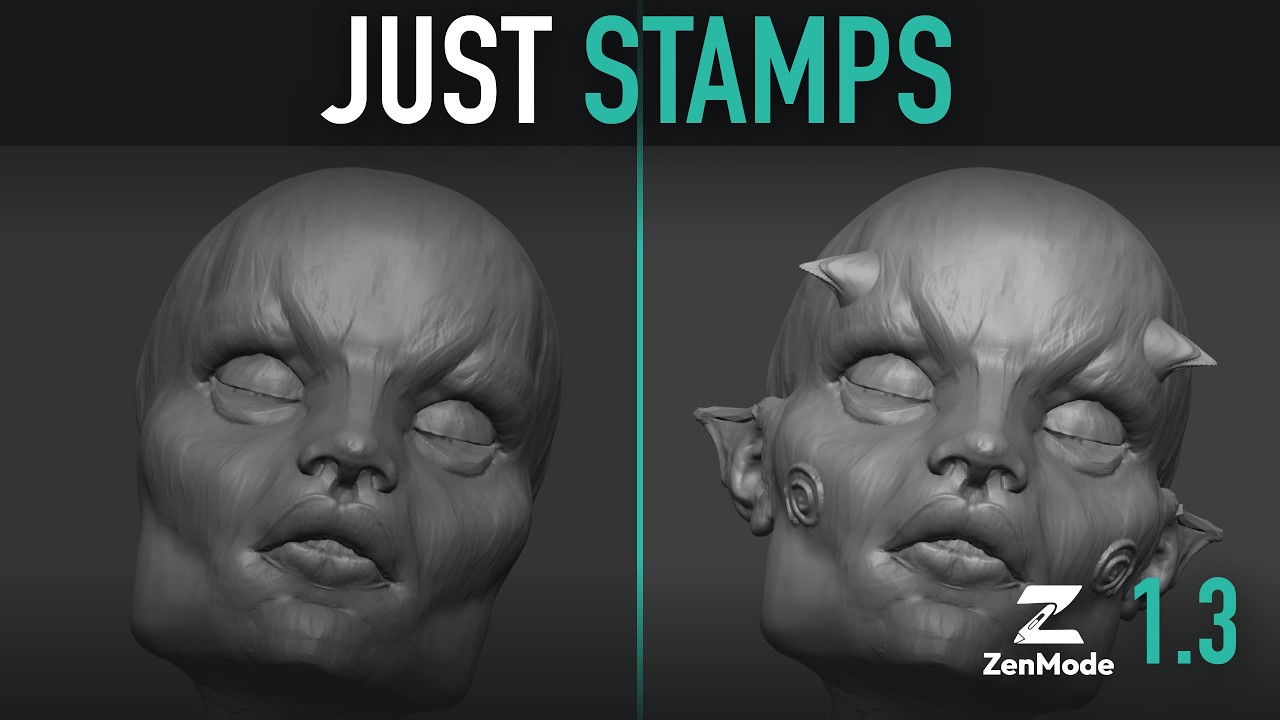
Hi all, Tito here. I spent 20 years as a character artist, mostly in ZBrush, and every time I sculpted in Blender my hands kept reaching for controls that weren’t there. So I built ZenMode.
ZenMode is a sculpt mode you switch on and off inside Blender 5.1+. While it’s on, the controls feel like the ones your hands already know: click off the mesh to rotate, Shift to smooth, Ctrl to mask, D for subdivision levels, B for a searchable brush picker, W for a move gizmo that works while you sculpt. Switch it off and Blender is exactly as you left it. It uses Blender’s own brushes, Undo and files, and everything stays editable geometry.
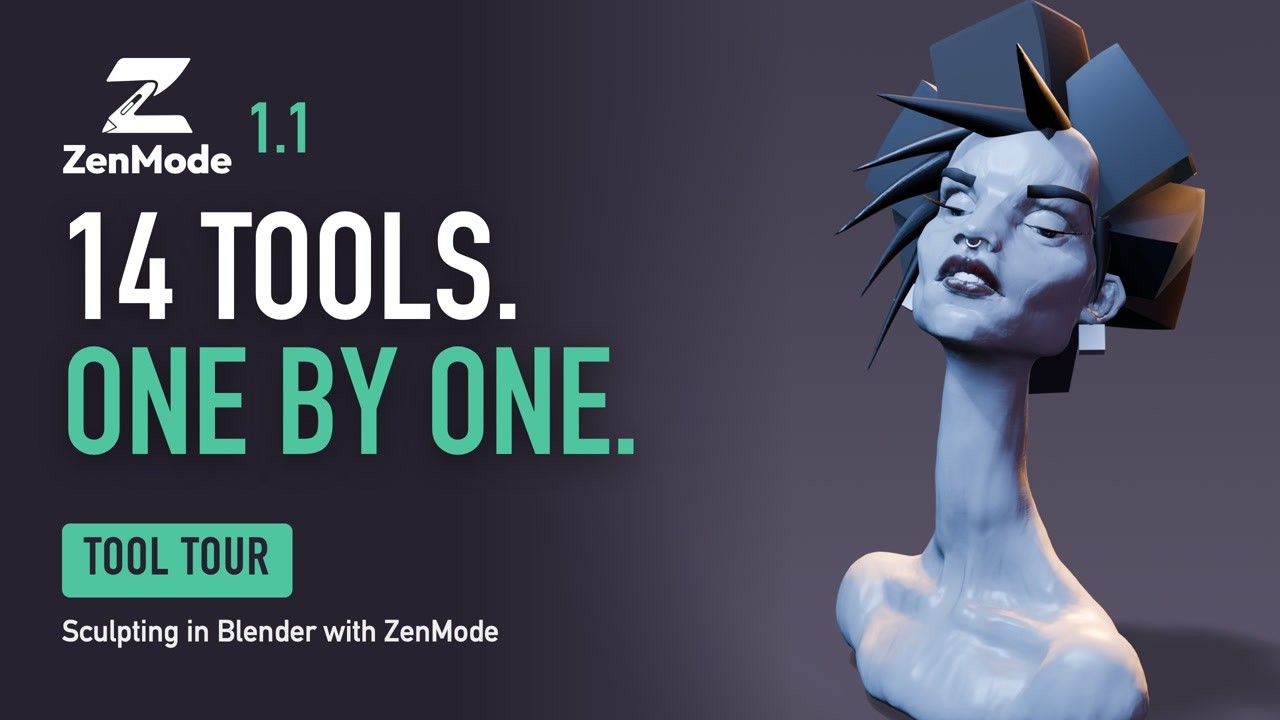
Get it: https://superhivemarket.com/products/zenmode
What’s in it
- Zen Levels: subdivision levels made of ordinary meshes, so dense sculpts stay on Blender’s fast mesh path. Multires is still there if you want it.
- Additive sculpt Layers and Morph Targets
- Posed Symmetry with Auto Sym: keep mirroring after you tilt a head or bend a limb
- Pose Skeleton: draw a quick skeleton on a limb, pose it, keep the result as sculpt
- Masking, visibility and polygroup shortcuts, Lasso / Polygon / Circle masks
- Zen Remesh, Inserts and Brow Strips for blocking out
- Mesh-colour Paint, 50 CC0 alphas, References and Render Previz
- ZBrush Transfer: bring named SubTools across, with low/high pairs rebuilt as levels
- New in 1.1: the tools also work from the N sidebar in stock Blender, with no keys changed, if you’d rather not switch modes at all
It builds on Blender’s own sculpt engine and takes it further: the controls your hands already know, plus the levels, layers and posing tools I kept missing.
Questions, bugs and requests: https://discord.gg/FKnsD78wXz. I read everything. Happy to answer questions here too.