In camera view I prefer when I can scroll and zoom in an out - within camera!
Not actual camera zoom just zoom into part of the picture or out to where I can see beyond the edges of the camera image
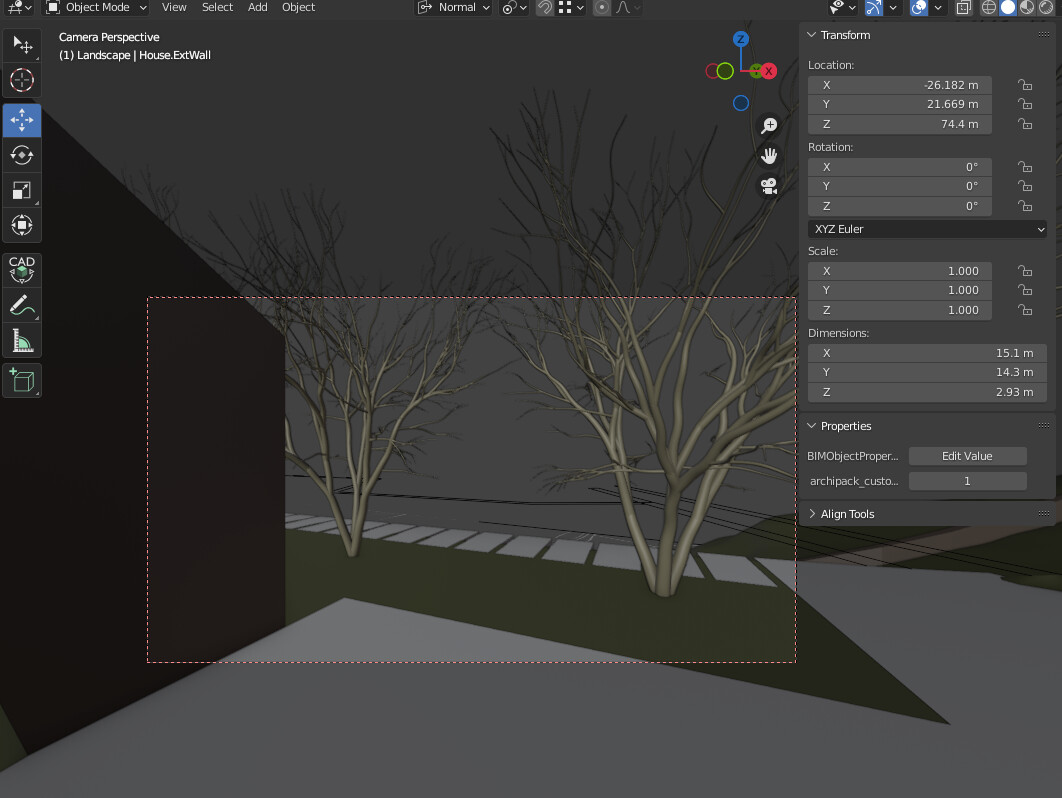
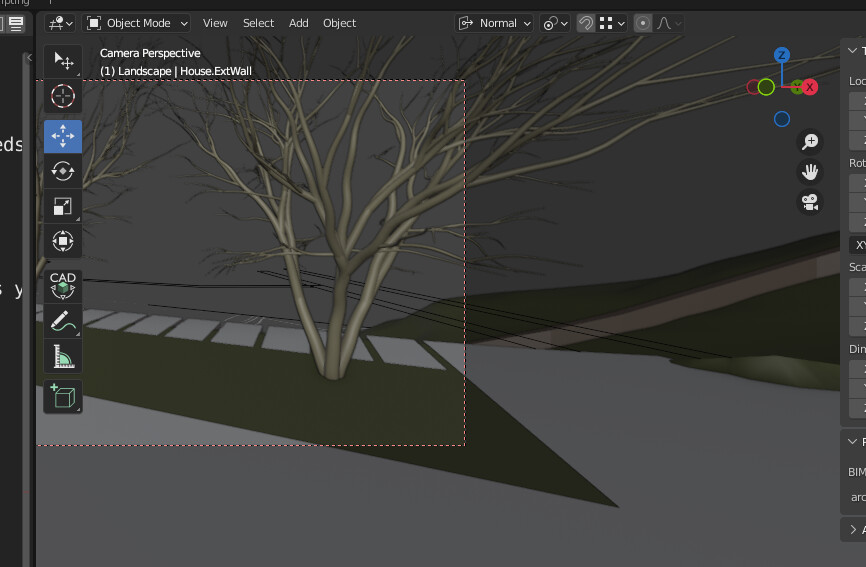
In the following screenshots (taken from another blend file, where this feature works), I can zoom and pan freely (the image frame is outlined), while still in camera view.
As shown below, both shots are in Camera Perspective view, yet I can view content outside, I can even pan so that the image frame is in part outside the 3D viewport (like the second image below), or zoom in or out, all still in camera perspective view.
In the file that I’m currently working on though, I have somehow I locked the setting so that the image extents are fixed to the window extents.
What setting is this?
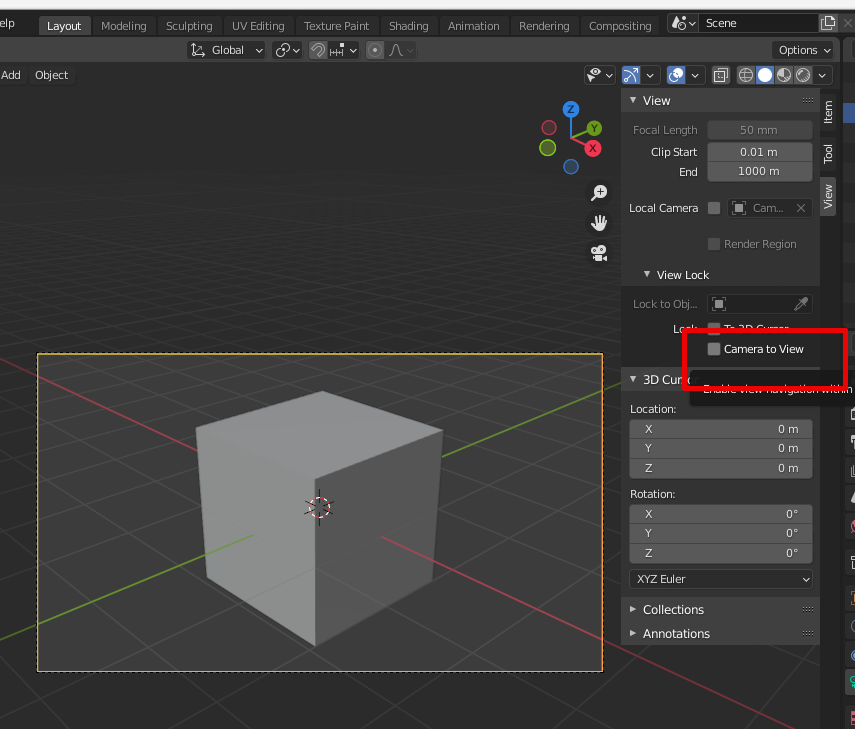
Thanks but that’s not my problem. When you lock the camera to view, it moves along the orbiting or movement of the viewport camera/ pivot point… that works.
My problem is that I cannot pan or zoom, around the camera view, while staying in camera perspective view. I have to break away to viewport view…
Please review the screenshots above, both in camera perspective mode: the top the frame is centered and zoomed out with plenty viewing outside the camera frame, the bottom is zoomed in more and panned to the side, so that the frame is cropped in the viewport. That is what I can’t do, in this file.
EDIT: Gets even stranger:
Other viewports work ok (at least for a short time trying to fix) - open two 3D- viewports side-by side, the new one works the old one frame remains “stuck” to camera extents
In the problematic viewport, I seen content in rendered view and not in solid view! with the camera perspective mode. Solid view is a solid color of nothing, does not show the objects that are there, at the same viewing angle during rendering!
For now I just closed that window and maximized the functional 3D viewport.
Could this be some kind of unintended animation framing, that I initiated accidentally?
No animation data to camera object…
SOLUTION: A new viewport in the workspace ended the issue.
Don’t know what was wrong … though