JUR2012
January 5, 2013, 2:10pm
1
I am trying to follow some online tutorials to learn how to work with blender.
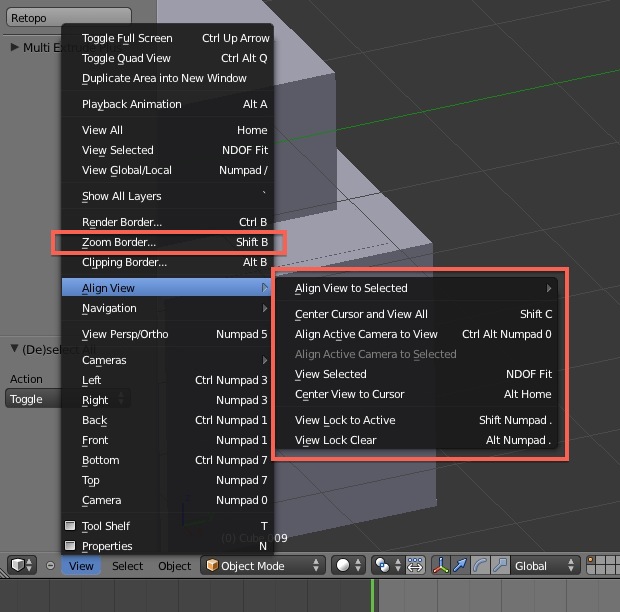
My problem is that in the tutorial it tells me to zoom in on a certain area of my project. When I do this, it zooms in on the center of the project.
How do I drag my project so that I can get the part of it view-able that I want to work on?
Thanks in advance,
Select the object/vertex you want to zoom into and press numpad .
Attachments
FloridaJo
January 5, 2013, 5:47pm
3
Another option is in User Preferences > Input… check ‘Zoom to Mouse Position’.
Simple. Hold [SHIFT] and then drag using the [MIDDLE MOUSE BUTTON] until the part you want is in the middle of the screen. Once you have “panned”, you can zoom into that spot using the [SCROLL WHEEL] on your mouse.
Alternatively, you can View Selected (numpad .) I think (I have it bound to “A” because I use it all the time).
So yeah, no shortage of ways to do it