Hello
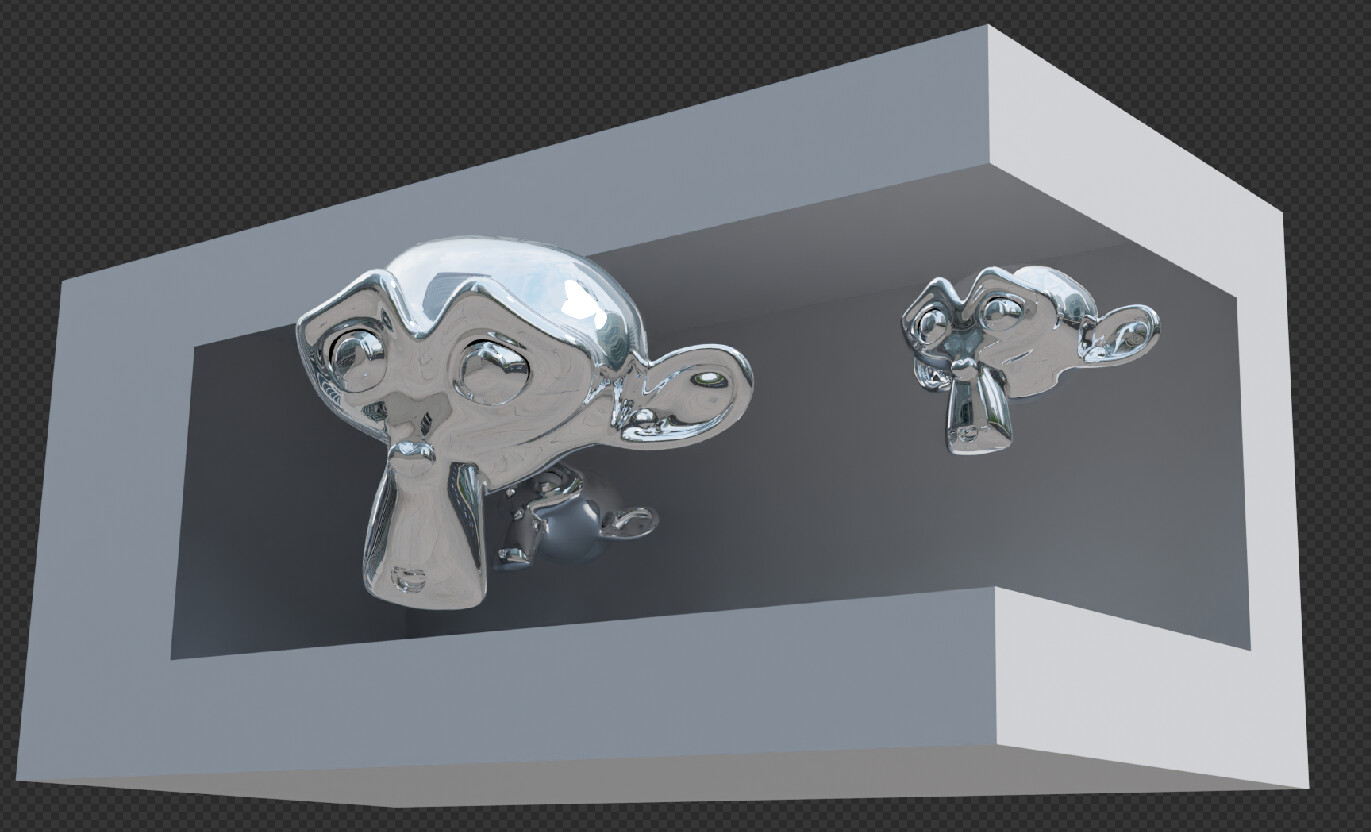
I am trying to get my head round how to setup a scene that will deliver an anamorphosis effect such as the giant “3D” billboards that have been popping over the years.
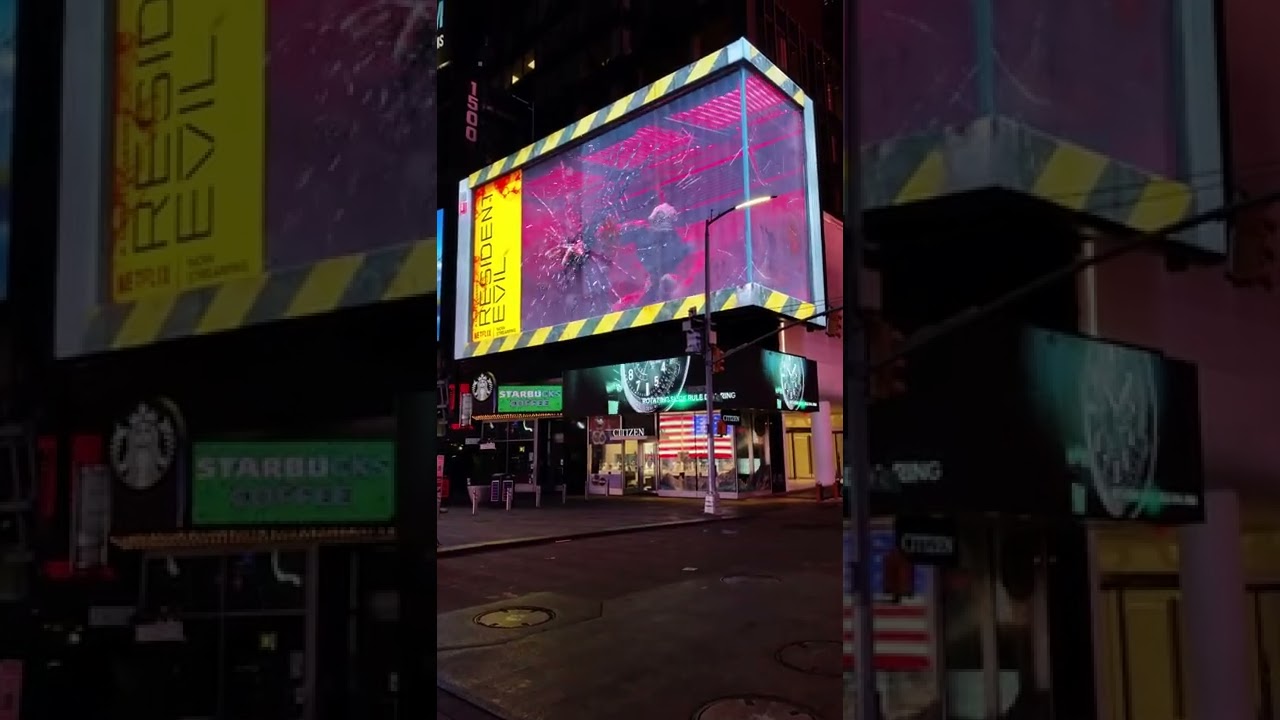
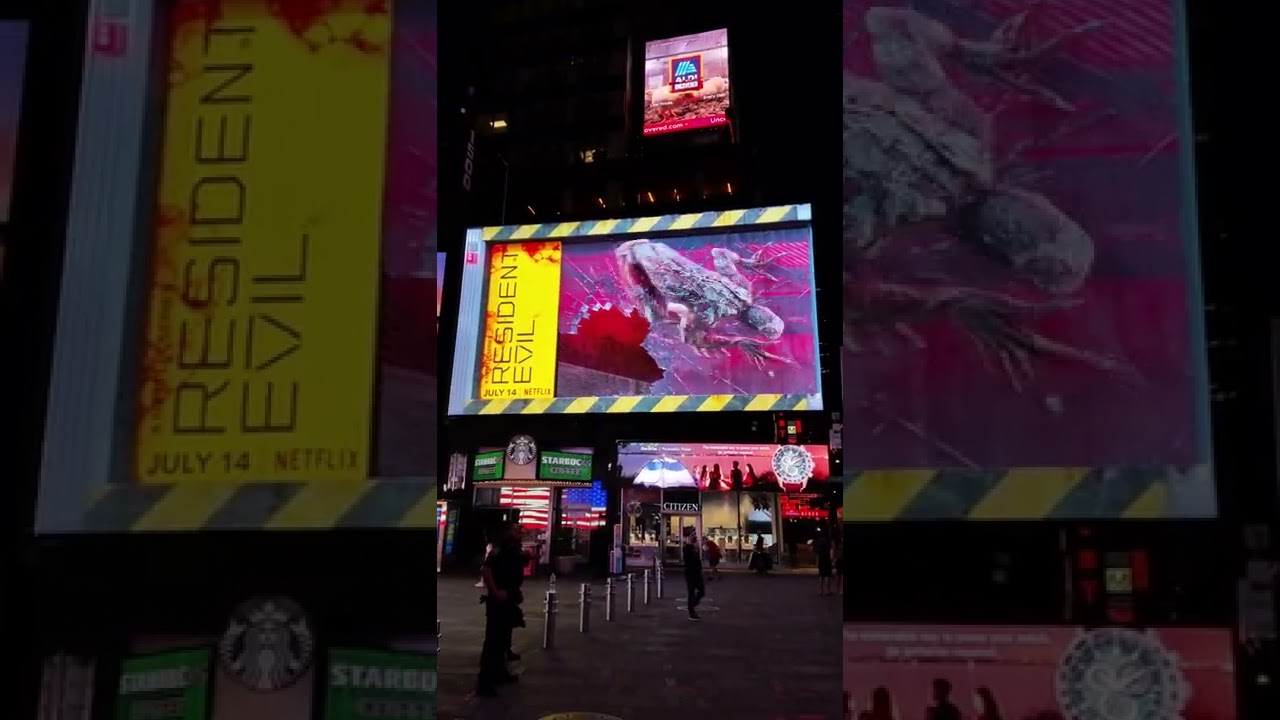
There are plenty of examples on youtube but the link below shows the anamorphosis effect from3 angles
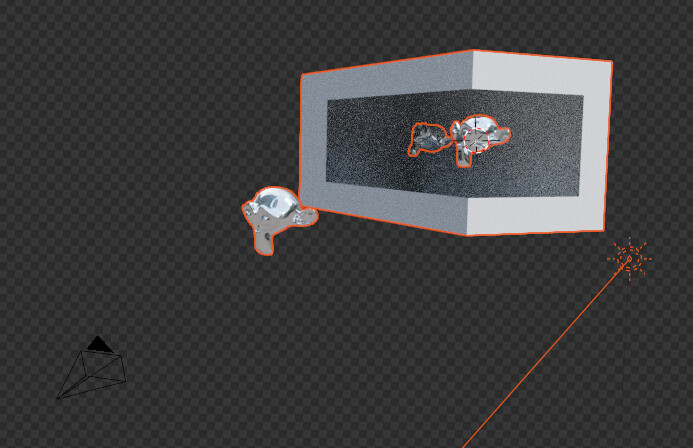
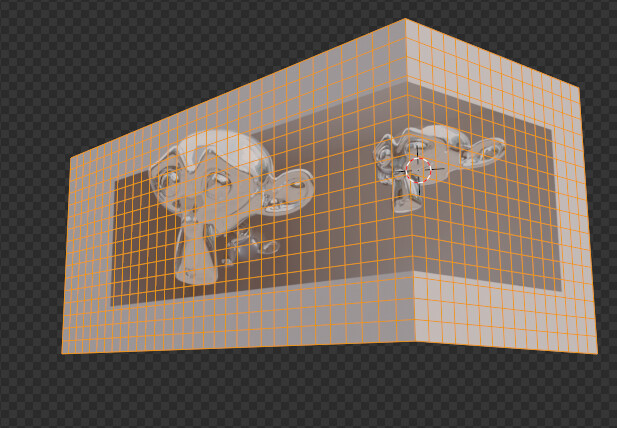
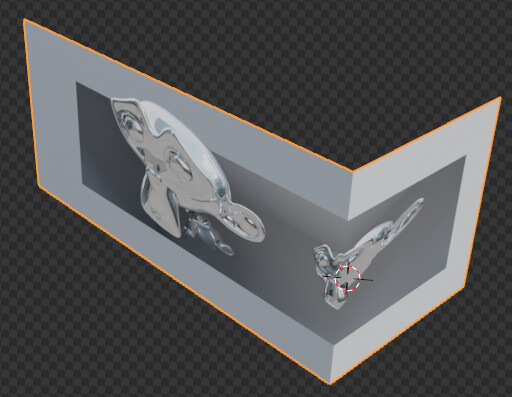
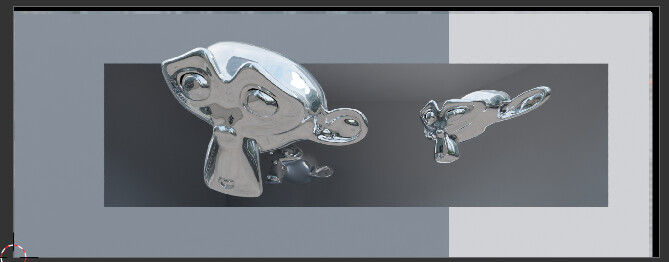
The screen (especiallyt rounded one) delivers an image which is best seen from a specific angle (the camera in the scene)… so projection modifier (from the scene camera) of a (flat) animaton on an possible rounded object (whilst the animation is “filmed” from a similar scene with similar camera looking in a similar way)…
see also:
Thanks for the reply.
I suppose that my question is do to with the 3D scene itself.
The “forced perspective” effect deforms the proportions of known objects so that from a certain angle the illogical deformations look coherent. In the Cat example, I presume that the paw was disproportionately large in comparison to body, to exaggerate the optical parallax effect. Therefore I presume that the 3D model of the cat was deformed whilst keeping the animations very real.
It strikes me as very delicate deformation technique but I am probably very wrong.
Also, the effect probably needs to be seen at some sort of scale so I wonder how to simulate the effect on a desktop monitor.
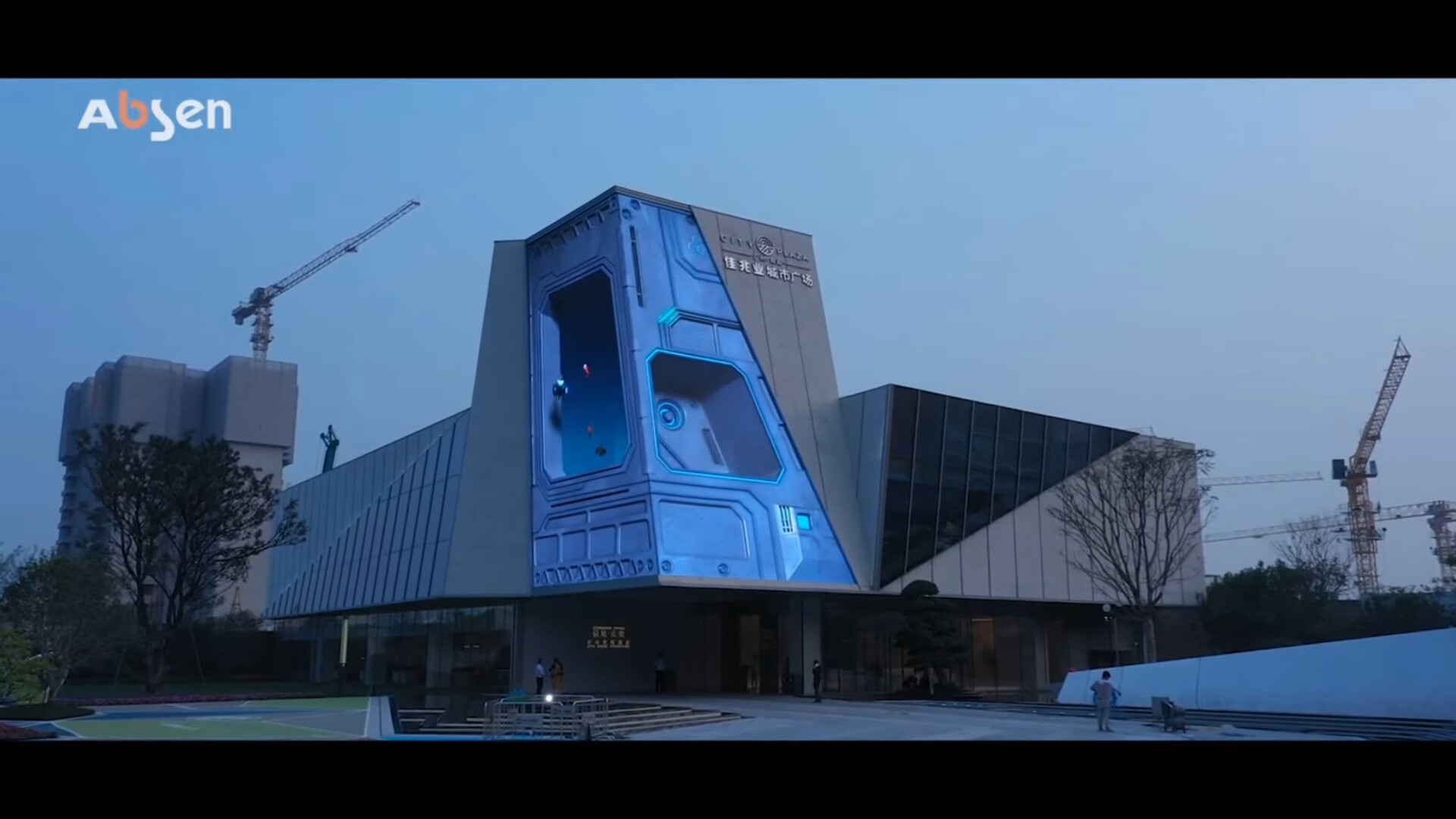
One trick is that the screen is “not used by its full size”, the box gives an inner frame and breaks out, so you see the surrounding parts of the screen as part of the building. Also so you can put parts of the the cat out side the box and give just more an 3d illusion effect.
I don’t know if having a 2 sided screen is a prerequisite for the effect, but framing the action in a box definitely adds loads of perspective to the effect . The resident evil example is great for this
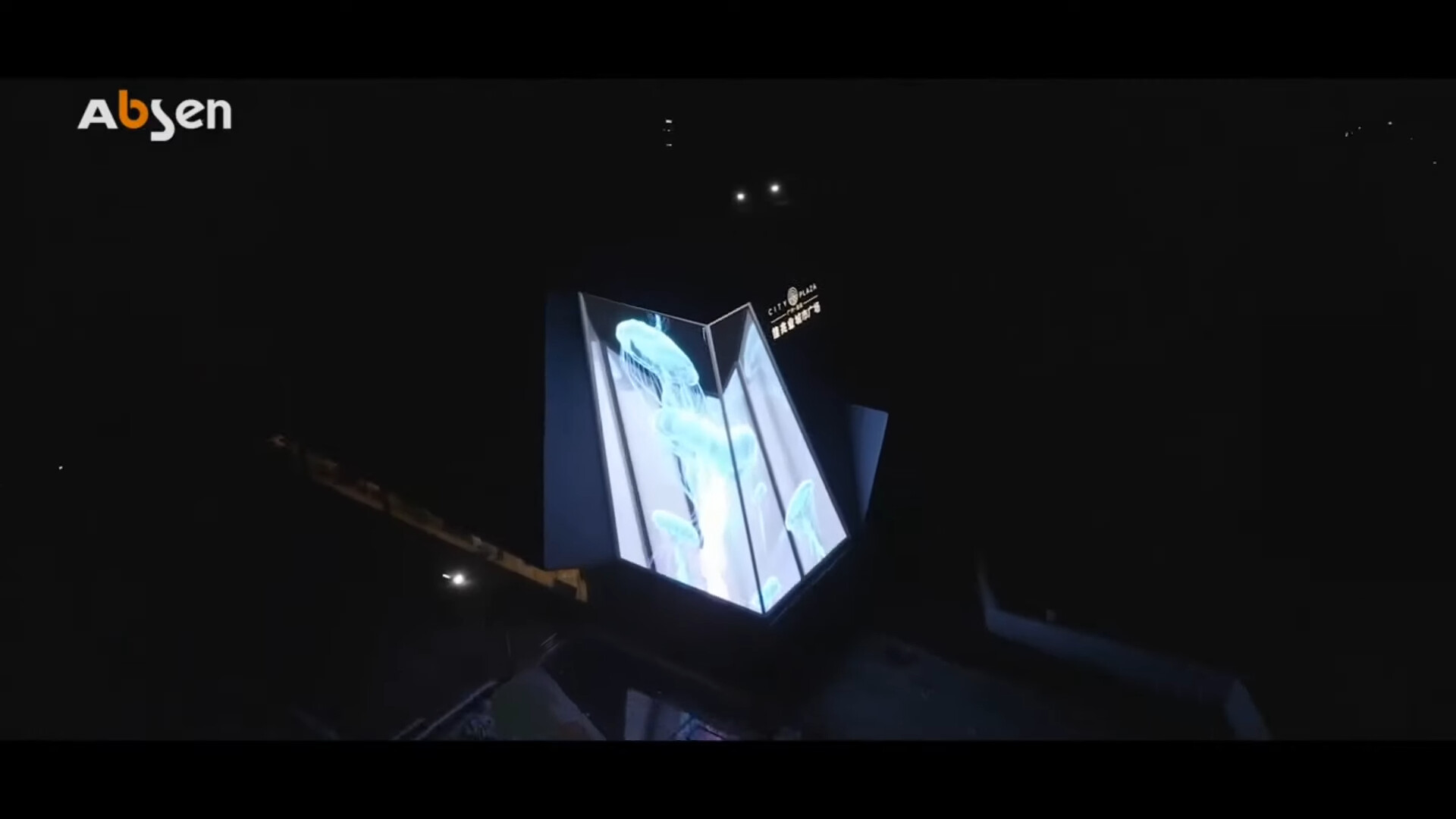
Here is a side view of the panel and the amorphosis stretching effect is not perceptible like with the cat.
I presume that as the animation is very dynamic, using all the space, the brain compensates to give a 3D feel.
It looks like any high-resolution curved billboard with LED’s can do this (because of the viewing angles possible along with its headroom for distorted imagery). The back view shows there is holographic 3D display at work here.
I am not sure what you mean by these popping up, because I do not think they are too common in the US yet (my hometown also has less than half a million people, so we do not have a large skyscraper to mount the thing to).
Hadriscus,
I’m not sure that it is that simple. If you look at the resident evil examples, there is loads of foreshortening that can be seen better on the side view. It is the foreshortening effect that gets me. Distorting the animation to give the “out of the screen” effect.
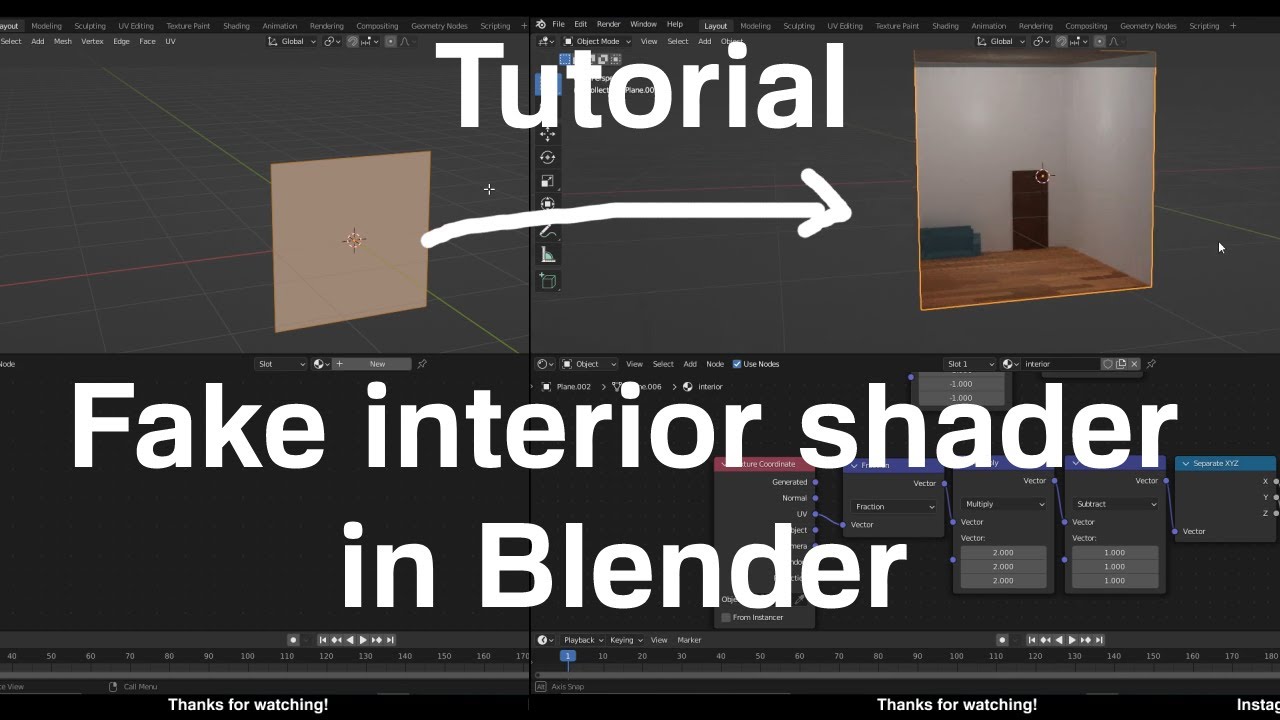
It’s a bit different because the shader is dynamic, what is “drawn” on the plane change according to camera view. Where that’s something you can’t do with these billboards.
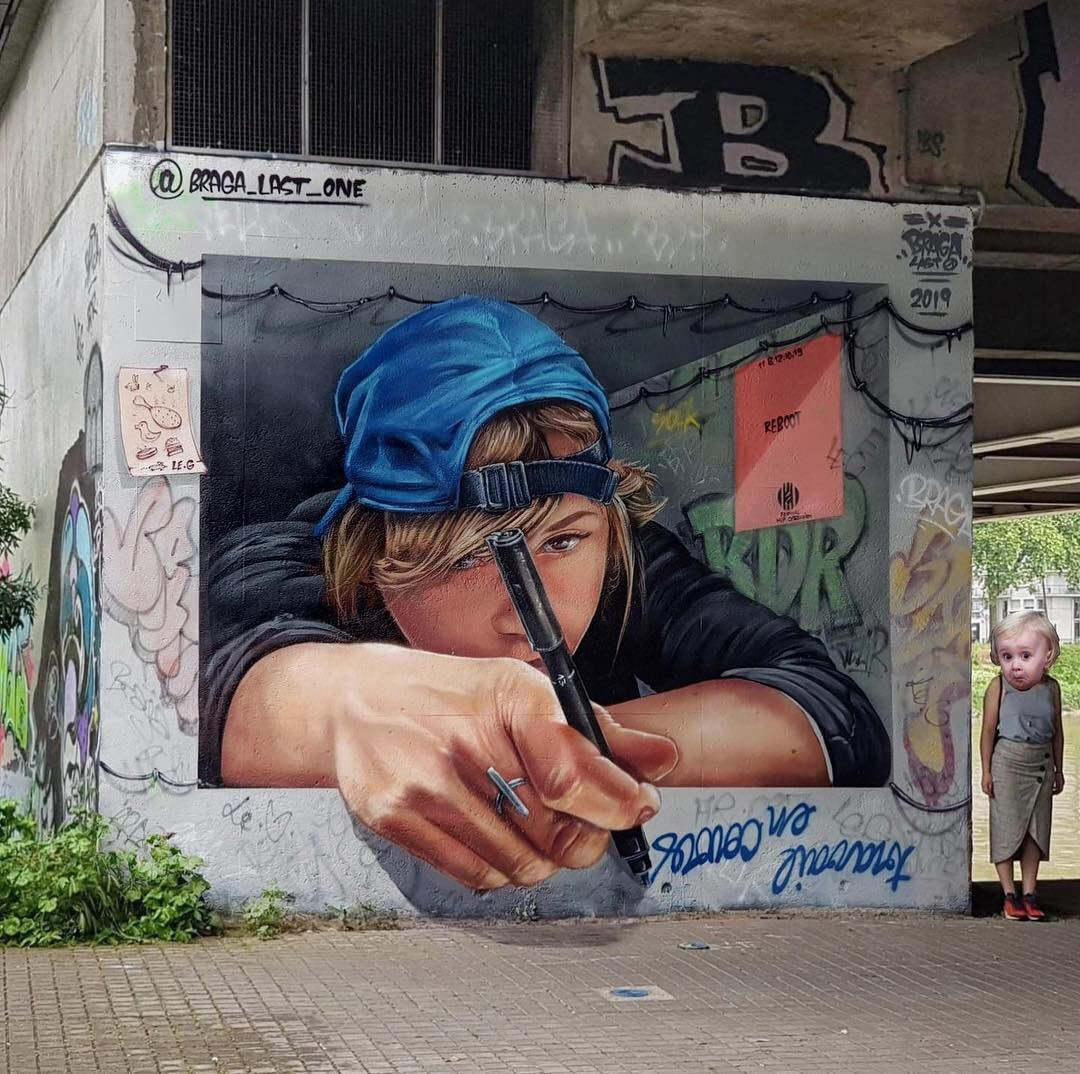
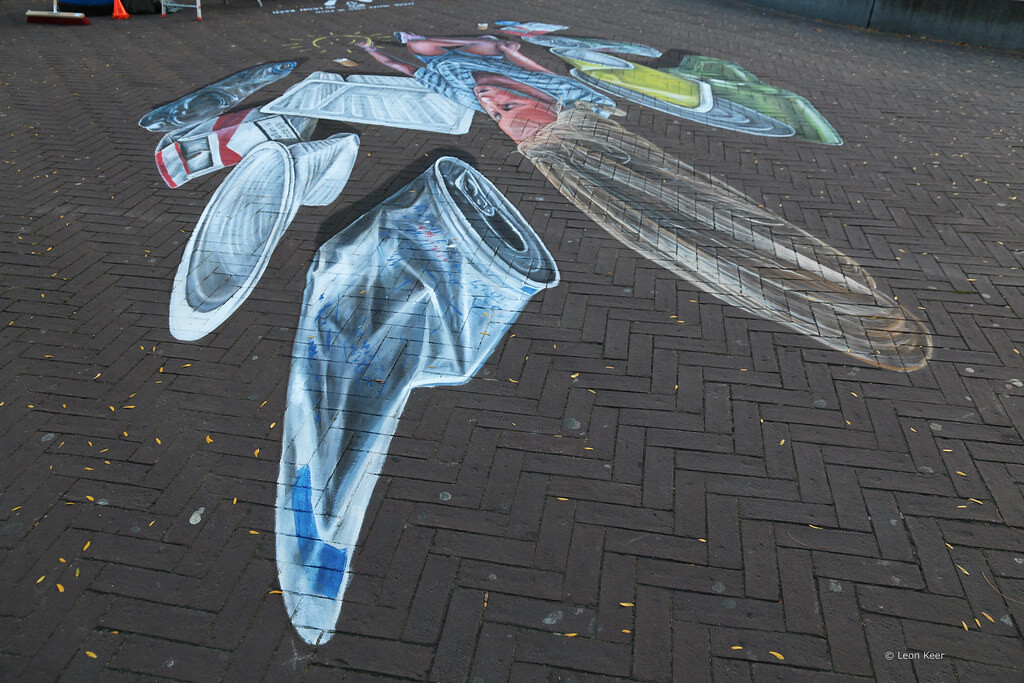
The billboards are very similar to these anamorphosis street art thing :
There is an ideal point of view and from there you fake perspective and create some depth illusions.
And the more you go away from this ideal POV, the more distortion you get :
Thank you for your thoughts.
Creating a "deformed " or forced perspective in a painting is a challenge , it seems way more difficult to animate while keeping a visual coherence. The exams have fast animations that probably cover up the deformation but it still seems a real challenge. And how can you have an idea of the result on a desktop monitor. I figure yesterday scale is very important.
Great, do you think this will be feasible to be done in one-go? In the new viewport compositor.
I have thought of some render-to-texture workflows in order to get 100% more optimizations in rendering. Going through the render-and-rerender workflow is very cumbersome now.
We will have to see. As for example now the most easy answer is to run two instances of blender and then reload the texture at the other instance. It looks like over the top solution…