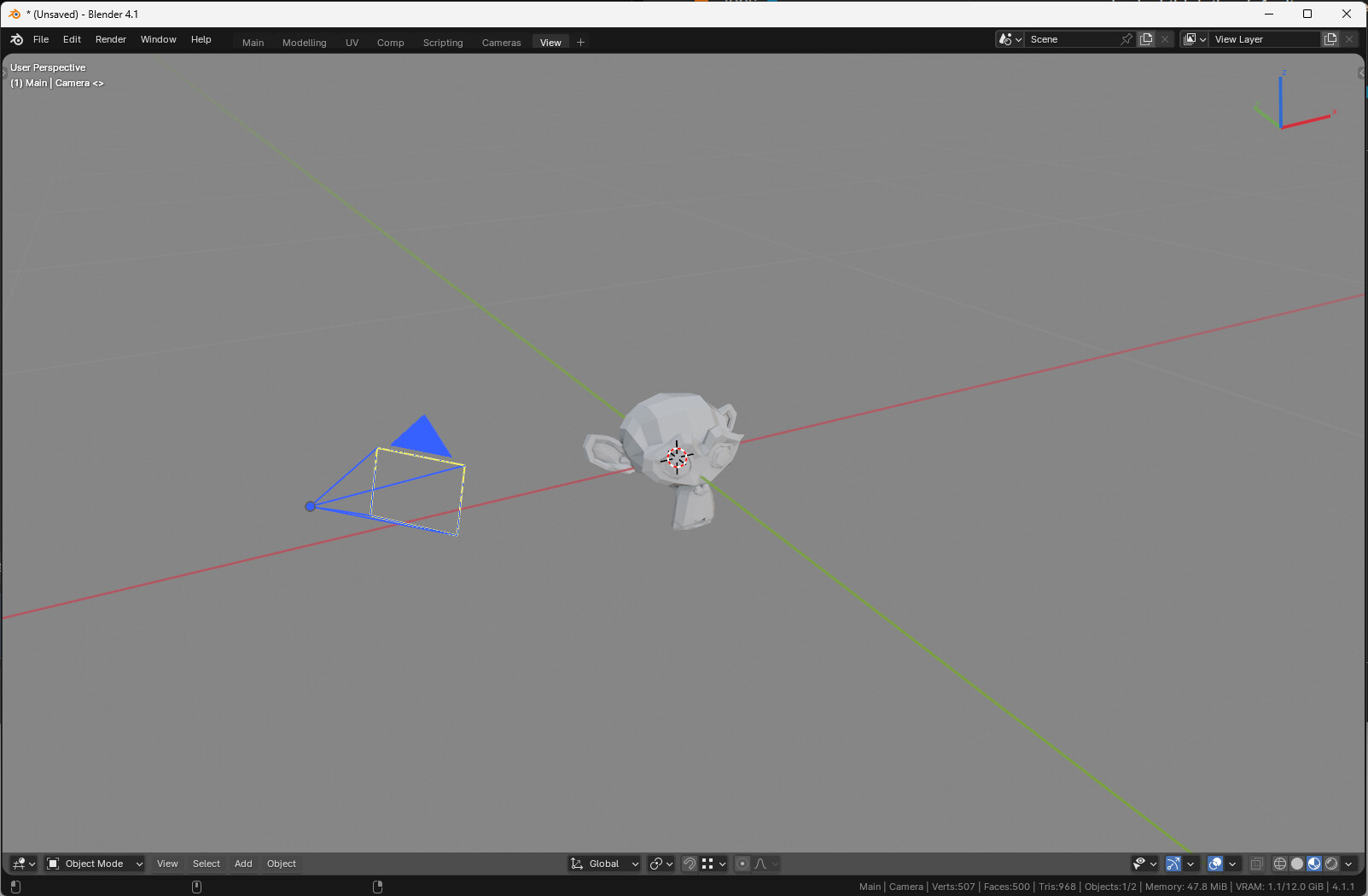
Are You Using the Rendering Workspace?

Another question for my startup.blend that I’m reworking again: Does anybody use the Rendering workspace? If you use workspaces at all, I mean – I embraced them whole-heartedly when they came out years ago, but there were plenty of people much less enthused, pretty much continuing to do everything in the Layout workspace the same way they had been before Workspaces were a thing.

But if you use workspaces, do you use the Rendering workspace? If so, how, for what? Because I’ve recently realized that I, well, don’t. Ever. If I’m not just hitting F12 wherever I am, then I’m using the Compositing workspace (I’ve got an Image Editor > Render Result area in mine) for that, or rarely (I don’t do much animation) the Animation workspace.

But before I delete the thing out of my startup.blend, I wanted to check: am I missing a bet? Is it the best workspace for some rendering magic that I’m not aware of, or not paying enough attention to? :face_with_raised_eyebrow:

Hello !

I find the workspaces pretty useful indeed ! I tend to disable the load UI option , so each .blend opens with my startup.blend layout and I tend to polish it over the years.

Indeed the rendering and compositing workspace looks very similar to me, especially if you use two monitors. I have the compositor in one screen, and the render or viewer in another.
In the end the build-in workspaces are a basis to get started but I think it’s natural to tweak them a bunch and remove some of them at the same time.
You should think about how you’d like to work and really make the workspaces your own !

I have two monitors, too. So, I use customized Workspaces.
My Rendering Workspace is like default one, in main window. In the secondary window, there is an outliner, a 3D view, another image editor to display a reference, another Properties Editor displaying View Layer tab.
Indeed, I reuse same secondary window for Compositing Workspace.
But, generally, I don’t display same things in 3D Views and properties editor.
I switch between both to debug render or optimize rendertime, to set-up View Layers passes, AOVs, Light Groups…

I prefer that to a floating window to show render. But the more, WYSIWYG workflow is progressing in Viewport Rendered view, with Viewport Compositor ; the less I need to inspect Render Slots of Render Result.
Indeed if you are happy with temporary window or Compositing workspace, you are in same situation as 2.79 defaults.

I never use default workspaces, because I find them weird, but I make myself custom workspaces for what I do and sometimes use them, but for some reason I find myself just rearranging the UI manually if I need to when I am in the middle of work. I don’t like that and would like to have a stronger habit of just switching them. What I end up doing most often is using a particular workspace saved in my startup file when I start a project. I have workspaces for modelling, general workspace for everything, one for compositing, one for scripting, one for choosing camera angles(that one I actually do use when working, not with new project) and one for just viewing the project that is dedicated mainly for other people less experienced in Blender who might open my file and just want to view it without all the confusing stuff.

I think workspaces is a great feature, but I don’t really imagine the default ones used by everybody. I think the default ones are just good examples, but they are meant to be customized. Maybe it’s just me.

It would be interesting to see how other people work :smiley: I mean I guess it’s all very different with different circumstances.

Here is what I have:

May main workspace:

Modelling:

Compositing:

Scripting:

Camera(and lighting):

And the viewing one:

…and this reminds me to delete the one I made for UV, because, I have never ever used it :smiley: …Maybe I’ll leave it for now, it does look useful every time I see it, but I just switch node editor in my main one to UV editor :smiley: :smiley: :smiley:

By the way, I use Text editor, because I script while working quite often, but… I use it for to do list mostly! And I also call my to do list Notes.py, because I like syntax highlighting so I just comment the done tasks so they get greyed out. Am I the only one doing this? I even have an add-on that adds up all numbers if lines start with a number so I can estimate time left to complete the project :smiley:

What do your workspaces look like?

I keep my todo lists in LOCalc, never thought of doing it in the blend!

I posted my semi-latest (still working on it) startup file over here a couple days ago, if you wanna download it and see. Although I’d love to see a current “Show off Your Startup.blend and Tell Us How it Helps Your Workflow” topic, I’d appreciate it if we could keep this one on track: “if you use workspaces, do you use the Rendering workspace? If so, how, for what?”

Appreciate the responses so far, would be happy to see more.

I never use workspaces, except when I accidentally click on one before immediately switching back to Layout. I don’t care for pre-built workspaces; I like to customize frequently, erratically, and on the fly. So I may not be much help here :wink:

Yeah, for various reasons a lot of people don’t. I realize this question is filtering for a kind of narrow subset of Blender artists.

Not only that I don’t, but I find it hard to imagine why or how one would use it :smiley: . Just to switch to to render so you can see the progress?.. Maybe… But any workspace is good for that, just Ctrl + Space into image viewer… Well… Maybe the timeline could be useful to see the progress for animation render… I think it’s only for that - to see the progress on an animation render. I don’t render animations, I render interiors set up as animation for different shots and then I usually want to see all the rendered frames, so I just open one in an image viewer that can go through all images in a folder… That’s the thing I want the most then, I imagine it’s even more so with actual animations… so… I guess personally, with my circumstances and preferences in mind I see it as completely useless.

That seems to be my natural way of working as well :smiley: I actually forcefully trained myself to use workspaces in hope they can save time. I still hope they can and probably sometimes do… :smiley: I mean… it sort of kind of works a bit… but yeah… it’s not a lot. The desire to switch things erratically as I go still wins most of the time.

I used to use Google Calendar for that and I love it. It’s nice to be able to quickly shuffle tasks around in time and stretch or shrink them as needed and you can export to CSV to then get the time spent on stuff… But it’s too much of a hassle and the tasks that take 15 minutes or less are not the best for it and then even though my 4K screen seems to be enough for a lot of stuff it gets lost under other windows with reference and so on so to have it always on screen inside Blender has been really convenient for me for years now. I wish Blender’s text editor had more features that could be exploited for that. Anyway, sorry, for going off-topic… again. :smiley:

I do use workspaces a lot since I finds it much more convenient than rearranging my panes every time I need to do certain things. That being said, I prefer a fairly dense layout with as many options available at glance as possible. My primary workspace is the Layout tab and is heavily modified:


It is all very colorful so that I don’t need to think about or visually search when I want to click on a menu or scrub a number value or something, which helps a lot cause the locations of these things can change a lot on any given project (or not at all)
I do most of the work in Layout. I never use modeling or sculpting. I do use UV editing because most of the time I don’t want any panes other than 3dview and UVedit panes. The UV editing workspace is the only workspace I use that is almost completely default.

The painting room I find useful because the one thing that I don’t find Layout space to be good for is working with textures and materials, so it has just the essentials

Same thing with the shading workspace, which is the other half of most of my work.
I didnt like the default layout cause it had two panes which are pretty much useless: The file browser pane, which I never use, like, EVER at all because I can just ctrl+O to do that like in every other program. And the outliner, which I have in all other workspaces but this one because when shading I just find it better to select using the 3d viewport:

Answering the OP’s original question, no I do not use the rendering workspace because its a little redundant. Instead I converted it into a Baking workspace with all the panes needed for baking normal maps and such from high res models to low res:

and when im ready to render I just use my version of the compositing workspace. I dont know why they feel that the dope sheet is necessary for the compositor when a simple timeline will do. When I’m ready to render the only things I really need to think about are image size/format, render engine/sample count and any other passes I might want to turn on or off:

I do use the scripting workspace a lot and it is essentially stock because I think it came with just the right panes needed for most scripting that I do:

There’s really no need for a separate modeling or sculpting workspace since basically all you need can be found in the N panel if you pin the right things.
And theres no need for a viewing workspace AT ALL because you can just alt+space (wm.window_fullscreen_toggle) at any time to fill the window with the active pane.

So, that’s me. I realizes from seeing other’s screenshots that I’m quite unusual. Does anybody else work this way?

I do use them a lot, and only change a little bit the Layout and Compositing workspaces, and always add one more for the Asset Browser.


Layout


Asset Browser


Compositing

@joseph, would it maybe be possible to split this topic into a new one somehow? I feel guilty to have started a direction away from KickAir_8P’s intended discussion now that people started sharing… And it’s still very interesting to see everyone’s workspaces :smiley:

Started a topic for that over here – thx!