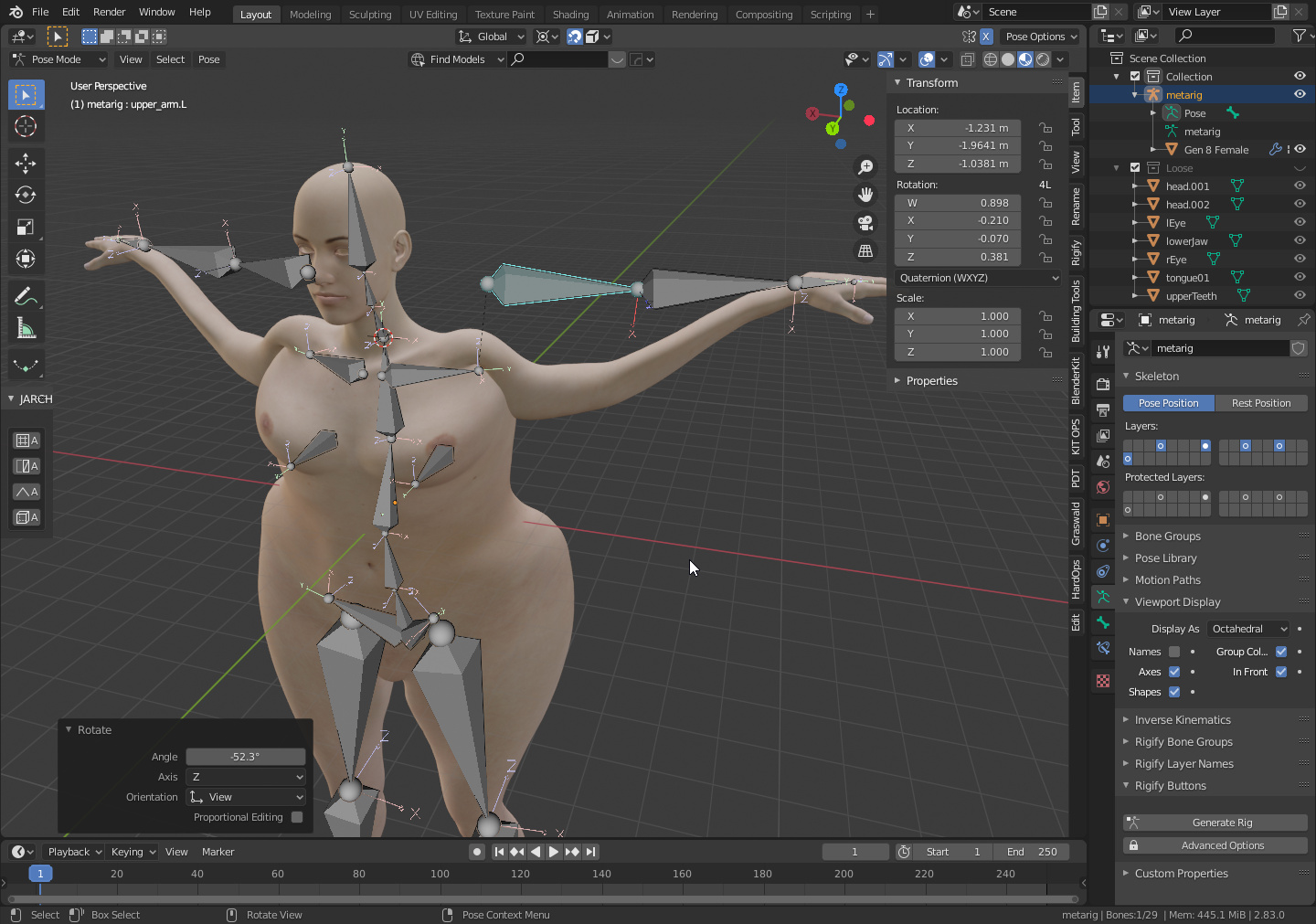
The model comes from DAZ, I did a clean up merging vertices by distance and dissolved non-manifold geometry, so the mesh does not present any problematic spot. Also separated loose parts, such as tongue, eyes and teeth.
Already applied scale to both mesh and bones. Also scaled both by a factor of 10 or so, as I heard that automatic weights is inclined to present problems on smaller meshes.
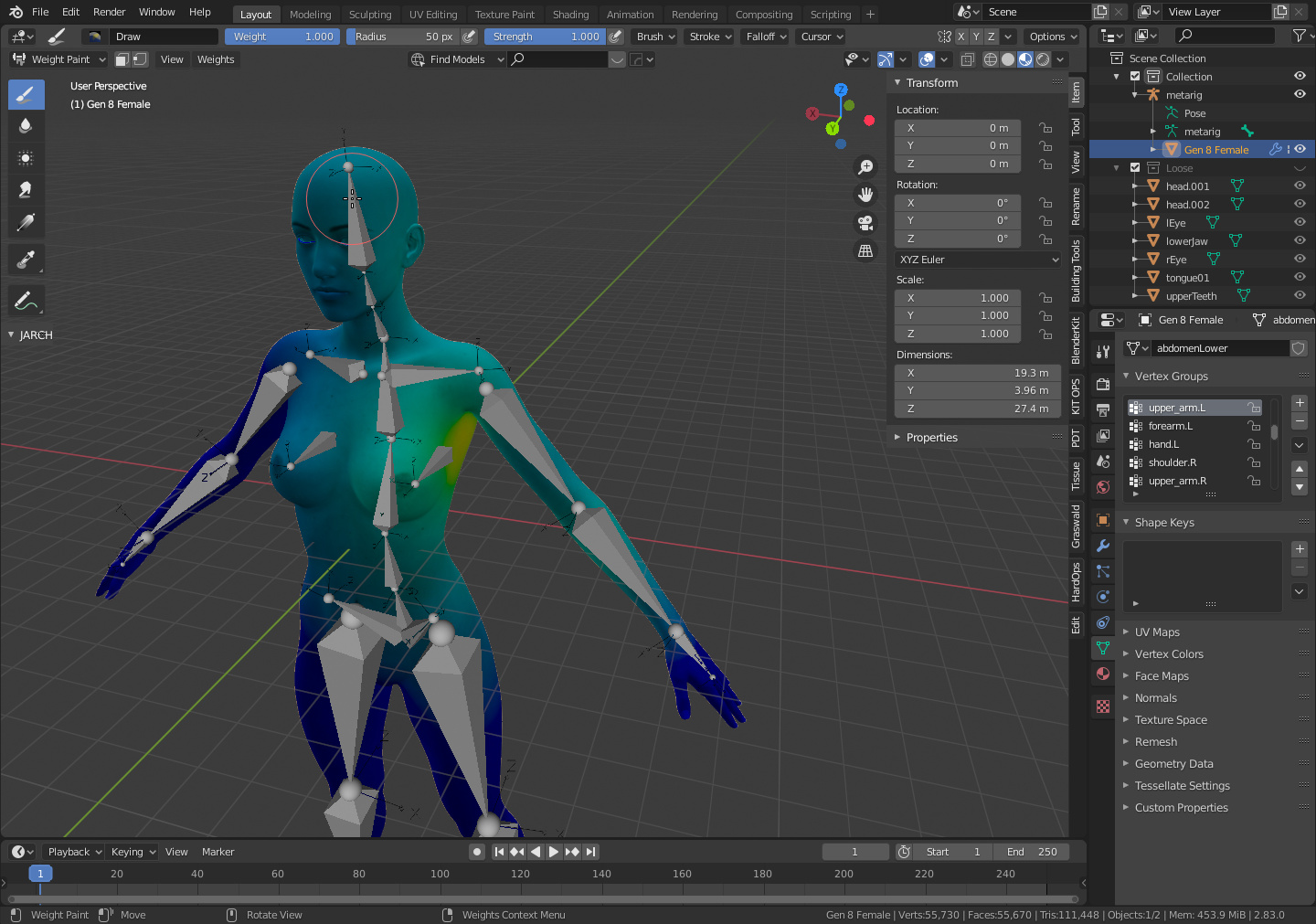
Deforming with automatic weights used to work just fine, but now it is overshooting past the mesh boundaries for some reason, and weight painting parts that where supposed to be outside of its reach.
On image below, upper arm bone is selected. It is obershooting into model`s thorax.
And these are the importing settings in blender:
I selected split by group to facilitate removing teeth, eyes, tongue and eyelashes. They are loose geometry and tend to interfere with the automatic weights.
You basically save your scene in Daz, go to the Daz scripts section and double click the Diffeomorphic icon, which saves your scene as a json file. In Blender, you click on the Import Daz … button and it imports the model with clothing, hair, textures, etc.
It’s a little involved to set up, not too bad, and it works like a charm.