IK spline rigs are rather easy to setup in Blender 2.80, at least a lot easier than Blender 2.79. You should not have to use 3dsMax, hopefully.
Here is the Auto-Rig Pro roadmap, next possible features to come:
http://lucky3d.fr/auto-rig-pro/doc/roadmap.html
4 Likes
That was the only part of my workflow i didn’t have time to test yet and i was a bit scare but after watching a few videos i think i should be able to do all my animations and rigging in Blender.
The road map is pretty amazing and i will need wing rigging soon so keep up the good work!
1 Like
you forgot - jiggle/ drag bones
There are already addons for that:
Any idea why is this happening with the forearm? Interestingly it doesn’t seem to happen with a rigify rig.
(The mesh, the weigth paint, the base pose is exactly the same (actually I adapted the autorig to the same daz charcter). Preserve volume off in both rig since it will go for game engine. I don’t want to add more twist bone. Changing the copy rotation influence (from one to .5 might mitigate the problem a bit but won’t solve it and then the wrist will look bad)
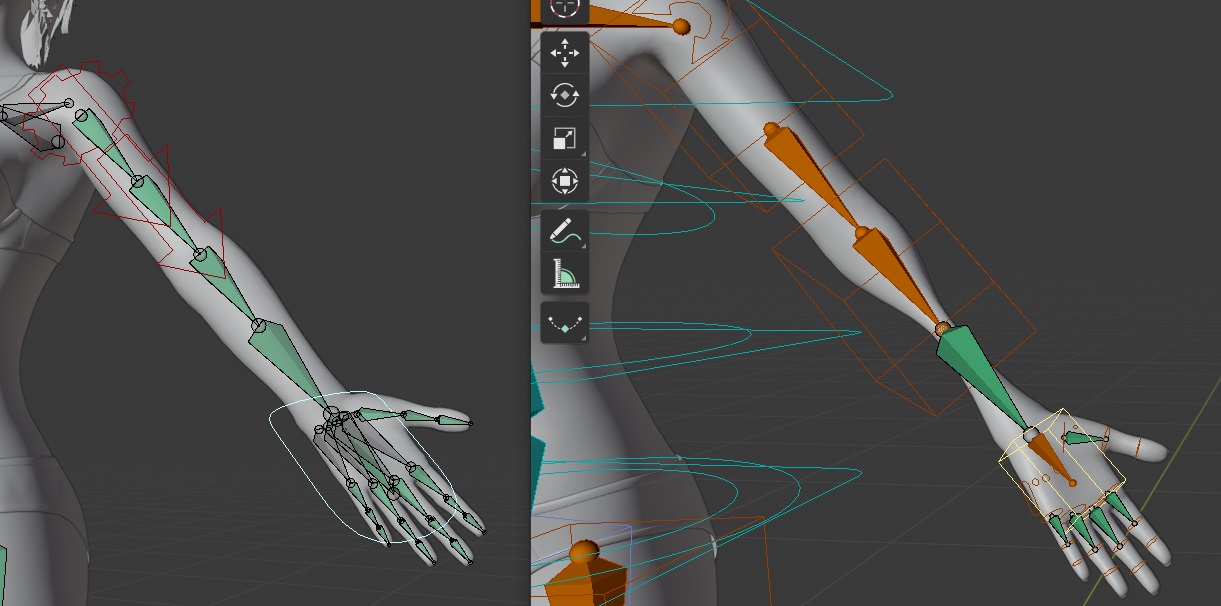
One twist bone is not enough when the hand is twisting that much, it leads to this candy paperwrap effect.
Rigify uses multiple bendy bones to solve this without “Preserve Volume” (check the number of bendy bones segments of “DEF-forearm”). Auto-Rig Pro can also use bendy bones, but problem is bendy bones are not export-compliant. Consider using more twist bones if you need better volume preservation for game engines.
Right… I always forget that rigify uses bendybones by default…
Btw I know it is very far from perfect but letting the other forearm bone to get some rotation from the twist bone (just on the local Y) seemed to help a bit.
Hello! Your addon is amazing. But I have troubles with importing in UE 4. In your videos you make it very well and simple. I follow step by step and every time UE 4 saying me:
FAILED TO MERGE BONES:
This could happen if significant hierarchical changes have been made
e.g. inserting a bone between nodes.
Would you like to regenerate the Skeleton from this mesh?WARNING: THIS MAY INVALIDATE OR REQUIRE RECOMPRESSION OF ANIMATION DATA.

I compare your skeleton hierarchy with Mannequin hierarchy and it’s differs, for example, names: “.l” instead of “_l”, and structure looks differen in outliner too but I don’t know how much it influencing.
Please can you help me?
I am using Blender 2.81, auto-rig-pro 3.43.22, UE 4.23.1
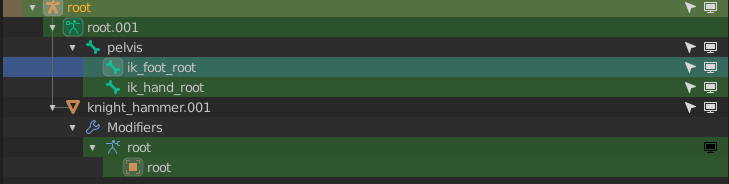
*UPD. I found that in your exported skeleton no root bone. Skeleton named “Root” but no this significant bone…
Hi, thanks for your feedback!
This issue happens when changes were made to the UE mannequin. You can check it with a new project, if it imports without errors it means changes were made in the rig of other project.
It’s difficult to diagnose it more accurately without more informations, there may have been changes in your Blender rig as well.
You can send your blend file via PM or email, i’ll check it out.
http://lucky3d.fr/auto-rig-pro/doc/bug_report.html
1 Like
Thanks a lot for instant help! Your amazing addon save me 
1 Like
blender 2.8, auto rig pro 3.44,
auto rig pro smart
When I click Go! There are several different layers of bones, is it an error?

Indeed something went wrong, please see here for support.
There was a blocking issue introduced with the latest Auto-Rig Pro release, the Smart feature was always leading to an error.
Sorry for the inconvenience, it’s now fixed in the latest 3.44.13 update!
It’s ok now!
1 Like
Great Addon Im Using it for quickly exporting DAZmodels to blender and pose from there.
But I have one problem with it when im using Marvelous Designer the Animation breaks with the Normal FBX export:
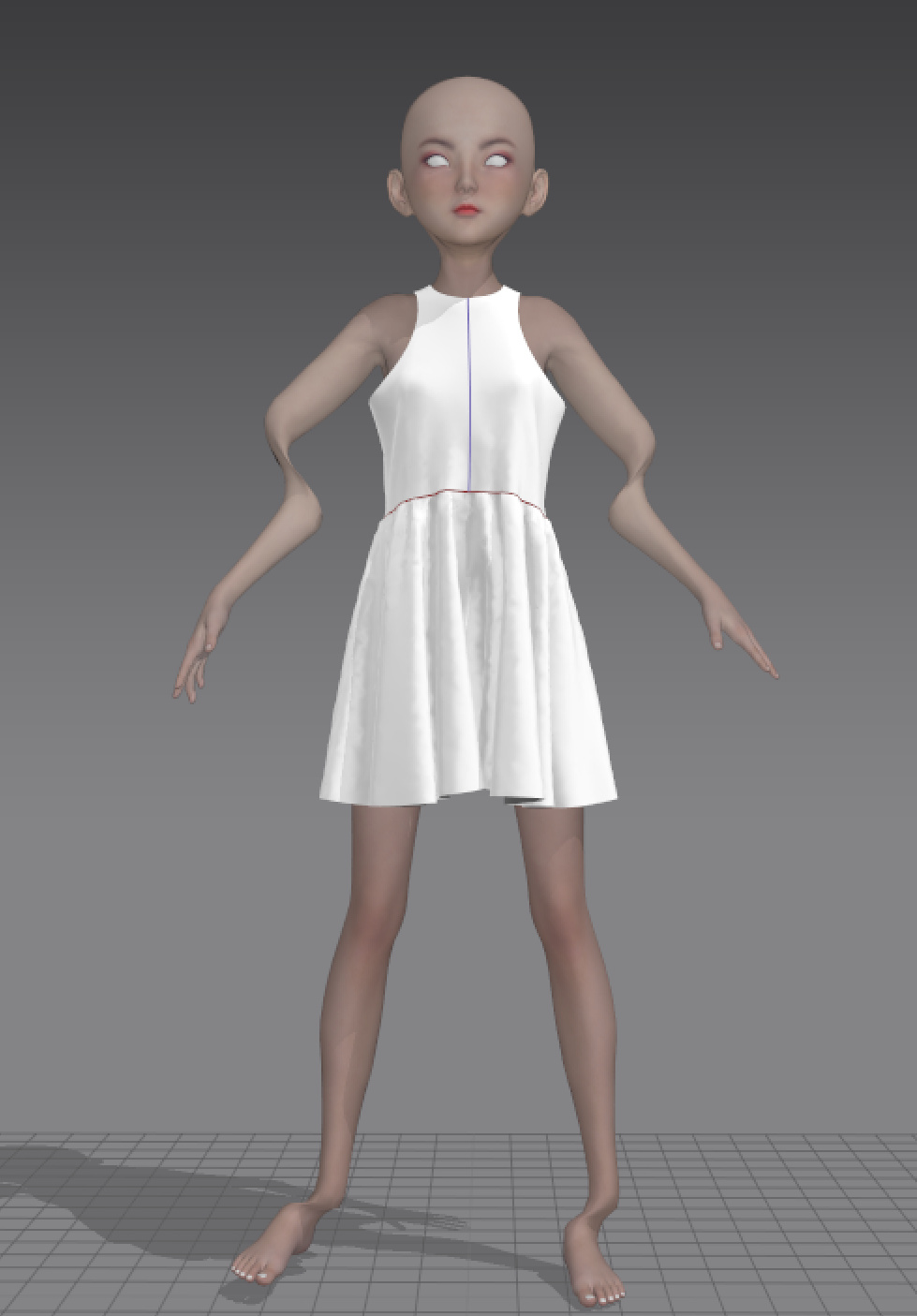
Im Using currently the armature as a proxy if I try to export it with “auto rig proFBX” i getting this error:
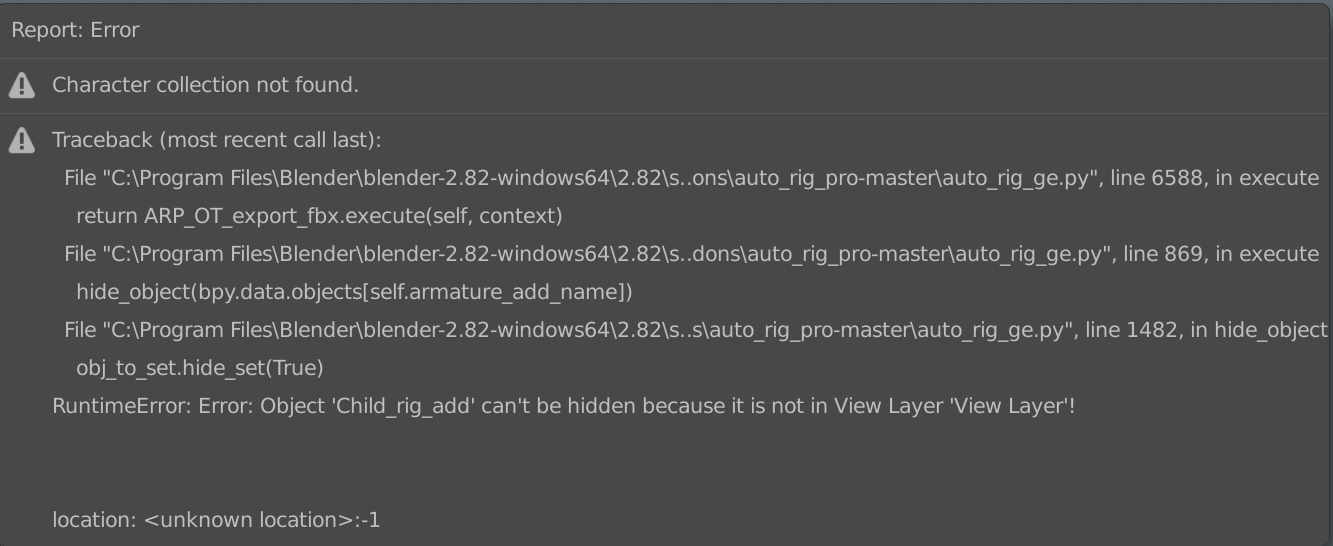
A normal file without any linked file or proxy your export version works just fine and the result in marvelous designer are decent also.
When you link the rig as a proxy, make sure to link the collections:
http://lucky3d.fr/auto-rig-pro/doc/auto_rig.html#appending-linking-in-a-scene
The error says collections can’t be found, so you may have possibly linked objects instead.
The built-in Fbx exporter is prone to error when exporting complex rigs, so it’s necessary to use the Auto-Rig Pro Fbx exporter.
1 Like
Ok thanks for the fast reply!
1 Like
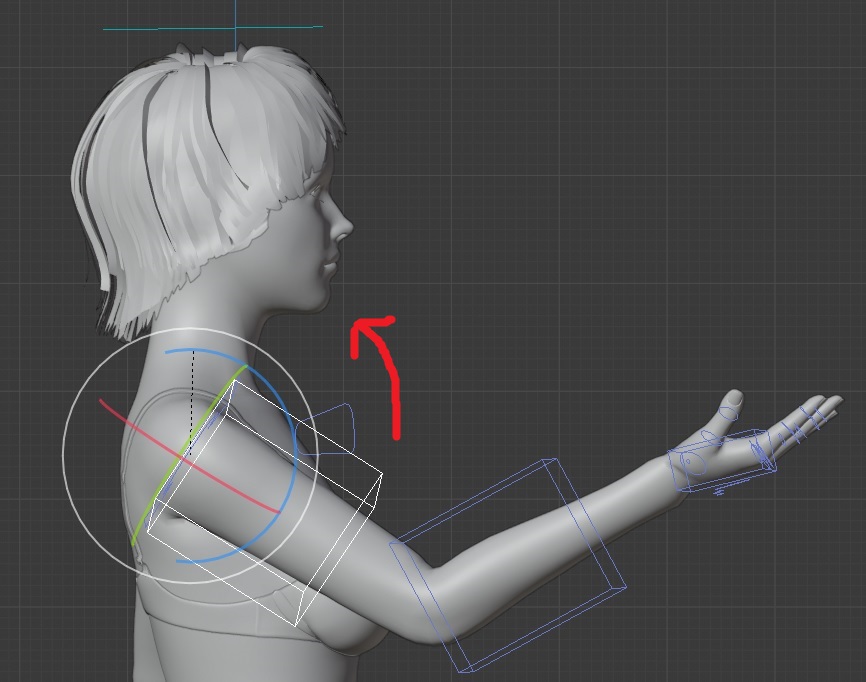
What causes the following behavior? : I just want to rotate the upperarm up in fk mode, but strange things happen:
1, it will rotate around it’s y axis , this is not desirable
2, eventually it messes up the lower and the upperarm while I’d expect that they don’t rotate.
(this is not interpolation, but manual tweaking)