Ho ! Ok got it !
Fixe and uploaded on BM & Gumroad 
Thanks for report.
Ho ! Ok got it !
Fixe and uploaded on BM & Gumroad
Thanks for report.
I have confirmed that the error no longer occurs with 1.0.8.
Thank you a lot! Great job!
Hi !
Introducing GeoPack, which allows you to turn your GeoNodes tree into ““addons””.
It’s integrated in BagaPie, so it’s free.
Hope you like it ! 
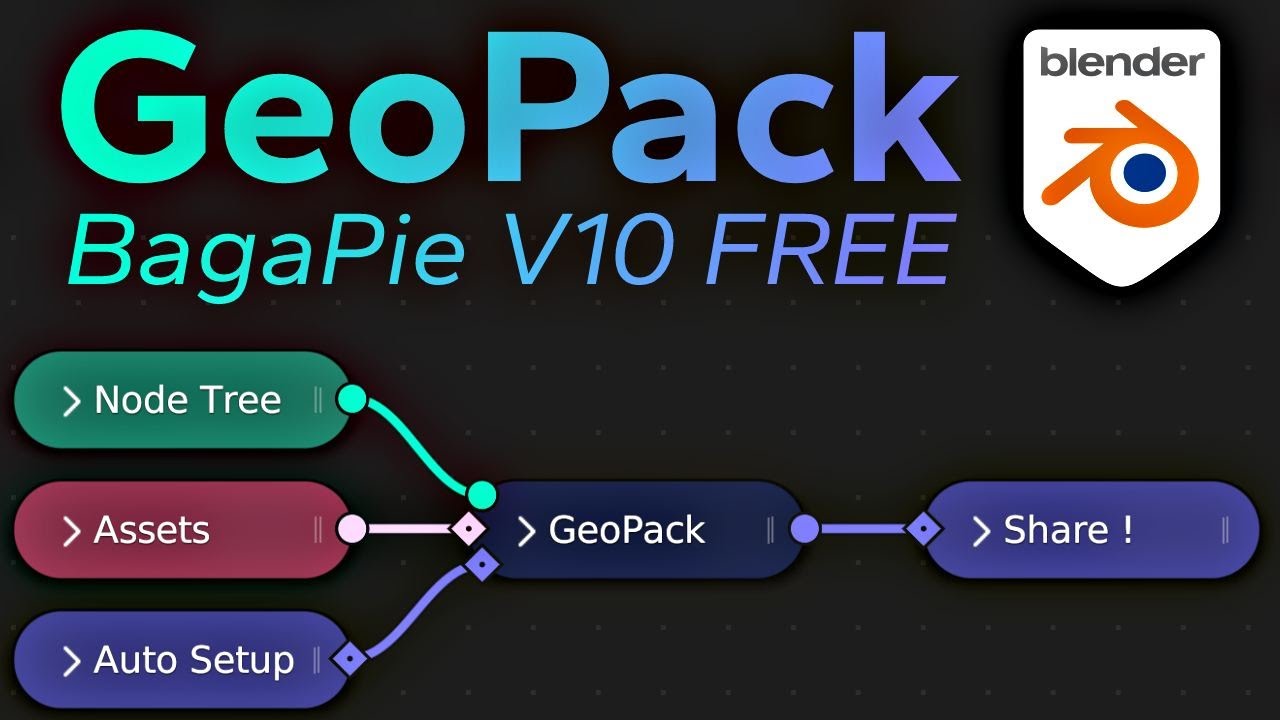
This should get more views.
Thanks ^^
In practice its super easy, but it’s hard to explain.
We made a tutorial :
@AntoineBagattini Is there a way to scatter say stones on a surface that has dead leaves previously scattered on it such that it only appears in areas where the dead leaves don’t exist automatically without using a mask?
Hi,
No, you must use a Mask or create it manually.
Ok. Noted. Thanks.
Has Bagapie died on the vine (pun intended)?.. In other words is this yet another addon I have bought and couldn’t use in newer versions of Blender? I am using Blender 3.6 and I cannot even get a dang IcoSphere to scatter on a plane… The plane disappears and the Modifer says “Node group must have an output socket”… So what gives? Someone please help. I have to scatter some shit real quick and do not want to use Geo-Scatter™ (which I do have) for this, since this is a relatively simple scene.
*I did update my Bagapie to 0.9.1.1, which seemed to be the latest version…
… ended up using Geo-Scatter. But I would still like an answer, in case I ever want to use BP…
hello
Is it possible to make the ivy generator grow only in the cavities of a mesh?
and grow only on selected edges of a mesh?
Thanks
I turned the tomato fruits and leaves of the tomato ivy preset into a regular tomato plant GN set-up With enough parameter, I can make very different plants.
Can anyone pls confirm if Bagapie works in 4.0 beta? Doesn’t work for me.
Only tested briefly under 4.1.
Scatter doesn’t work.
Python: Traceback (most recent call last):
  File "E:\Blender\scripts\addons\Bagapie\bagapie_scatter_op.py", line 217, in invoke
    return self.execute(context)
  File "E:\Blender\scripts\addons\Bagapie\bagapie_scatter_op.py", line 302, in execute
    if len(nodegroup.inputs) == 0:
AttributeError: 'GeometryNodeTree' object has no attribute 'inputs'
Thanks for confirming. I have the same error too.
Safe to say that BP has been utterly abandoned… : -( Too many addon devs get bored and shit and move on to something else… Oh that sucks. I spent sixty eight damn dollars and thirty two cents on BP and assets. Of course the assets are totally usable (and not too shabby imo) in GeoScatter™, but still… I really liked this effing thing for quick scatters the couple times I used it. Oh fuuuuuuudge! This completes my rant. Have a good day. ; -)
Not sure it’s safe to say that at all. The current version of Bagapie appears to be v10.2. It says it serves Blender 3.4–3.6, which means it’s pretty up to date with the current stable release. Seems to work with the 3.6.5 RC.
Given 4.0 is a breaking release (and still in beta), it’s not surprising some things built for older versions don’t work, so doesn’t signify anything about Bagapie’s current development. I expect some of Antoine’s add-ons are going to be getting a big overhaul.
His last post was in May. That is never a good sign. I stand by my rant. Good day sir.
or this morning on his Discord. have you tried asking there?
Hi,
Announcement - Contact Information
BagaPie and all our addons are consistently maintained and developed.
We’re not active on BlenderArtists, but rest assured, we are certainly continuing our work! 
Customer support demands significant attention, we are prioritizing responses to messages received via BlenderMarket and Discord.
We deeply appreciate your support throughout these years!
Discord: https://discord.gg/kHZMuwzRUz
BlenderMarket: https://blendermarket.com/creators/antoine-bagattini
Thanks !
Hi AntoineBagattini, your tool is amazing. I only have been having a little issue that I think is my lack of knowledge problem, though I havent found any resource about it.
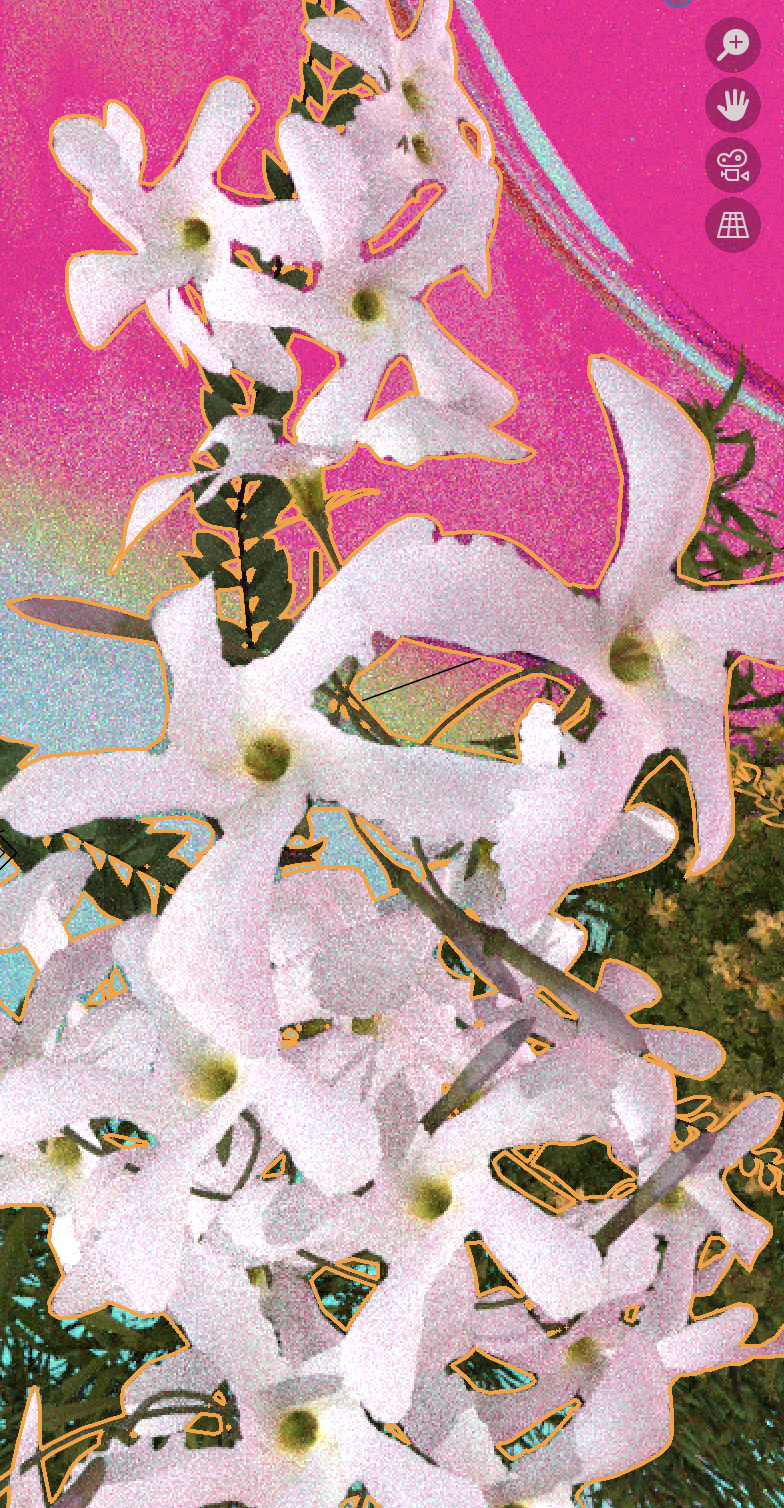
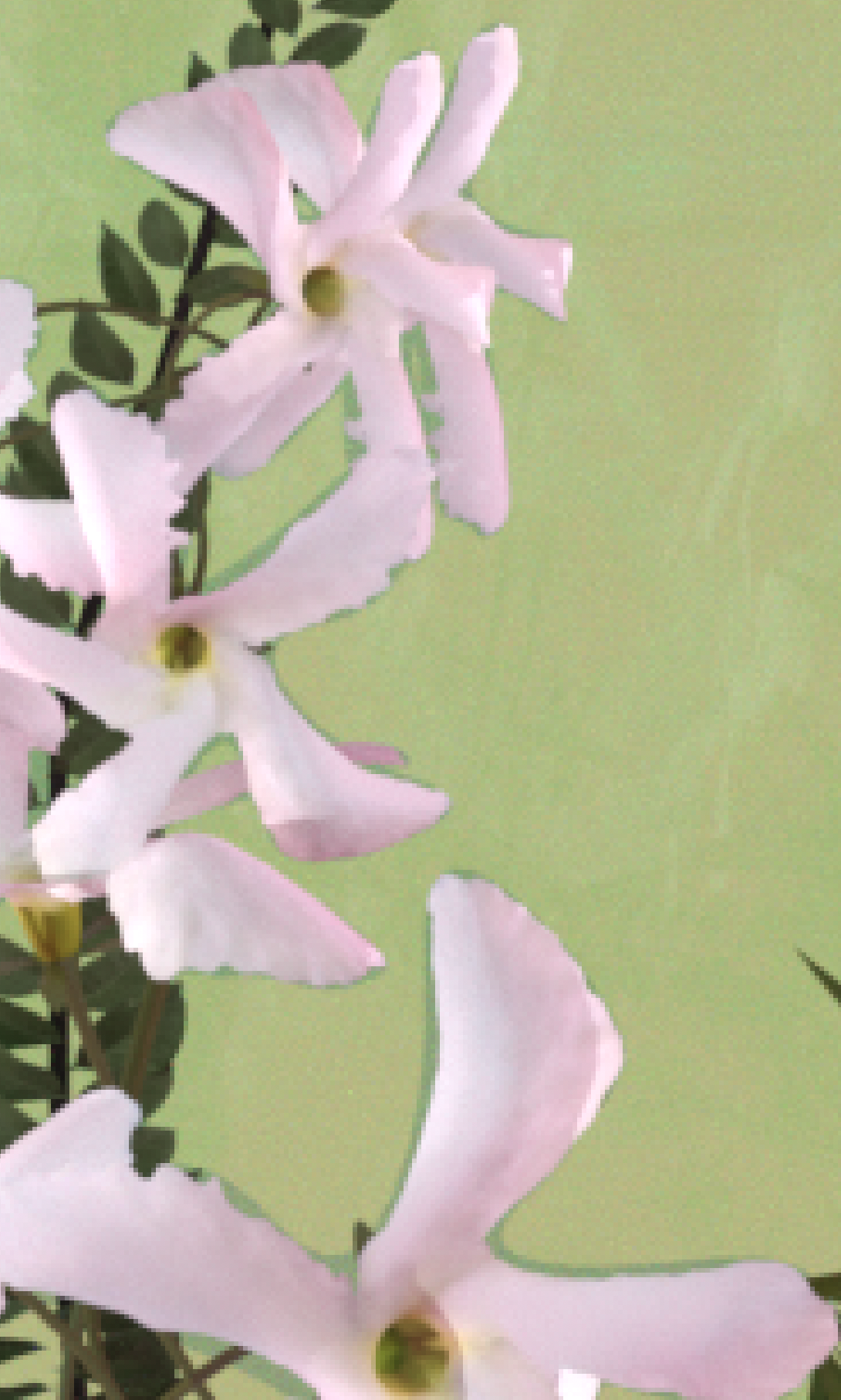
The geometry of the flowers in a few cases looks subtly bigger when selected than the actual petals/flowers.
When rendering, this offset looks like a shadow, after trying lights and lifting the flowers is when I realized that is more a discrepancy between the shape I see of the flower and the actual “mask” of the shape to say it in a way.
You can see the orange outline doesn’t match with all flower shapes.
Please see both screenshots, I am using “Fast” and I do not find any option to fix it. Please help me to understand and fix it. Thank you!
(screenshots are taken from different perspectives but that in this case doesn’t matter)